

GPS Units Converter Lite
GPS Units Converter Lite is made and published by 3B Soft srls. AppBrain is an independent app data site and isn't affiliated with 3B Soft srls. The app name, icon, screenshots and description belong to 3B Soft srls and are shown as published on the App Store.
AppBrain's verdict
Established- Rating on App Store
- 1.00
- 2 ratings
- Last updated
- August 27, 2021
It doesn't have enough ratings yet to judge what users think.
Rankings
App Store top chartsApp Store Rankings for GPS Units Converter Lite
Competitors
Similar apps and more from 3B Soft srlsAlternatives to GPS Units Converter Lite






More from 3B Soft srls








Releases
Updates seen on the App Store- Version
- 2.1.2
- Launched
- March 2014
No changelog data
User feedback
Ratings and reviews on the App StoreComments on GPS Units Converter Lite for iOS
We don't have enough comments to show example comments. Please check back later.
Technology
Found in the app by AppBrain- Price
- Free
- App size
- 42.0 MB
- Content rating
- Everyone
Technologies used by GPS Units Converter Lite
About the app and developer
About GPS Units Converter Lite
GPS Units Converter Lite is a productivity app developed by 3B Soft srls.
User Ratings
GPS Units Converter Lite is rated 1.00 out of 5 stars. The rating is based on 2 ratings.
App Information
GPS Units Converter Lite is freely available from the App Store. The app size is 42.04 MB. The latest version available is 2.1.2. The last update was on August 27, 2021.
Technical Requirements
The app has a content rating of Everyone. The app has been available on the App Store since March 2014.
Developer information for 3B Soft srls
Address:
Store listing
By 3B Soft srls, from the App Store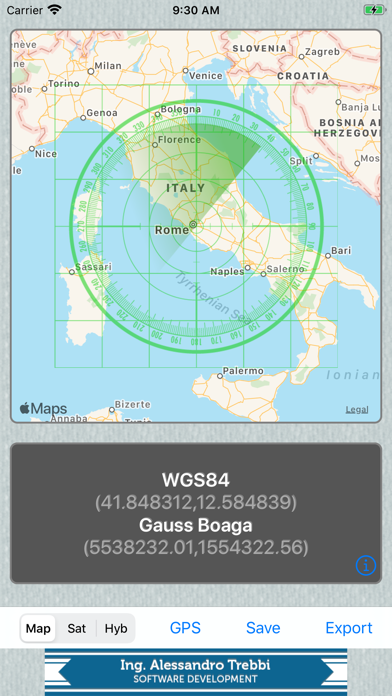
Description by 3B Soft srls Written by the developer, not by AppBrain. Click to read.
This is a lite release and contains banners, please upgrade to gold if you want to remove them and improve readability.
Cassini-Soldner, used in Italy, is implemented too.
Simple to use:
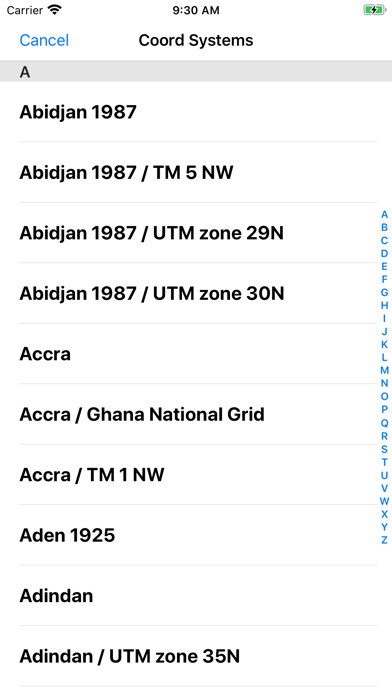
Select your target coordinate system and locate point in the map, below you can read coordinates in wgs84 ( map default ) and target coordinate system too
( warning: many coordinate systems are valid only in limited geographic zone, you will see dashes if translation is not possible for the current point )