

GravityZone Mobile Client
GravityZone Mobile Client is made and published by Bitdefender. AppBrain is an independent app data site and isn't affiliated with Bitdefender. The app name, icon, screenshots and description belong to Bitdefender and are shown as published on the App Store.
AppBrain's verdict
Established- Rating on App Store
- 2.00
- 5 ratings
- Last updated
- December 14, 2020
- Size
- 4.28 MB
It doesn't have enough ratings yet to judge what users think.
User feedback
Ratings and reviews on the App StoreComments on GravityZone Mobile Client for iOS
We don't have enough comments to show example comments. Please check back later.
Store listing
By Bitdefender, from the App Store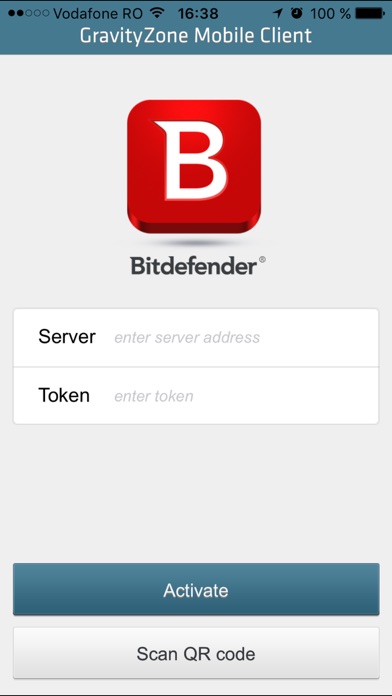

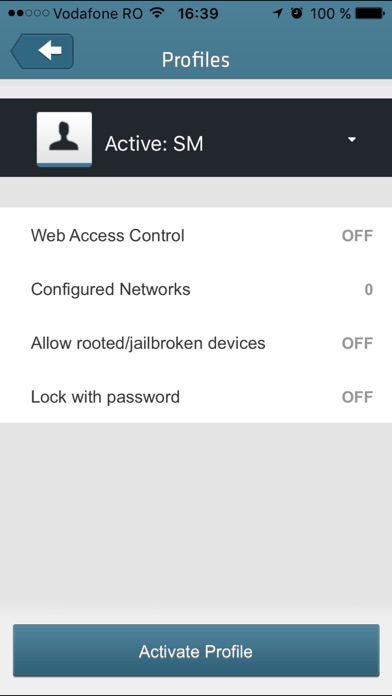
Description by Bitdefender Written by the developer, not by AppBrain. Click to read.
Choosing the right tools to manage mobile device compliancy
Each organization sets their own policies for acceptable mobile devices that are allowed to be connected into organization's internal resources and services according to corporate, departmental or individual security requirements. However, enforcing those policies require the right tools to be in place. While many specialized Mobile Device Management (MDM) products may provide a spot solution, Bitdefender helps Enterprises with more holistic security approach that protects not only mobile devices, but also physical endpoints and virtualized environments. As an Active Directory integrated solution it helps Enterprises to easily manage all users’ devices with consistent policies with actions to be taken in case the device becomes non-compliant, like preventing non-compliant devices accessing corporate services.
The solution has been designed to support controlled adoption of the bring-your-own-device (BYOD) concept by enforcing security policies consistently on all users’ devices. Security features include screen lock, authentication control, device location, remote wipe, detection of rooted or jailbroken devices and security profiles.
Features & Benefits
- Easy management through a centralized web-based console
- Simple deployment integrated with Active Directory user groups
- Application and updates delivered via marketplace
- Simple device self-registration by scanning a QR code
- Removes the need of users to visit IT helpdesk due to easy self-setup
- Ensures consistent security policies on all user's devices
- Allows enterprise-wide policies to be applied on jailbroken devices
- Prevents non-compliant devices accessing corporate services
- Controls device screen lock and authentication for effective device protection
- Adapts into security needs of both professional and personal life (with profiles)
- Simplifies management of VPN and Wi-Fi access point settings
- Locate device on map (from network inventory) to find lost devices
- Lock / unlock / wipe prevents usage of lost devices and data leakage
Safety and technology
Found in the app by AppBrain- Price
- Free
- App size
- 4.28 MB
- Content rating
- Everyone
Technologies used by GravityZone Mobile Client
Releases
Updates seen on the App Store- Version
- 1.4.12
- Launched
- March 2013
No changelog data
Alternatives
Similar apps and more from BitdefenderAlternatives to GravityZone Mobile Client




Also available on Google Play

Rankings
App Store top chartsApp Store Rankings for GravityZone Mobile Client
About the app and developer
About GravityZone Mobile Client
GravityZone Mobile Client is a business app developed by Bitdefender.
User Ratings
GravityZone Mobile Client is rated 2.00 out of 5 stars. The rating is based on 5 ratings.
App Information
GravityZone Mobile Client is freely available from the App Store. The app size is 4.28 MB. The latest version available is 1.4.12. The last update was on December 14, 2020.
Technical Requirements
The app has a content rating of Everyone. The app has been available on the App Store since March 2013.
Developer information for Bitdefender
Address: