

Green Screen Studio
Green Screen Studio is made and published by Pocket Bits LLC. AppBrain is an independent app data site and isn't affiliated with Pocket Bits LLC. The app name, icon, screenshots and description belong to Pocket Bits LLC and are shown as published on the App Store.
AppBrain's verdict
Established- Rating on App Store
- 3.09
- 90 ratings
- Last updated
- August 24, 2018
- Size
- 25.0 MB
It doesn't have enough ratings yet to judge what users think.
User feedback
Ratings and reviews on the App StoreComments on Green Screen Studio for iOS
We don't have enough comments to show example comments. Please check back later.
Store listing
By Pocket Bits LLC, from the App Store


Description by Pocket Bits LLC Written by the developer, not by AppBrain. Click to read.
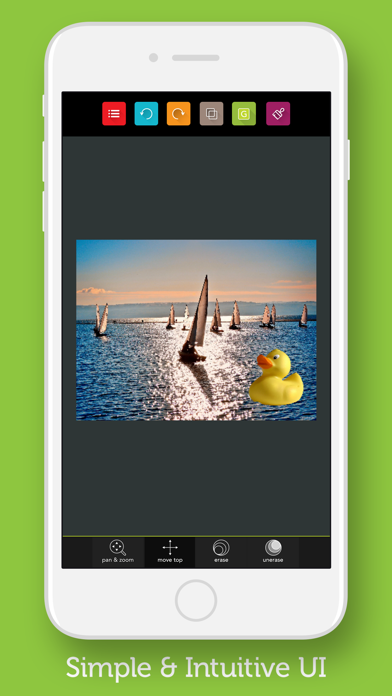
Green Screen Studio has tools available to manually remove the background if you do not have a perfect green screen background available. This allows you to manually apply backgrounds to any picture you want without a green screen.
≈ Easy and Simple ≈
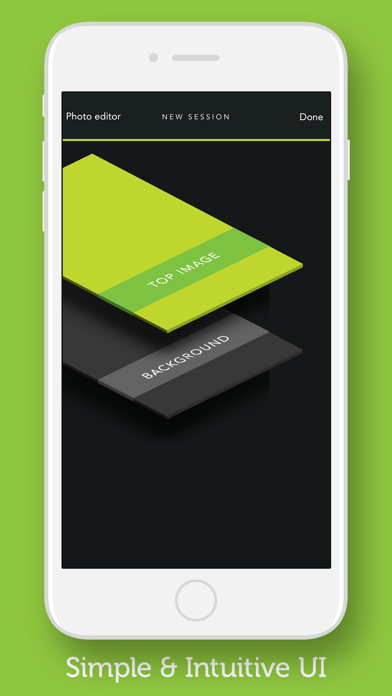
◎ Load your background image
◎ Load your foreground image
◎ Manually erase any parts of your foreground image without a green screen
◎ Use the automatic Green Screen feature for your green screen
◎ Zoom in for finer editing
◎ Save your image to finish. You’re done!
≈ Photo Editor EXTRA Features ≈
◎ Intelligent one-tap Auto Enhance filter.
◎ Draw on your photos.
◎ Add fun stickers and text.
◎ Adjust Brightness, Saturation and Contrast.
◎ Sharpen and Blur.
◎ Adjust, Crop, and Rotate your photos.
◎ Red-Eye, Whiten and Blemish tools
◎ Additional ten gorgeous photo effects to apply to your photos.
TIPS:
Green is currently used as a backdrop more than any other color because image sensors in digital video cameras are most sensitive to green. The green camera channel contains the least "noise" and can produce the cleanest key/matte/mask. Additionally, less light is needed to illuminate green, again because of the higher sensitivity to green in image sensors.
The biggest challenge when setting up a green screen is even lighting and the avoidance of shadow, because it is best to have as narrow a color range as possible being replaced. A shadow would present itself as a darker color to the camera and might not register for replacement.
A chroma key subject must not wear clothing similar in color to the chroma key color(s) (unless intentional), because the clothing may be replaced with the background.
For licensing inquiries, please email support@pocketbitsllc.com
Safety and technology
Found in the app by AppBrain- Price
- $4.99
- App size
- 25.0 MB
- Content rating
- Everyone
Technologies used by Green Screen Studio
Releases
Updates seen on the App Store- Version
- 3.3.1
- Launched
- before 2010
No changelog data
Alternatives
Similar apps and more from Pocket Bits LLCAlternatives to Green Screen Studio






More from Pocket Bits LLC








Rankings
App Store top chartsApp Store Rankings for Green Screen Studio
About the app and developer
About Green Screen Studio
Green Screen Studio is a photo & video app developed by Pocket Bits LLC.
User Ratings
Green Screen Studio is rated 3.09 out of 5 stars. The rating is based on 90 ratings.
App Information
Green Screen Studio costs $4.99. The app size is 25.04 MB. The latest version available is 3.3.1. The last update was on August 24, 2018.
Technical Requirements
The app has a content rating of Everyone. The app has been available on the App Store since before 2010.
Developer information for Pocket Bits LLC
Address: