

Handwriting Book - Note taking
Handwriting Book - Note taking is made and published by 婧 李. AppBrain is an independent app data site and isn't affiliated with 婧 李. The app name, icon, screenshots and description belong to 婧 李 and are shown as published on the App Store.
AppBrain's verdict
- Rating on App Store
- 3.57
- 7 ratings
- Last updated
- October 13, 2022
It doesn't have enough ratings yet to judge what users think.
Rankings
App Store top chartsApp Store Rankings for Handwriting Book - Note taking
Competitors
Similar apps and more from 婧 李Alternatives to Handwriting Book - Note taking







More from 婧 李


Releases
Updates seen on the App Store- Version
- 1.0
- Launched
- October 2022
No changelog data
User feedback
Ratings and reviews on the App StoreComments on Handwriting Book - Note taking for iOS
We don't have enough comments to show example comments. Please check back later.
Technology
Found in the app by AppBrain- Price
- Free
- App size
- 9.49 MB
- Content rating
- Everyone
Technologies used by Handwriting Book - Note taking
About the app and developer
About Handwriting Book - Note taking
Handwriting Book - Note taking is a productivity app developed by 婧 李.
User Ratings
Handwriting Book - Note taking is rated 3.57 out of 5 stars. The rating is based on 7 ratings.
App Information
Handwriting Book - Note taking is freely available from the App Store. The app size is 9.49 MB. The latest version available is 1.0. The last update was on October 13, 2022.
Technical Requirements
The app has a content rating of Everyone. The app has been available on the App Store since October 2022.
Developer information for 婧 李
Address:
Store listing
By 婧 李, from the App Store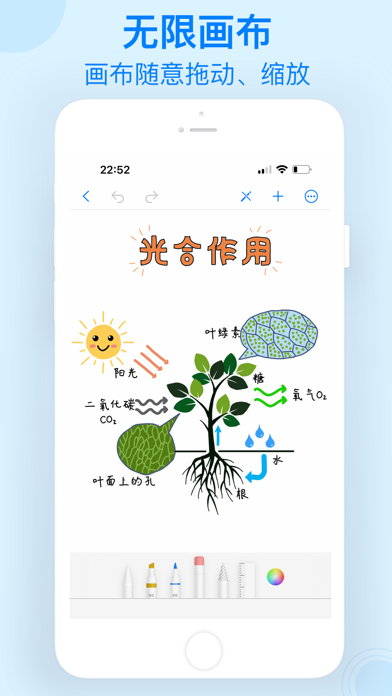
Description by 婧 李 Written by the developer, not by AppBrain. Click to read.
【Fluent writing】
- Infinitely expand the enlarged canvas
- Drag, zoom in and out at will, zoom to origin or zoom to fit canvas with one click
- Real brushstrokes, natural and smooth writing
- Can be set to use only Apple Pencil to avoid accidental touch
- One-click switching between browsing and editing modes
- Undo and redo
【Canvas settings】
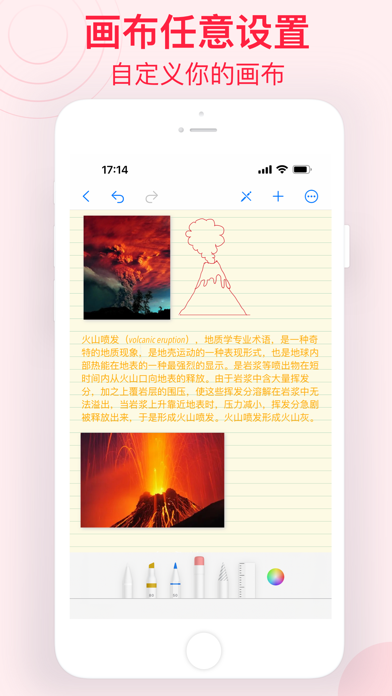
- You can set canvas style, grid, horizontal line, vertical line, dot, etc.
- You can set the color of the guide line or turn off the guide line
- You can set canvas background
【Quick Insert】
- Insert text anywhere, support custom font size, font, font color, background color
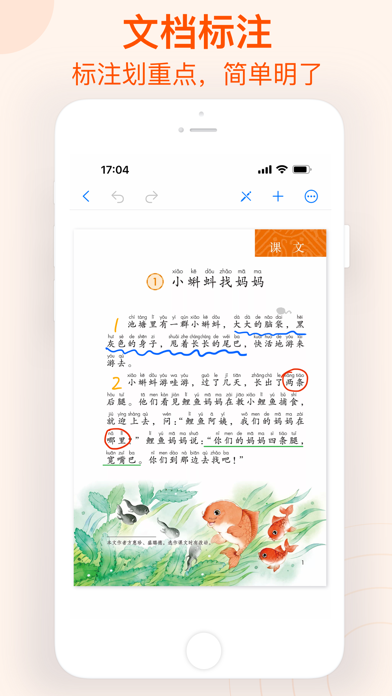
- Built-in document scanner, scan textbooks, contracts and other paper documents, automatically identify text content
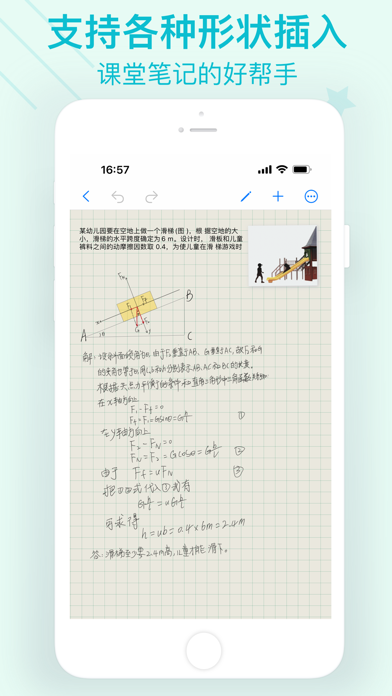
- Supports insertion of multiple geometric shapes, rectangle, circle, line, arrow, triangle, star, cylinder, cube, sine cosine, cone, coordinate system. At the same time, the inserted shapes can be customized with various parameters and saved as default properties.
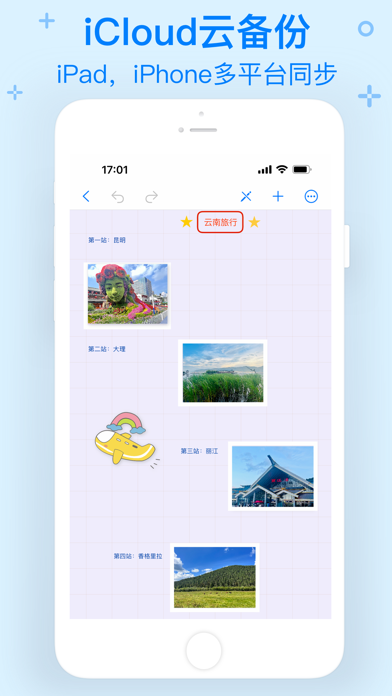
- Support for inserting photos in albums
【Note management】
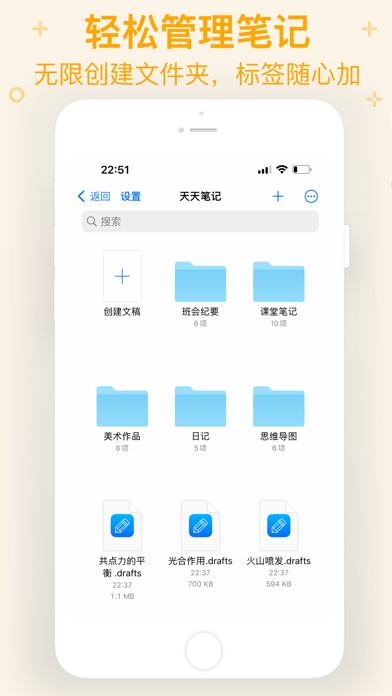
- Unlimited note creation
- Support for creating folders and classifying documents
- Tag notes to find them faster
- With a recently deleted folder, notes are no longer afraid of accidentally deleted
- Directly choose to create notes on your local device or iCloud Drive
- Copy, move, share notes with one click
【Easy Sharing】
- One-click sharing
- One-click export (support image, PDF, drafts format)
【Multi-device synchronization】
- iCloud cloud storage, important data will never disappear
- iPhone, iPad multi-device synchronization
Subscription instructions:
1. Subscription service: We offer annual subscription
2. Subscription price: The subscription price depends on the selected subscription package, and the actual price shall prevail
3. Automatic renewal: Subscription will automatically renew unless you turn off automatic renewal at least 24 hours before the end of the current subscription period
Privacy Policy: https://icreamapp.home.blog/2022/10/08/privacy-policy-15/
Terms of Use: https://icreamapp.home.blog/2022/10/08/term-of-use/
If you have any questions or suggestions about our app, please e-mail lilliancream@163.com.We are looking forward to your feedbacks.