

NoteYebos
NoteYebos is made and published by Shenzhen Jinji Digital Technology Co.,Ltd. AppBrain is an independent app data site and isn't affiliated with Shenzhen Jinji Digital Technology Co.,Ltd. The app name, icon, screenshots and description belong to Shenzhen Jinji Digital Technology Co.,Ltd and are shown as published on the App Store.
AppBrain's verdict
- Rating on App Store
- 1.83
- 12 ratings
- Last updated
- August 22, 2024
It doesn't have enough ratings yet to judge what users think.
Rankings
App Store top chartsApp Store Rankings for NoteYebos
Competitors
Similar apps and more from Shenzhen Jinji Digital Technology Co.,LtdAlternatives to NoteYebos








Releases
Updates seen on the App Store- Version
- 1.2.5
- Launched
- December 2022
No changelog data
User feedback
Ratings and reviews on the App StoreComments on NoteYebos for iOS
We don't have enough comments to show example comments. Please check back later.
Technology
Found in the app by AppBrain- Price
- Free
- App size
- 142.1 MB
- Content rating
- Everyone
Technologies used by NoteYebos
About the app and developer
About NoteYebos
NoteYebos is a productivity app developed by Shenzhen Jinji Digital Technology Co.,Ltd.
What is the rating of NoteYebos?
NoteYebos is rated 1.83 out of 5 stars, based on 12 ratings.
Is NoteYebos free?
NoteYebos is free. The app size is 142.14 MB. The latest version available is 1.2.5. The last update was on August 22, 2024.
What are the requirements for NoteYebos?
The app has a content rating of Everyone. The app has been available on the App Store since December 2022.
Developer information for Shenzhen Jinji Digital Technology Co.,Ltd
Store listing
By Shenzhen Jinji Digital Technology Co.,Ltd, from the App Store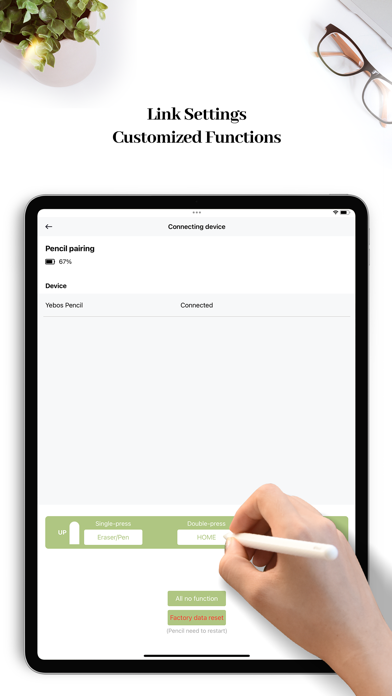
Description by Shenzhen Jinji Digital Technology Co.,Ltd Written by the developer, not by AppBrain. Click to read.
In NoteYebos you can either type with a keyboard or write notes by hand with a capacitive pen. It has some very practical functions, such as paper templates, which can provide suitable paper templates according to the different needs of users. Another great feature of NoteYebos is the flexibility to make comments and insert pictures.
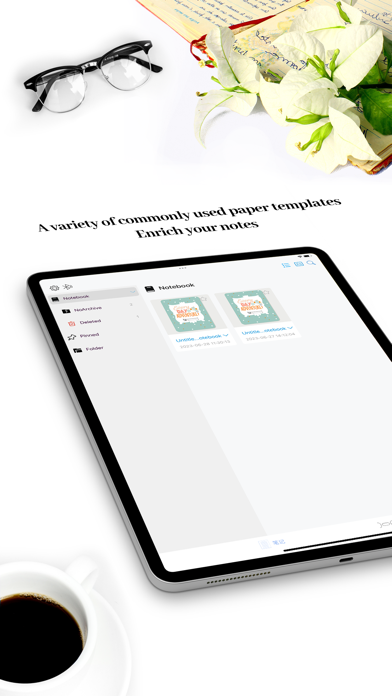
You can create different notebooks to organize your notes, you can customize the cover of the notebook, and choose a variety of paper materials and writing templates. If you like multitasking, NoteYebos works fine in view mode.
[Features]
- Support keyboard handwriting mixed input, faster and more intimate.
- Support original handwriting, the content is automatically saved in the device.
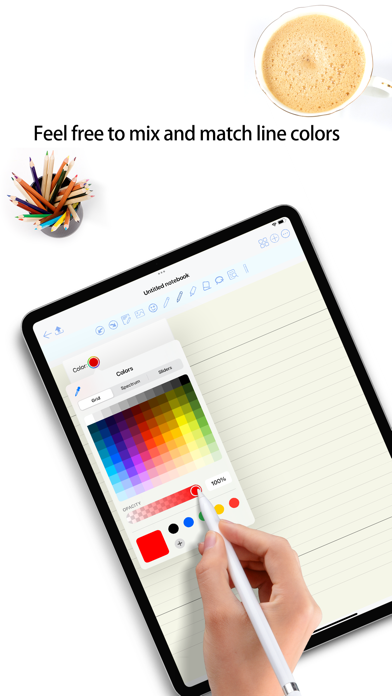
- Flexible editing content, handwriting color change.
- Flexible insertion of pictures in notes.
- Set up cloud sync to protect your important notes.
- Encrypt your notes to prevent strangers from viewing them.
- Support multiple font changes to make your notes more beautiful.
- Support iPad split screen, improve work efficiency.
- Support to add desktop widgets, make the desktop more rich.
- Support the insertion of emojis, which can express a richer emotion.
- Easily export notes to PDF format and share to other mainstream social platforms.
[Feature highlights] Comments and notes:
- Support text extract and rectangular extract, you can very quickly cut the book into countless small pieces in the notebook;
- Support directly on the page to circle or underline extracts;
- Support direct annotation in the margins, notes will not cover the content of the book;
- Support text, voice, picture, hand-drawn and other annotation forms;
- Add hashtags to notes to facilitate the connection between notes;
NoteYebos will bring you a new and unique reading and learning experience. At any time, you can communicate with us about your experience and problems, and we will listen to your suggestions and improve the app