

HeavyCalc Pro
HeavyCalc Pro is made and published by Calculated Industries. AppBrain is an independent app data site and isn't affiliated with Calculated Industries. The app name, icon, screenshots and description belong to Calculated Industries and are shown as published on the App Store.
AppBrain's verdict
Established- Rating on App Store
- 3.00
- 6 ratings
- Last updated
- February 3, 2026
It doesn't have enough ratings yet to judge what users think.
Rankings
App Store top chartsApp Store Rankings for HeavyCalc Pro
Competitors
Similar apps and more from Calculated Industries








Releases
Updates seen on the App Store- Version
- 12.10.27
- Launched
- September 2010
No changelog data
User feedback
Ratings and reviews on the App StoreComments on HeavyCalc Pro for iOS
We don't have enough comments to show example comments. Please check back later.
Technology
Found in the app by AppBrain- Price
- $39.99
- App size
- 62.3 MB
- Content rating
- Medium
Technologies used by HeavyCalc Pro
About the app and developer
About HeavyCalc Pro
HeavyCalc Pro is an utilities app developed by Calculated Industries.
User Ratings
HeavyCalc Pro is rated 3.00 out of 5 stars. The rating is based on 6 ratings.
App Information
HeavyCalc Pro costs $39.99. The app size is 62.34 MB. The latest version available is 12.10.27. The last update was on February 3, 2026.
Technical Requirements
The app has a content rating of Medium Maturity. The app has been available on the App Store since September 2010.
Developer information for Calculated Industries
Address:
Frequently asked questions about HeavyCalc Pro
Is HeavyCalc Pro free?
No. HeavyCalc Pro costs $39.99 on the App Store.
Is HeavyCalc Pro still available?
Yes. HeavyCalc Pro is on the App Store, and the last update we saw was on February 3, 2026.
How large is HeavyCalc Pro?
HeavyCalc Pro is 62.34 MB.
Is HeavyCalc Pro suitable for children?
App Store gives HeavyCalc Pro a medium maturity rating, so it is not meant for young children.
How do people rate HeavyCalc Pro?
HeavyCalc Pro scores 3.00 out of 5 stars, from 6 ratings on the App Store.
Who made HeavyCalc Pro?
HeavyCalc Pro was developed by Calculated Industries. It is listed in the utilities category on the App Store.
What are the best alternatives to HeavyCalc Pro?
People looking at HeavyCalc Pro also look at these utilities apps: RoofCalc - Roofing Calculator, Timber Engineering Calculator, Bending Sheet Metal, SFX Scientific Calc Premium, RPN-25 CE.
Store listing
By Calculated Industries, from the App Store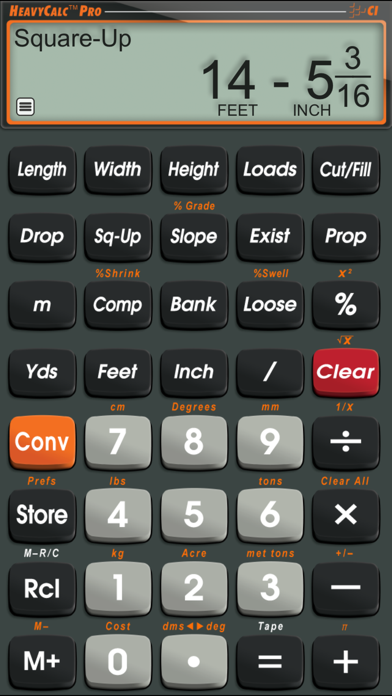

Description by Calculated Industries Written by the developer, not by AppBrain. Click to read.
The official Heavy Calc Pro from Calculated Industries is now available for iPhone and iPad users. And while perhaps obvious, if you change from an iOS device to a non-iOS device, you WILL need to buy a new license as they are incompatible.
It helps engineers, excavators and heavy construction professionals cut estimating time, improve design accuracy, and reduce material and labor expenses. Increase efficiency in the field or in the office with fast, accurate solutions for square-ups, cut/fill, swell/shrink, areas, volumes and loads.
Built with the same features and functions and the same core engine that powers the industry-standard handheld HeavyCalc Pro from Calculated Industries.
Need to quickly and accurately solve a dirt or excavation problem for a job? Do it on your iPhone or iPad anytime, anywhere instantly.
Ideal for Engineers, Designers, Excavators, Highway and Heavy Construction
• Work directly in and convert between all building dimensional formats: yards, feet-inch-fractions, inch fraction, decimal feet (10ths, 100ths), decimal inches and metric (m, cm, mm)
• Easily calculate areas, volumes and weight per volume, truck loads
• Fast square-ups, right angles
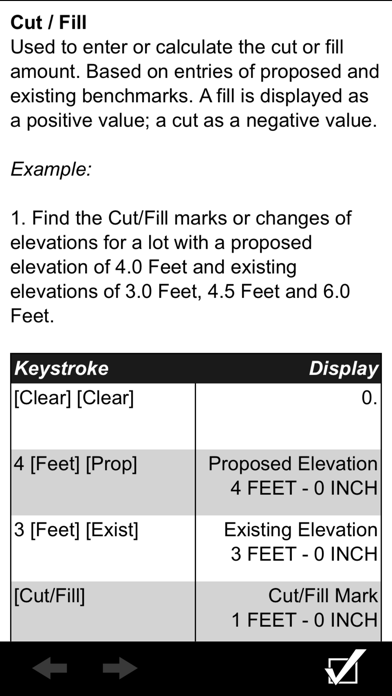
• Simplify and speed up grid-cell and cut/fill estimates
FEATURES:
• Created by Calculated Industries, the originator of the award-winning Construction Master® calculators
• Built-in help – just press and hold the desired key for full, clear definitions, explanations and examples of keystrokes
Dimensional Math and Conversions
• Yards
• Feet-Inch-Fractions
• Metric (m, cm, mm)
• Decimal Feet (10ths, 100ths), Decimal Inches
• D.M.S. to Decimal Degree Conversions.
Dedicated Functions and Keys Help You Solve
• Instant Square-up and Drop
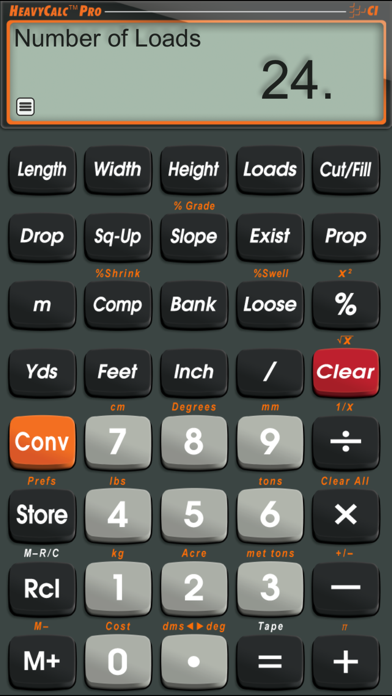
• Number of Loads: calculate Load volume, number of Loads, Load size
• Cut/Fill estimates – proposed and existing
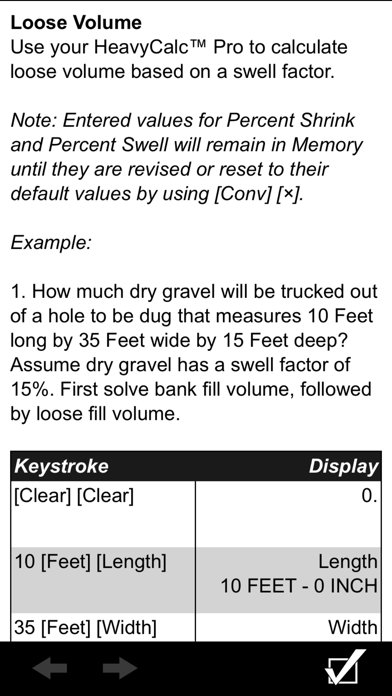
• Shrink and Swell calculations using Compacted, Bank and Loose volumes
• Percent Grade and Slope
Built-in Area and Volume Solutions
• Length, Width, Height (Depth) keys
• Square and Cubic formats
• Instant Weight per Volume
• Pounds, Tons, Kilograms or Metric Tons
Special Functions
• Entry Editing Backspace Key – with a swipe of a finger
• Cost per Unit: Solve unit cost and pricing
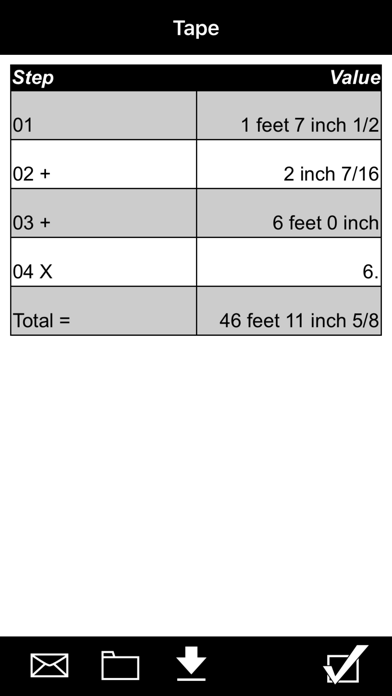
• Paperless Tape
• 4 Memories
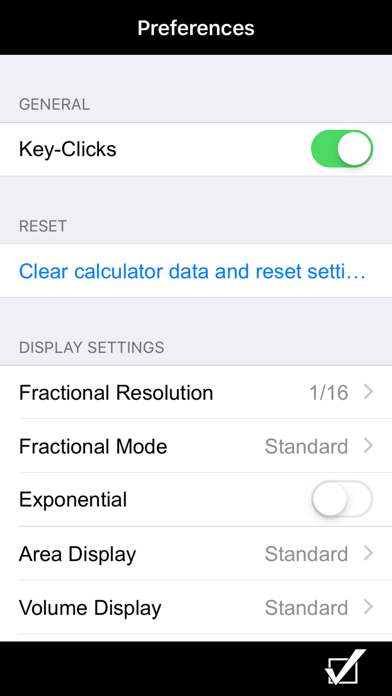
•User-Definable Preferences