

Hollycool - Pro Video Editing
Hollycool - Pro Video Editing is made and published by 巧霞 詹. AppBrain is an independent app data site and isn't affiliated with 巧霞 詹. The app name, icon, screenshots and description belong to 巧霞 詹 and are shown as published on the App Store.
AppBrain's verdict
EstablishedLoved by users- Rating on App Store
- 4.53
- 201 ratings
- Last updated
- October 1, 2019
Users love it: 4.5 stars from 201 ratings.
Rankings
App Store top chartsApp Store Rankings for Hollycool - Pro Video Editing
Competitors
Similar apps and more from 巧霞 詹Alternatives to Hollycool - Pro Video Editing
 Pholorize - Colorize Old Photo






More from 巧霞 詹






Releases
Updates seen on the App Store- Version
- 1.1
- Launched
- September 2019
No changelog data
User feedback
Ratings and reviews on the App StoreComments on Hollycool - Pro Video Editing for iOS
We don't have enough comments to show example comments. Please check back later.
Technology
Found in the app by AppBrain- Price
- Free
- App size
- 59.0 MB
- Content rating
- Everyone
Technologies used by Hollycool - Pro Video Editing
About the app and developer
About Hollycool - Pro Video Editing
Hollycool - Pro Video Editing is a photo & video app developed by 巧霞 詹.
What is the rating of Hollycool - Pro Video Editing?
Hollycool - Pro Video Editing is rated 4.53 out of 5 stars, based on 200 ratings.
Is Hollycool - Pro Video Editing free?
Hollycool - Pro Video Editing is free. The app size is 58.99 MB. The latest version available is 1.1. The last update was on October 1, 2019.
What are the requirements for Hollycool - Pro Video Editing?
The app has a content rating of Everyone. The app has been available on the App Store since September 2019.
Developer information for 巧霞 詹
Address:
Frequently asked questions about Hollycool - Pro Video Editing
Is Hollycool - Pro Video Editing free?
Yes. Hollycool - Pro Video Editing is free on the App Store.
Is Hollycool - Pro Video Editing still available?
Yes. Hollycool - Pro Video Editing is on the App Store, and the last update we saw was on October 1, 2019.
How large is Hollycool - Pro Video Editing?
Hollycool - Pro Video Editing is 58.99 MB.
Is Hollycool - Pro Video Editing suitable for children?
App Store rates the content of Hollycool - Pro Video Editing as suitable for everyone.
How do people rate Hollycool - Pro Video Editing?
Hollycool - Pro Video Editing scores 4.53 out of 5 stars, from 201 ratings on the App Store.
Who made Hollycool - Pro Video Editing?
Hollycool - Pro Video Editing was developed by 巧霞 詹. It is listed in the photo & video category on the App Store.
What are the best alternatives to Hollycool - Pro Video Editing?
People looking at Hollycool - Pro Video Editing also look at these photo & video apps: Pholorize - Colorize Old Photo, Video Recorder Pro, One Click Photo Enhancer, Vxcam AR Video, Text & Labels, Videdit - Handy Video Editor.
Store listing
By 巧霞 詹, from the App Store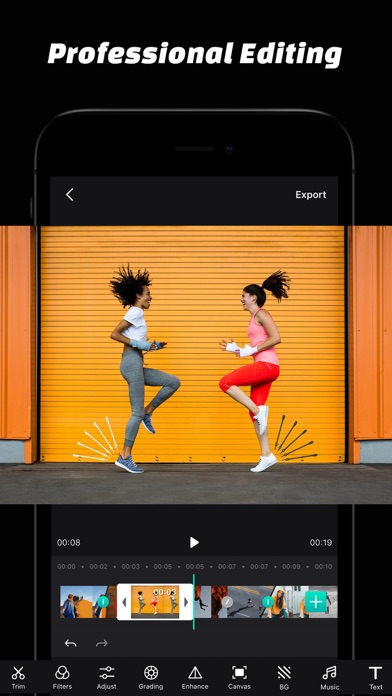
Description by 巧霞 詹 Written by the developer, not by AppBrain. Click to read.
Video Editing
· Editing Tools: Trim, Split, Rotate, Flip, Reverse, Delete, Duplicate.
· Compositing: Merge Videos, Photos, Live Photos.
· Reorder Video Clips.
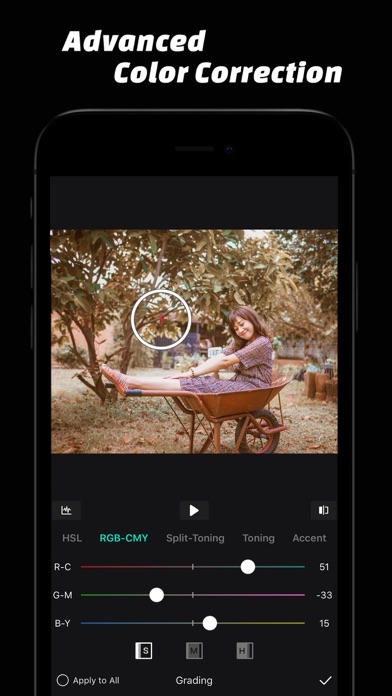
Color Correction
· Adjustment Tools: Exposure, Brightness, Contrast, Shadows, Highlights, Brighten, Temperature, Tint, Saturation, Vibrance, Hue, Fade.
· Grading Tools: HSL, CMY, Split-Toning, Toning, Color Accent.
· Video Filters
· Curves Adjustments.
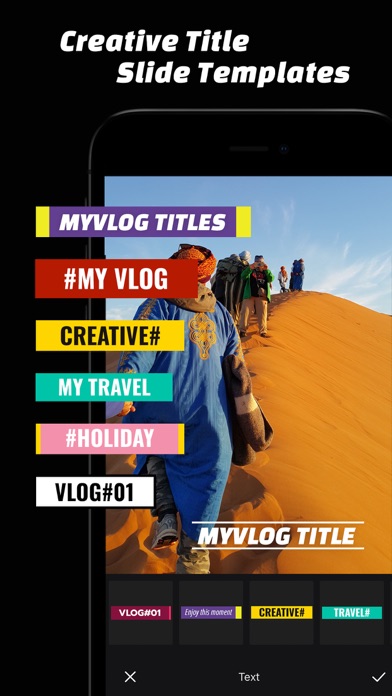
Text Slide Template
· Creative Text Slide Animation Collections, Low Third, Subtitles
· Unlimited Text Tracks, Flexible Animation Edit
· Text Style: Text Color, Stroke, Text Shadow, Background Color, Paragraph
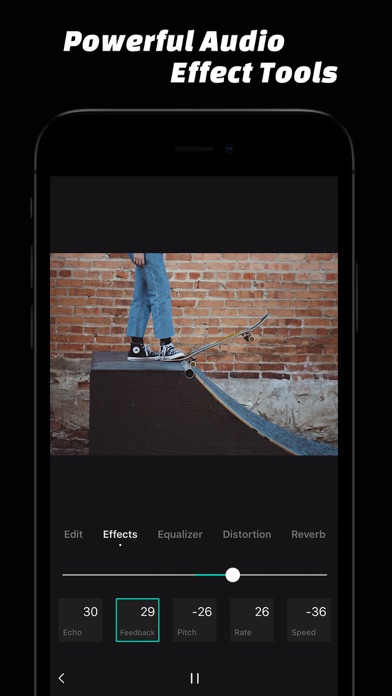
Music & Audio Effects Edit
· Music Edit Tools: Trim, Fade-In & Fade-Out, Echo, Feedback, Pitch, Rate, Speed, Equalizer, Distortion, Reverb.
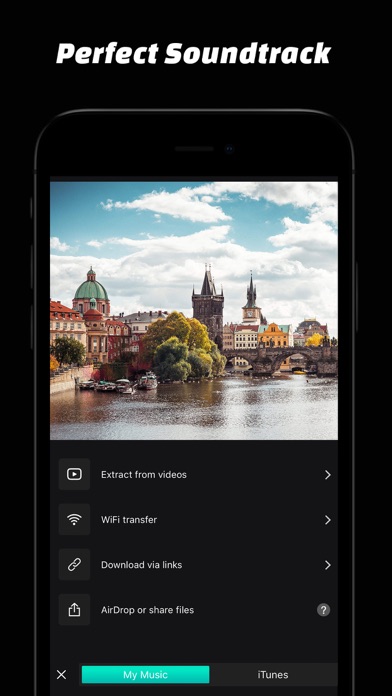
· Perfect Soundtracks.
· Record Audio With Effects.
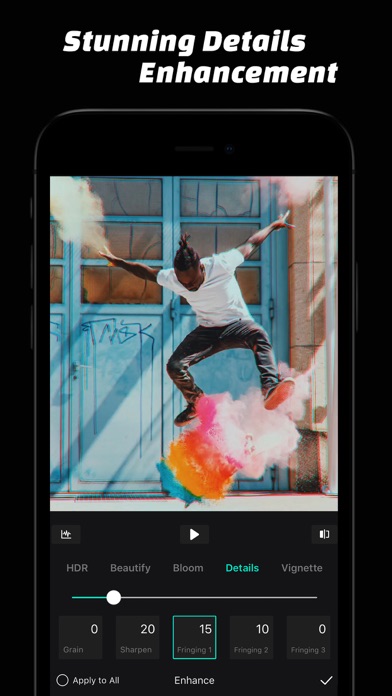
Details Enhancements
· Enhancement Tools: HDR, Beautify, Bloom, Ambient, Clarity, Grain, Sharpen, Fringing, Vignette.
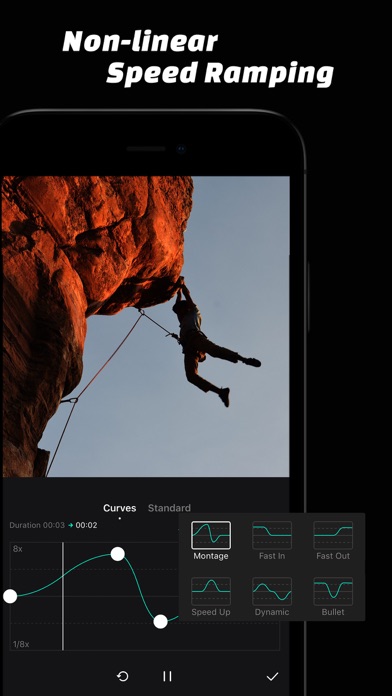
Non-Linear Speed Ramping
· Curves Adjustment for Video Speed Ramping.
· Curve Presets for Video Speed Ramping.
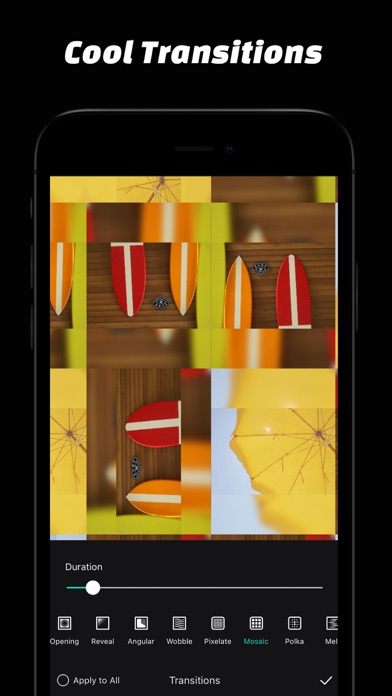
Video Transitions
· Beautiful Video Transitions.
· Transition Duration Adjustable.
LUT Color Grading
· Import your LUT files from other devices created with Davinci resolve, AE, PR, Photoshop and Lightroom.
· Save your color grading as LUT preset
· Provide a set of LUT
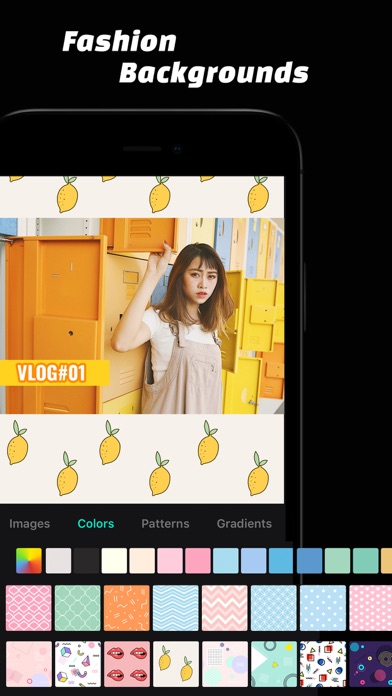
Fashion Backgrounds
· Flexible Canvas Settings.
· Video Background: Blur Photos, Colors, Patterns, Gradients.
We read every email, comment, and review.
If you have any questions or suggestions, please let us know at youthpe.contact@gmail.com