

Holo.Draw: Sketch On Screen
Holo.Draw: Sketch On Screen is made and published by P&D Capital OU. AppBrain is an independent app data site and isn't affiliated with P&D Capital OU. The app name, icon, screenshots and description belong to P&D Capital OU and are shown as published on the App Store.
AppBrain's verdict
- Last updated
- June 26, 2024
Rankings
App Store top chartsApp Store Rankings for Holo.Draw: Sketch On Screen
Competitors
Similar apps and more from P&D Capital OUAlternatives to Holo.Draw: Sketch On Screen




More from P&D Capital OU


Releases
Updates seen on the App Store- Version
- 2024.6.21
- Launched
- January 2024
No changelog data
User feedback
Ratings and reviews on the App StoreComments on Holo.Draw: Sketch On Screen for iOS
We don't have enough comments to show example comments. Please check back later.
Technology
Found in the app by AppBrain- Price
- $7.99
- App size
- 119.7 MB
- Content rating
- Everyone
Technologies used by Holo.Draw: Sketch On Screen
About the app and developer
About Holo.Draw: Sketch On Screen
Holo.Draw: Sketch On Screen is a graphics & design app developed by P&D Capital OU.
What is the rating of Holo.Draw: Sketch On Screen?
Holo.Draw: Sketch On Screen has no ratings yet.
Is Holo.Draw: Sketch On Screen free?
Holo.Draw: Sketch On Screen costs $7.99. The app size is 119.66 MB. The latest version available is 2024.6.21. The last update was on June 26, 2024.
What are the requirements for Holo.Draw: Sketch On Screen?
The app has a content rating of Everyone. The app has been available on the App Store since January 2024.
Developer information for P&D Capital OU
Address:
Frequently asked questions about Holo.Draw: Sketch On Screen
Is Holo.Draw: Sketch On Screen free?
No. Holo.Draw: Sketch On Screen costs $7.99 on the App Store.
Is Holo.Draw: Sketch On Screen still available?
Yes. Holo.Draw: Sketch On Screen is on the App Store, and the last update we saw was on June 26, 2024.
How large is Holo.Draw: Sketch On Screen?
Holo.Draw: Sketch On Screen is 119.66 MB.
Is Holo.Draw: Sketch On Screen suitable for children?
App Store rates the content of Holo.Draw: Sketch On Screen as suitable for everyone.
Who made Holo.Draw: Sketch On Screen?
Holo.Draw: Sketch On Screen was developed by P&D Capital OU. It is listed in the graphics & design category on the App Store.
What are the best alternatives to Holo.Draw: Sketch On Screen?
People looking at Holo.Draw: Sketch On Screen also look at these graphics & design apps: Animator Plus, AISketch, Video Figure: Gesture Drawing, Round Corner, Dither By Eyed™ - Photo Editor.
Store listing
By P&D Capital OU, from the App Store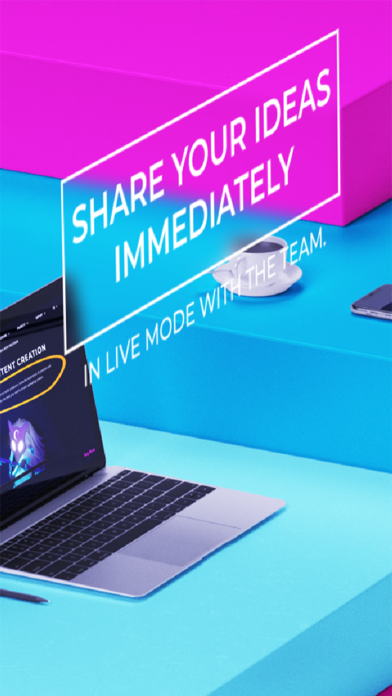


Description by P&D Capital OU Written by the developer, not by AppBrain. Click to read.
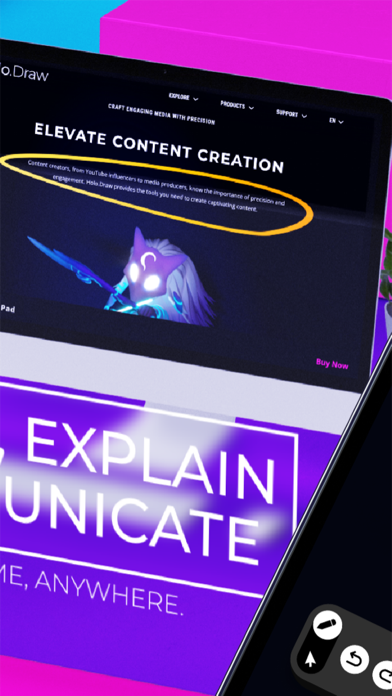
Whether you're a developer, analyst, tech writer, artist, educator, presenter or content creator – Holo.Draw elevates your work experience to the next level.
Imagine presenting a complex business strategy in a Zoom call. Start Holo.Draw, share your screen and start annotating and highlighting valuable facts on your laptop screen, making presentations dynamic and engaging.
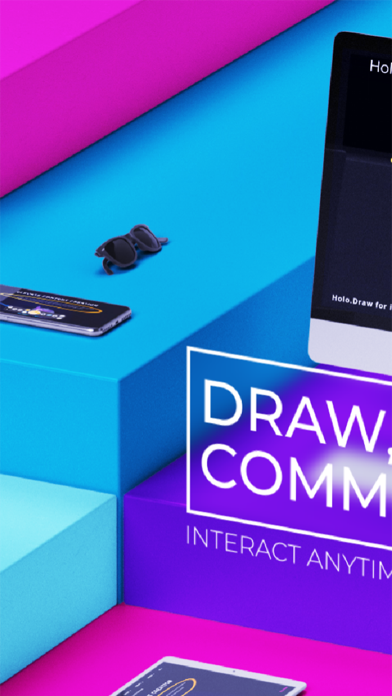
Collaborate Anywhere: Adaptable for home offices or collaboration across continents, Holo.Draw fits your needs.
Picture app developers having a crucial call in Teams. Actively discuss a part of the codebase causing a bug. One developer connects Holo.Draw, illustrating ideas and solutions visually for more effective discussions.
Interactive Learning: Revolutionize teaching with interactive tools. Share screens, annotate presentations, and create engaging lessons.
Create a dynamic classroom experience by connecting your laptop to a projector and activating Holo.Draw. Explain topics with additional highlighting and annotations directly on top of slides for an interactive and enjoyable learning experience.
Effortless Connectivity: Seamlessly link your iPhone or iPad to Mac or PC for a world of collaborative possibilities.
Versatile Compatibility: Compatible with both PC and Mac, ensuring flexibility in your collaborative endeavors.
Remote Control at Your Fingertips: Connect your iPhone or iPad to any Mac or PC, perfect for presentations, remote video playback, or switching between applications.
Customizable Settings: Tailor your creative process with customizable settings for brush, annotations, and more. Your creative journey, your way.
User-Friendly Interface: Designed with Apple Pencil in mind, the intuitive interface ensures a smooth and responsive experience.
Experience the Future of Collaboration – Get Holo.Draw Now!