

Home Contents Manager is made and published by @pps4Me. AppBrain is an independent app data site and isn't affiliated with @pps4Me. The app name, icon, screenshots and description belong to @pps4Me and are shown as published on the App Store.
AppBrain's verdict
- Last updated
- September 26, 2026
- Size
- 63.6 MB
User feedback
Ratings and reviews on the App StoreComments on Home Contents Manager for iOS
We don't have enough comments to show example comments. Please check back later.
Store listing
By @pps4Me, from the App Store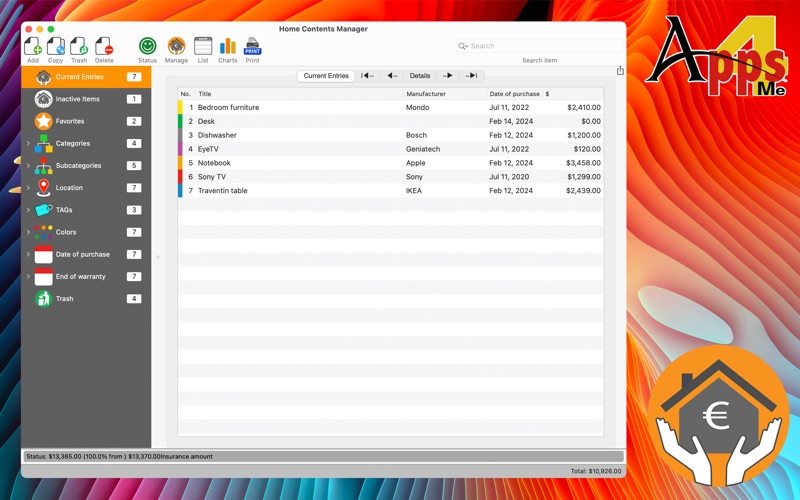




Description by @pps4Me Written by the developer, not by AppBrain. Click to read.
Features:
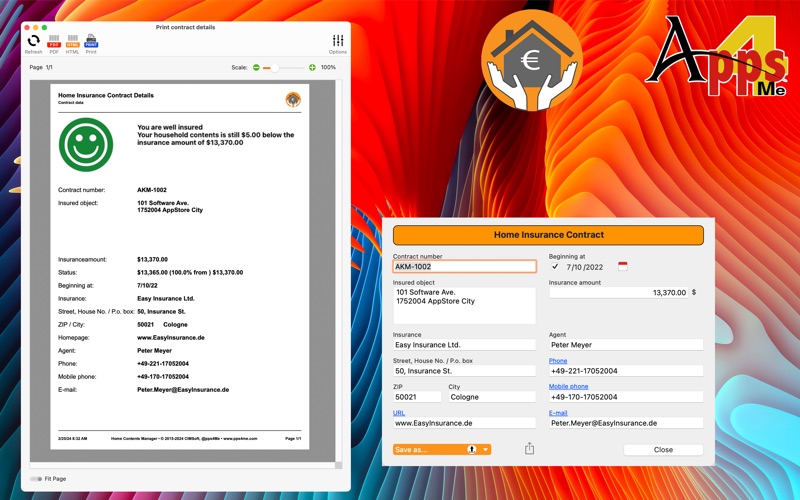
• Enter your insurance data
• Contract number
• Started on (date)
• Insurance sum
• Insured object
• Address of insurance provider
• Link to homepage or portal of insurance provider
• Name, phone, mobile phone, and e-mail address of insurance agent
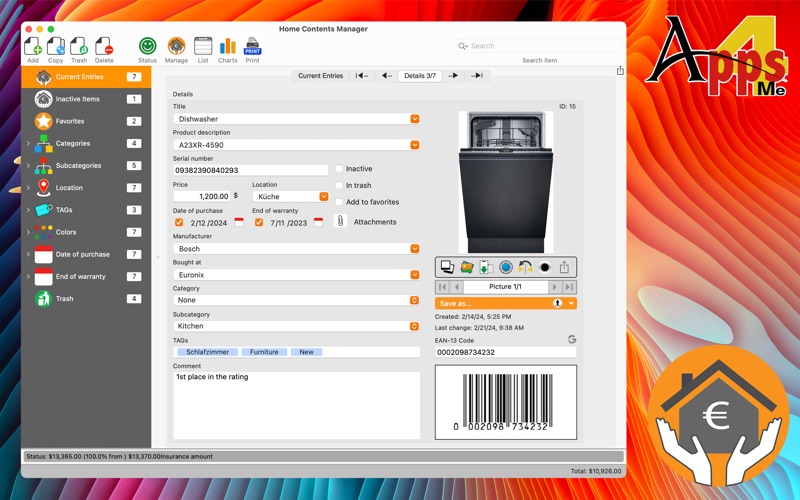
• Add all insured objects
• Name
• Product
• Serial number
• Price
• Date of purchase
• Unlimited count of product photos
• Manufacturer
• Bought at
• Category
• Remark
• All input fields with autocomplete
• Unlimited count of categories
• Simply assign or change the category by drag and drop
• Managing favorites
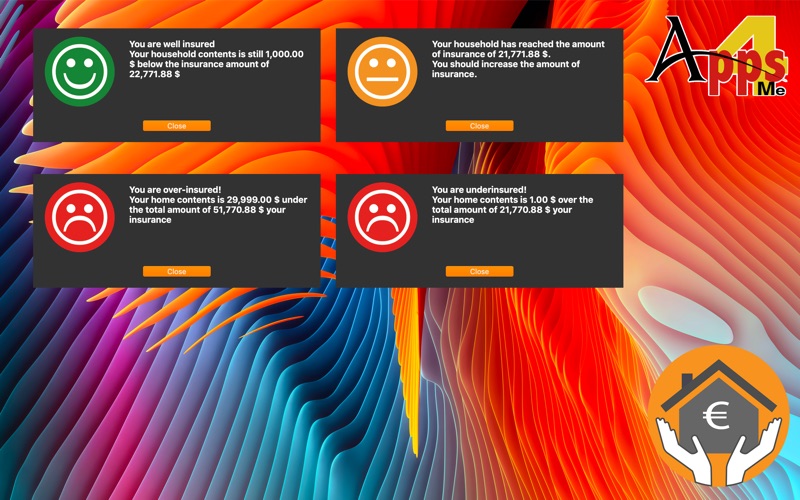
• Automatic warning of over or under insurance
• Graphical overview of the total of all items in proportion to the sum insured
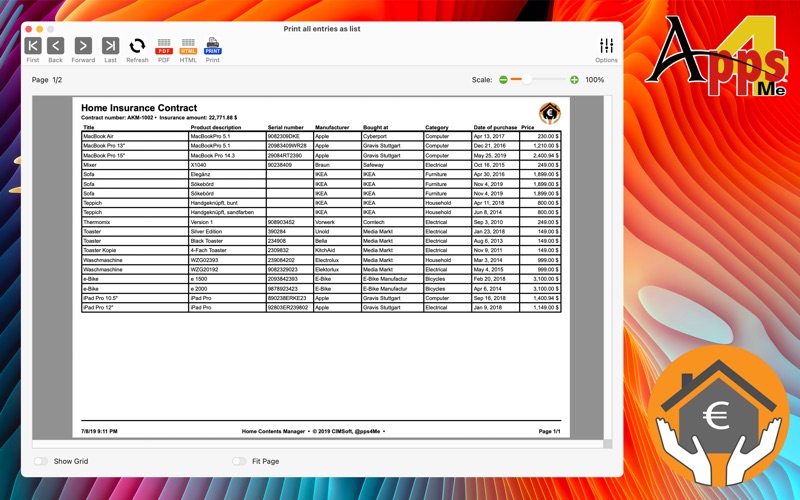
• Print contract details
• Print all items
• Print all items with details and two pictures
• All print outs can be saved directly as PDF or HMTL file
• Graphical overview
• Graphical overview can be saved as:
• BMP
• GIF
• JPG
• JPEG2000
• PNG
• TGA
• TIFF
• WebP
• SVG
• Export all data as CSV file (for import in LibreOffice® etc.)
• Export all data to a Excel® XLSX file
• Import date from a CSV file
• Media browser to drop your pictures from Photo app
• Default OS picture taker to take a picture from default pictures, your last pictures or from camera
• Import Picture, sketch or PDF document via iOS device (iPhone or iPad) in format
• PNG
• JPEG
• as item picture
• as additional picture
• as attachment
• Backup all data incl. CSV file on external storage (USB stick or cloud drive)
• Support dark mode
Safety and technology
Found in the app by AppBrain- Price
- $4.99
- App size
- 63.6 MB
- Content rating
- High
Technologies used by Home Contents Manager
Releases
Updates seen on the App Store- Version
- 26.6.0
- Launched
- March 2015
No changelog data
Alternatives
Similar apps and more from @pps4MeMore from @pps4Me


Rankings
App Store top chartsApp Store Rankings for Home Contents Manager
About the app and developer
About Home Contents Manager
Home Contents Manager is a finance app developed by @pps4Me.
What is the rating of Home Contents Manager?
Home Contents Manager has no ratings yet.
Is Home Contents Manager free?
Home Contents Manager costs $4.99. The app size is 63.62 MB. The latest version available is 26.6.0. The last update was on September 26, 2026.
What are the requirements for Home Contents Manager?
The app has a content rating of High Maturity. The app has been available on the App Store since March 2015.
Developer information for @pps4Me
Address: