

HomeBot for HomeKit
HomeBot for HomeKit is made and published by Pedro Jose Pereira Vieito. AppBrain is an independent app data site and isn't affiliated with Pedro Jose Pereira Vieito. The app name, icon, screenshots and description belong to Pedro Jose Pereira Vieito and are shown as published on the App Store.
AppBrain's verdict
Established- Best rank
- #62
- Top Paid, Sweden
- Rating on App Store
- 4.28
- 18 ratings
- Last updated
- October 6, 2026
It doesn't have enough ratings yet to judge what users think. Its best ranking is #62 in Top Paid, Utilities in Sweden.
Rankings
App Store top charts- Highest rank
- #62
- Chart
- Top Paid
- Utilities
- Country
- Sweden
App Store Rankings for HomeBot for HomeKit
Top rankings
| Rank | Country | Category | List |
|---|---|---|---|
| 62 | Sweden | Utilities | Top Paid |
Ranking history in Sweden
Competitors
Similar apps and more from Pedro Jose Pereira VieitoAlternatives to HomeBot for HomeKit






More from Pedro Jose Pereira Vieito


Releases
Updates seen on the App Store- Version
- 2.4.1
- Launched
- February 2021
No changelog data
User feedback
Ratings and reviews on the App StoreComments on HomeBot for HomeKit for iOS
We don't have enough comments to show example comments. Please check back later.
Technology
Found in the app by AppBrain- Price
- $5.99
- App size
- 13.1 MB
- Content rating
- Everyone
Technologies used by HomeBot for HomeKit
About the app and developer
About HomeBot for HomeKit
HomeBot for HomeKit is an utilities app developed by Pedro Jose Pereira Vieito.
What is the rating of HomeBot for HomeKit?
HomeBot for HomeKit is rated 4.28 out of 5 stars, based on 18 ratings.
Is HomeBot for HomeKit free?
HomeBot for HomeKit costs $5.99. The app size is 13.07 MB. The latest version available is 2.4.1. The last update was on October 6, 2026.
What are the requirements for HomeBot for HomeKit?
The app has a content rating of Everyone. The app has been available on the App Store since February 2021.
Developer information for Pedro Jose Pereira Vieito
Address:
Store listing
By Pedro Jose Pereira Vieito, from the App Store

Description by Pedro Jose Pereira Vieito Written by the developer, not by AppBrain. Click to read.
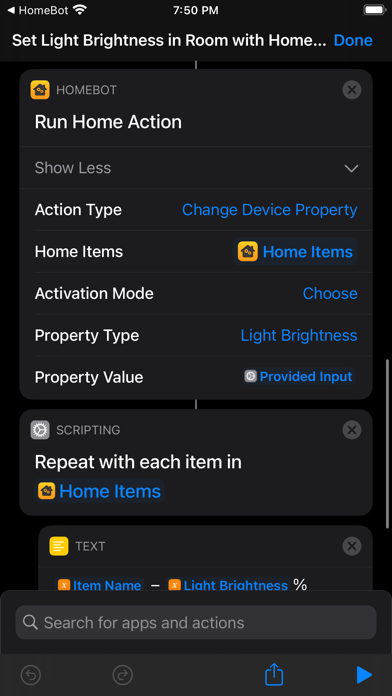
• Run Home Action: Control scenes and devices in bulk, adjust device properties, or change your primary home.
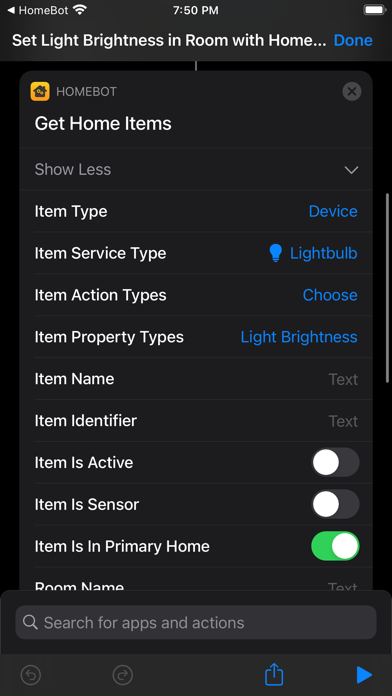
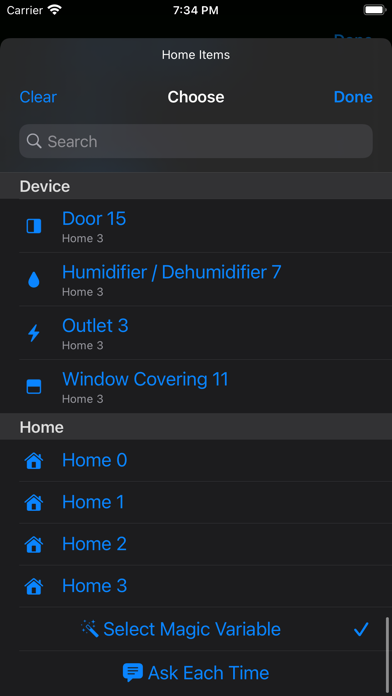
• Get Home Items: Find and filter scenes, devices, device groups, rooms, and homes by name, item type, service type, room, home, activation status, or supported actions and properties. Results include item details, device properties such as light brightness and thermostat target temperature, and sensor readings such as temperature, humidity, and air quality.
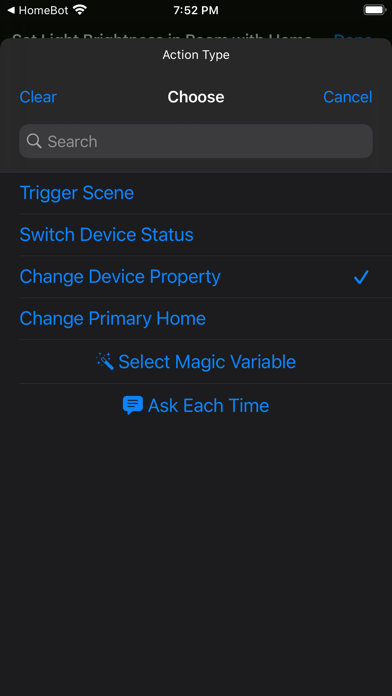
Action Types:
• Trigger Scene: Trigger one or more scenes.
• Switch Scene Status: Activate, deactivate, or toggle one or more scenes.
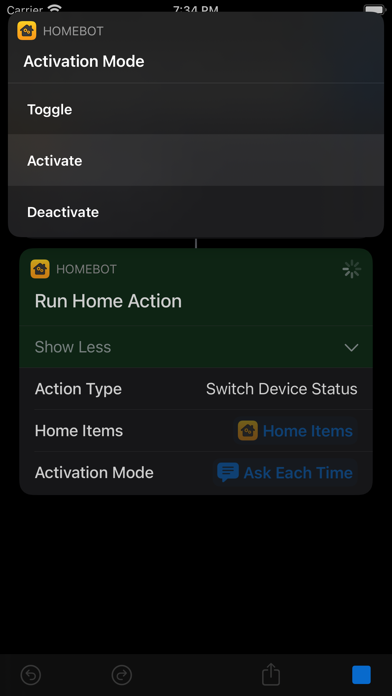
• Switch Device Status: Activate, deactivate, or toggle one or more devices or device groups.
• Change Device Property: Adjust supported device or device group properties, such as light brightness, thermostat target temperature, or the position of blinds.
• Change Primary Home: Set the default HomeKit home. Changing your primary home propagates the change to all your devices, and Siri automatically uses the selected home by default.
Explore the included example shortcuts to get started:
• Trigger Scenes: Choose scenes in your primary home and trigger them together.
• Switch Lightbulbs in Room: Toggle, activate, or deactivate all lightbulbs in a room.
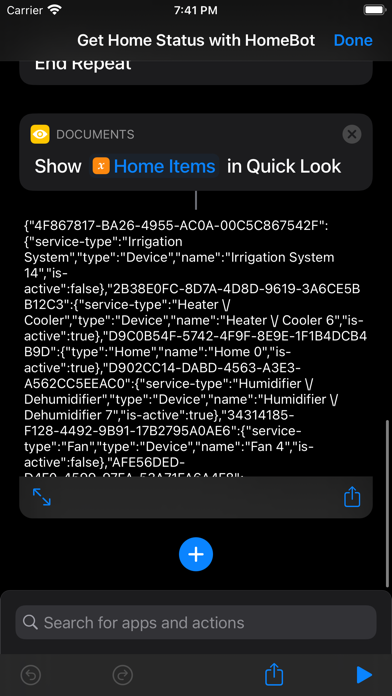
• Get Home Status: Export the status of all items in your primary home to a JSON file.
• Get Temperature Measurements: Read each temperature sensor in your HomeKit setup.
• Set Thermostats Temperature: Set the target temperature of one or more thermostats.
• Set Light Brightness in Room: Set the light brightness of all lightbulbs in a room.
• Change Lightbulb Colors: Cycle lightbulbs through the colors of the rainbow.
• Change Primary Home: Choose which HomeKit home to use as your primary home.
Automation Systems:
• Shortcuts: Build advanced HomeKit workflows by combining HomeBot’s powerful actions with the built-in Shortcuts actions and automation triggers.
• Command-Line Automation on Mac: Automate HomeKit from Terminal, scripts, or AI agents with the included "homebot-cli" tool. Export HomeKit data as JSON for use in your scripts.
HomeBot supports macOS, iOS, and iPadOS.
Notes:
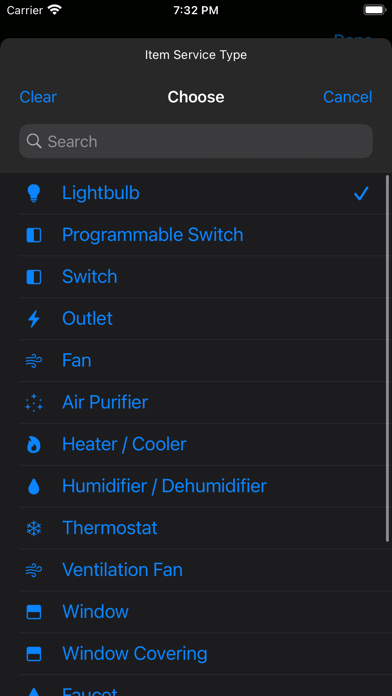
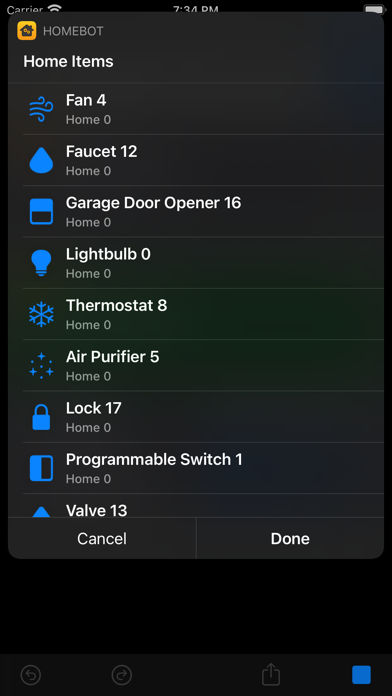
• HomeBot can detect and control the following types of devices: outlets, lightbulbs, switches, thermostats, fans, air purifiers, heaters, humidifiers, dehumidifiers, windows, window coverings, faucets, valves, irrigation systems, doors, garage door openers, and locks.
• HomeBot also supports reading measurements or detections from the following types of sensors: temperature, humidity, air quality, carbon dioxide, carbon monoxide, contact (doors, windows, and window coverings), smoke, leak, motion, light, and occupancy sensors.
• HomeBot supports changing and reading light brightness and color, thermostat and heating/cooling modes, target temperatures and thresholds, humidity targets and thresholds, fan and air purifier modes, rotation speed and direction, swing, physical controls lock, and the position of doors, windows, blinds, or shades.
• HomeBot also reads detailed air-quality measurements, battery levels, and filter status when available.
• HomeBot Command-Line Automation requires macOS 26 or later.
Privacy by Design: HomeBot works completely on-device and does not store or send any information outside of the protected app sandbox.