

HVAC RefCharge
HVAC RefCharge is made and published by Carmel Software Corporation. AppBrain is an independent app data site and isn't affiliated with Carmel Software Corporation. The app name, icon, screenshots and description belong to Carmel Software Corporation and are shown as published on the App Store.
AppBrain's verdict
- Last updated
- January 6, 2026
- Size
- 22.3 MB
User feedback
Ratings and reviews on the App StoreComments on HVAC RefCharge for iOS
We don't have enough comments to show example comments. Please check back later.
Store listing
By Carmel Software Corporation, from the App Store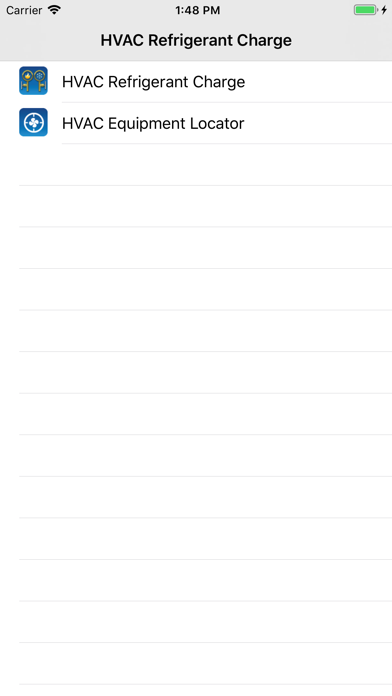
Description by Carmel Software Corporation Written by the developer, not by AppBrain. Click to read.
This is a universal app that works on both the iPhone and iPad.
This app now includes the HVAC Equipment Locator. Click here for details: http://bit.ly/1yTq539
The following is a list of additional features:
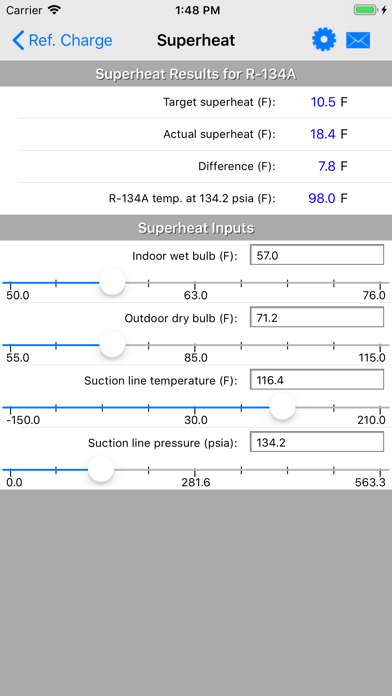
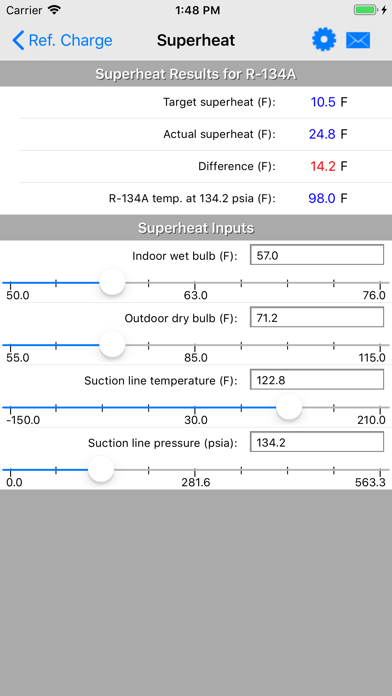
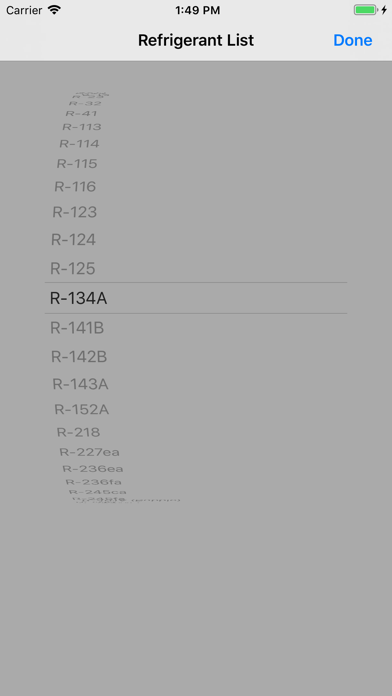
1. Perform superheat refrigerant charge calculations for 100+ different refrigerants. Input the indoor wet-bulb and outdoor dry-bulb temps. to get the target superheat temperature. Then, specify the suction line temperature and pressure to get the actual superheat temperature. The difference tells you whether to charge or not. Also, the app auto-assigns the dew version of azeotropic refrigerant to superheat, if applicable.
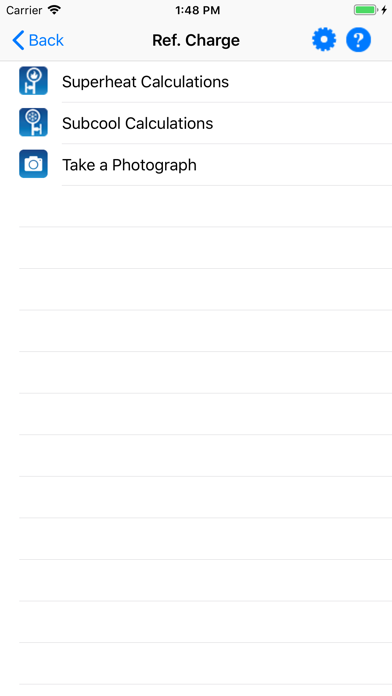
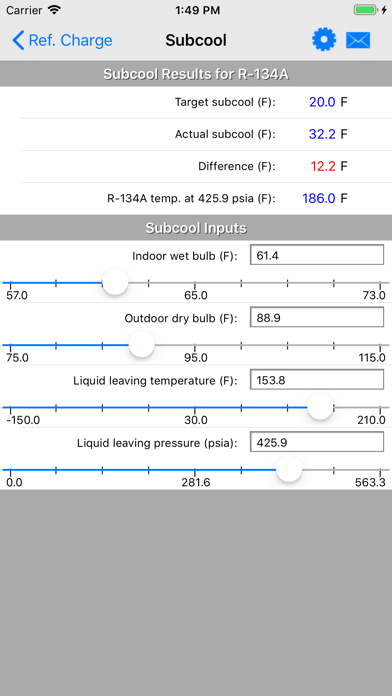
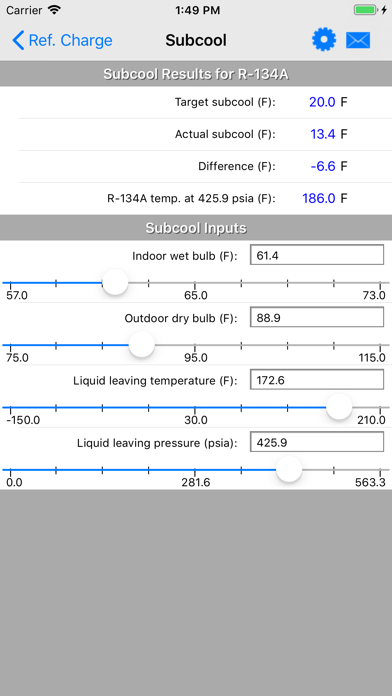
2. Perform subcool refrigerant charge calculations for 100+ different refrigerants. Input the indoor wet-bulb and outdoor dry-bulb temps. to get the target subcool temperature. Then, specify the liquid line temperature and pressure to get the actual subcool temperature. The difference tells you whether to charge or not. Also, the app auto-assigns the bubble version of azeotropic refrigerant to subcool, if applicable.
3. Use an interactive slider control to increase or decrease all values and immediately observe calculated results. Also, the slider control allows for "incremental" changes so you can ever-so-slightly change values to observe newly calculated results.
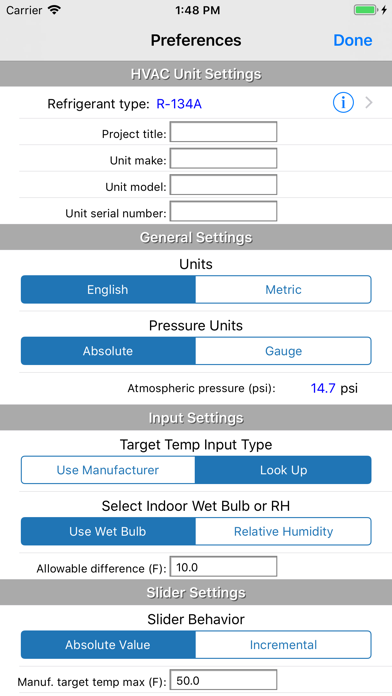
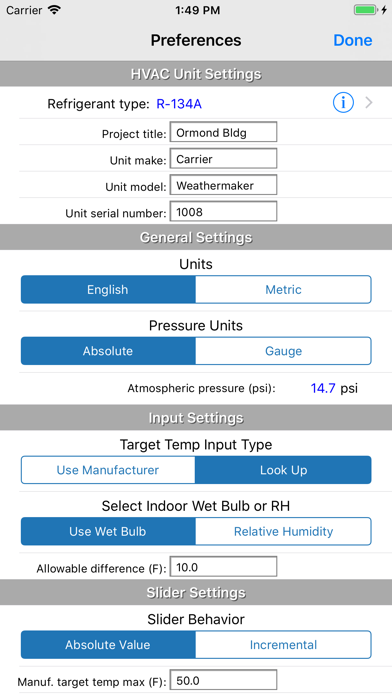
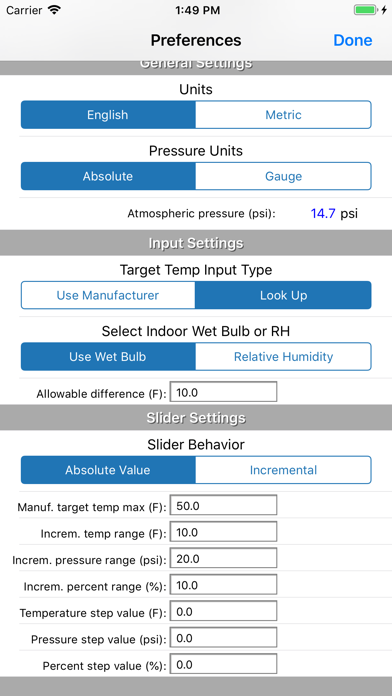
4. Specify atmospheric pressure (other than standard 14.7 psi) so that calculated pressures are adjusted for high elevations like those in Denver and elsewhere.
5. Customize input types so that you can specify manufacturer-specified target superheat/subcool or input indoor dry-bulb/indoor relative humidity in place of indoor wet-bulb temperature.
6. Take a photo and assign it to the project
7. Send an email that includes all inputs, results, and the photo with a custom message
8. Display input and result values in either English or Metric units
Safety and technology
Found in the app by AppBrain- Price
- $9.99
- App size
- 22.3 MB
- Content rating
- Everyone
Technologies used by HVAC RefCharge
Releases
Updates seen on the App Store- Version
- 4.90
- Launched
- November 2012
No changelog data
Alternatives
Similar apps and more from Carmel Software CorporationAlternatives to HVAC RefCharge








More from Carmel Software Corporation




Rankings
App Store top chartsApp Store Rankings for HVAC RefCharge
About the app and developer
About HVAC RefCharge
HVAC RefCharge is a productivity app developed by Carmel Software Corporation.
User Ratings
The app has no ratings yet.
App Information
HVAC RefCharge costs $9.99. The app size is 22.31 MB. The latest version available is 4.90. The last update was on January 6, 2026.
Technical Requirements
The app has a content rating of Everyone. The app has been available on the App Store since November 2012.
Developer information for Carmel Software Corporation
Address:
Frequently asked questions about HVAC RefCharge
Is HVAC RefCharge free?
No. HVAC RefCharge costs $9.99 on the App Store.
Is HVAC RefCharge still available?
Yes. HVAC RefCharge is on the App Store, and the last update we saw was on January 6, 2026.
How large is HVAC RefCharge?
HVAC RefCharge is 22.31 MB.
Is HVAC RefCharge suitable for children?
App Store rates the content of HVAC RefCharge as suitable for everyone.
Who made HVAC RefCharge?
HVAC RefCharge was developed by Carmel Software Corporation. It is listed in the productivity category on the App Store.
What are the best alternatives to HVAC RefCharge?
People looking at HVAC RefCharge also look at these productivity apps: EZ-RMC, ASHRAE Psychrometric Chart, Hide my phone number, RET Viewer, Time Clock Helper.