Image to PDF. is made and published by Le Giang Nam. AppBrain is an independent app data site and isn't affiliated with Le Giang Nam. The app name, icon, screenshots and description belong to Le Giang Nam and are shown as published on the App Store.
AppBrain's verdict
Loved by users- Rating on App Store
- 4.83
- 145 ratings
- Last updated
- March 14, 2026
Users love it: 4.8 stars from 145 ratings.
Rankings
App Store top chartsApp Store Rankings for Image to PDF.
Competitors
Similar apps and more from Le Giang NamMore from Le Giang Nam
Releases
Updates seen on the App Store- Version
- 1.2.5
- Launched
- November 2023
No changelog data
User feedback
Ratings and reviews on the App StoreComments on Image to PDF. for iOS
We don't have enough comments to show example comments. Please check back later.
Technology
Found in the app by AppBrain- Price
- Free
- App size
- 9.62 MB
- Content rating
- Everyone
Technologies used by Image to PDF.
About the app and developer
About Image to PDF.
Image to PDF. is a business app developed by Le Giang Nam.
User Ratings
Image to PDF. is rated 4.83 out of 5 stars. The rating is based on 150 ratings.
App Information
Image to PDF. is freely available from the App Store. The app size is 9.62 MB. The latest version available is 1.2.5. The last update was on March 14, 2026.
Technical Requirements
The app has a content rating of Everyone. The app has been available on the App Store since November 2023.
Developer information for Le Giang Nam
Address:
Store listing
By Le Giang Nam, from the App StoreDescription by Le Giang Nam Written by the developer, not by AppBrain. Click to read.
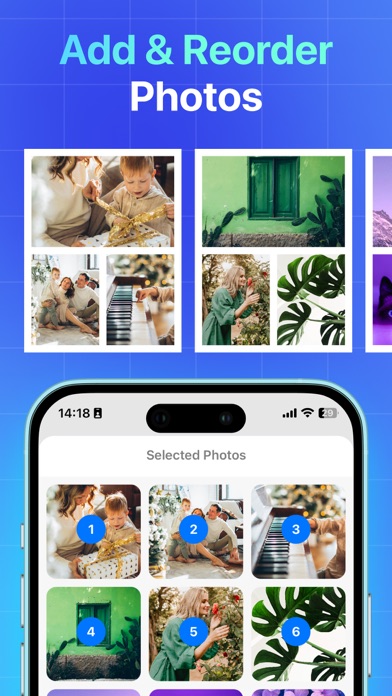
Create PDF file from your image in 3 simple steps:
1. Select photos or scan your photos with camera
2. Edit settings and it will automatically convert your photo to PDF
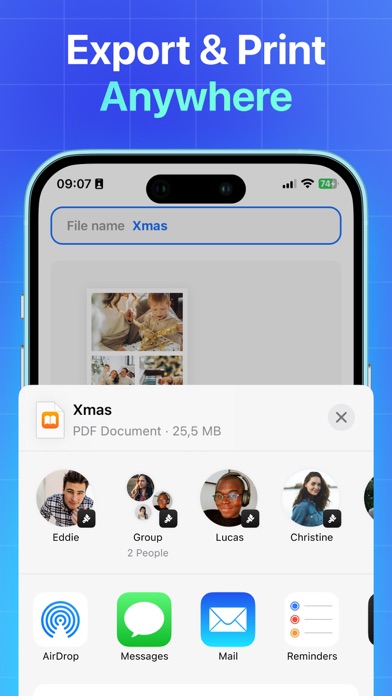
3. Share and print your PDF files right from the app
KEY FEATURES:
- Import photos: You can import files from different sources such as iCloud, File App or gallery
- Supported image formats: jpg, png, bmp, gif, tiff, heic, webp,... and more to come
- PDF files management: Access all the files right in the app, easy to edit, reshare the PDF file or delete it
- Simplicity & friendly design: Our intuitive UI makes it clear and fast to understand for anyone to use.
- Compress PDF files: Support to reduce PDF size, Set the image quality - low, medium, high, and original as needed.
- Work offline: Easily convert your images to PDF offline.
- Share & print: Share the converted files to other apps or send via Message, Email, one tap printing right from the app
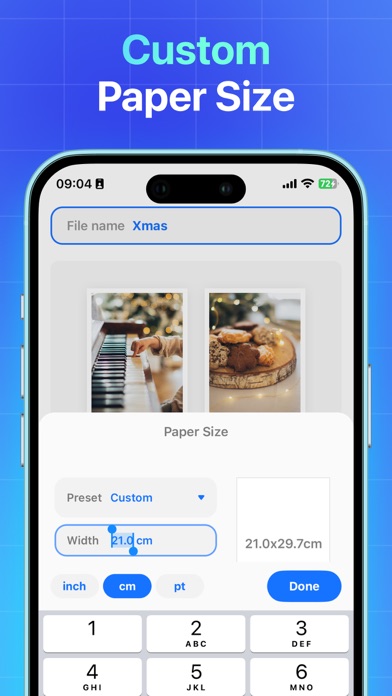
Convert image to PDF file with ease and safe with our app Photo to PDF! With user-friendly UI design, this is the perfect photo to PDF converter app for you to convert image to PDF. You can merge multiple pictures into one single PDF file with our preset layout or you can customize it. We also support reducing image size and compressing the file to make it easier for you to send via Message or Email.
There is no limitation to convert image to PDF, our app supports many photo formats and we will update to support more formats in the future. We hope you will enjoy the great experience with our Photo to PDF app!
Image to PDF+
• You can subscribe for unlimited access to all features within the app and remove ads.
All personal data is protected in accordance with the Terms of Use and Privacy Policy:
https://rockybrain.com/terms/
https://rockybrain.com/policy/