

Infographics Prime - Templates
Infographics Prime - Templates is made and published by Graphic Node. AppBrain is an independent app data site and isn't affiliated with Graphic Node. The app name, icon, screenshots and description belong to Graphic Node and are shown as published on the App Store.
AppBrain's verdict
Established- Rating on App Store
- 4.71
- 21 ratings
- Last updated
- September 25, 2026
It doesn't have enough ratings yet to judge what users think.
Rankings
App Store top chartsApp Store Rankings for Infographics Prime - Templates
Competitors
Similar apps and more from Graphic NodeAlternatives to Infographics Prime - Templates






More from Graphic Node


Releases
Updates seen on the App Store- Version
- 6.9
- Launched
- August 2018
No changelog data
User feedback
Ratings and reviews on the App StoreComments on Infographics Prime - Templates for iOS
We don't have enough comments to show example comments. Please check back later.
Technology
Found in the app by AppBrain- Price
- Free
- App size
- 38.5 MB
- Content rating
- Everyone
Technologies used by Infographics Prime - Templates
About the app and developer
About Infographics Prime - Templates
Infographics Prime - Templates is a productivity app developed by Graphic Node.
What is the rating of Infographics Prime - Templates?
Infographics Prime - Templates is rated 4.71 out of 5 stars, based on 21 ratings.
Is Infographics Prime - Templates free?
Infographics Prime - Templates is free. The app size is 38.48 MB. The latest version available is 6.9. The last update was on September 25, 2026.
What are the requirements for Infographics Prime - Templates?
The app has a content rating of Everyone. The app has been available on the App Store since August 2018.
Developer information for Graphic Node
Address:
Frequently asked questions about Infographics Prime - Templates
Is Infographics Prime - Templates free?
Yes. Infographics Prime - Templates is free on the App Store.
Is Infographics Prime - Templates still available?
Yes. Infographics Prime - Templates is on the App Store, and the last update we saw was on September 25, 2026.
How large is Infographics Prime - Templates?
Infographics Prime - Templates is 38.48 MB.
Is Infographics Prime - Templates suitable for children?
App Store rates the content of Infographics Prime - Templates as suitable for everyone.
How do people rate Infographics Prime - Templates?
Infographics Prime - Templates scores 4.71 out of 5 stars, from 21 ratings on the App Store.
Who made Infographics Prime - Templates?
Infographics Prime - Templates was developed by Graphic Node. It is listed in the productivity category on the App Store.
What are the best alternatives to Infographics Prime - Templates?
People looking at Infographics Prime - Templates also look at these productivity apps: Toolbox for Microsoft Word, Toolbox for MS PowerPoint, Designs for Google Documents, Themes for Keynote Slides, Graph Generator.
Store listing
By Graphic Node, from the App Store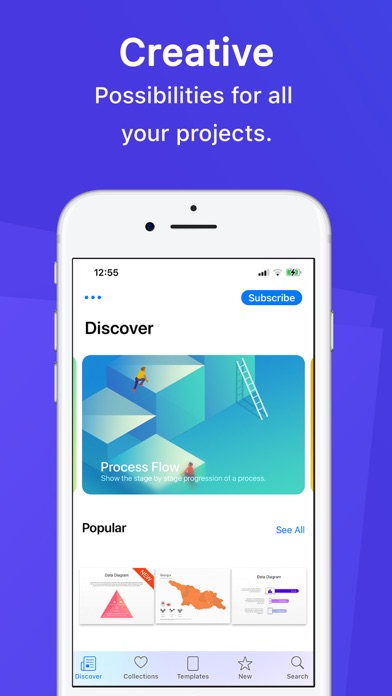
Description by Graphic Node Written by the developer, not by AppBrain. Click to read.
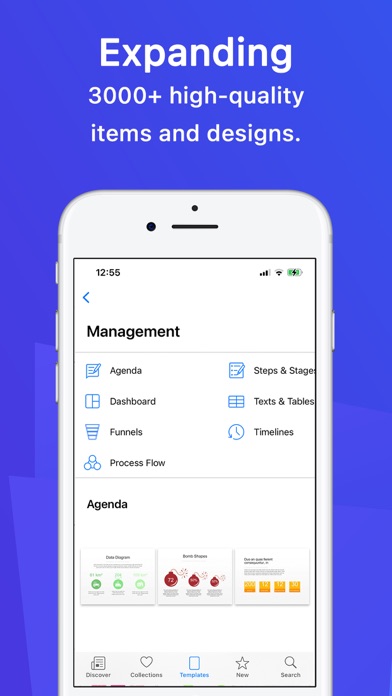
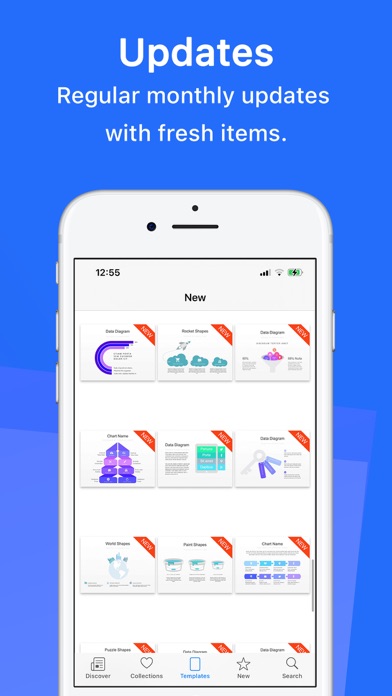
Infographics Prime - Templates is a collection of high-quality illustrations, diagrams, data visualizations, chart themes, maps, and flags for Pages, Keynote, Word, PowerPoint, Google Docs, and more.
• Browse infographics for Pages, Keynote, MS Office, Google Docs, and Adobe apps
• Open templates directly in your favorite app with one tap
• Search by keyword and mark favorites
• Save templates in the Pages and Keynote template choosers
• New designs added regularly
• First item in every category is free to try
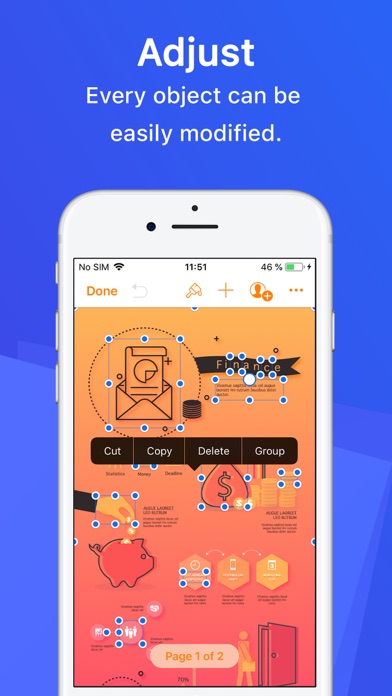
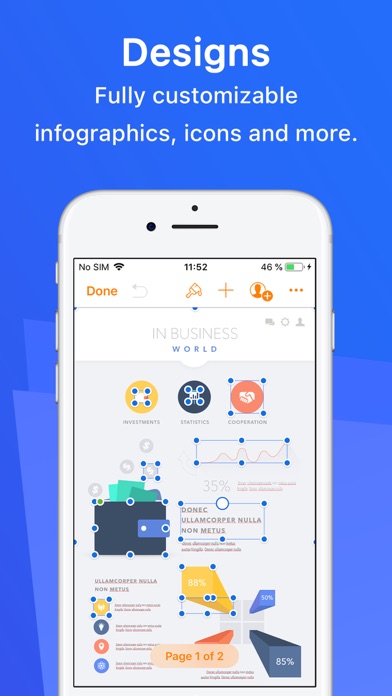
Nearly all elements can be recolored, moved, or removed. Type or paste your text, swap images, and customize charts and diagrams in your app of choice.
Subscription:
The first 3 days are on the house and then you can get it in affordable monthly, semi-annual, annual, or lifetime plans!
Subscribe to take advantage of all the Premium features described above.
• Your payment will be charged to your iTunes Account as soon as you confirm your purchase.
• You can manage your subscriptions and turn off auto-renewal from your Account Settings after the purchase.
• Your subscription will renew automatically unless you turn off auto-renew at least 24 hours before the end of the current period.
• The cost of renewal will be charged to your account 24 hours prior to the end of the current period.
• When canceling a subscription, your subscription will stay active until the end of the period. Auto-renewal will be disabled, but the current subscription will not be refunded.
• Any unused portion of a free trial period, if offered, will be forfeited when purchasing a subscription.
Instructions to manage your auto-renewing subscriptions can be found here: https://support.apple.com/en-us/HT202039
Privacy Policy: http://graphicnode.com/privacypolicy/
Terms of Use: http://graphicnode.com/termsandconditions/
Help us develop the best app available in the store! If you have found a bug, got a suggestion, or want a new feature, email us at: support@graphicnode.com