

MindSpace - Mind Map
MindSpace - Mind Map is made and published by 佳文 潘. AppBrain is an independent app data site and isn't affiliated with 佳文 潘. The app name, icon, screenshots and description belong to 佳文 潘 and are shown as published on the App Store.
AppBrain's verdict
EstablishedLoved by users- Rating on App Store
- 4.59
- 287 ratings
- Last updated
- October 10, 2026
- Size
- 54.9 MB
Users love it: 4.6 stars from 287 ratings.
User feedback
Ratings and reviews on the App StoreComments on MindSpace - Mind Map for iOS
We don't have enough comments to show example comments. Please check back later.
Store listing
By 佳文 潘, from the App Store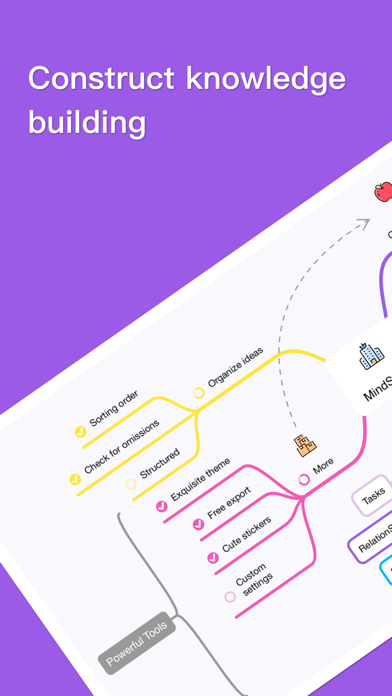
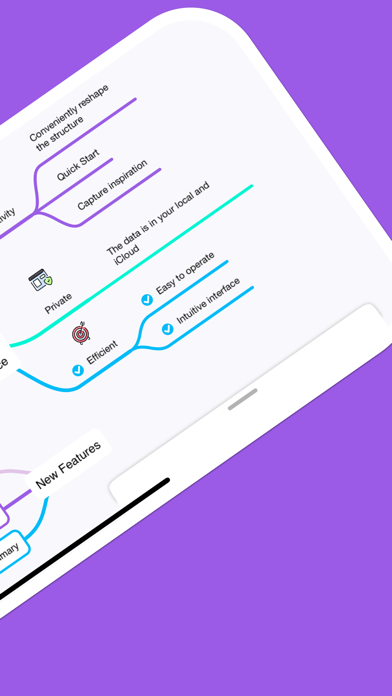
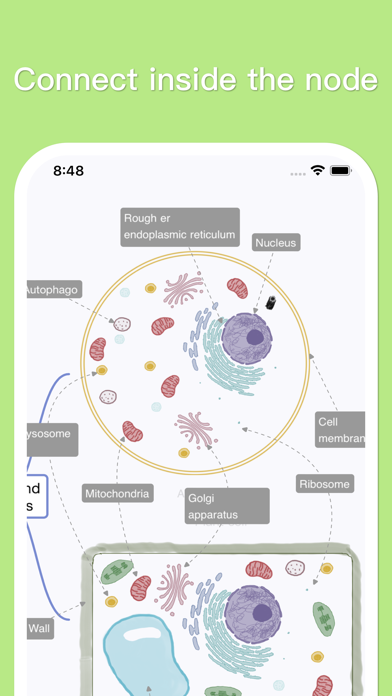
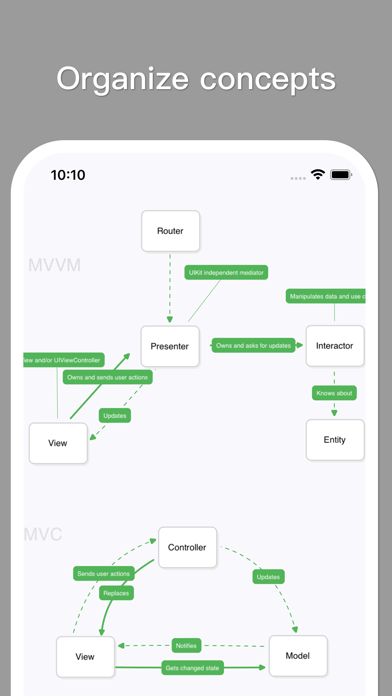
Description by 佳文 潘 Written by the developer, not by AppBrain. Click to read.
Edit them on Mac, iPad, and iPhone. Export anytime to PDF, Images, Markdown, and other formats to share in your work and studies.
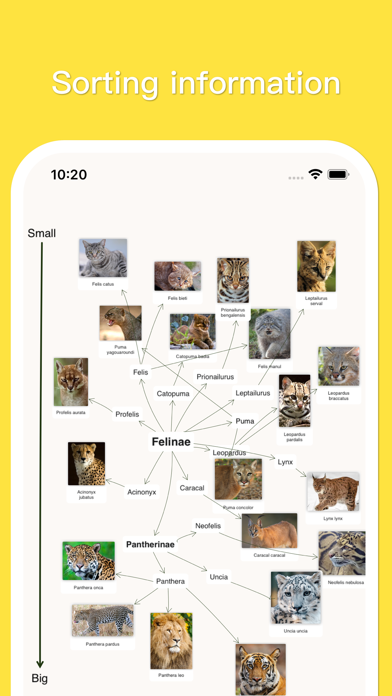
Quickly Create Personalized Mind Maps
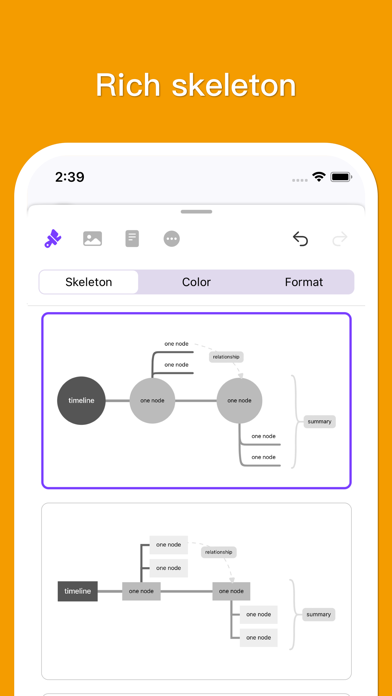
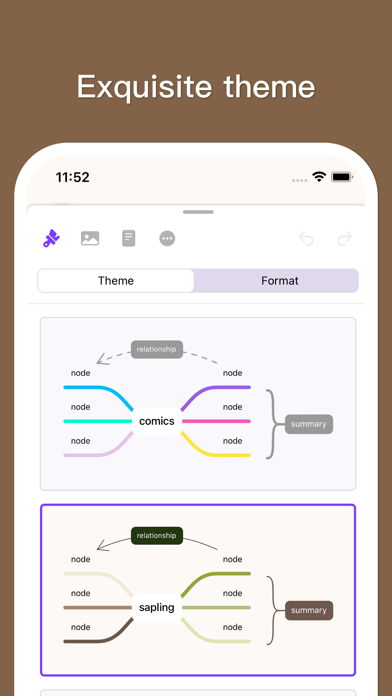
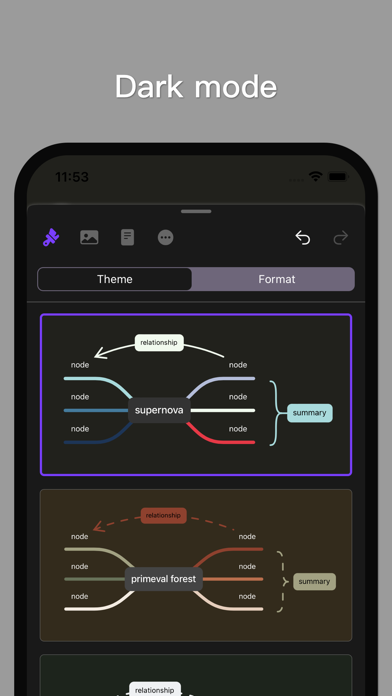
• Efficiency: We split "Themes" into "Layouts" and "Color Schemes", carefully designing over 50 layouts and 60 color schemes. They support one-tap switching and can be freely combined into multiple styles.
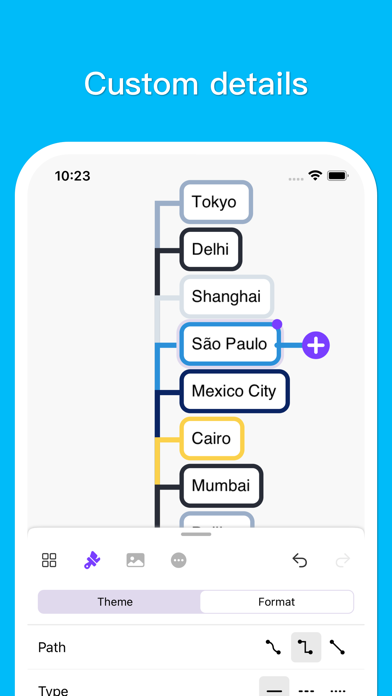
• Personalization: You can create your own layouts and color schemes, presetting almost all formatting options such as growth direction, width, spacing, structure, shapes, and the color of each individual branch.
• Freedom: You can set different layouts for two separate mind maps, or even different layouts for different branches to form a hybrid structure mind map to present your content. You can also set it to "Manual Layout" to flexibly place every single node.
Enrich Your Mind Maps in Multiple Ways
• Notes: Add a place for supplementary information with support for quick viewing.
• Links: Add a web link or local link. Local links can specify and jump to concrete nodes within the file.
• Tasks: Add task buttons that can display progress checkboxes.
• Relationships: Add relationship lines between two nodes or internal positions within a node.
• Summaries: Add curly braces or polygon shapes for multiple nodes.
• Images: Insert local images and set their alignment with text.
• Drawings: Drawings made with Apple Pencil can also be inserted inside nodes.
• Equations: Support adding LaTeX equations and modifying them at any time.
• Stickers: Built-in with more than 1,000 beautiful stickers.
AI Assistant Doubles Your Efficiency (Optional)
• Expand: Enter an idea to quickly branch out content from different angles.
• Convert: Transform a long article into a clearly structured mind map.
• Image to Mind Map: Convert images containing text into a mind map with the matching structure.
• Rewrite: Re-output much better text for a specified node.
Mainstream Import & Export Formats
• Import: Supports Markdown, OPML, TXT, FreeMind, iThoughts, etc.
• Export: Supports PDF, JPG, PNG, TXT, Markdown, OPML, etc.
More Convenient Features
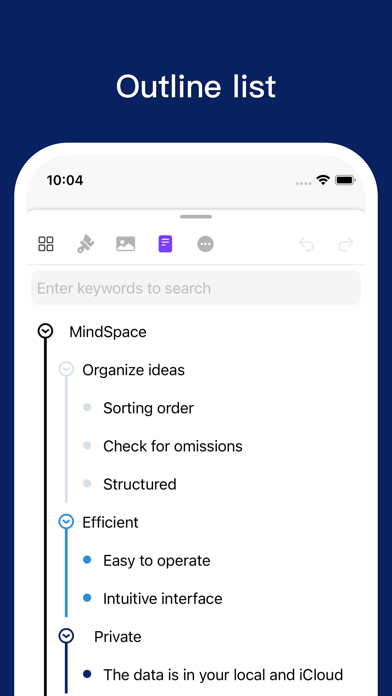
• Outline: One-tap toggle to outline mode, or start editing and arranging structures directly from the outline view.
• Shortcuts: Provides a rich keyboard shortcut system that is fully customizable.
• Focus Mode: Light up only your selected node and its related nodes for seamless presentation work.
• Other Features: Canvas guides, widgets, auto-follow, and more.
Data Security
We build the App using the most safe and reliable architecture—a document-based editor. Your data belongs solely to you. The AI assistant only processes data you provide to it, and you can turn off AI globally.
Subscription Information
• You can subscribe to the "Pro" version monthly or annually.
• Payments will be charged to your iTunes Account. Subscriptions automatically renew unless auto-renew is turned off at least 24 hours before the end of the current billing period.
• Manage or cancel subscriptions anytime in your App Store Account Settings after purchase.
Email: todo-color@outlook.com
Terms of Use: https://www.apple.com/legal/internet-services/itunes/dev/stdeula/
Privacy Policy: https://rednowapp.github.io/privacy-policy/
Safety and technology
Found in the app by AppBrain- Price
- Free
- App size
- 54.9 MB
- Content rating
- Everyone
Technologies used by MindSpace - Mind Map
Releases
Updates seen on the App Store- Version
- 1.10.26
- Launched
- September 2021
No changelog data
Alternatives
Similar apps and more from 佳文 潘Alternatives to MindSpace - Mind Map



More from 佳文 潘

Rankings
App Store top chartsApp Store Rankings for MindSpace - Mind Map
About the app and developer
About MindSpace - Mind Map
MindSpace - Mind Map is a productivity app developed by 佳文 潘.
User Ratings
MindSpace - Mind Map is rated 4.59 out of 5 stars. The rating is based on 290 ratings.
App Information
MindSpace - Mind Map is freely available from the App Store. The app size is 54.86 MB. The latest version available is 1.10.26. The last update was on October 10, 2026.
Technical Requirements
The app has a content rating of Everyone. The app has been available on the App Store since September 2021.
Developer information for 佳文 潘
Address:
Frequently asked questions about MindSpace - Mind Map
Is MindSpace - Mind Map free?
Yes. MindSpace - Mind Map is free on the App Store.
Is MindSpace - Mind Map still available?
Yes. MindSpace - Mind Map is on the App Store, and the last update we saw was on October 10, 2026.
How large is MindSpace - Mind Map?
MindSpace - Mind Map is 54.86 MB.
Is MindSpace - Mind Map suitable for children?
App Store rates the content of MindSpace - Mind Map as suitable for everyone.
How do people rate MindSpace - Mind Map?
MindSpace - Mind Map scores 4.59 out of 5 stars, from 287 ratings on the App Store.
Who made MindSpace - Mind Map?
MindSpace - Mind Map was developed by 佳文 潘. It is listed in the productivity category on the App Store.
What are the best alternatives to MindSpace - Mind Map?
People looking at MindSpace - Mind Map also look at these productivity apps: ThinkSpace - Mind Map & Notes, Mind Mapping - MindMeister, SimpleMind - Mind Mapping, Mind Map Maker - Mindomo, Mind Map - HoodleMind.