

InteO is made and published by Neocontrol. AppBrain is an independent app data site and isn't affiliated with Neocontrol. The app name, icon, screenshots and description belong to Neocontrol and are shown as published on the App Store.
AppBrain's verdict
Established- Rating on App Store
- 3.00
- 1 ratings
- Last updated
- May 23, 2025
It doesn't have enough ratings yet to judge what users think.
Rankings
App Store top chartsApp Store Rankings for InteO
Competitors
Similar apps and more from NeocontrolAlternatives to InteO






More from Neocontrol


Releases
Updates seen on the App Store- Version
- 1.9.7
- Launched
- December 2015
No changelog data
User feedback
Ratings and reviews on the App StoreComments on InteO for iOS
We don't have enough comments to show example comments. Please check back later.
Technology
Found in the app by AppBrain- Price
- Free
- App size
- 268.5 MB
- Content rating
- Everyone
Technologies used by InteO
About the app and developer
About InteO
InteO is an utilities app developed by Neocontrol.
What is the rating of InteO?
InteO is rated 3.00 out of 5 stars, based on one rating ratings.
Is InteO free?
InteO is free. The app size is 268.49 MB. The latest version available is 1.9.7. The last update was on May 23, 2025.
What are the requirements for InteO?
The app has a content rating of Everyone. The app has been available on the App Store since December 2015.
Developer information for Neocontrol
Address:
Store listing
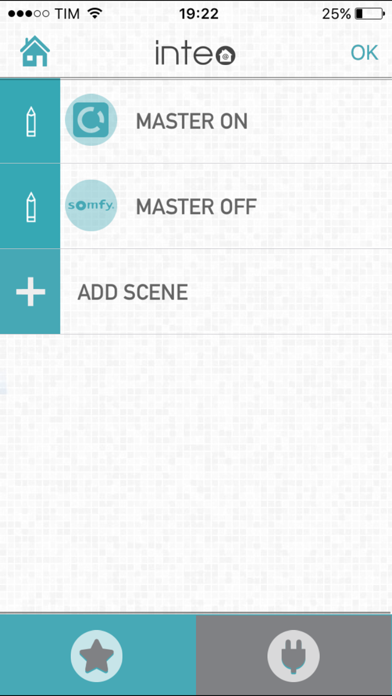
By Neocontrol, from the App Store



Description by Neocontrol Written by the developer, not by AppBrain. Click to read.
Products compatible with the automation system:
Inteo central – device that connects all your home automation devices.
Microdimmer – easy-to-install microcontroller. Two channels to control your lighting, create scenarios and customize your environment.
Sensor Tag – door and window sensors, it sends push notifications to smart devices letting users know of doors or windows opened.
Cubee – stylish interface that triggers scenarios.
Basic steps to set your system:
· Plug your Inteo to your wall-outlet.
· Recognize the peripheral devices scanning the QR code with your app.
· Install your peripheral devices.
· Customize, activate and have fun with your smart-home.