

iPracticePro is made and published by Steffen Weber. AppBrain is an independent app data site and isn't affiliated with Steffen Weber. The app name, icon, screenshots and description belong to Steffen Weber and are shown as published on the App Store.
AppBrain's verdict
EstablishedLoved by users- Rating on App Store
- 4.73
- 244 ratings
- Last updated
- October 24, 2026
- Size
- 170.2 MB
Users love it: 4.7 stars from 244 ratings. Its best ranking is #15 in Top Paid, Music in Austria.
User feedback
Ratings and reviews on the App StoreComments on iPracticePro for iOS
We don't have enough comments to show example comments. Please check back later.
Store listing
By Steffen Weber, from the App Store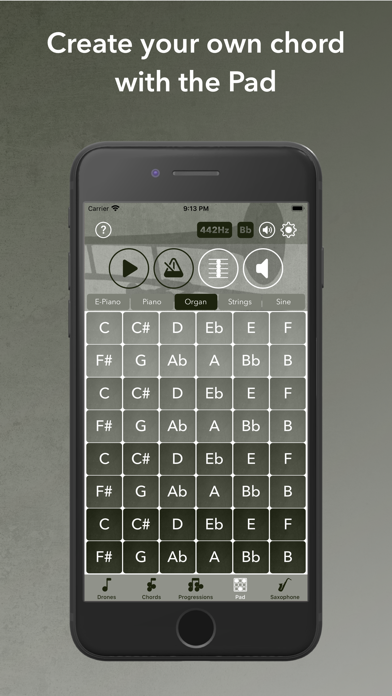
Description by Steffen Weber Written by the developer, not by AppBrain. Click to read.
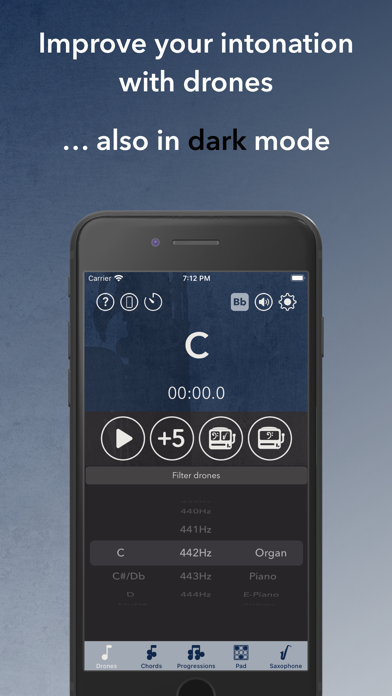
The first part of the app allows you to play all chromatic notes in tunings from 432Hz to 444Hz in many different sounds.
The notes sound continuously and it´s a perfect way to practice intervals, chords and scales.
You also have the possibility to play the notes randomly in an adjustable period of time.
The app supports quarter tones if you´ve chosen expert mode.
Sounds: organ, piano, electric piano, strings, guitar, double bass, bassoon, clarinet, oboe, flute and sine
•Chords•
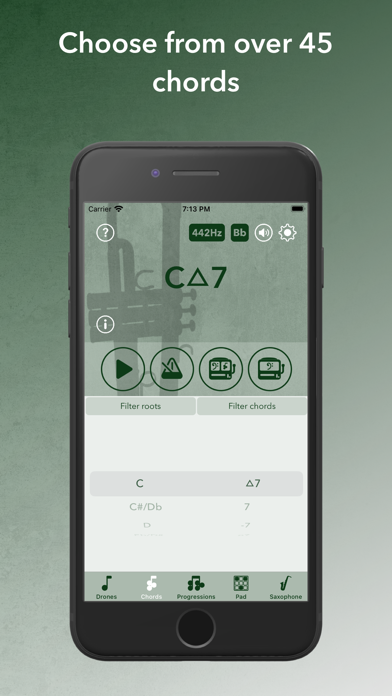
The chord section contains 5 chords in standard mode more than 45 chords in expert mode.
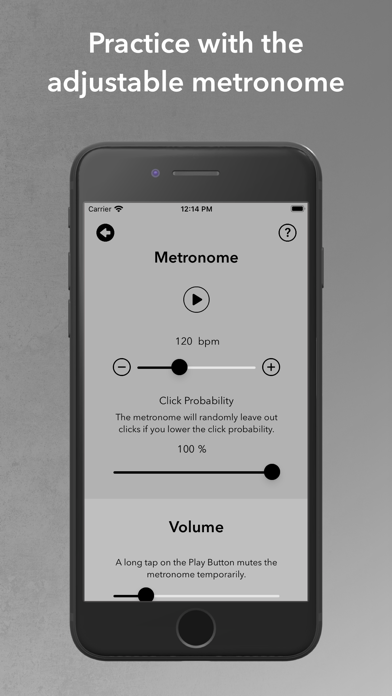
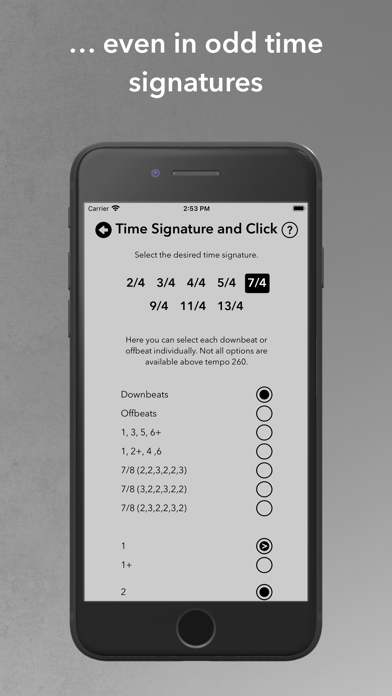
The metronome allows you to practice in tempos from 30bpm up to 300bpm. It can be set to different time signatures like 2/4, 3/4, 4/4, 5/4, 7/4, 9/4, 11/4, 13/4. You can also select or deselect the downbeats and offbeats separately.
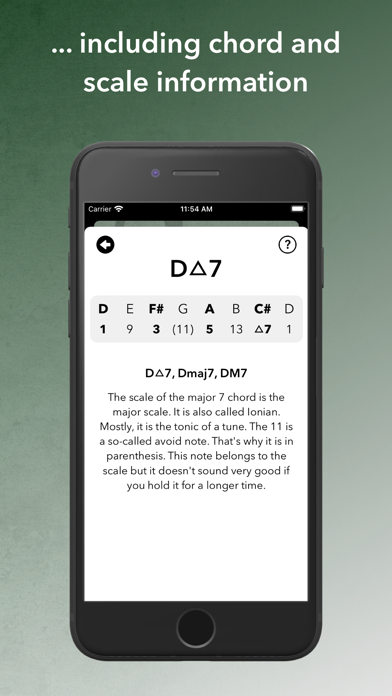
You can listen and play to all chords in all twelve keys, see which notes are the chord notes and scale notes and read information about the chord and the corresponding scale.
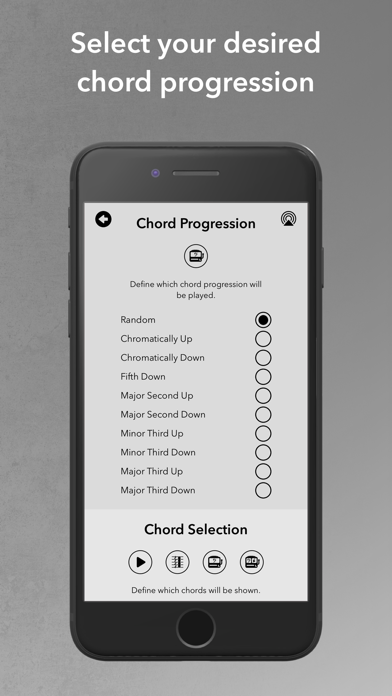
In addition to that, all chords can also be played randomly. You can choose to just randomly change the root or the root and the chord type.
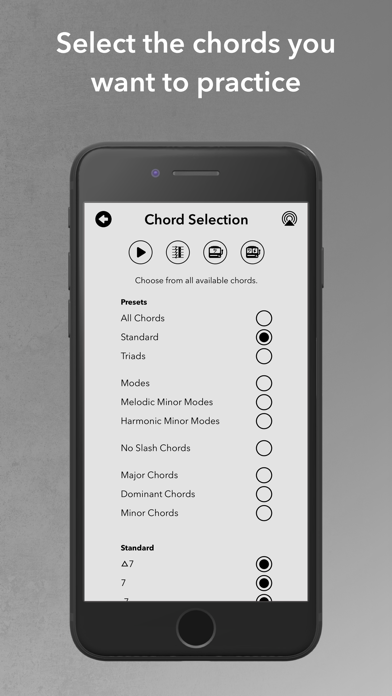
The app lets you filter the chords, which allows you to only randomly play the chords of for example the modes of melodic minor or harmonic minor.
45+ Chords:
▵7, 7, -7, ø7, o7, 5
69, ▵7#11, ▵7#5, ▵7#5(11), ▵7#9, ▵7#9b13
7sus4, 7susb9, 7#11, 7#5, 7b913, 7b9b13, 7b13, 7alt
-6, -▵7, -▵7b13, -7b13, -7b9, -7#11, -∆7#11, phryg, ø713, o7b2b11
major, major/3, major/5, major/b9, major/9, major/b3, major/11, major/#11, major/b13, major/13, major/7, major/▵7
minor, minor/b3, minor/5
augmented, diminished
Sounds: electric piano, piano, organ and strings
•Progressions•
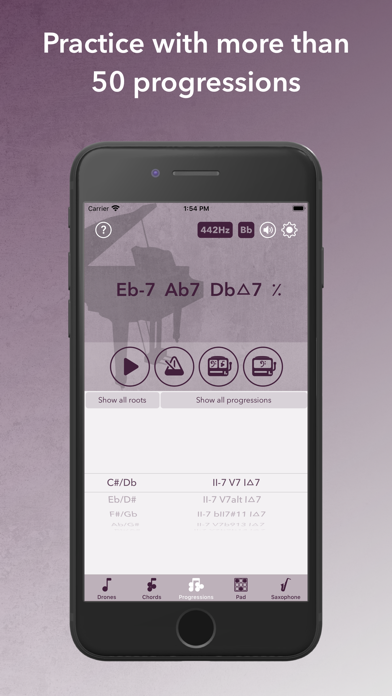
In this section you can practice more than 50 chord progressions in all twelve keys.
The metronome, with all its setting options, is also included in this section.
The volume of the root note, third and septime or rather the tensions is adjustable.
If you press one of the two random buttons, the app picks a random root or a random progression and root.
50+ progressions:
II-7 V7 I▵7, II-7 V7alt I▵7, II-7 bII7#11 I▵7, II-7 V7b913 I▵7, II-7 V7b9b13 I▵7, II-7 V7susb9 I▵7
IIø7 V7 I-, Coltrane Changes and so on…see full list on my website.
Sounds: electric piano, piano, organ and strings
•Pad•
Using the pad you can put together your own intervals and chords.
You have four octaves and five sounds to choose from, with which you can select up to five tones. The tones can sound both simultaneously and one after the other.
The metronome, with all its setting options, is also included in this section.
You can choose out of these sounds:
electric piano, piano, organ, strings and sine
•Fingerings for saxophone and reed adjustment for saxophone and clarinet•
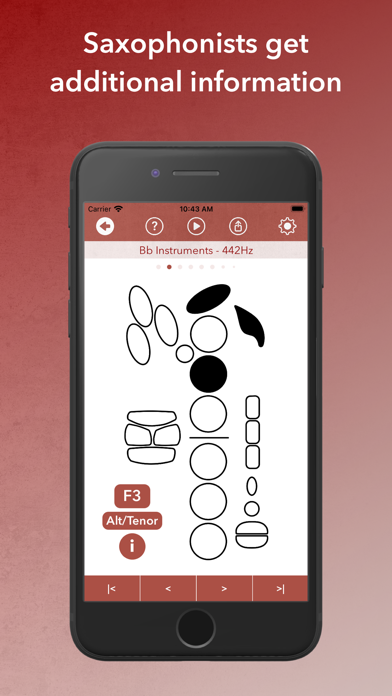
There are fingering charts about standard fingerings, false fingerings, altissimo and quarter tones and information about reed adjustment of sides, table, tip, shoulder and heart.
If you don´t play the saxophone, you can hide this part of the app.
•Features•
* Stealth Mode (Ear Training Mode). You can use stealth mode in drones, chords and progressions. This will hide the currently played chords and display them afterwards.
* A practice timer that informs you when your set practice time has expired.
* Landscape mode.
* Light- and dark appearance (Night Shift).
* You can set if you play a C, Bb, oder Eb Instrument.
* Are you an advanced player? The expert mode offers you additional information which could be confusing to unexperienced musicians. If you have no idea what C▵7#5 means or if you have never heard of quarter tones you probably should choose the standard mode.
* All sounds can be played from 432Hz to 444Hz.
Safety and technology
Found in the app by AppBrain- Price
- $5.99
- App size
- 170.2 MB
- Content rating
- Everyone
Technologies used by iPracticePro
Releases
Updates seen on the App Store- Version
- 2.93
- Launched
- January 2020
No changelog data
Alternatives
Similar apps and more from Steffen WeberAlternatives to iPracticePro


Rankings
App Store top charts- Highest rank
- #15
- Chart
- Top Paid
- Music
- Country
- Austria
About the app and developer
About iPracticePro
iPracticePro is a music app developed by Steffen Weber.
What is the rating of iPracticePro?
iPracticePro is rated 4.73 out of 5 stars, based on 240 ratings.
Is iPracticePro free?
iPracticePro costs $5.99. The app size is 170.18 MB. The latest version available is 2.93. The last update was on October 24, 2026.
What are the requirements for iPracticePro?
The app has a content rating of Everyone. The app has been available on the App Store since January 2020.
Developer information for Steffen Weber
Address: