Konica Minolta Mobile Print is a productivity app developed by Konica Minolta, Inc.
What is the rating of Konica Minolta Mobile Print?
Konica Minolta Mobile Print is rated 2.73 out of 5 stars, based on 51 ratings.
Is Konica Minolta Mobile Print free?
Konica Minolta Mobile Print is free. The app size is 121.05 MB. The latest version available is 3.20. The last update was on September 28, 2026.
What are the requirements for Konica Minolta Mobile Print?
The app has a content rating of Everyone. The app has been available on the App Store since July 2017.
Konica Minolta Mobile Print is made and published by
Konica Minolta, Inc.
AppBrain is an independent app data site and isn't affiliated with Konica Minolta, Inc.
The app name, icon, screenshots and description belong to Konica Minolta, Inc. and are shown as published on the App Store.
Description by Konica Minolta, Inc.(from the App Store)
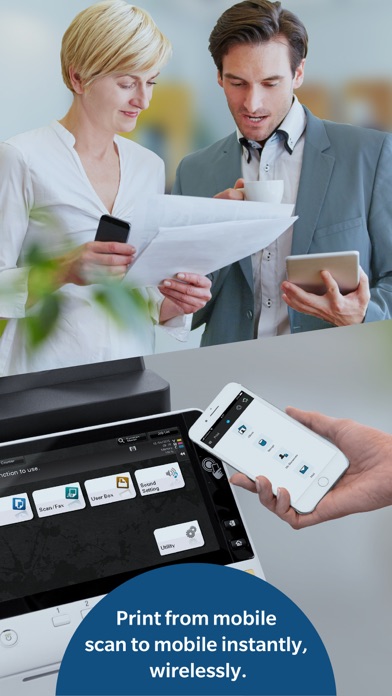
Konica Minolta Mobile Print is an app that allows you to connect your iOS device to a Konica Minolta MFP; the app integrates with the OS to enable trouble-free printing and importing scanned data.
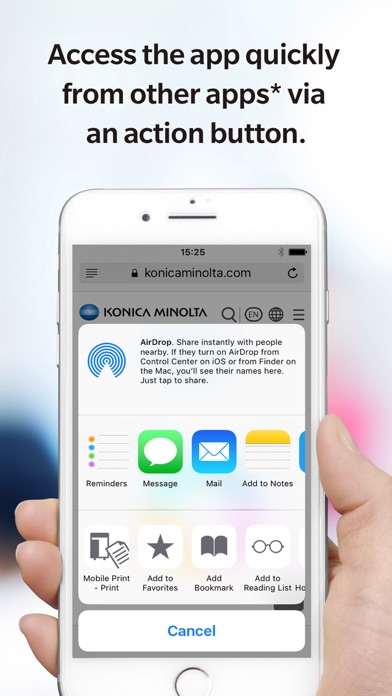
[Introduction of Main Functions of Application] Print Function: The OS integration function (Action button function) enables you to print directly from online storage, the browser and camera app on your mobile device. *Action buttons are an iOS function. Not all apps support action buttons. It is also available for printing data with My Documents.
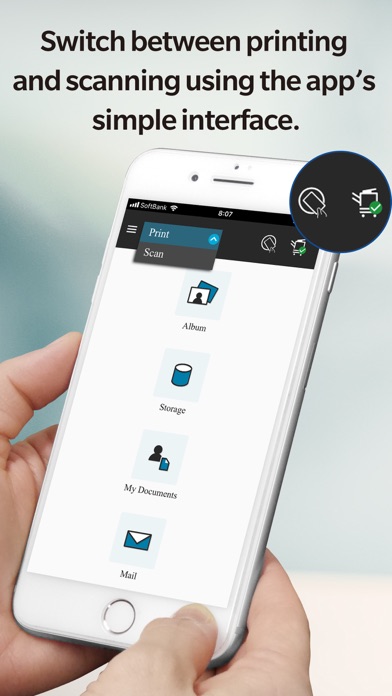
Prints images you have selected in the Photo Album function of the app via a connected MFP.
Opens any file stored in an integrated app from the Storage function and prints it via a connected MFP.
Prints emails and email attachments received when your email address is set up in the Konica Minolta Mobile Print app.
Supports Authentication and Secure Print to provide you with a more Secure printing environment.
Scan Function: Stores images you scanned via a remotely operated MFP using the Konica Minolta Mobile Print app on your mobile device into any OS-integrated app (a cloud storage app, etc.). It is also available for saving data with My Documents.
Bluetooth LE Function: Bluetooth LE enables the following operations: - Registration of an MFP by touching - Print by touching - Scan by touching - Authentication by touching
Please refer to Help for details on the features available.
[FAQ] Please refer to the following page for FAQ. URL: https://www.btapac.konicaminolta.com/solutions/km_mobile_print/iOS/faq/top.html
[Supported printing devices] Please refer to the following page for supported printing devices. URL: https://www.btapac.konicaminolta.com/solutions/km_mobile_print/spec_ios.html
Please refer to the following page for additional operating requirements. URL: https://www.btapac.konicaminolta.com/solutions/km_mobile_print/spec_ios.html
Each subscription will automatically renew 3 days before the expiration date for
the same time period. Subscriptions can be cancelled at any time before the renewal.