

Microsoft 365 Admin
Microsoft 365 Admin is made and published by Microsoft Corporation. AppBrain is an independent app data site and isn't affiliated with Microsoft Corporation. The app name, icon, screenshots and description belong to Microsoft Corporation and are shown as published on the App Store.
AppBrain's verdict
EstablishedLoved by users- Rating on App Store
- 4.65
- 5,837 ratings
- Last updated
- September 9, 2026
- Size
- 217.1 MB
Users love it: 4.6 stars from 5,837 ratings.
User feedback
Ratings and reviews on the App StoreComments on Microsoft 365 Admin for iOS
We don't have enough comments to show example comments. Please check back later.
Store listing
By Microsoft Corporation, from the App Store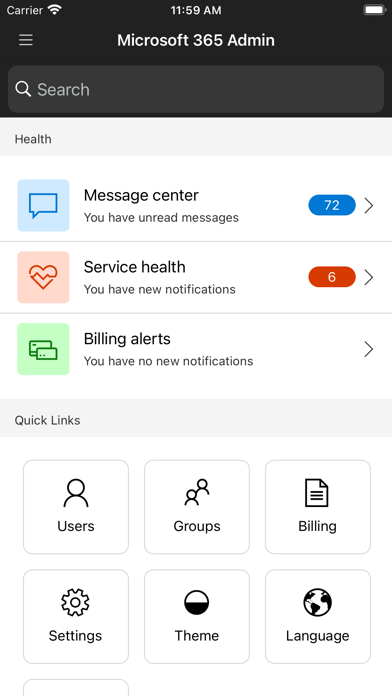
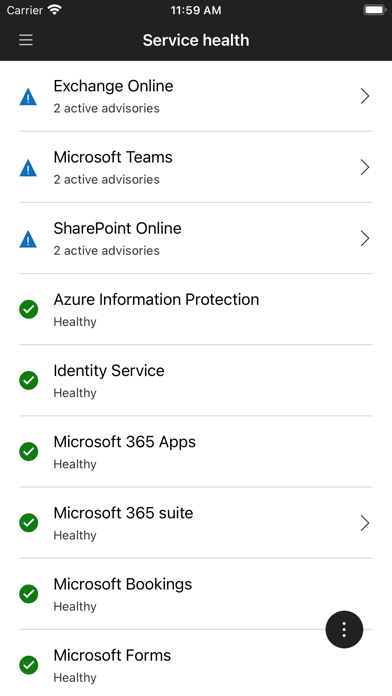
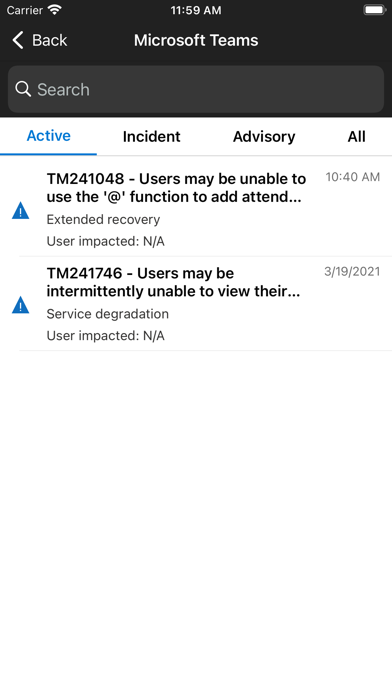
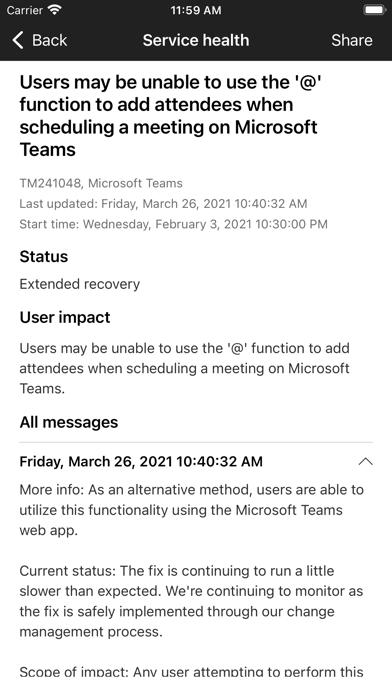
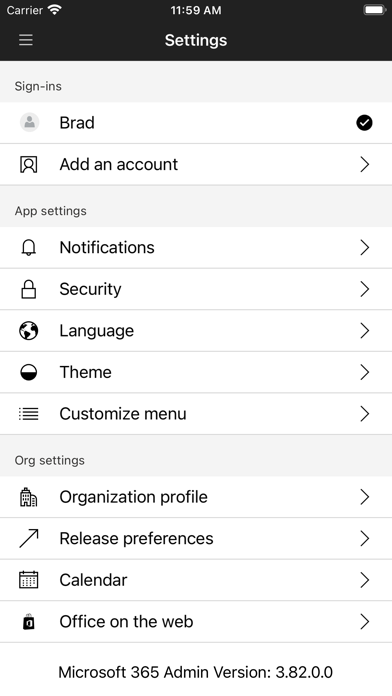
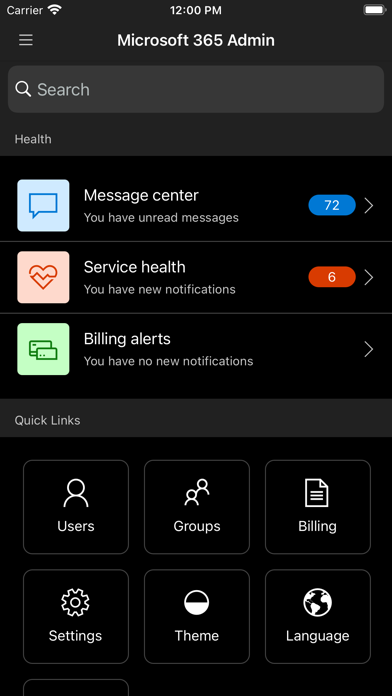
Description by Microsoft Corporation Written by the developer, not by AppBrain. Click to read.
The Microsoft 365 Admin App enables you to be productive from anywhere. The app allows you to receive critical notifications, add users, reset passwords, manage devices, create support requests, and more—all while you’re on the go.
Who should use this app? People with an admin role to a Microsoft 365 or Office 365 enterprise or business subscription.
What can I do with this app?
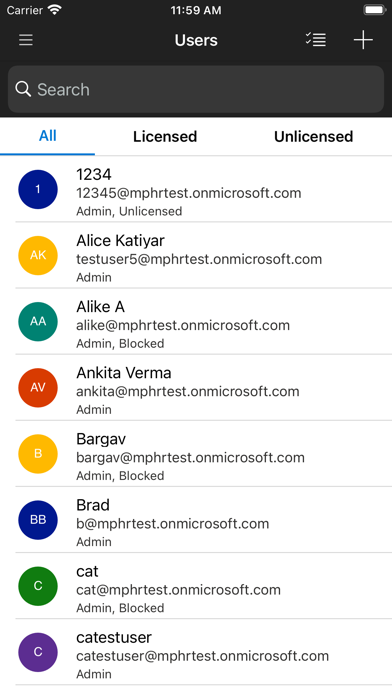
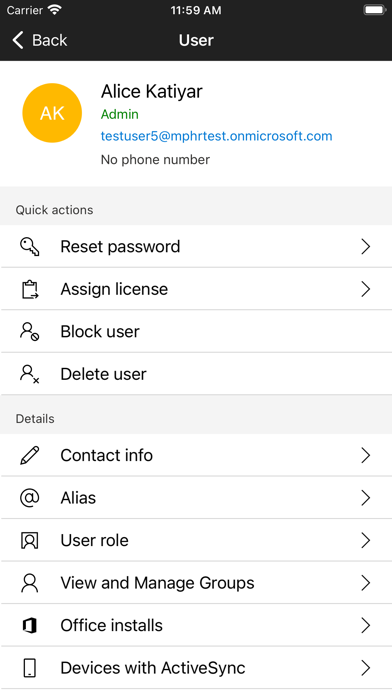
- Add, edit, block, or delete users, reset passwords, assign roles, or manage aliases & devices.
- Add groups, edit groups, and add or remove users from groups.
- View all available and assigned licenses, assign licenses to users, add or remove licenses, view and download invoices.
- Check the status of existing support requests, take actions on them, or create new ones.
- Monitor the health of all services and view active incidents in Service Health.
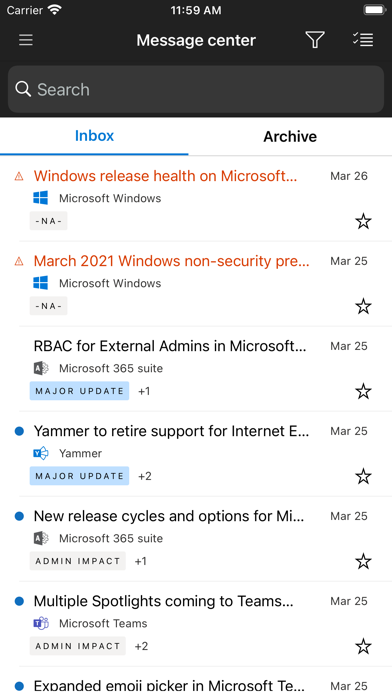
- Stay on top of all the upcoming changes and announcements via the Message Center feed.
- Get push notifications about important information related to service health, message center, and billing.
The app supports dark theme and is available in 39 languages. And if you're someone who is responsible for managing more than one tenant, you can sign-in to multiple tenants and quickly switch between them.
We're listening and constantly improving the app based on your feedback. Tell us what you like, what we can do better, and what features you'd like to see in the app. Send your feedback to feedback365@microsoft.com.
Safety and technology
Found in the app by AppBrain- Price
- Free
- App size
- 217.1 MB
- Content rating
- Everyone
Technologies used by Microsoft 365 Admin
Releases
Updates seen on the App Store- Version
- 6.1.0
- Launched
- December 2013
No changelog data
Alternatives
Similar apps and more from Microsoft CorporationAlternatives to Microsoft 365 Admin


More from Microsoft Corporation


Rankings
App Store top chartsApp Store Rankings for Microsoft 365 Admin
About the app and developer
About Microsoft 365 Admin
Microsoft 365 Admin is a productivity app developed by Microsoft Corporation.
User Ratings
Microsoft 365 Admin is rated 4.65 out of 5 stars. The rating is based on 5.8 thousand ratings.
App Information
Microsoft 365 Admin is freely available from the App Store. The app size is 217.09 MB. The latest version available is 6.1.0. The last update was on September 9, 2026.
Technical Requirements
The app has a content rating of Everyone. The app has been available on the App Store since December 2013.
Developer information for Microsoft Corporation
Address:
Frequently asked questions about Microsoft 365 Admin
Is Microsoft 365 Admin free?
Yes. Microsoft 365 Admin is free on the App Store.
Is Microsoft 365 Admin still available?
Yes. Microsoft 365 Admin is on the App Store, and the last update we saw was on September 9, 2026.
How large is Microsoft 365 Admin?
Microsoft 365 Admin is 217.09 MB.
Is Microsoft 365 Admin suitable for children?
App Store rates the content of Microsoft 365 Admin as suitable for everyone.
How do people rate Microsoft 365 Admin?
Microsoft 365 Admin scores 4.65 out of 5 stars, from 5,837 ratings on the App Store.
Who made Microsoft 365 Admin?
Microsoft 365 Admin was developed by Microsoft Corporation. It is listed in the productivity category on the App Store.
What are the best alternatives to Microsoft 365 Admin?
People looking at Microsoft 365 Admin also look at these productivity apps: Google Admin, UniFi, Google Cloud, Jira Cloud by Atlassian, Confluence Cloud.