

L-Scan: Doc Scanner App
L-Scan: Doc Scanner App is made and published by ViProject Limited. AppBrain is an independent app data site and isn't affiliated with ViProject Limited. The app name, icon, screenshots and description belong to ViProject Limited and are shown as published on the App Store.
AppBrain's verdict
Established- Rating on App Store
- 4.00
- 9 ratings
- Last updated
- August 10, 2021
It doesn't have enough ratings yet to judge what users think.
Rankings
App Store top chartsApp Store Rankings for L-Scan: Doc Scanner App
Competitors
Similar apps and more from ViProject LimitedAlternatives to L-Scan: Doc Scanner App





![PDF Text Scanner [OCR] : Lens icon](https://is1-ssl.mzstatic.com/image/thumb/Purple211/v4/b7/f8/7e/b7f87e12-fc5b-3dc9-d649-b0ae1983bdcd/AppIcon-1x_U007emarketing-0-8-0-85-220-0.png/100x100bb.jpg)


Releases
Updates seen on the App Store- Version
- 1.0.2
- Launched
- July 2021
No changelog data
User feedback
Ratings and reviews on the App StoreComments on L-Scan: Doc Scanner App for iOS
We don't have enough comments to show example comments. Please check back later.
Technology
Found in the app by AppBrain- Price
- Free
- App size
- 8.27 MB
- Content rating
- Everyone
Technologies used by L-Scan: Doc Scanner App
About the app and developer
About L-Scan: Doc Scanner App
L-Scan: Doc Scanner App is a productivity app developed by ViProject Limited.
User Ratings
L-Scan: Doc Scanner App is rated 4.00 out of 5 stars. The rating is based on 9 ratings.
App Information
L-Scan: Doc Scanner App is freely available from the App Store. The app size is 8.27 MB. The latest version available is 1.0.2. The last update was on August 10, 2021.
Technical Requirements
The app has a content rating of Everyone. The app has been available on the App Store since July 2021.
Developer information for ViProject Limited
Address:
Store listing
By ViProject Limited, from the App Store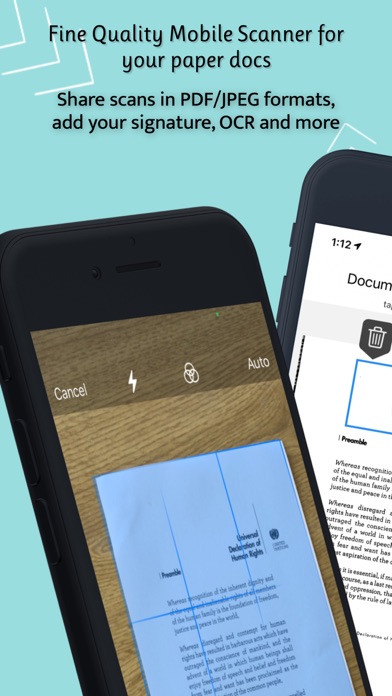



Description by ViProject Limited Written by the developer, not by AppBrain. Click to read.
L-Scan Features:
SMART SCANNING:
- Automatically detects document borders, removes background
- Automatically performs perspective correction
- Automatically enhances documents to make them look good
- Multipage scanning
SHARE DOCUMENTS:
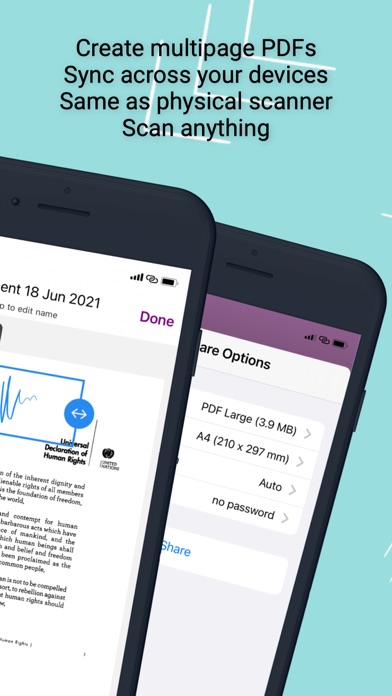
- Share documents in multipage PDFs and JPEG images
- PDF password protection
- Share documents via email, save to Photos, save to Files, print or open in any 3rd party application
EDIT SCANS:
- Crop, rotate scanned document pages
- Apply filters (original image, black&white, grayscale)
- Rearrange pages in scanned documents
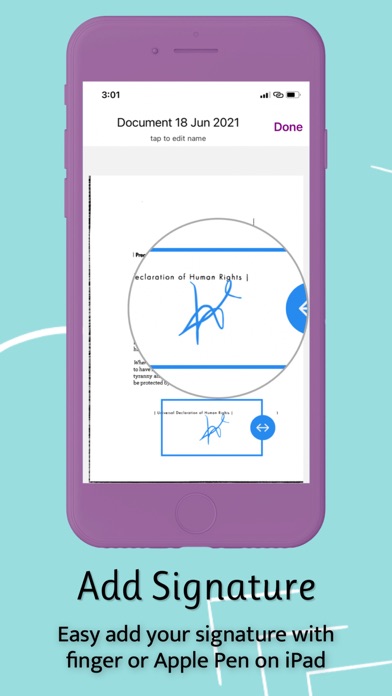
SIGN DOCUMENTS:
- Sign your scans directly on the screen with your finger or Apple Pencil
- Save signatures for later use
- Generate signed PDFs to share with other people
ORGANIZE DOCUMENTS:
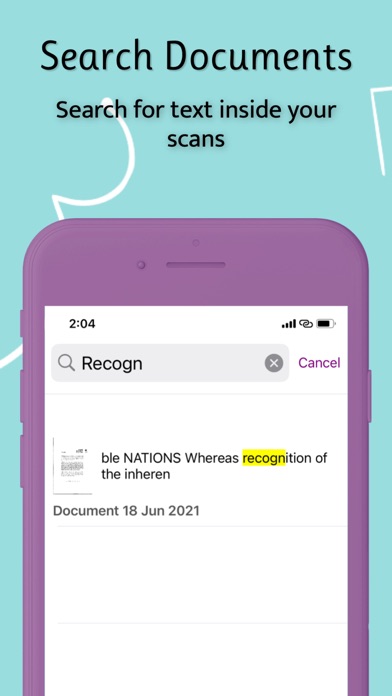
- Search through the text inside of your scans
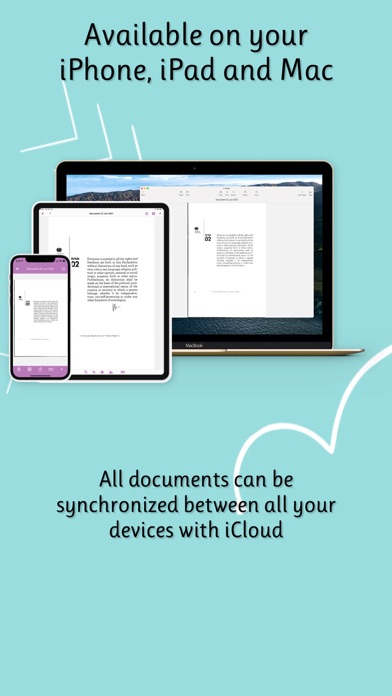
- Store your data in iCloud and keep everything up to date across all your devices (iPhone, iPad, Mac)
OCR (TEXT RECOGNITION):
- Recognize any text from your scans
- Create searchable PDF with selectable text
- Export texts as txt
- Supporting languages - English, French, Italian, German, Spanish, Portuguese, Chinese Simplified, Chinese Traditional
L-Scan Full version is available with auto-renewing in-app purchase subscription or one-time payment.
Functionality that included in L-Scan Full version:
- Share documents without watermark
- iCloud data Sync
- Text recognition (OCR)
- Sign Documents
-Payment will be charged to iTunes Account at confirmation of purchase.
-Subscription automatically renews unless auto-renew is turned off at least 24 hours before the end of the current period.
-The account will be charged for renewal within 24 hours prior to the end of the current period, and identify the cost of the renewal.
-Any unused portion of a free trial period, if offered, will be forfeited when the user purchases a subscription to that publication, where applicable.
-Subscriptions may be managed by the user and auto-renewal may be turned off by going to the user's Account Settings after purchase.
Privacy Policy: http://lscan.viprojectapp.com/privacy-policy-2/
Terms Of Service: http://lscan.viprojectapp.com/terms/
Any feedback, comments or suggestions are always welcome. You can contact us at ls.support@viprojectapp.com