

Light Suite - RAW Photo Editor
Light Suite - RAW Photo Editor is made and published by GENOVA Softworks. AppBrain is an independent app data site and isn't affiliated with GENOVA Softworks. The app name, icon, screenshots and description belong to GENOVA Softworks and are shown as published on the App Store.
AppBrain's verdict
Established- Rating on App Store
- 4.64
- 56 ratings
- Last updated
- September 6, 2022
It doesn't have enough ratings yet to judge what users think.
Rankings
App Store top chartsApp Store Rankings for Light Suite - RAW Photo Editor
Competitors
Similar apps and more from GENOVA SoftworksAlternatives to Light Suite - RAW Photo Editor







More from GENOVA Softworks


Releases
Updates seen on the App Store- Version
- 1.0.12
- Launched
- May 2020
No changelog data
User feedback
Ratings and reviews on the App StoreComments on Light Suite - RAW Photo Editor for iOS
We don't have enough comments to show example comments. Please check back later.
Technology
Found in the app by AppBrain- Price
- Free
- App size
- 3.82 MB
- Content rating
- High
Technologies used by Light Suite - RAW Photo Editor
About the app and developer
About Light Suite - RAW Photo Editor
Light Suite - RAW Photo Editor is a photo & video app developed by GENOVA Softworks.
User Ratings
Light Suite - RAW Photo Editor is rated 4.64 out of 5 stars. The rating is based on 56 ratings.
App Information
Light Suite - RAW Photo Editor is freely available from the App Store. The app size is 3.82 MB. The latest version available is 1.0.12. The last update was on September 6, 2022.
Technical Requirements
The app has a content rating of High Maturity. The app has been available on the App Store since May 2020.
Developer information for GENOVA Softworks
Address:
Store listing
By GENOVA Softworks, from the App Store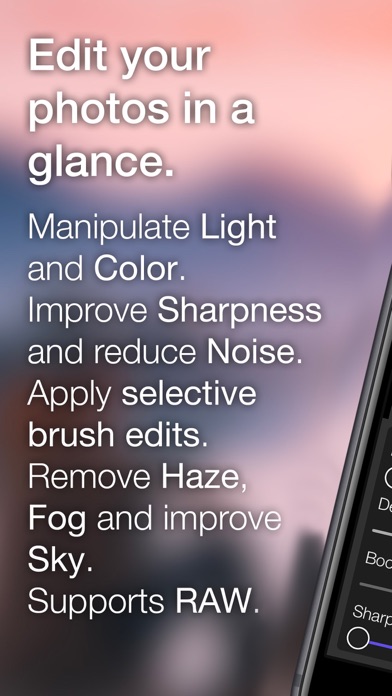
Description by GENOVA Softworks Written by the developer, not by AppBrain. Click to read.
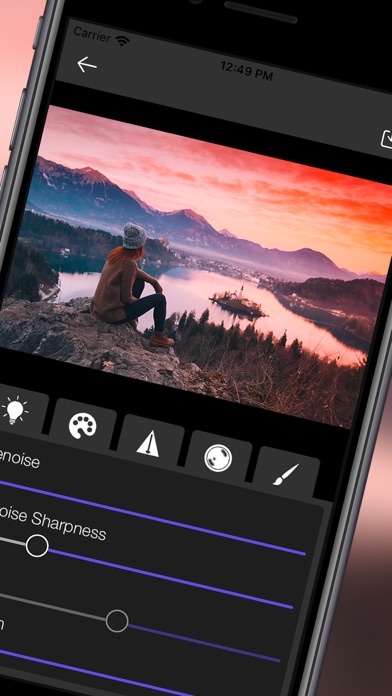
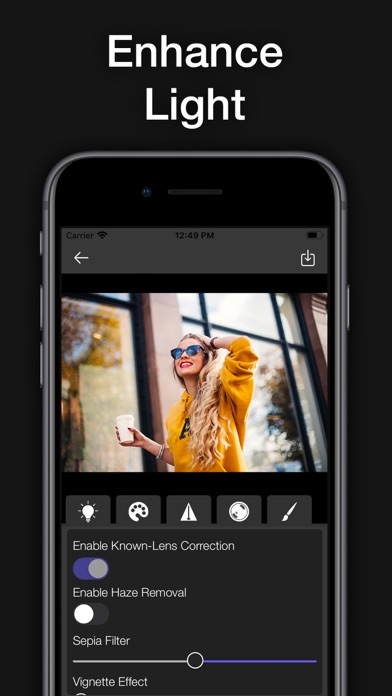
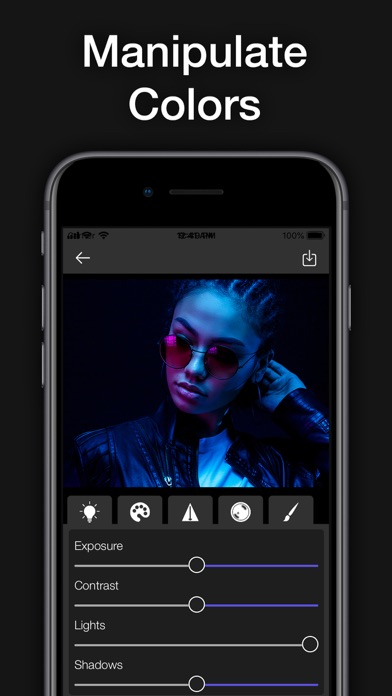
• Edit Light: Exposure, Contrast, Highlights, Shadows, Whites and Blacks;
• Color Edits: Saturation, Vibrance, Hue and Temperature;
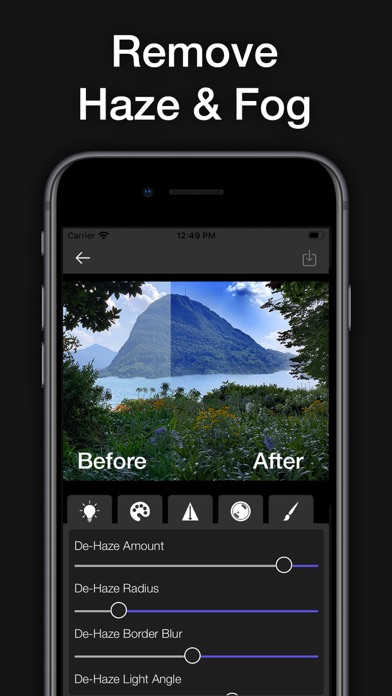
• Intelligent Haze and Fog removal Filter;
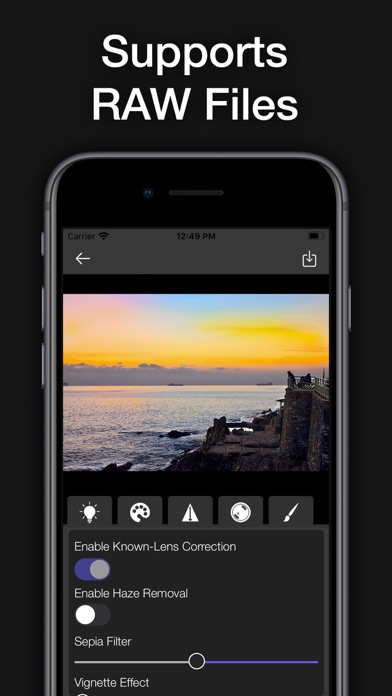
• RAW file support (such as Nikon NEF, Canon CR2, Sony ARW, iOS DNG, etc. file formats);
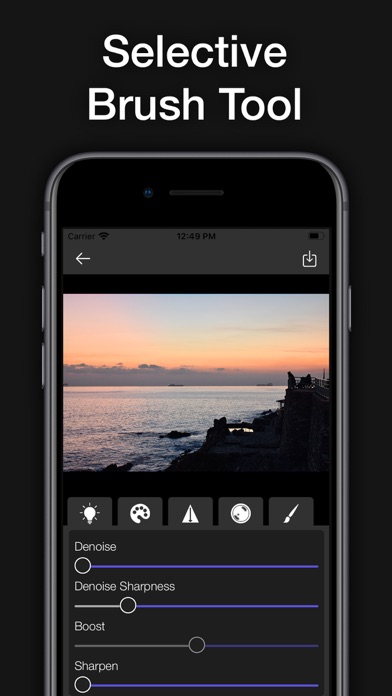
• Denoise Filter;
• Sharpen your photos with the Sharpen filter;
• Vignette Filter;
• Sepia Filter;
• Selective Brush Edit: You can edit the whole photo or you can also draw on the areas where you want to apply the edits and filters.
• Apple Pencil support;
An in-app subscription is required to unlock all the app features.
By using the app you agree the Terms of Use and the Privacy Policy available at: www.genovasoftworks.com/terms.php.