

Magic Draw: Sketch Canvas
Magic Draw: Sketch Canvas is made and published by Appulet, Inc. AppBrain is an independent app data site and isn't affiliated with Appulet, Inc. The app name, icon, screenshots and description belong to Appulet, Inc and are shown as published on the App Store.
AppBrain's verdict
Established- Rating on App Store
- 4.79
- 29 ratings
- Last updated
- February 25, 2023
- Size
- 16.3 MB
It doesn't have enough ratings yet to judge what users think.
User feedback
Ratings and reviews on the App StoreComments on Magic Draw: Sketch Canvas for iOS
We don't have enough comments to show example comments. Please check back later.
Store listing
By Appulet, Inc, from the App Store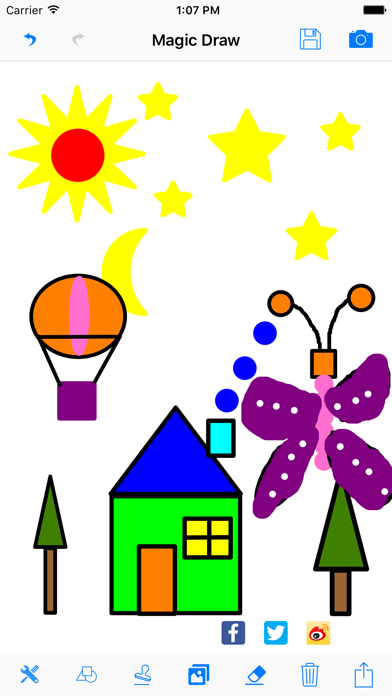
Description by Appulet, Inc Written by the developer, not by AppBrain. Click to read.
MagicDraw is a simple and easy to use and fun iOS drawing and sketch app for kids and their parents.
Key Features:
1) Settings for stroke and fill
- Choose brush thickness, opacity, and RGB color setting
- Choose fill RGB color and opacity
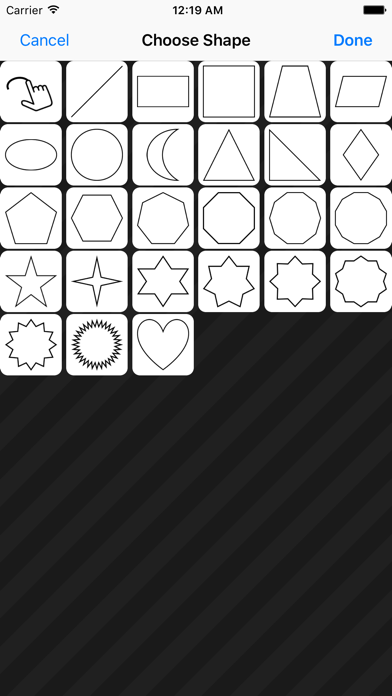
2) Draw with simple geometry shapes
- Free hand smooth drawing
- Draw with different fill color and stroke color for the basic geometry shapes to create fun drawings
- Pick a geometry shape, drag & draw. Simple.
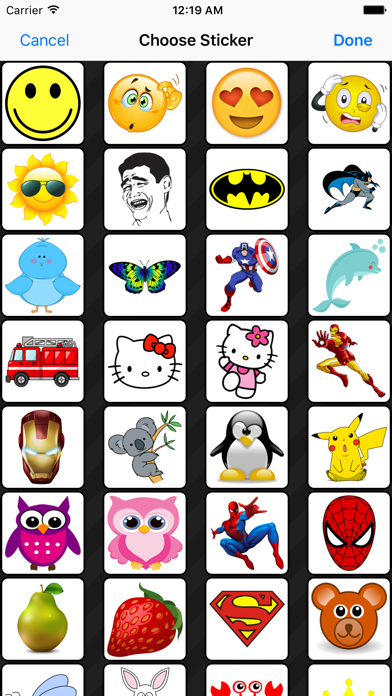
3) 50 Free Stickers to use
- Pick any sticker and touch the screen to add sticker
- You can move the sticker anywhere in the screen
- Use gesture to zoom and rotate the sticker to different size
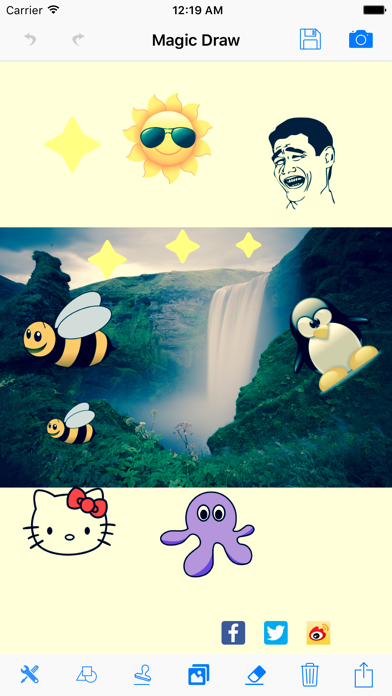
4) Import pictures and take photos with camera
- Import pictures from your photo library to draw and edit
- Take photos with camera
- Draw on the pictures and add shapes and stickers
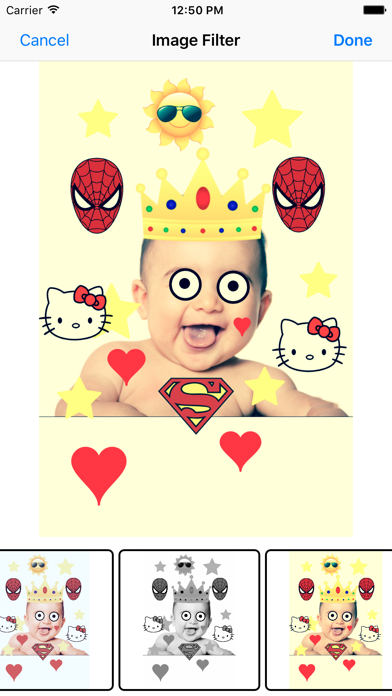
5) Support image filters to edit drawing
- 8 pre-loaded image filters to use
6) Undo and Redo features
- Currently, support upto 5 times undo/redo
7) Eraser function to remove sketch
- You can change the size of the eraser in the setting view with different brush thickness.
8) Delete and reset the drawing
9) Save the drawing/images to photo library
10) Share the drawing/images with Facebook, Twitter and Sina Weibo social network.
11) Send the drawing/images by email and message
Safety and technology
Found in the app by AppBrain- Price
- Free
- App size
- 16.3 MB
- Content rating
- Everyone
Technologies used by Magic Draw: Sketch Canvas
Releases
Updates seen on the App Store- Version
- 2.0
- Launched
- December 2016
No changelog data
Alternatives
Similar apps and more from Appulet, IncAlternatives to Magic Draw: Sketch Canvas






More from Appulet, Inc


Rankings
App Store top chartsApp Store Rankings for Magic Draw: Sketch Canvas
About the app and developer
About Magic Draw: Sketch Canvas
Magic Draw: Sketch Canvas is a productivity app developed by Appulet, Inc.
User Ratings
Magic Draw: Sketch Canvas is rated 4.79 out of 5 stars. The rating is based on 29 ratings.
App Information
Magic Draw: Sketch Canvas is freely available from the App Store. The app size is 16.32 MB. The latest version available is 2.0. The last update was on February 25, 2023.
Technical Requirements
The app has a content rating of Everyone. The app has been available on the App Store since December 2016.
Developer information for Appulet, Inc
Address:
Frequently asked questions about Magic Draw: Sketch Canvas
Is Magic Draw: Sketch Canvas free?
Yes. Magic Draw: Sketch Canvas is free on the App Store.
Is Magic Draw: Sketch Canvas still available?
Yes. Magic Draw: Sketch Canvas is on the App Store, and the last update we saw was on February 25, 2023.
How large is Magic Draw: Sketch Canvas?
Magic Draw: Sketch Canvas is 16.32 MB.
Is Magic Draw: Sketch Canvas suitable for children?
App Store rates the content of Magic Draw: Sketch Canvas as suitable for everyone.
How do people rate Magic Draw: Sketch Canvas?
Magic Draw: Sketch Canvas scores 4.79 out of 5 stars, from 29 ratings on the App Store.
Who made Magic Draw: Sketch Canvas?
Magic Draw: Sketch Canvas was developed by Appulet, Inc. It is listed in the productivity category on the App Store.
What are the best alternatives to Magic Draw: Sketch Canvas?
People looking at Magic Draw: Sketch Canvas also look at these productivity apps: Little Pad - Drawing App, pythoni2.7$-run code,color,pro, MarkNote Lite, Draw Board on whiteboard pad, Timezone Assistant.