

Mana Viewer - Zip File Viewer
Mana Viewer - Zip File Viewer is made and published by CASOFT. AppBrain is an independent app data site and isn't affiliated with CASOFT. The app name, icon, screenshots and description belong to CASOFT and are shown as published on the App Store.
AppBrain's verdict
Established- Rating on App Store
- 5.00
- 1 ratings
- Last updated
- September 8, 2021
It doesn't have enough ratings yet to judge what users think.
Rankings
App Store top chartsApp Store Rankings for Mana Viewer - Zip File Viewer
Competitors
Similar apps and more from CASOFTAlternatives to Mana Viewer - Zip File Viewer


More from CASOFT






Releases
Updates seen on the App Store- Version
- 1.5.1
- Launched
- January 2021
No changelog data
User feedback
Ratings and reviews on the App StoreComments on Mana Viewer - Zip File Viewer for iOS
We don't have enough comments to show example comments. Please check back later.
Technology
Found in the app by AppBrain- Price
- Free
- App size
- 42.2 MB
- Content rating
- Everyone
Technologies used by Mana Viewer - Zip File Viewer
About the app and developer
About Mana Viewer - Zip File Viewer
Mana Viewer - Zip File Viewer is a books app developed by CASOFT.
User Ratings
Mana Viewer - Zip File Viewer is rated 5.00 out of 5 stars. The rating is based on one rating ratings.
App Information
Mana Viewer - Zip File Viewer is freely available from the App Store. The app size is 42.19 MB. The latest version available is 1.5.1. The last update was on September 8, 2021.
Technical Requirements
The app has a content rating of Everyone. The app has been available on the App Store since January 2021.
Developer information for CASOFT
Address:
Store listing
By CASOFT, from the App Store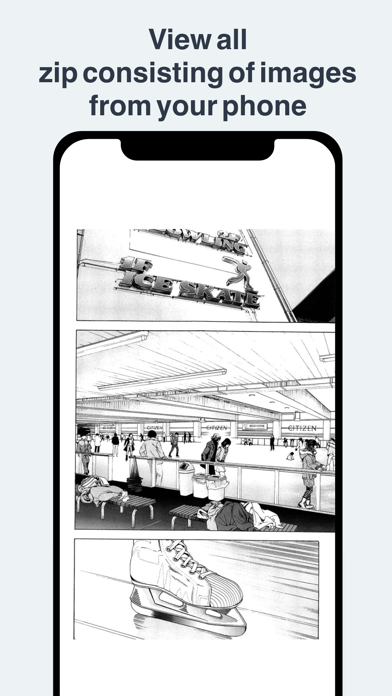
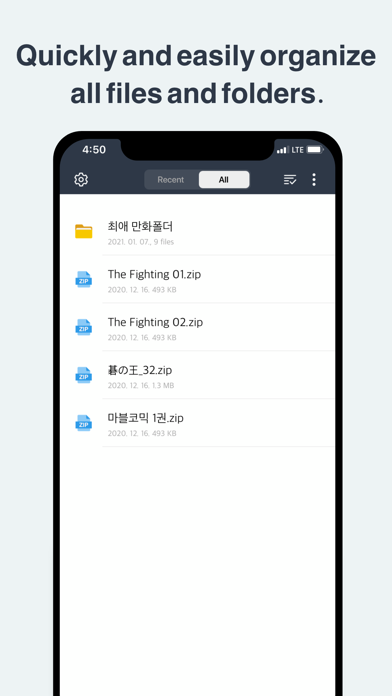
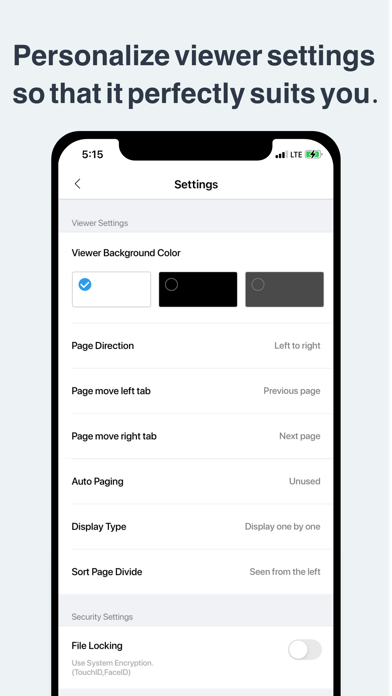
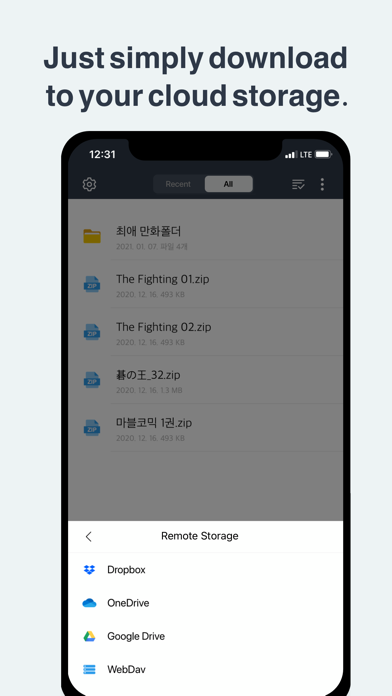
Description by CASOFT Written by the developer, not by AppBrain. Click to read.
Experience this simple to use comic book compatible with your iPhone and iPad!
[Features]
- Download from your cloud (iCloud, Dropbox, OneDrive, GoogleDrive, WebDav)
- Transfer files from iTunes
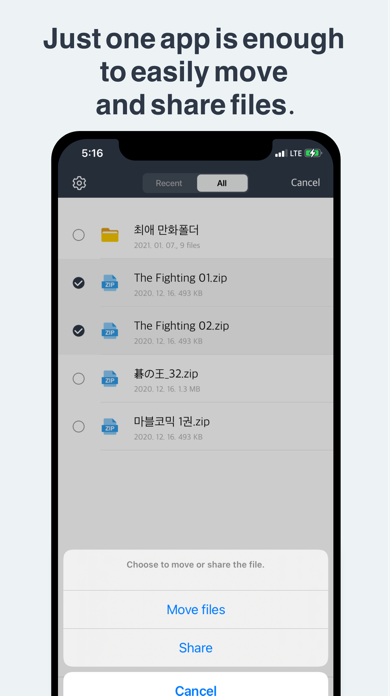
- Create folders or move and delete files
- Share files
- Change screen styles to your taste
- Bookmark
- Page orientation
- Easy touch page move
- Secure your files by file locking
- See recent files
- Delete your cache
- Able to use night mode
- Set your preferred scrolling direction (vertical or horizontal)
- Change encoding (automatically detects the right encoding format at first)
[Access Settings]
Biometric ID: Agree to Face ID for file security
[Support]
Email support: mrlhs77@gmail.com
* Customer service can also be found in Settings
* Our team considers your feedback to be the most important. Please give us your feedback for us to provide better service!