

Mason Bank Mobile is made and published by Mason Bank. AppBrain is an independent app data site and isn't affiliated with Mason Bank. The app name, icon, screenshots and description belong to Mason Bank and are shown as published on the App Store.
AppBrain's verdict
EstablishedLoved by users- Rating on App Store
- 4.91
- 165 ratings
- Last updated
- October 16, 2026
- Size
- 198.7 MB
Users love it: 4.9 stars from 165 ratings.
User feedback
Ratings and reviews on the App StoreComments on Mason Bank Mobile for iOS
We don't have enough comments to show example comments. Please check back later.
Store listing
By Mason Bank, from the App Store


Description by Mason Bank Written by the developer, not by AppBrain. Click to read.
Available features include:
Accounts:
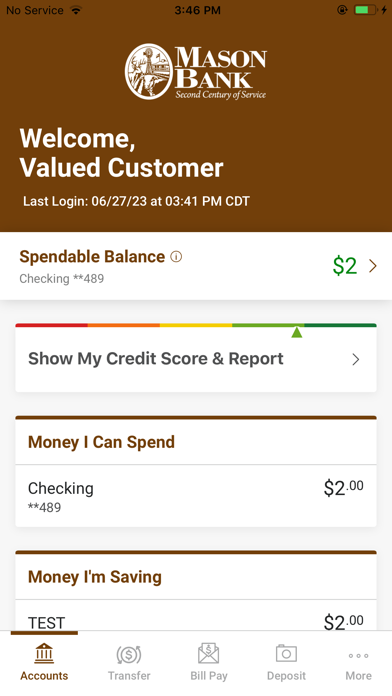
•Check your latest account balance and search recent transactions by date, amount, or check number.
Transfers:
•Easily transfer cash between your accounts.
Bill Pay:
•Make payments and view recent and scheduled payments.
Manage Payees:
•Ability to add new payees, existing payers, or delete payees directly from the mobile app.
Deposits:
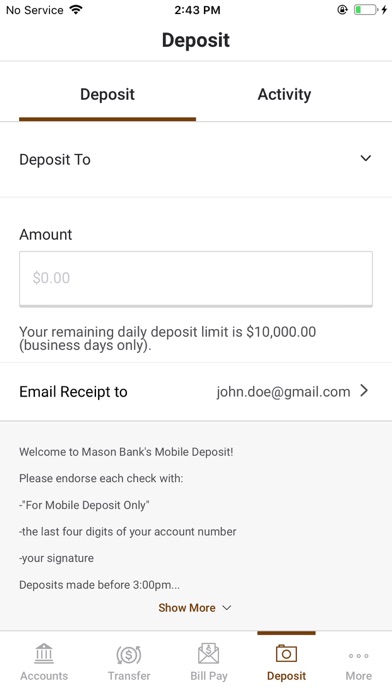
•Submit check deposits using your device’s camera.
Touch ID/Face ID:
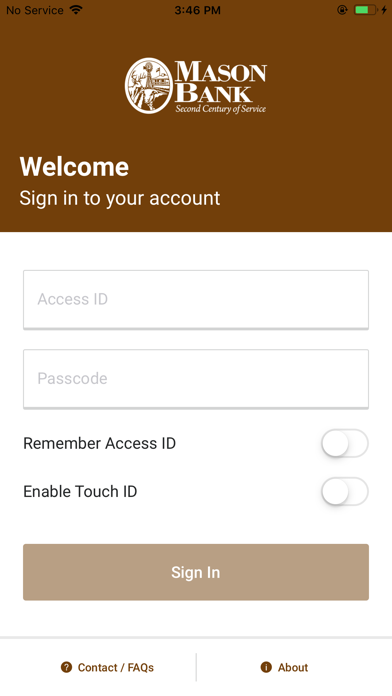
•Touch ID/Face ID allows you to use a secure and more efficient sign-on experience using your fingerprint or facial recognition.
Safety and technology
Found in the app by AppBrain- Price
- Free
- App size
- 198.7 MB
- Content rating
- Everyone
Technologies used by Mason Bank Mobile
Releases
Updates seen on the App Store- Version
- 7.116.2.18252
- Launched
- April 2018
No changelog data
Alternatives
Similar apps and more from Mason BankAlternatives to Mason Bank Mobile


Rankings
App Store top chartsApp Store Rankings for Mason Bank Mobile
About the app and developer
About Mason Bank Mobile
Mason Bank Mobile is a finance app developed by Mason Bank.
What is the rating of Mason Bank Mobile?
Mason Bank Mobile is rated 4.91 out of 5 stars, based on 170 ratings.
Is Mason Bank Mobile free?
Mason Bank Mobile is free. The app size is 198.74 MB. The latest version available is 7.116.2.18252. The last update was on October 16, 2026.
What are the requirements for Mason Bank Mobile?
The app has a content rating of Everyone. The app has been available on the App Store since April 2018.
Developer information for Mason Bank
Address: