

MeasureKit - AR Ruler Tape
MeasureKit - AR Ruler Tape is made and published by Rinat Khanov. AppBrain is an independent app data site and isn't affiliated with Rinat Khanov. The app name, icon, screenshots and description belong to Rinat Khanov and are shown as published on the App Store.
AppBrain's verdict
EstablishedWell rated- Rating on App Store
- 4.29
- 112 ratings
- Last updated
- April 12, 2020
Users rate it well: 4.3 stars from 112 ratings.
Rankings
App Store top chartsApp Store Rankings for MeasureKit - AR Ruler Tape
Competitors
Similar apps and more from Rinat KhanovAlternatives to MeasureKit - AR Ruler Tape






More from Rinat Khanov


Releases
Updates seen on the App Store- Version
- 2.0
- Launched
- September 2017
No changelog data
User feedback
Ratings and reviews on the App StoreComments on MeasureKit - AR Ruler Tape for iOS
We don't have enough comments to show example comments. Please check back later.
Technology
Found in the app by AppBrain- Price
- $2.99
- App size
- 48.3 MB
- Content rating
- Everyone
Technologies used by MeasureKit - AR Ruler Tape
About the app and developer
About MeasureKit - AR Ruler Tape
MeasureKit - AR Ruler Tape is an utilities app developed by Rinat Khanov.
What is the rating of MeasureKit - AR Ruler Tape?
MeasureKit - AR Ruler Tape is rated 4.29 out of 5 stars, based on 110 ratings.
Is MeasureKit - AR Ruler Tape free?
MeasureKit - AR Ruler Tape costs $2.99. The app size is 48.29 MB. The latest version available is 2.0. The last update was on April 12, 2020.
What are the requirements for MeasureKit - AR Ruler Tape?
The app has a content rating of Everyone. The app has been available on the App Store since September 2017.
Developer information for Rinat Khanov
Address:
Store listing
By Rinat Khanov, from the App Store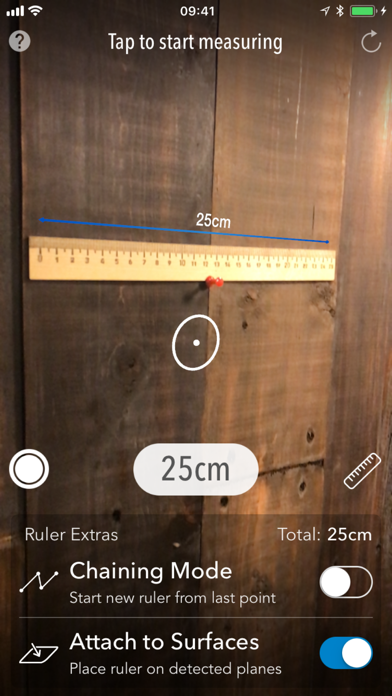
Description by Rinat Khanov Written by the developer, not by AppBrain. Click to read.
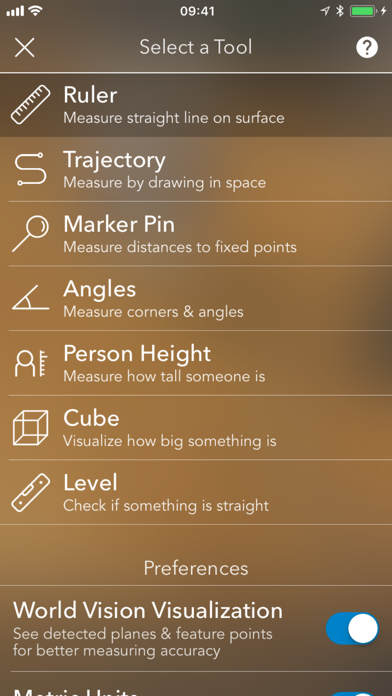
Leveraging Apple’s new ARKit technology, MeasureKit contains 9 measuring AR tools:
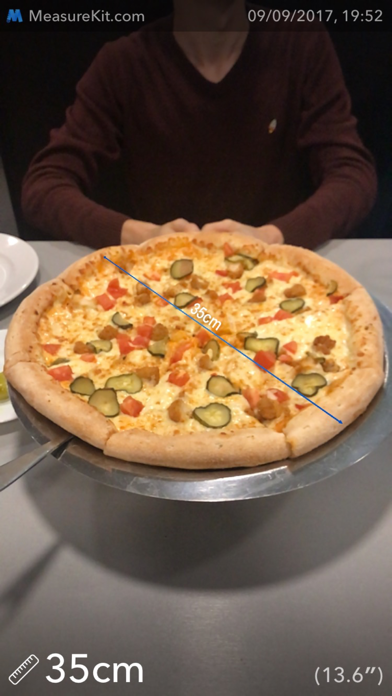
1) Ruler — measure straight lines on any surface, such as a desk or wall.
2) Magnetometer — measure magnetic field force around your device.
3) Trajectory — measure by “drawing” (moving your device) in the real world.
4) Face Mesh — check different attributes and export a 3D model of your face (available on iPhone X).
5) Marker Pin — measure distance from device camera to fixed points in space.
6) Angles — measure corners.
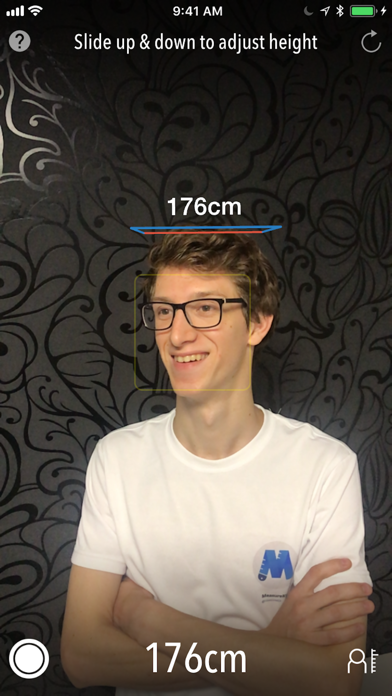
7) Person Height — measure how tall someone is.
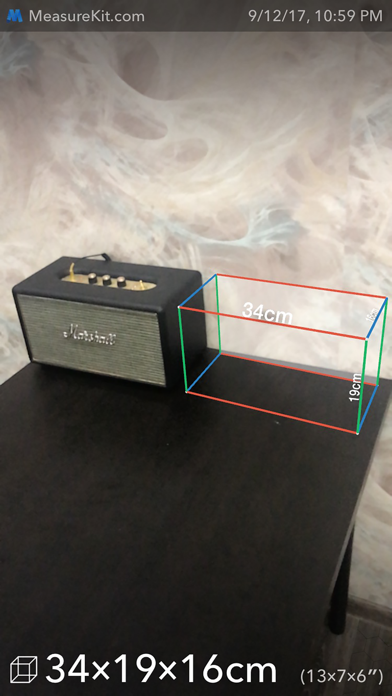
8) Cube — visualize how big something is.
9) Level — check if something is horizontal or vertical
Chaining Mode in Ruler Tool allows you to quickly link multiple rulers together in one measuring session and measure floor area enclosed by a chain — useful for measuring an area of a room.
MeasureKit features an advanced algorithm for world understanding using ARKit. On selected supported devices, LiDAR Scanner uses direct time of flight to measure reflected light from up to five meters away, both indoors and out. It works at the photon level, operates at nanosecond speeds, and allows MeasureKit app to offer really smooth and accurate measuring experience including on walls, desks and other surfaces.