Medieval Rabbit Stickers is made and published by
Pavel Dubov.
AppBrain is an independent app data site and isn't affiliated with Pavel Dubov.
The app name, icon, screenshots and description belong to Pavel Dubov and are shown as
published on the App Store.
About Medieval Rabbit Stickers
Medieval Rabbit Stickers is a stickers app developed by Pavel Dubov.
User Ratings
Medieval Rabbit Stickers is rated 4.90 out of 5 stars. The rating is based on 51 ratings.
App Information
Medieval Rabbit Stickers costs $0.99. The app size is 43.68 MB. The latest version available is 2.1.1. The last update was on April 27, 2021.
Technical Requirements
The app has a content rating of Everyone. The app has been available on the App Store since October 2016.
Description by Pavel Dubov(from the App Store)
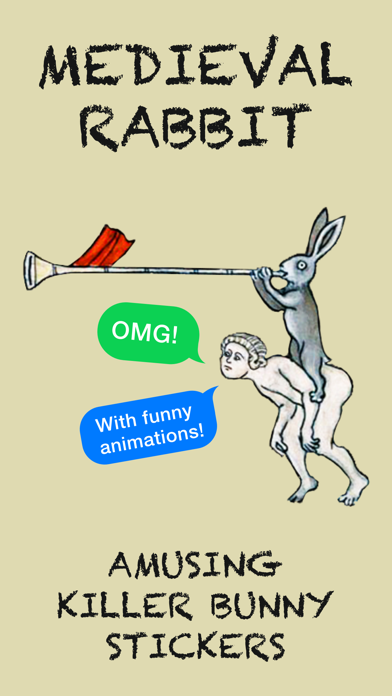
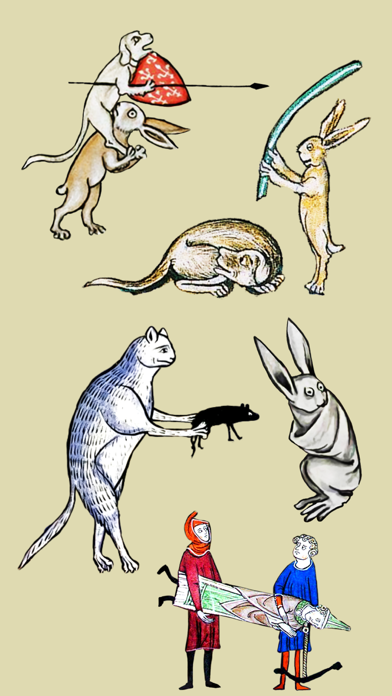
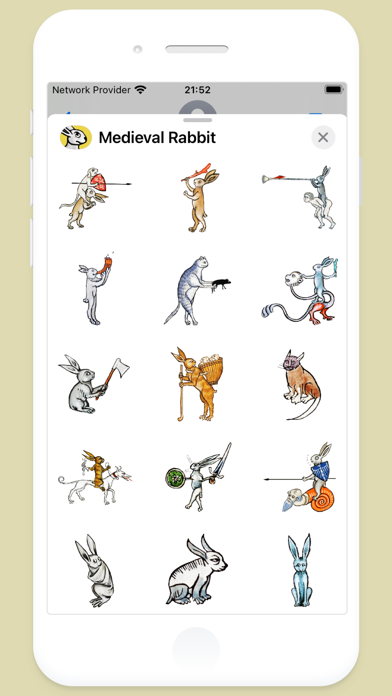
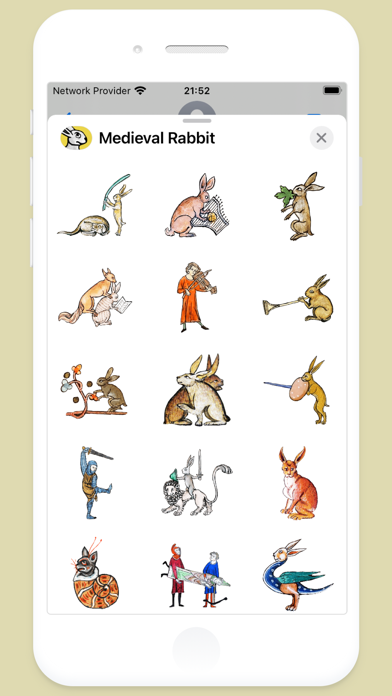
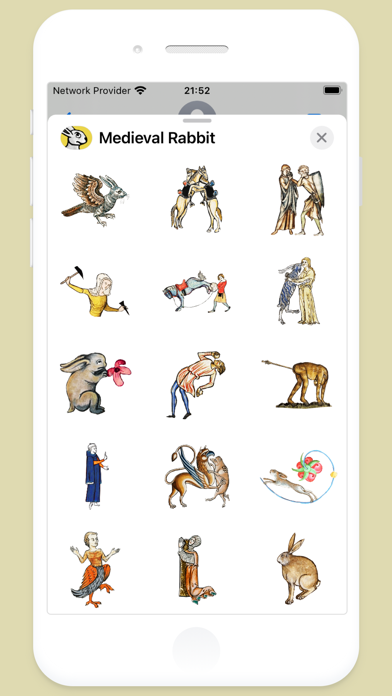
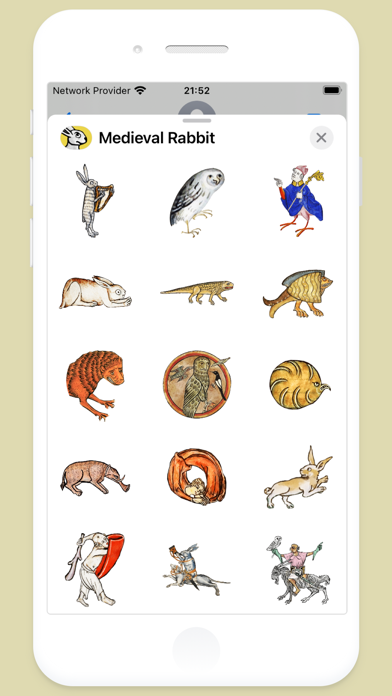
For those of us who can appreciate weird and funny drawings, these stickers can’t fail to fascinate. More than 60 hand-picked artworks, which include dozens animations. Specially designed to send to your friends and stick all over your text messages.
1. ABOUT MEDIEVAL RABBITS:
Rabbits were often featured in medieval art. These illustrations, also referred to as grotesques, were used to decorate the margins of illuminated manuscripts. Rabbits usually depict amusing figures or scenes, including mythical half-man half-beast figures. They are considered a prime example of medieval humour.
2. HOW TO USE STICKERS:
• Open Messages and tap the Compose button to start a new message. Or go to an existing conversation. • Swipe left or right over the app drawer to find the one that you want to use. • Then tap the app to open it.
If you want to add a sticker, touch and hold the sticker, then drag it to the message bubble. The sticker will automatically send when you add it to the message.
3. MANAGING STICKERS:
• Open Messages and tap the Compose button to start a new message. Or go to an existing conversation. • Swipe left over the app drawer and tap the More button . • Tap Edit button to manage or reorder stickers. Or swipe left over the app to Delete.
If the app won't open, re-open Messages app (swipe-up and open again).
4. EXTRAS:
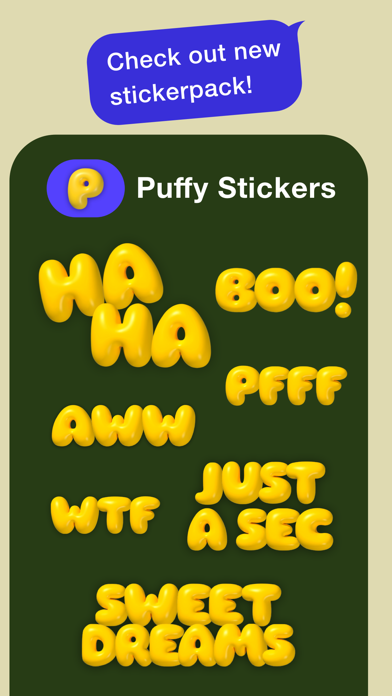
Don't forget to check out our other stickerpacks! Enjoy!
Each subscription will automatically renew 3 days before the expiration date for
the same time period. Subscriptions can be cancelled at any time before the renewal.