

Meteor 73 is made and published by ALOTEQ SP Z O O. AppBrain is an independent app data site and isn't affiliated with ALOTEQ SP Z O O. The app name, icon, screenshots and description belong to ALOTEQ SP Z O O and are shown as published on the App Store.
AppBrain's verdict
Established- Rating on App Store
- 3.67
- 9 ratings
- Last updated
- July 19, 2018
It doesn't have enough ratings yet to judge what users think.
Rankings
App Store top chartsApp Store Rankings for Meteor 73
Competitors
Similar apps and more from ALOTEQ SP Z O OAlternatives to Meteor 73





More from ALOTEQ SP Z O O


Releases
Updates seen on the App Store- Version
- 1.6.3
- Launched
- August 2015
No changelog data
User feedback
Ratings and reviews on the App StoreComments on Meteor 73 for iOS
We don't have enough comments to show example comments. Please check back later.
Technology
Found in the app by AppBrain- Price
- Free
- App size
- 60.2 MB
- Content rating
- Everyone
Technologies used by Meteor 73
About the app and developer
About Meteor 73
Meteor 73 is a navigation app developed by ALOTEQ SP Z O O.
User Ratings
Meteor 73 is rated 3.67 out of 5 stars. The rating is based on 9 ratings.
App Information
Meteor 73 is freely available from the App Store. The app size is 60.20 MB. The latest version available is 1.6.3. The last update was on July 19, 2018.
Technical Requirements
The app has a content rating of Everyone. The app has been available on the App Store since August 2015.
Developer information for ALOTEQ SP Z O O
Address:
Store listing
By ALOTEQ SP Z O O, from the App Store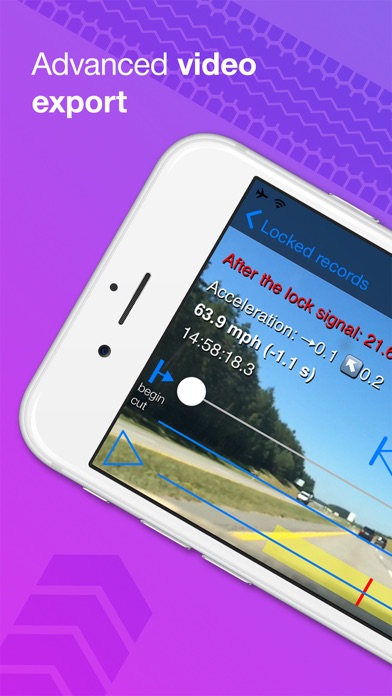

Description by ALOTEQ SP Z O O Written by the developer, not by AppBrain. Click to read.
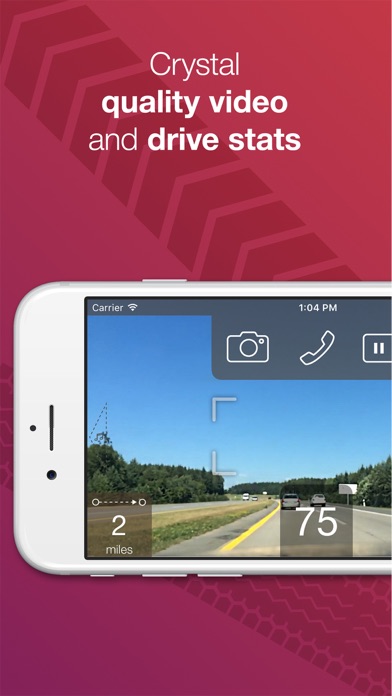
Loop video and sound recording with automatic overwriting and start/stop activation (DVR)
Option to cut processing video right on your smartphone
Instant upload of processed videos to E-mail, YouTube and Facebook
NOTE: Video recording allowed only when the app is running - it's not the app limitation.
Video processing capabilities
Option to cut processing video right on your smartphone
Function to cut recorded video before exporting (to export exact time frame)
In-video text: speed, time, acceleration
Soft and hard braking indicator
Current place map picture-in-picture shot (Apple Maps)
Two custom text lines to enhance your video options
Time-lapse mode for incredible videos
Export of processed videos and photos to any installed apps, such as DropBox, Photo and Vimeo.
Option for pass-through video export with light speed ***
Trip information
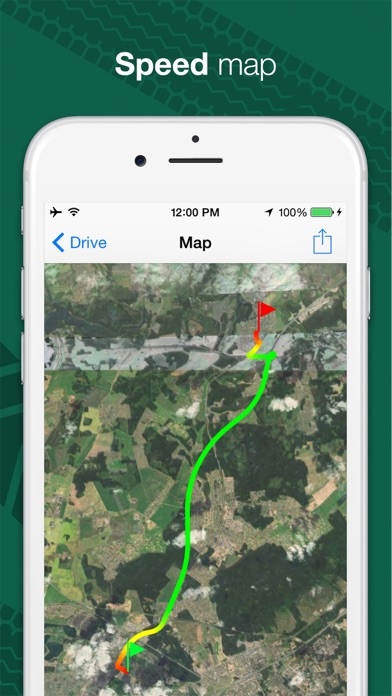
Stunning drive map with color-coded speed conditions
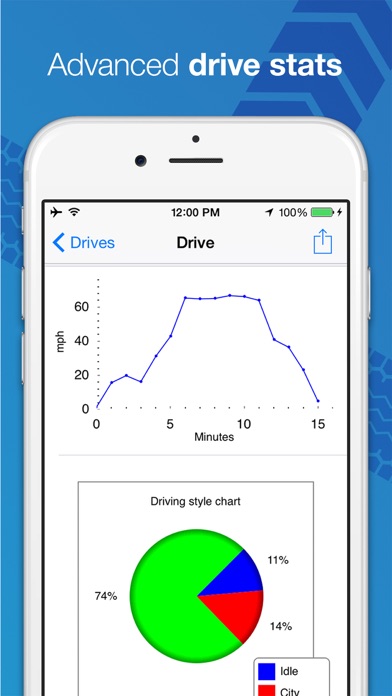
Speed plot
Driving style pie chart (highway, city, idle)
Start and stop points (with geo-reversed information, when available)
Distance, time and, average speed
Full Driving Recorder features list
Single screen tap overwrite protection (Dashboard Cam)
Digital GPS speedometer with configurable threshold signals
Additional time lapse loop to keep hours of video ***
Music player and current map
Speed-dial screen with pre-configurable favorites (iPhone only)
Fast image-capture button
Apple Maps and Google Maps support
Expenses tracker optimized for drivers and vehicle owners
Maintenance thresholds with automating tracking by driving distance, drive time, and calendar date
iOS device built-in hardware-accelerated video recording up to 3840x2160 (4K) and 240 frames per second *
iOS device built-in hardware-assisted video stabilization **
Distant focus lock: Ideal for vehicle usage with a consistently sharp image - no more faulty autofocus conditions!
AlwaysBright(tm) technology to automatically adjust frame rate and resolution during low light conditions (configurable) ***
DoubleLoop(tm) technology: main loop with high frame rate and additional one with 1 frame per second ***
Front and rear camera support with fast switching
Vehicle motion logging with 3D-accelerometer
Support of Bluetooth Car Kits (except audio recording)
Embedded video recorder/player with 1-second step playback and configurable playback speed
Amazing “Where is my car?” function - assist in finding misplaced vehicles
Fast support at support@poldeo.com
*Depends on iPhone or iPod model. 4K video supported starting from iPhone 6s / 6s Plus
** Not supported by some front cameras
*** Premium feature
Continued use of GPS running in the background can dramatically decrease battery life.