

Minesweeper Classic: Retro
Minesweeper Classic: Retro is made and published by Still57. AppBrain is an independent app data site and isn't affiliated with Still57. The app name, icon, screenshots and description belong to Still57 and are shown as published on the App Store.
AppBrain's verdict
EstablishedLoved by users- Best rank
- #32
- Top Free, South Korea
- Rating on App Store
- 4.65
- 21,964 ratings
- Last updated
- May 5, 2026
Users love it: 4.7 stars from 21,964 ratings. Its best ranking is #32 in Top Free, Board Games in South Korea.
Rankings
App Store top charts- Highest rank
- #32
- Chart
- Top Free
- Board Games
- Country
- South Korea
App Store Rankings for Minesweeper Classic: Retro
Top rankings
| Rank | Country | Category | List |
|---|---|---|---|
| 32 | South Korea | Board Games | Top Free |
| 87 | Canada | Board Games | Top Free |
| 46 | Poland | Board Games | Top Free |
| 54 | Finland | Board Games | Top Free |
| 56 | Slovakia | Board Games | Top Free |
| 69 | Czech Republic | Board Games | Top Free |
| 74 | Spain | Board Games | Top Free |
| 81 | Mexico | Board Games | Top Free |
| 83 | Italy | Board Games | Top Free |
| 85 | Australia | Board Games | Top Free |
Ranking history in South Korea
Competitors
Similar apps and more from Still57









Releases
Updates seen on the App Store- Version
- 1.4.14
- Launched
- September 2017
No changelog data
User feedback
Ratings and reviews on the App StoreComments on Minesweeper Classic: Retro for iOS
We don't have enough comments to show example comments. Please check back later.
Technology
Found in the app by AppBrain- Price
- Free
- App size
- 68.4 MB
- Content rating
- Everyone
Technologies used by Minesweeper Classic: Retro
About the app and developer
About Minesweeper Classic: Retro
Minesweeper Classic: Retro is a games app developed by Still57.
User Ratings
Minesweeper Classic: Retro is rated 4.65 out of 5 stars. The rating is based on 22 thousand ratings.
App Information
Minesweeper Classic: Retro is freely available from the App Store. The app size is 68.40 MB. The latest version available is 1.4.14. The last update was on May 5, 2026.
Technical Requirements
The app has a content rating of Everyone. The app has been available on the App Store since September 2017.
Developer information for Still57
Address:
Frequently asked questions about Minesweeper Classic: Retro
Is Minesweeper Classic: Retro free?
Yes. Minesweeper Classic: Retro is free on the App Store.
Is Minesweeper Classic: Retro still available?
Yes. Minesweeper Classic: Retro is on the App Store, and the last update we saw was on May 5, 2026.
How large is Minesweeper Classic: Retro?
Minesweeper Classic: Retro is 68.40 MB.
Is Minesweeper Classic: Retro suitable for children?
App Store rates the content of Minesweeper Classic: Retro as suitable for everyone.
How do people rate Minesweeper Classic: Retro?
Minesweeper Classic: Retro scores 4.65 out of 5 stars, from 21,964 ratings on the App Store.
Who made Minesweeper Classic: Retro?
Minesweeper Classic: Retro was developed by Still57. It is listed in the games category on the App Store.
What are the best alternatives to Minesweeper Classic: Retro?
People looking at Minesweeper Classic: Retro also look at these games apps: Minesweeper Puzzle Bomb, Minesweeper ~, ™ Minesweeper, Minesweeper Q, Minesweeper Classic 2.
Store listing
By Still57, from the App Store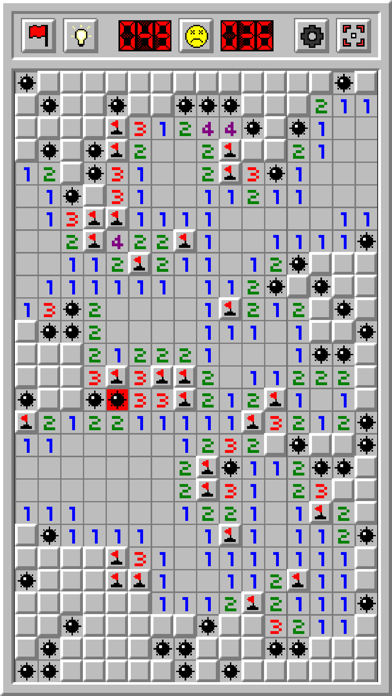
Description by Still57 Written by the developer, not by AppBrain. Click to read.
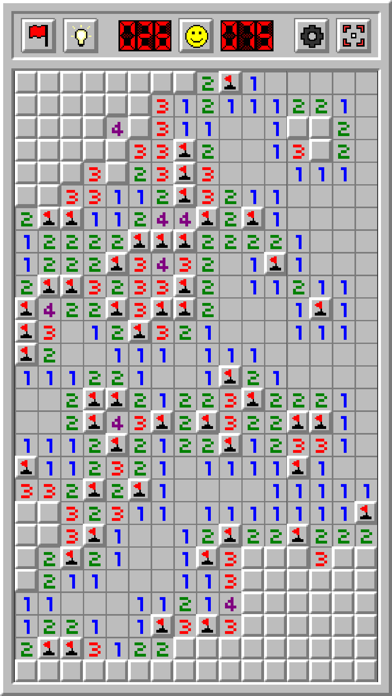
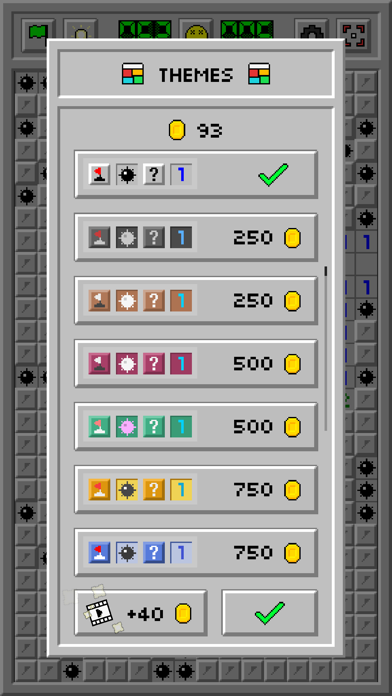
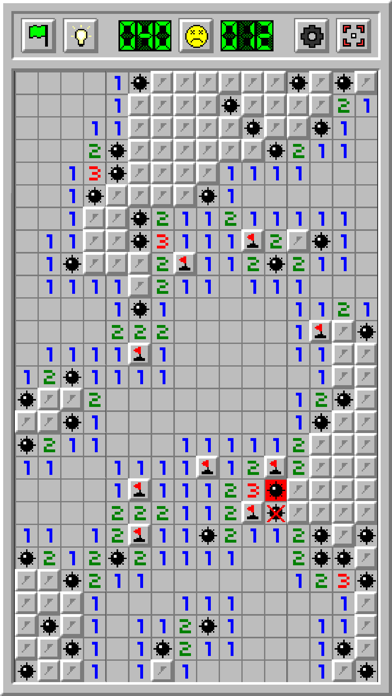
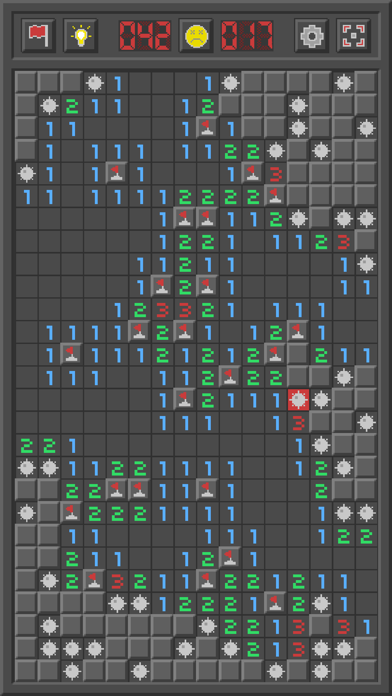
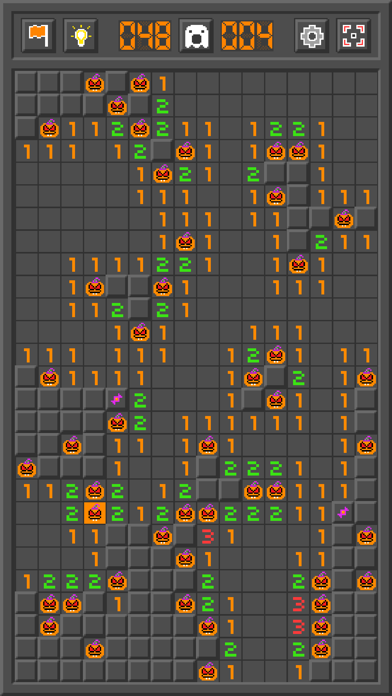
Play Minesweeper with its all retro classic graphics! Customize your game with tons of settings and make the game your own. Earn coins and unlock gorgeous themes. Get lost in the world of classic Minesweeper!
Key Features:
• Starting point: You will always encounter an open area with your first tap
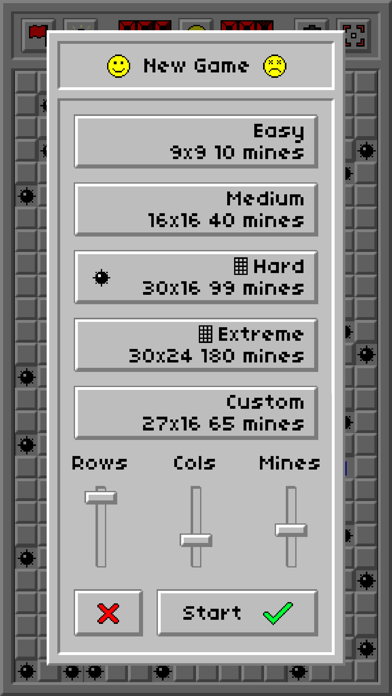
• 5 game modes to choose from: Easy, Medium, Hard, Extreme and Custom
• 50+ gorgeous retro themes: Unlock these themes by earning coins. Earn coins for flagging mines and winning rounds
• Guess free Mode (Beta): Play guess-free boards to eliminate 50/50 situations. Enable guess free mode from the Settings menu
• Quick Flag: Turn this mode on to tap and quickly flag cells
• Zoom & Pan: Pinch to zoom and drag to pan around. Use the Overview button to reset your zoom
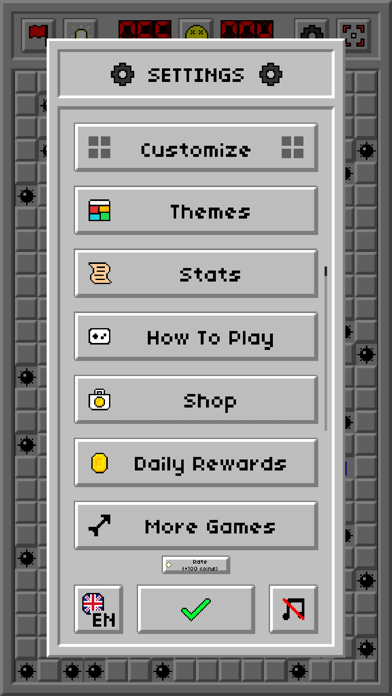
• Tons of Settings: Customize your game with tons of settings. Change your zoom sensitivity, set the functionality of the New Game button, customize the top bar to quickly access your favorite buttons, turn off the 'hold to flag' option or set your desired Minesweeper theme along with many other settings
• Daily Challenges: Play a guess-free challenge every day. Earn medals by completing challenges under a time limit. Earn trophies by completing a month's worth of challenges
• Stats: Keep track of your high scores, win percentage and total play time
• Hints: Are you stuck? Press the hint button to highlight the area you should focus on. The hint button only shows you areas where you are certain to progress. It won't show areas where the outcome is unknown
• Save/Load: The game will automatically continue where you left off from upon being launched
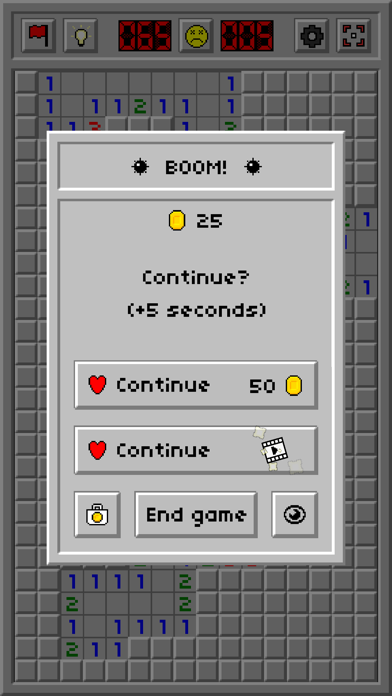
• Continue: If you hit a mine you can continue from where you left off for 50 coins or by watching a video ad
• Leaderboards: Keep track of worldwide player scores
Functions:
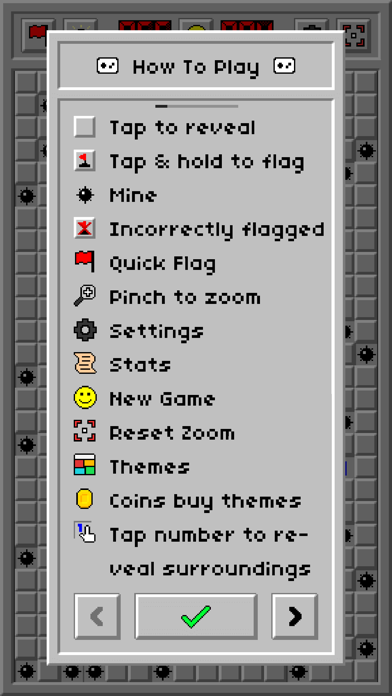
• Flags: Press and hold on a cell to deploy a flag. Press and hold again to remove the flag. A cell will never open if you click on a flag
• Question marks: (Disabled by default) Press on a flag to turn it into a question mark. Press on it again to turn it back into a flag
• Hints: The hint button will highlight the surrounding of a cell which is already opened, and from which it is guaranteed to make progress
• Tap number: Press on an open cell to reveal the cells surrounding it. This will only work if the amount of flags placed around the open cell is equal to the number on that cell
Coins:
• Earn 1 coin for 1 correct mine flag
• Earn bonus coins for completing a game
Save your profile to the cloud with iCloud:
• You can save your themes and stats with iCloud and restore them later if you happen to switch to a different device. Make sure you are logged into your iCloud account on your device. Also make sure that iCloud Drive is enabled in your iCloud settings on your device otherwise your themes and stats will not be saved.
Make sure you are logged into Game Center (if you are not automatically logged in):
• Click on the leaderboards button located in the Stats window
• If the game doesn't log you in or prompt a login window after a few seconds close the app
• Go to your device's settings and login to Game Center from there
• Open Minesweeper Classic: Retro and click on the leaderboards button again and it should log you in
Enjoy!