

Mirror for Samsung TV
Mirror for Samsung TV is made and published by AirBeamTV BV. AppBrain is an independent app data site and isn't affiliated with AirBeamTV BV. The app name, icon, screenshots and description belong to AirBeamTV BV and are shown as published on the App Store.
AppBrain's verdict
- Last updated
- October 28, 2020
Rankings
App Store top chartsApp Store Rankings for Mirror for Samsung TV
Competitors
Similar apps and more from AirBeamTV BVMore from AirBeamTV BV





Releases
Updates seen on the App Store- Version
- 3.5.7
- Launched
- May 2016
No changelog data
User feedback
Ratings and reviews on the App StoreComments on Mirror for Samsung TV for iOS
We don't have enough comments to show example comments. Please check back later.
Technology
Found in the app by AppBrain- Price
- $14.99
- App size
- 12.2 MB
- Content rating
- Everyone
Technologies used by Mirror for Samsung TV
About the app and developer
About Mirror for Samsung TV
Mirror for Samsung TV is a photo & video app developed by AirBeamTV BV.
User Ratings
The app has no ratings yet.
App Information
Mirror for Samsung TV costs $14.99. The app size is 12.19 MB. The latest version available is 3.5.7. The last update was on October 28, 2020.
Technical Requirements
The app has a content rating of Everyone. The app has been available on the App Store since May 2016.
Developer information for AirBeamTV BV
Address:
Frequently asked questions about Mirror for Samsung TV
Is Mirror for Samsung TV free?
No. Mirror for Samsung TV costs $14.99 on the App Store.
Is Mirror for Samsung TV still available?
Yes. Mirror for Samsung TV is on the App Store, and the last update we saw was on October 28, 2020.
How large is Mirror for Samsung TV?
Mirror for Samsung TV is 12.19 MB.
Is Mirror for Samsung TV suitable for children?
App Store rates the content of Mirror for Samsung TV as suitable for everyone.
Who made Mirror for Samsung TV?
Mirror for Samsung TV was developed by AirBeamTV BV. It is listed in the photo & video category on the App Store.
Store listing
By AirBeamTV BV, from the App Store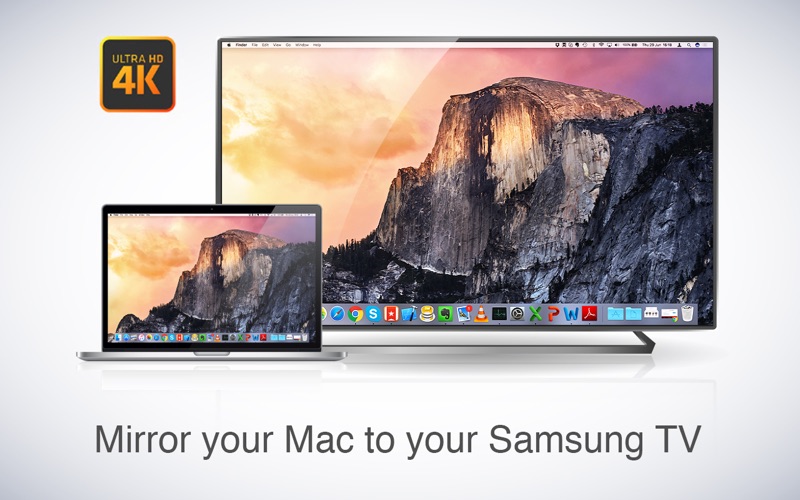
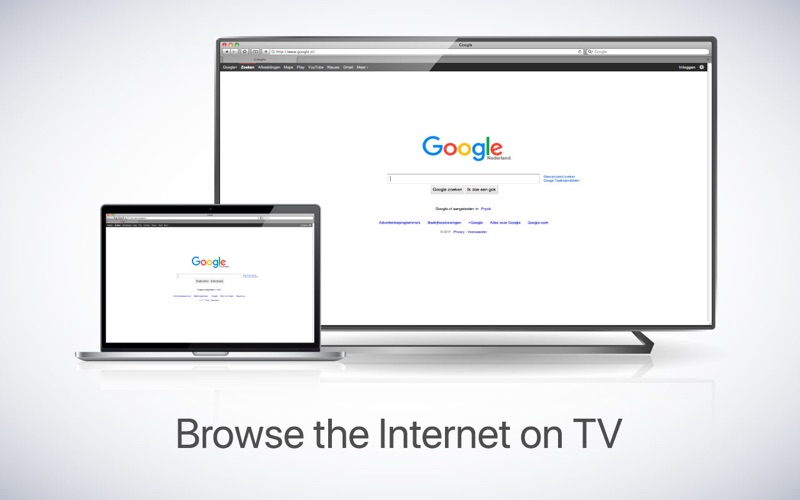
Description by AirBeamTV BV Written by the developer, not by AppBrain. Click to read.
This works on any Samsung Smart TV from the 2012 models onward. Which model year do you have? You can see that by looking at the middle letter in your model type (on the back of your Samsung TV).
E = 2012
F = 2013
H = 2014
J = 2015
K = 2016
M = 2017
N = 2018
R = 2019
Q = QLED (supported)
For instance:
UE55_E_S8000 = 2012.
UE78_H_U8500L = 2014.
In using the app, there will be a couple of seconds of latency (usually between 1 and 3). So this mirroring is not suitable for gaming.
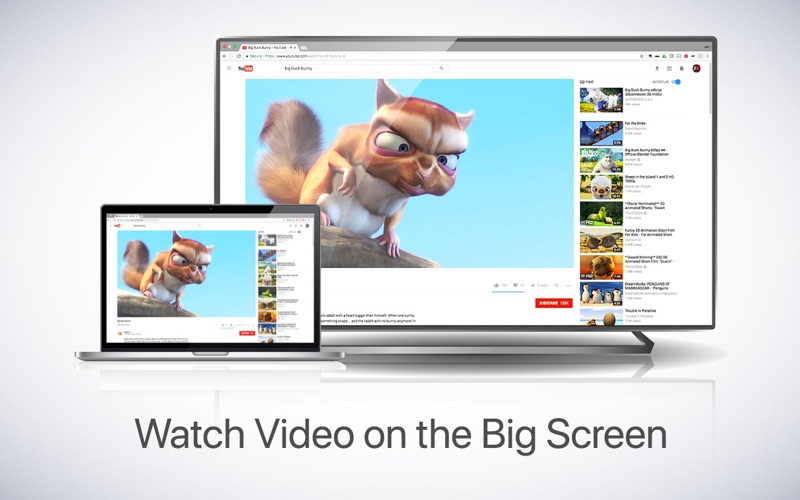
However, it is very suitable for watching movies, giving presentations, watching photos, and much more!
The quality of your experience will be dependent on the quality of your local network. Some tips to enhance the experience:
- Preferably, connect your TV by LAN cable to your router.
- Use a Wifi ac router. If you don't have one, then an "n" router.
- Try not to overload your wifi network by moving big files around while you are mirroring.
How the app works:
First, make sure that your Samsung TV is on the same local network and same subnet as your Mac. The TV should not be in screen mirroring mode, but just on "TV" Mode or any HDMI IN port.
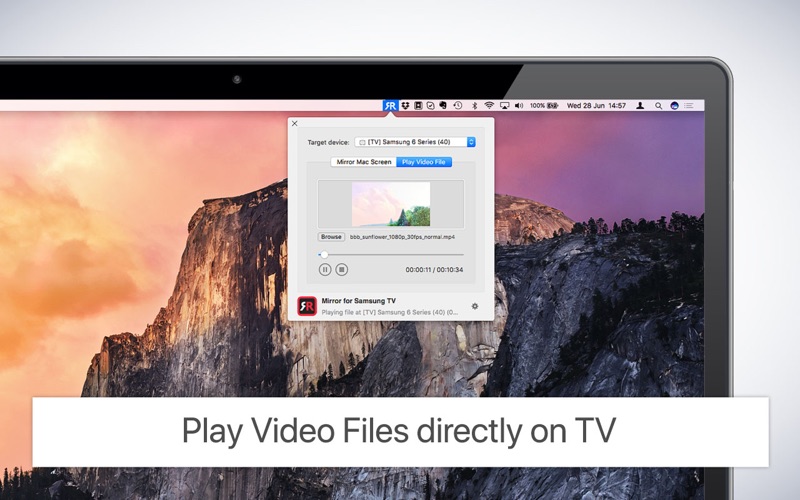
After launching the app, you will see the app icon appearing in the top bar of your Mac and the app will look for your TV on the network. It will show your TV when it has found it. Now, you have two options:
Mirror your Mac Screen:
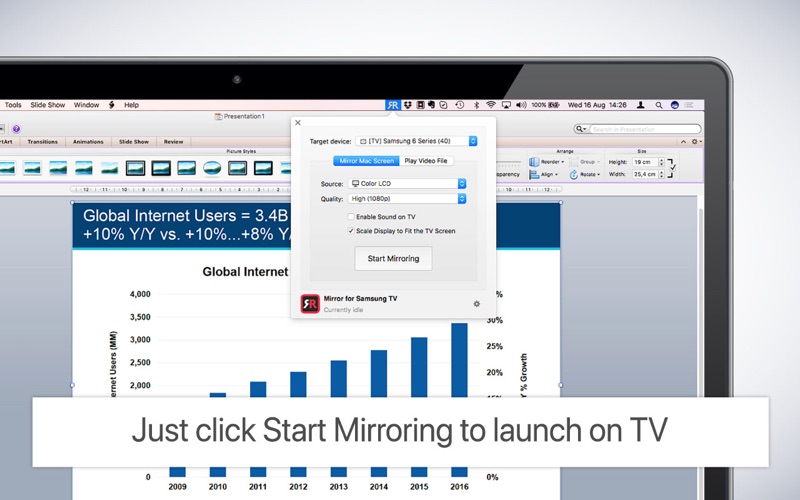
Use this option to put the screen of your Mac on TV. In source, you can select which screen (or attached monitor) you want to display on TV. If you are running multiple applications on your Mac, you can also select which application window you want to see on TV.
Enable Sound: check this to hear the sound of your Mac coming from the TV. You will need the additional (free) audio driver, which you can download here: http://bit.ly/MirrorAudio
Play Video File:
Use this option if you have a video file on your Mac and you want to play just the file on TV. Drop it in the box and it will play on TV.
Settings (the icon in the bottom right of the app): click here to request support from our 24/7 support staff. They usually respond within 2 hours on any query that you might have. If your question is technical, please also include the diagnostics information.
Limitations: Apple has HDCP DRM protection for playing iTunes movies. This means that screen mirroring is not possible when watching movies from iTunes.
When you like the app, please don't forget to give it a positive rating! Thanks in advance from the AirBeamTV development team!
Please give us feedback by mailing to support@airbeam.tv