

My Sicep is made and published by SICEP S.r.l. AppBrain is an independent app data site and isn't affiliated with SICEP S.r.l. The app name, icon, screenshots and description belong to SICEP S.r.l. and are shown as published on the App Store.
AppBrain's verdict
- Last updated
- December 1, 2025
Rankings
App Store top chartsApp Store Rankings for My Sicep
Competitors
Similar apps and more from SICEP S.r.l.Alternatives to My Sicep







More from SICEP S.r.l.








Releases
Updates seen on the App Store- Version
- 1.50
- Launched
- July 2015
No changelog data
User feedback
Ratings and reviews on the App StoreComments on My Sicep for iOS
We don't have enough comments to show example comments. Please check back later.
Technology
Found in the app by AppBrain- Price
- Free
- App size
- 81.6 MB
- Content rating
- Everyone
Technologies used by My Sicep
About the app and developer
About My Sicep
My Sicep is an utilities app developed by SICEP S.r.l.
User Ratings
The app has no ratings yet.
App Information
My Sicep is freely available from the App Store. The app size is 81.62 MB. The latest version available is 1.50. The last update was on December 1, 2025.
Technical Requirements
The app has a content rating of Everyone. The app has been available on the App Store since July 2015.
Developer information for SICEP S.r.l.
Address:
Store listing
By SICEP S.r.l., from the App Store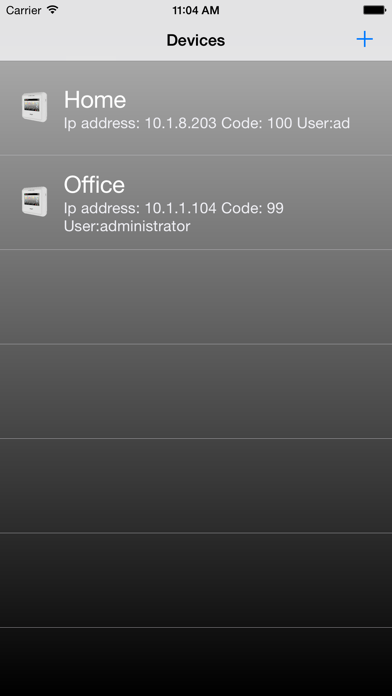
Description by SICEP S.r.l. Written by the developer, not by AppBrain. Click to read.
Through this application, the user can control various functions of the alarm system according to the installed model panel. The application provides the control of up to four systems in WEB or SMS mode.
Follows a list of key features for WEB and WEBNET mode:
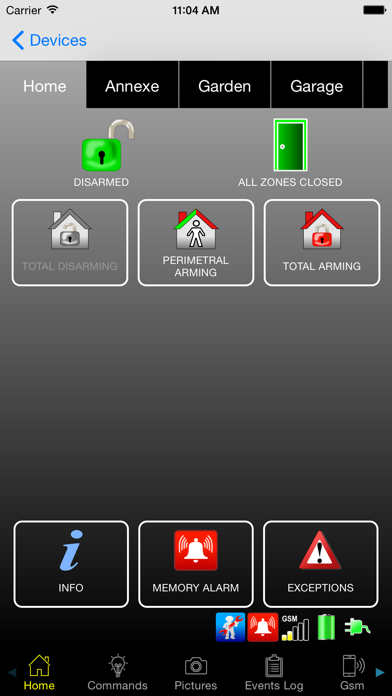
-View the status, arm and disarm individual partitions of the alarm control panel
-Check for faults or anomalies;
-Check for and delete the alarm memory;
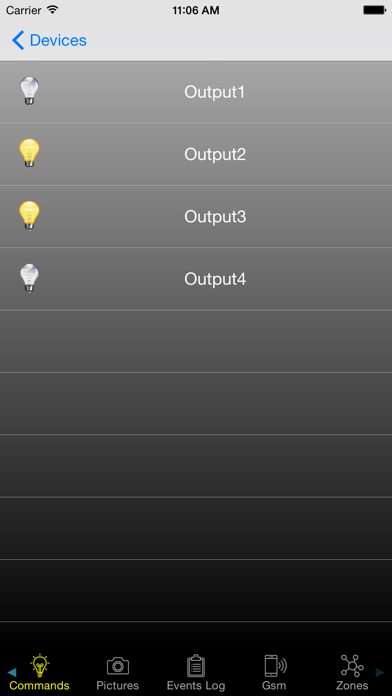
-View the outputs status and activate them;
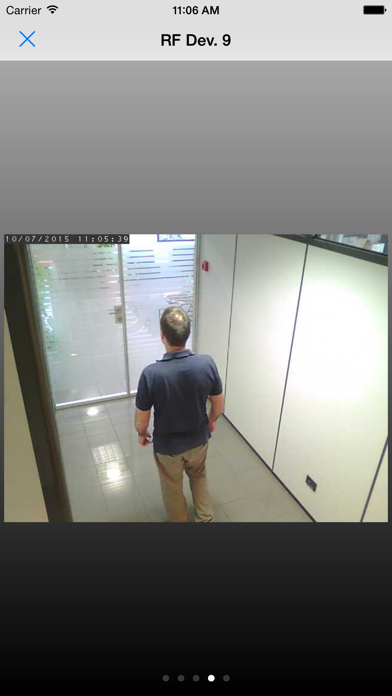
-Take pictures, if there are sensors with camera;
-Access to the event log and view associated pictures;
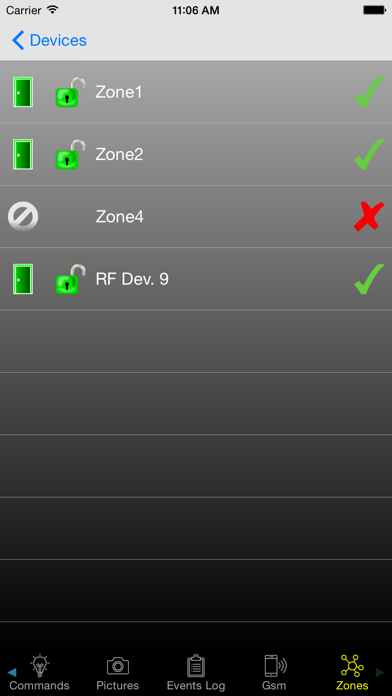
-View zone status and enable/disable them;
-View SIM card information and the panel GSM signal level;
Follows a list of key features for SMS mode:
-View the status, arm and disarm individual partitions of the alarm control panel
-View the outputs status and activate them;
-View SIM card information;
The application works with all iOS versions later than 8.0, both on iPhone and iPad.
For alarm system connection you need a WAN connection for WEB mode and/or a GSM connection for SMS mode.
Router port to be opened: 8002.
Firmware version required on Unica control panel: 1.2.0.B121 or later.
Default pin: 12345