

MyPreSonus is made and published by Fender Digital. AppBrain is an independent app data site and isn't affiliated with Fender Digital. The app name, icon, screenshots and description belong to Fender Digital and are shown as published on the App Store.
AppBrain's verdict
Established- Rating on App Store
- 3.25
- 40 ratings
- Last updated
- October 8, 2025
It doesn't have enough ratings yet to judge what users think.
Rankings
App Store top chartsApp Store Rankings for MyPreSonus
Competitors
Similar apps and more from Fender Digital





Releases
Updates seen on the App Store- Version
- 3.8.0
- Launched
- February 2018
No changelog data
User feedback
Ratings and reviews on the App StoreComments on MyPreSonus for iOS
We don't have enough comments to show example comments. Please check back later.
Technology
Found in the app by AppBrain- Price
- Free
- App size
- 108.3 MB
- Content rating
- Everyone
Technologies used by MyPreSonus
About the app and developer
About MyPreSonus
MyPreSonus is a music app developed by Fender Digital.
User Ratings
MyPreSonus is rated 3.25 out of 5 stars. The rating is based on 40 ratings.
App Information
MyPreSonus is freely available from the App Store. The app size is 108.34 MB. The latest version available is 3.8.0. The last update was on October 8, 2025.
Technical Requirements
The app has a content rating of Everyone. The app has been available on the App Store since February 2018.
Developer information for Fender Digital
Address:
Store listing
By Fender Digital, from the App Store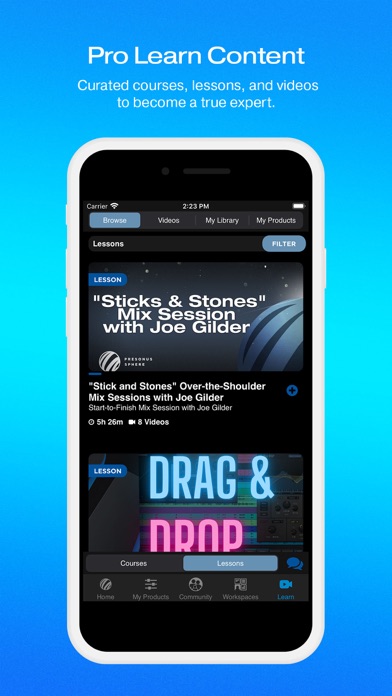


Description by Fender Digital Written by the developer, not by AppBrain. Click to read.
Access PreSonus Sphere Workspaces
Get mobile access to streamlined, efficient workspaces—and make collaborating on projects and getting feedback on your mixes faster and easier than ever.
Once inside a PreSonus Sphere Workspace, you can share stems, mixes, even album artwork. A live chat lets you communicate in real-time without leaving the Workspace. Stems and mixes can be played back right from the Workspace, letting you quickly audition new material without cluttering your downloads folder. You and your team will be notified when new files are uploaded, and uploaded files can also be tagged as “latest mix,” so you and your collaborators are always on the same page—and you won’t risk accidentally sharing work-in-progress demos.
You can work with several teams at once, or just keep a private Workspace just for your backups. You’ll always have your team’s latest mixes on-the-go, where you can reference them in the car, on a hike, or wherever sound takes you.
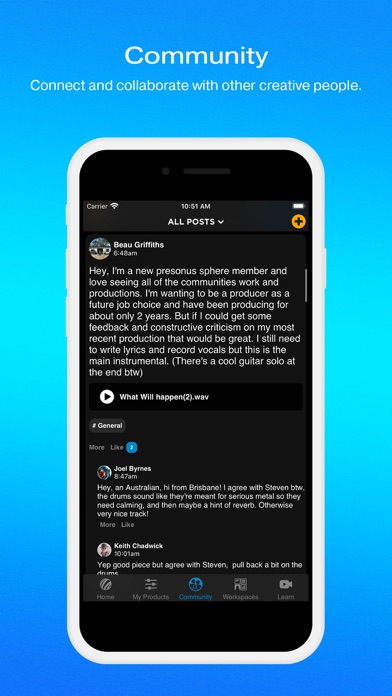
PreSonus Community
Connect with other PreSonus members in Community to find collaborators, share mixes, get feedback on your new album cover or your latest music videos, and so much more. Share your unique skills, showcase your favorite creations, and find other PreSonus Sphere members to chat with about your favorite audio topics. Not ready to be social just yet? That’s ok, too. You can choose to make your profile visible to the larger PreSonus Sphere community whenever you like.
Learning Materials
Get access to curated Courses and Lessons, save videos to your Library, track your progress and more.
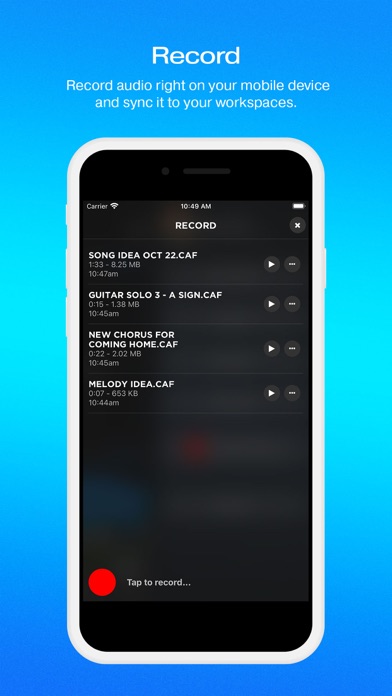
Mobile Recording and Upload
Record audio straight to MyPreSonus using your device’s built-in mic or a compatible USB mic. You’ll then be able to download your mobile recordings from your account straight to Studio One on your desktop or laptop workstation.
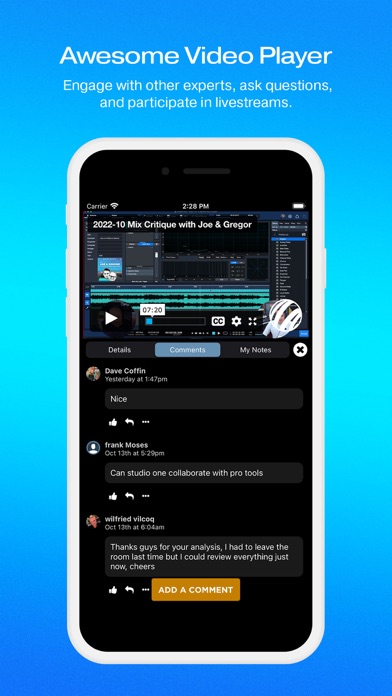
Expert Chat
Need a quick workflow tip or have a pressing EQ question? PreSonus has gathered Studio One and Notion power users from around the globe to answer your questions in Expert Chat.
Support
The My.PreSonus app is the easiest way to get support for your PreSonus products. Search our entire knowledge base, submit and review support tickets, all right from your mobile device. Also, get access to our growing community of users asking questions and providing answers in our community forum. Post questions, search for answers, post answers to other PreSonus users' questions, and become a contributor to our vibrant user community.
Product Info and Learning Resources
Register your new products from right inside the app to get access to tons of videos and learning resources—specifically for your new products! The MyPreSonus app is the best way to learn more about your PreSonus stuff. Watch tutorial videos, get access to product documentation, and more.
There are tons of great features packed into the app, including viewing your entire order history and saving useful product documentation to your device, and much more. You can even change the look and feel with a theme switcher.
News from PreSonus
The home screen of the My.PreSonus app is your personal PreSonus news feed. Get updated on new products, upcoming events, tips on using PreSonus hardware and software, and more.