

Nessmanet
Nessmanet is made and published by Nessma Telecom and Technology. AppBrain is an independent app data site and isn't affiliated with Nessma Telecom and Technology. The app name, icon, screenshots and description belong to Nessma Telecom and Technology and are shown as published on the App Store.
AppBrain's verdict
- Rating on App Store
- 3.20
- 5 ratings
- Last updated
- June 3, 2026
It doesn't have enough ratings yet to judge what users think.
Rankings
App Store top chartsApp Store Rankings for Nessmanet
Competitors
Similar apps and more from Nessma Telecom and TechnologyAlternatives to Nessmanet


Releases
Updates seen on the App Store- Version
- 1.1.9
- Launched
- May 2023
No changelog data
User feedback
Ratings and reviews on the App StoreComments on Nessmanet for iOS
We don't have enough comments to show example comments. Please check back later.
Technology
Found in the app by AppBrain- Price
- Free
- App size
- 20.7 MB
- Content rating
- High
Technologies used by Nessmanet
About the app and developer
About Nessmanet
Nessmanet is a business app developed by Nessma Telecom and Technology.
What is the rating of Nessmanet?
Nessmanet is rated 3.20 out of 5 stars, based on 5 ratings.
Is Nessmanet free?
Nessmanet is free. The app size is 20.72 MB. The latest version available is 1.1.9. The last update was on June 3, 2026.
What are the requirements for Nessmanet?
The app has a content rating of High Maturity. The app has been available on the App Store since May 2023.
Developer information for Nessma Telecom and Technology
Address:
Store listing
By Nessma Telecom and Technology, from the App Store
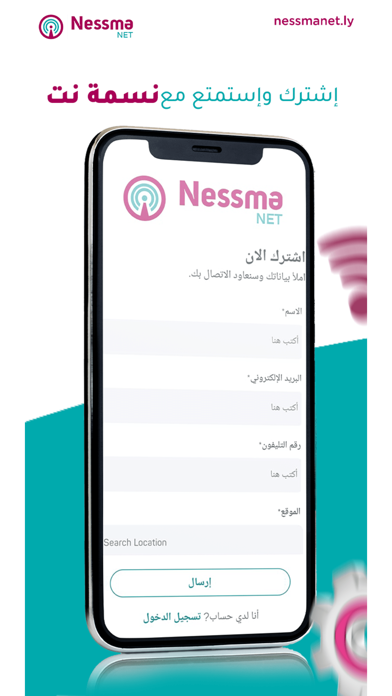

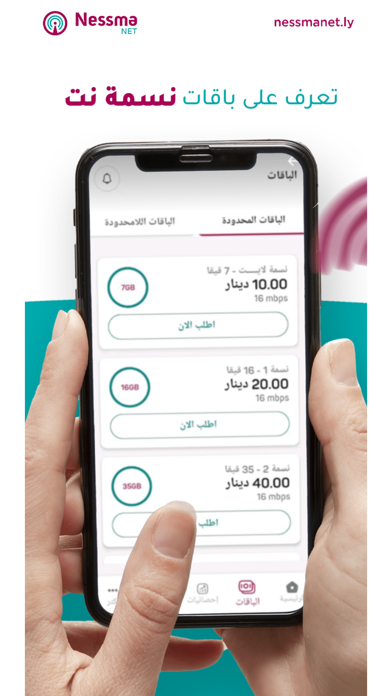
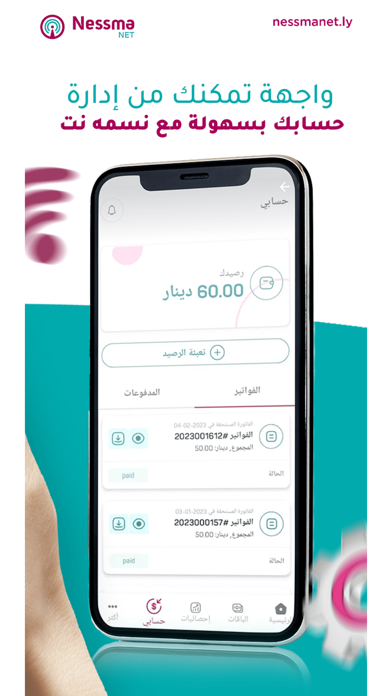
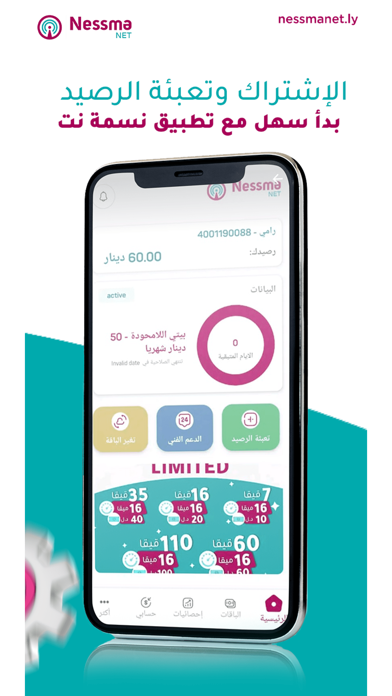
Description by Nessma Telecom and Technology Written by the developer, not by AppBrain. Click to read.
Application allows customers the following:
Profile management and documents
* Change user information
* Review uploaded documents
* Review F.A.Q
Finance management
*Check balance, invoices, all transactions and payments
* Pay for the services online using a Credit Card
* Top Up
* Activating extra quota in single step
* Credit Card management.
Services
* Change services and tariff plans
Statistics
* Check the Internet usage statistics
Support
* Create/close or check the status of a support ticket and further communicate with support representative in the app interface."