Download Android Apps and Games
AppBrain
  • Apps
  • Apps being viewed right now Trending apps today Most popular apps All-time most downloaded apps Top rated apps
  • Intelligence ▾
    Intelligence overview → Track any Android app or your whole market
    Track & analyze
    Keyword Tracker & OptimizerTrack & improve Play rankings App Performance ReportOne-off PDF for any app StatisticsFree Android & Play market stats
    Promote your app
    Featured Apps App Links
  • Intelligence
  • Pricing
  • Dashboard
  • Sign up
  • Log in
Last updated on: 2026-06-23
App Store Apps > Productivity > Nod
Nod icon

Nod

1.6.3
Robert Atherton
3.50
2 reviews
Free

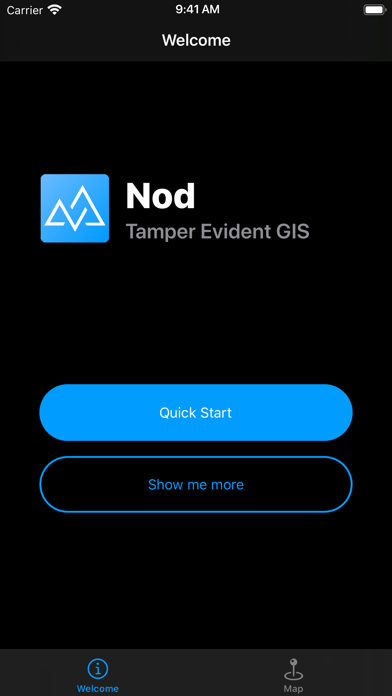
Nod Screenshot 1 of 10
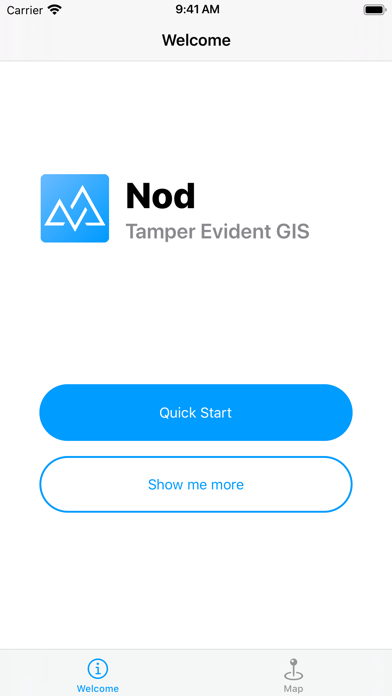
Nod Screenshot 2 of 10
Nod Screenshot 3 of 10
Nod Screenshot 4 of 10
Nod Screenshot 5 of 10
Nod Screenshot 6 of 10
Nod Screenshot 7 of 10
Nod Screenshot 8 of 10
Nod Screenshot 9 of 10
Nod Screenshot 10 of 10
Download from the App Store

About Nod

Nod is an overall app developed by Robert Atherton.

How many times has Nod been downloaded?

What is the rating of Nod?

Nod is rated 3.50 out of 5 stars, based on 2 ratings.

Is Nod free?

Nod is free to download. The APK download size is 10.83 MB. The latest version available is 1.6.3. The last update was on September 28, 2021.

What are the requirements for Nod?

The app has a content rating of Everyone. The app has been available on Google Play August 2019.

Description
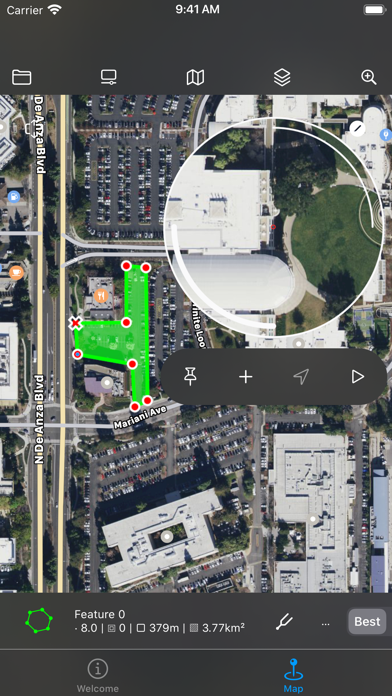
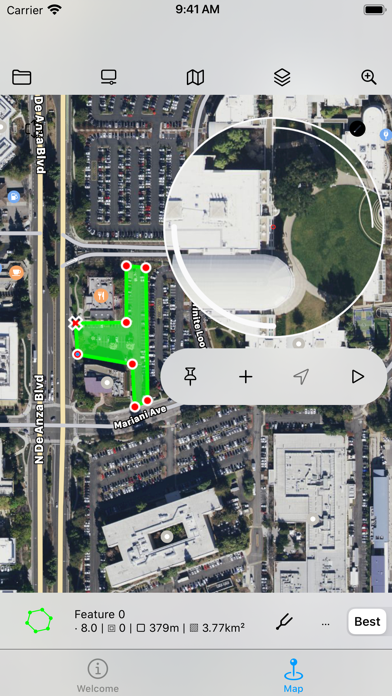
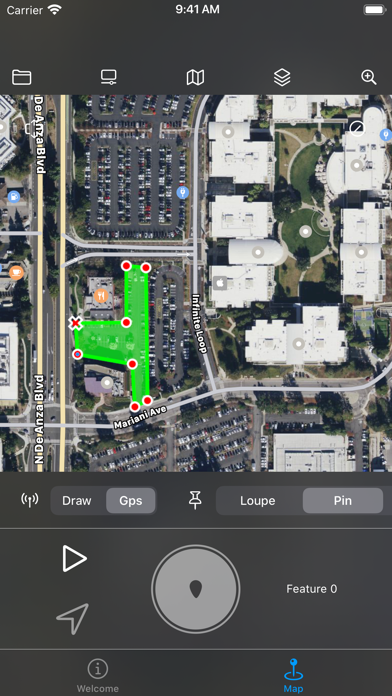
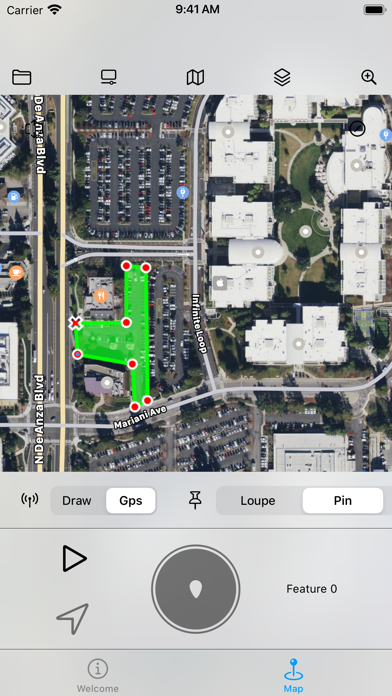
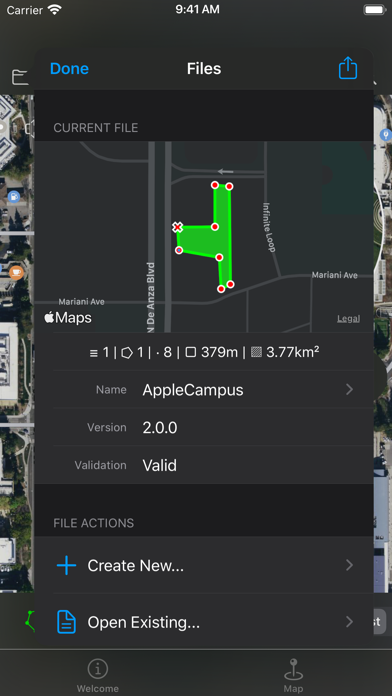
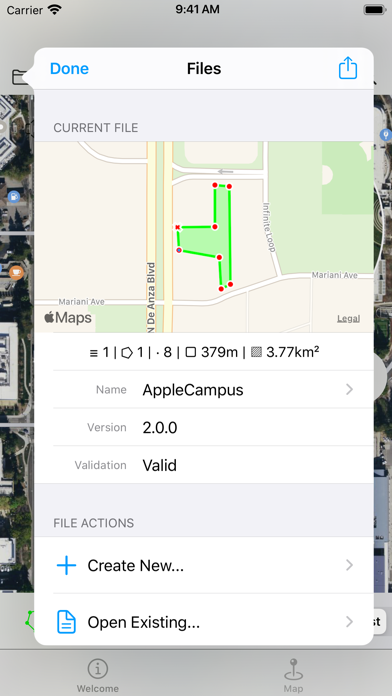
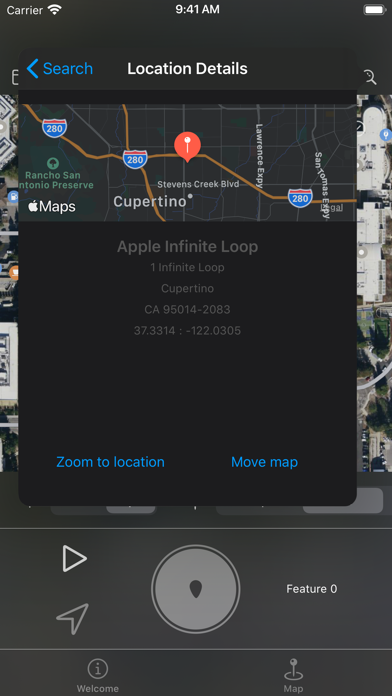
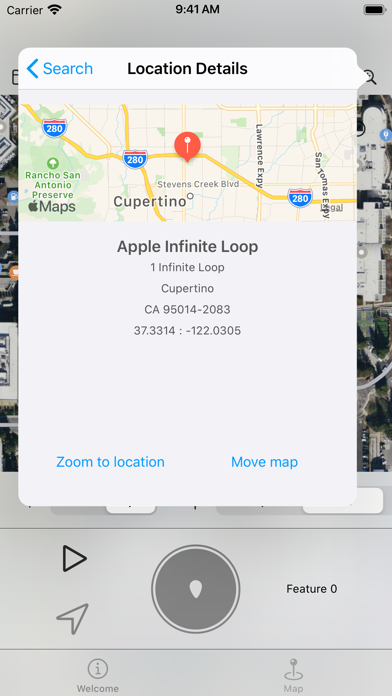
Nod uses the GPS capability of an iOS device to make it simple to plot outdoor spaces and display this on a map or export to share with others.

It is for anybody who has a need to record a real life location on a map or compare locations on a map back to real life. This could be farmers, builders, scientists, archaeologists, systems developers or anybody with an interest in maps.

At a glance:

+ Use your position on the ground to mark areas of a map

+ Draw and create geographic data straight onto a map or satellite image

+ Import and visualise geographic data

+ Use the app to perform length and area calculations

+ Use on screen 'rulers' to quickly measure real life features

+ Tamper evident

+ Share geographic data with others in various formats

+ Optimised for touch screen devices

Nod also shows the users location in relation to the survey making it possible to make virtual boundaries and perimeters, for example to mark out a physical boundary where is is difficult or not possible to remain within line of sight of marker posts. Data can be imported in the common open source GeoJSON format.

Geographic data in the app is made up of multiple layers. Layers group together collections of features. A feature represents some real life geographical feature as a list of coordinates. Features can be line strings, polygons, points and so on. These features are then drawn onto a map. Polygons can contain inner polygons which are 'cut outs'.

Individual points in features can be adjusted with high accuracy using the app 'draw' mode. Draw mode adds a 'loupe' to make accuracy easy on a touch screen device by magnifiying the map underneath it.

The loupe also provides access to the ruler system. Rulers can be added to the map to mark out temporary measurements and angles. They are guides and are not included when data is exported.

Complex and accurate features can be created by combining multiple features and applying geometric operations such as difference, xor and others. Messy data sources can be processed and made orderly with convex and concave hull operations

The Nod file format (.nod) stores a complete hashed history of the actions taken to create it. This means it has a complete undo history but also provides confidence that the data is as the original creator intended. Exported data in file formats that do not supoport this facitilty should use other means to prove authenticity.

Data can be exported in GeoJSON, CSV, HTML, COLLADA (DAE) formats. COLLADA files can be used when generating data for scaled 3D modelling applications.

Please note:

The app only uses the device GPS system when it is in use. In addition the GPS system is manually operated in order to conserve power. The user also has control over the desired accuracy of the GPS to further reduce power consumption if necessary. When activated and on maximum accuracy the app will draw considerable power as a result of GPS updates. Care should therefore be taken to reduce energy consumption when this is an issue.
Show more Show less

More data about Nod

Price Free to download
Rating 3.50 based on 2 ratings
Ranking Not ranked
Version 1.6.3
App download size 10.8 MB
Suitable for Everyone

Alternative downloads for the Nod app

Geodata Map Viewer icon Geodata Map Viewer
Jack Finnis
4.3
Free
35 ratings
Writing Shed icon Writing Shed
Keith Lander
3.7
$9.99
17 ratings
fluent: Give Your Best Reading icon fluent: Give Your Best Reading
Samuel Harris
3.7
Free
3 ratings
Shoe Size Meter Converter Pro icon Shoe Size Meter Converter Pro
VisTech.Projects LLC
0.0
$12.99
Netw'O icon Netw'O
Watteco
0.0
Free
Translatie icon Translatie
Viktor Holovach
0.0
Free
Order Sender icon Order Sender
Cosmobile srl
4.9
Free
9 ratings
superPDF icon superPDF
Chih-Hsien Wu
5.0
Free
2 ratings

More from Robert Atherton

Mien icon Mien
Robert Atherton
0.0
Free

Changelog of Nod

No changelog data

Developer information for Robert Atherton

Robert Atherton

Address:

Share Nod

Comments on Nod for iOS

We don't have enough comments to show example comments. Please check back later.

App Store Rankings for Nod

This app is not ranked

Technologies used by Nod

Geodata Map Viewer icon Geodata Map Viewer
Writing Shed icon Writing Shed
fluent: Give Your Best Reading icon fluent: Give Your Best Reading
Shoe Size Meter Converter Pro icon Shoe Size Meter Converter Pro
Netw'O icon Netw'O
Translatie icon Translatie
Order Sender icon Order Sender
superPDF icon superPDF

Back to top
AppBrain Intelligence premium content

Subscribe now to get full and unlimited access to AppBrain Intelligence. You'll have access to:

  • App Intelligence dashboard (performance timeline, competitor comparison, country rankings, insight cards)
  • Detailed ranking data per app
  • Full timeline per developer
  • Device market shares data per country
1 Month

$75/mo
(billed every month)

SAVE 0%
Subscribe
3 Months

$65/mo
($195 billed every 3 months)

SAVE 13%
Subscribe
1 Year

$57.50/mo
($690 billed every year)

SAVE 23%
Subscribe
Each subscription will automatically renew 3 days before the expiration date for the same time period. Subscriptions can be cancelled at any time before the renewal.

AppBrain is a directory focused on discovering great apps and games. We give statistics, rankings and search options that Google Play and the App Store don't have. All trademarks are owned by their respective owners. AppBrain doesn't offer APKs or binaries, and always lets users install the official version from Google Play or the App Store.

More apps

  • Top Android apps being viewed
  • Putet Comics 2.0
  • Beauty From Japan
  • FINRA Securities Exam Prep stats

Android Statistics

  • Android statistics
  • Google Play Developer stats
  • Trending Android Apps
  • Top popular Apps
  • Buy the best Android phone

About AppBrain

  • Contact
  • Privacy
  • Documentation
  • DMCA takedowns
  • Articles
  • Blog
  • Free webpage for your Android app
© 2010-2026 - AppBrain