

Notate for Microsoft 365
Notate for Microsoft 365 is made and published by Shafer Systems LLC. AppBrain is an independent app data site and isn't affiliated with Shafer Systems LLC. The app name, icon, screenshots and description belong to Shafer Systems LLC and are shown as published on the App Store.
AppBrain's verdict
Established- Rating on App Store
- 4.33
- 33 ratings
- Last updated
- November 3, 2023
It doesn't have enough ratings yet to judge what users think.
Rankings
App Store top chartsApp Store Rankings for Notate for Microsoft 365
Competitors
Similar apps and more from Shafer Systems LLCAlternatives to Notate for Microsoft 365




More from Shafer Systems LLC


Releases
Updates seen on the App Store- Version
- 7.5.0
- Launched
- April 2020
No changelog data
User feedback
Ratings and reviews on the App StoreComments on Notate for Microsoft 365 for iOS
We don't have enough comments to show example comments. Please check back later.
Technology
Found in the app by AppBrain- Price
- Free
- App size
- 156.8 MB
- Content rating
- High
Technologies used by Notate for Microsoft 365
About the app and developer
About Notate for Microsoft 365
Notate for Microsoft 365 is a business app developed by Shafer Systems LLC.
User Ratings
Notate for Microsoft 365 is rated 4.33 out of 5 stars. The rating is based on 33 ratings.
App Information
Notate for Microsoft 365 is freely available from the App Store. The app size is 156.78 MB. The latest version available is 7.5.0. The last update was on November 3, 2023.
Technical Requirements
The app has a content rating of High Maturity. The app has been available on the App Store since April 2020.
Developer information for Shafer Systems LLC
Address:
Store listing
By Shafer Systems LLC, from the App Store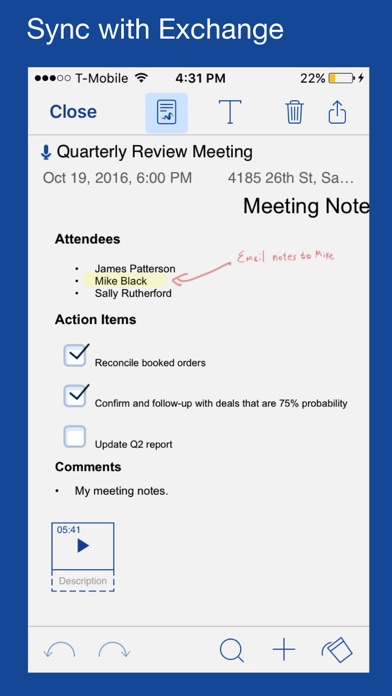
Description by Shafer Systems LLC Written by the developer, not by AppBrain. Click to read.
Perfect for small & midsize businesses. Stay productive while you work from home! Notate is the ultimate Office 365 Information Manager. Notate syncs notes, tasks, contacts, calendar, and email attachments with your Outlook Office 365 account.
Notate is an all-in-one tool for Microsoft Office 365. Edit and store your documents so they are always available on all of your devices.
* Notes - Create handwritten notes -- sync with your Microsoft Outlook 365 Account
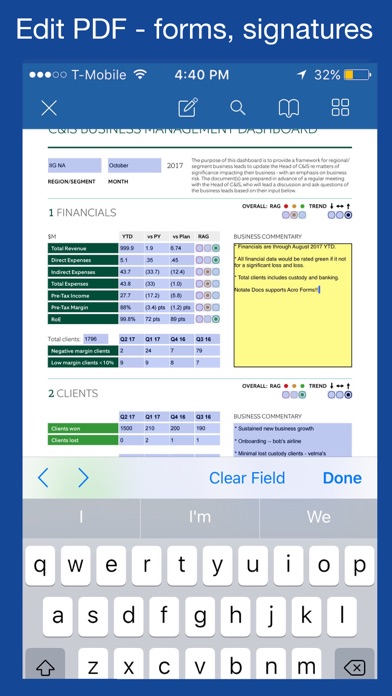
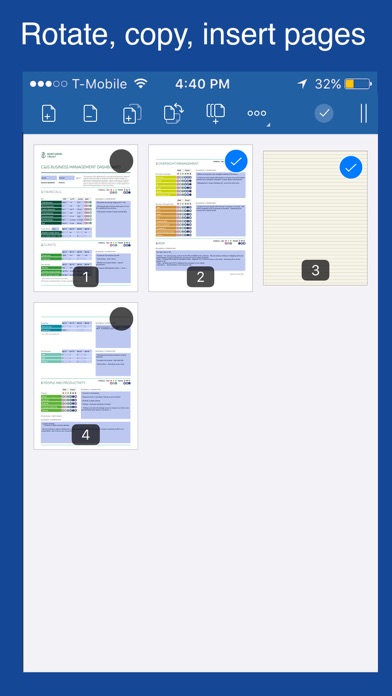
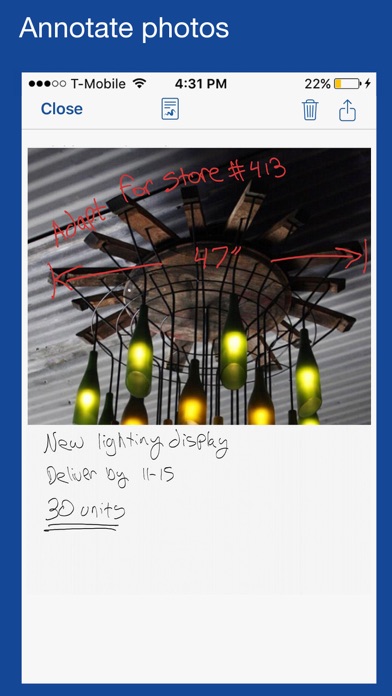
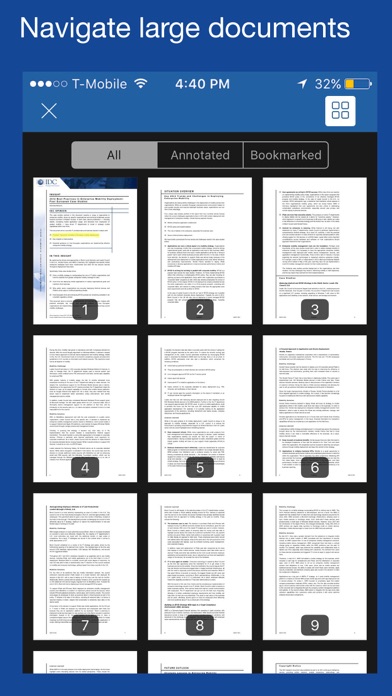
* PDF - Desktop quality PDF editor! Fill out PDF forms, edit PDF, annotate PDF, create PDFs, and sign PDF documents
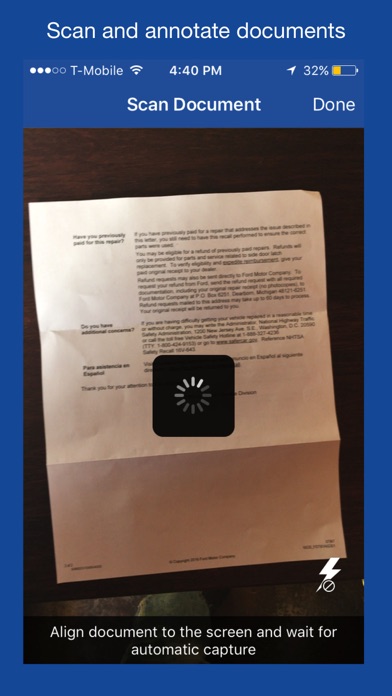
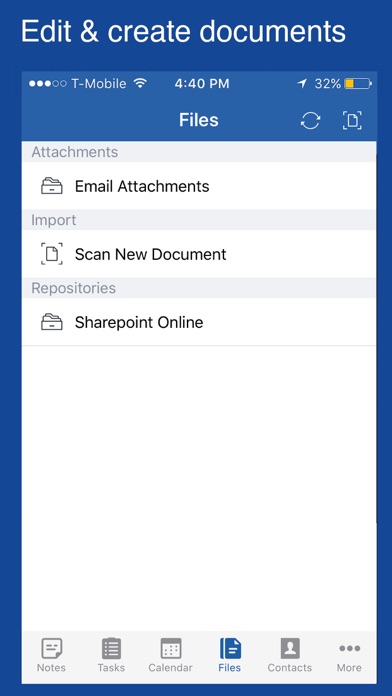
* Files - Edit Microsoft 365 email attachments without leaving Notate. Scan paper documents into PDF files.
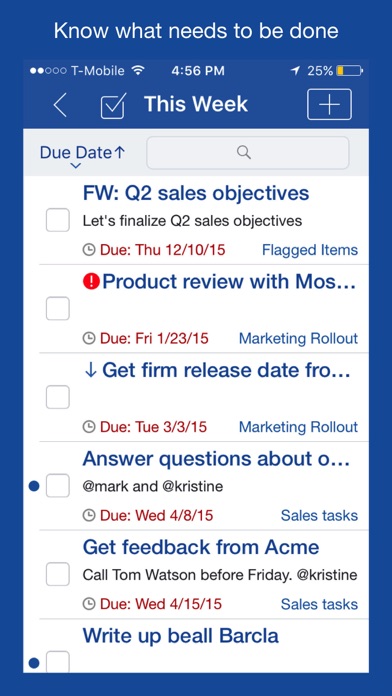
* Todo - Manage your Microsoft 365 to do list
* Calendar - Take notes and to do items in meetings and send meeting minutes
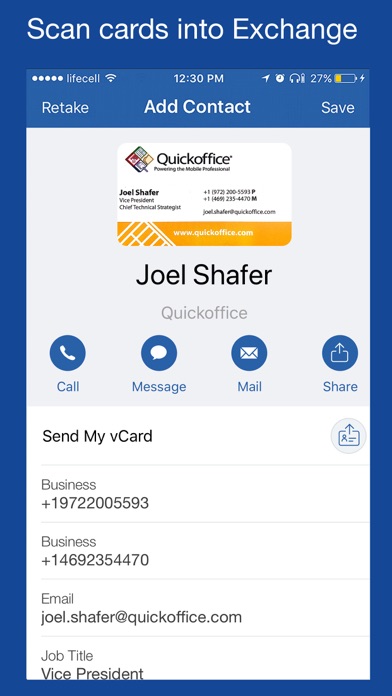
* Contacts - Business card scanner converts cards directly into Microsoft 365 Outlook contacts
* Email - View and edit email attachments. Document converter converts office documents into PDF
All syncing with your Microsoft 365, Hotmail, or Outlook.com account!
Business card scanner supports 19 languages for fast, accurate OCR.
Document converter transforms office docs to PDF. Full PDF annotation and PDF editor capabilities including Adobe Forms support.
Sign PDF documents and return them with ease.
STAY FOCUSED, GET WORK DONE. Notate helps you get organized and stay productive. Start by capturing all your important information. With Notate you can quickly create typed or handwritten notes and insert images, audio recordings, web clippings, PDF documents and more.
SAVE EVERYTHING. Collect everything that matters knowing that you'll always be able to find it. Enhance your notes with handwriting, drawings, images, documents, PDFs, web clippings, and more.
FIND YOUR INFORMATION QUICKLY by organizing your notebooks like folders. Notes and to do items are searchable. Easily search across all notebooks or search for text within notes. The Notate preview mode provides users a quick glance into the note subject matter.
—FEATURES—
- View and EDIT Outlook email attachments from your Microsoft Office 365 account
- Fill out PDF forms
- ANNOTATE, collaborate, and comment on PDF documents with peers
- SCAN business cards into Office 365 Outlook contacts
- Advanced word processor
- Embed images, audio, web clippings and documents
- SCAN paper documents into PDF files
- Annotate and SIGN PDF files
- To do management with reminder notifications
- Handwriting and Apple Pencil support
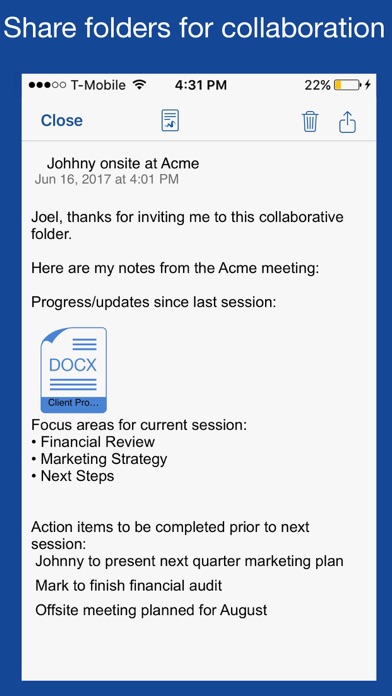
- Shared workspaces for collaboration
- Syncs with Microsoft Outlook, Hotmail, or Microsoft Office 365
- Features like Evernote, OneNote, Notability, provided in a secure enterprise environment
Notate includes the following functions.
Notes Writer
PDF Scanner
Scan Documents
Business card scanner
PDF signer
Microsoft Office 365 To Do manager
—MEMBERSHIP—
Download Notate to try it free for thirty days. Cancel easily right from within Notate. After your free trial, Notate requires a subscription which provides you with regular app updates and syncing of your data. After your trial, you will not be charged unless you purchase a subscription.
Subscriptions will be charged to your iTunes account at confirmation of purchase. Your subscription will automatically renew unless automatic renewal is turned off at least 24 hours before the end of the current period. Your account will be charged for renewal within 24 hours prior to the end of the current period. You can manage your subscriptions and automatic renewal status in Account Settings after purchase. Any unused portion of the free trial period will be forfeited when you purchase a subscription. Price may vary by location.
Privacy policy: http://notateapp.com/privacy-policy