

NX Field
NX Field is made and published by Nikon Corporation. AppBrain is an independent app data site and isn't affiliated with Nikon Corporation. The app name, icon, screenshots and description belong to Nikon Corporation and are shown as published on the App Store.
AppBrain's verdict
Established- Rating on App Store
- 4.33
- 6 ratings
- Last updated
- January 27, 2026
It doesn't have enough ratings yet to judge what users think.
Rankings
App Store top chartsApp Store Rankings for NX Field
Competitors
Similar apps and more from Nikon CorporationAlternatives to NX Field




More from Nikon Corporation



Releases
Updates seen on the App Store- Version
- 1.8.0
- Launched
- June 2021
No changelog data
User feedback
Ratings and reviews on the App StoreComments on NX Field for iOS
We don't have enough comments to show example comments. Please check back later.
Technology
Found in the app by AppBrain- Price
- Free
- App size
- 28.1 MB
- Content rating
- Everyone
Technologies used by NX Field
About the app and developer
About NX Field
NX Field is a photo & video app developed by Nikon Corporation.
User Ratings
NX Field is rated 4.33 out of 5 stars. The rating is based on 6 ratings.
App Information
NX Field is freely available from the App Store. The app size is 28.09 MB. The latest version available is 1.8.0. The last update was on January 27, 2026.
Technical Requirements
The app has a content rating of Everyone. The app has been available on the App Store since June 2021.
Developer information for Nikon Corporation
Address:
Store listing
By Nikon Corporation, from the App Store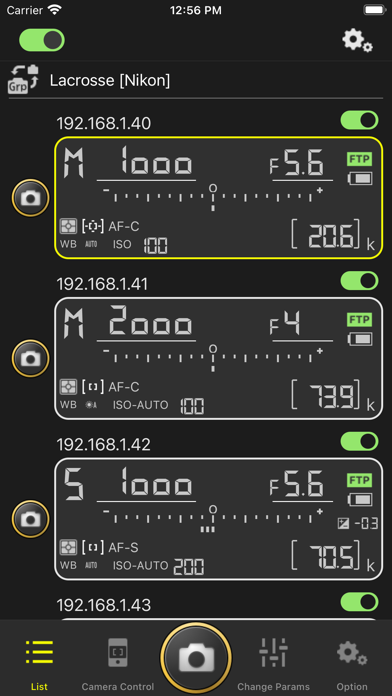
Description by Nikon Corporation Written by the developer, not by AppBrain. Click to read.
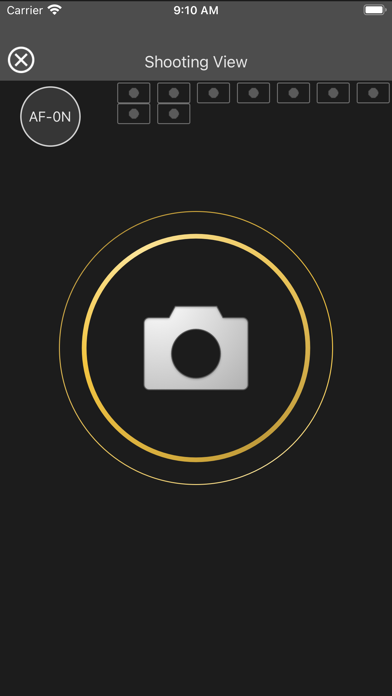
The iPhone or iPad to which the NX Field app has been installed can be used to remotely configure, operate, and release the shutters on up to nine cameras connected to a network.
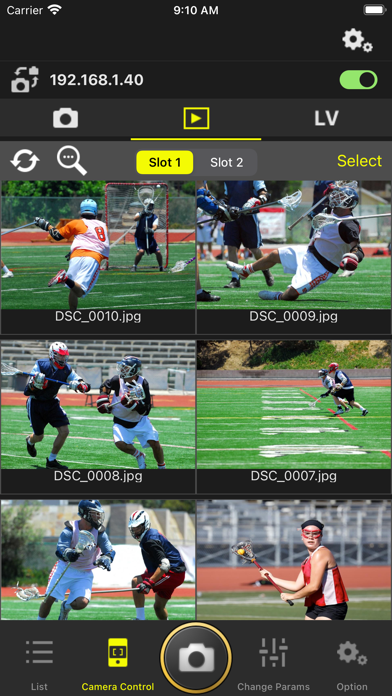
Download image data to your iPhone or iPad.
Upload pictures directly to an FTP server while the app is running.
■Supported Digital Cameras as of January 2026
Z9, Z8, Z6III, D6
Camera firmware must be updated to a version that supports NX Field.
Only users of the D6 can request the firmware update from a Nikon-authorized service representative. For more information, visit the site below. Users of the Z9, Z8, and Z6III can download the update from the Nikon Download Center and install it themselves.
https://nps.nikonimaging.com/nx_field/
The update is not available in some countries; for more information, contact your service provider.
Some functions may not be available with some cameras. Please see the NX Field system user's manual for more information.
Principal Features
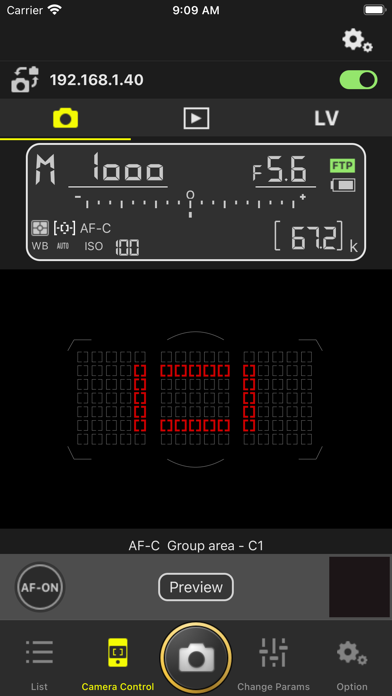
- Control remote cameras (up to a recommended maximum of nine) from your iPhone or iPad.
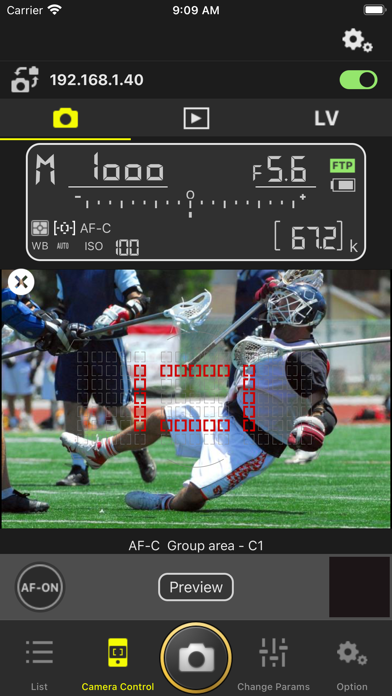
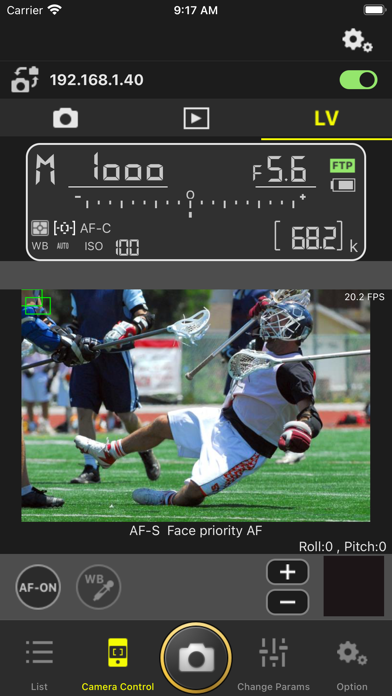
- Display the view through the camera lens on your iPhone or iPad during shooting.
- Use a gamepad to control remote cameras connected to your iPhone or iPad.
- The iPad version can be used to take pictures remotely while displaying the views through the lenses of up to nine remote cameras simultaneously.
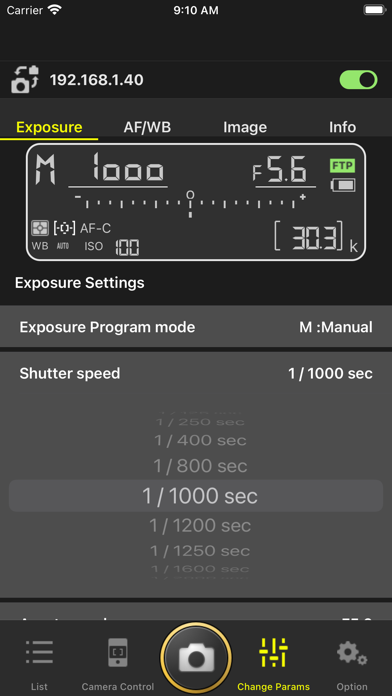
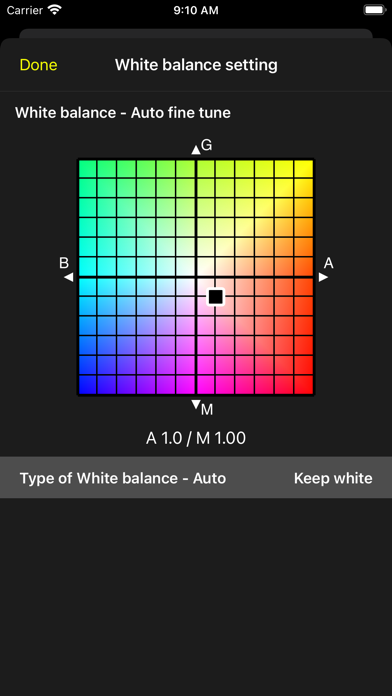
- Adjust exposure, focus, white balance, image quality, auto capture, and other settings remotely.
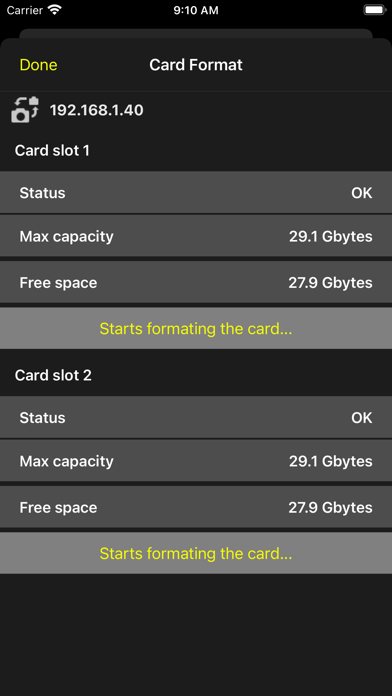
- Remotely format memory cards and edit the FTP profiles on the remote cameras.
- Simultaneously release the shutters on connected remote cameras.
- Upload pictures directly from the remote camera to an FTP server.
- Copy saved settings for all remote cameras to other iPhones or iPads.
- The iPad version can display the locations of remote cameras by positioning icons on, or adding hand-drawn annotations to, a selected image for the background.
- Cabled Ethernet connections offer greater reliability and faster image transfer than wireless connections.
- Images recorded by remote cameras can be displayed as a list or group of thumbnails.
- Voice memos can be recorded and attached to images.
System Requirements
iOS 17.0 or later
iPadOS 17.0 or later
There is no guarantee that this app will run on all devices.
Notes
- The app may not perform as expected depending on your environment and network conditions.
Users in China must select Simplified Chinese as the operating language for the destination device when installing and using the application.
Using the App
For more information on using the app, see the guide at the website below.
https://nps.nikonimaging.com/nx_field/