
Office Word:Edit Word Document
Office Word:Edit Word Document is made and published by Rhophi Analytics LLP. AppBrain is an independent app data site and isn't affiliated with Rhophi Analytics LLP. The app name, icon, screenshots and description belong to Rhophi Analytics LLP and are shown as published on the App Store.
AppBrain's verdict
Loved by users- Best rank
- #22
- Top Grossing, United Kingdom
- Rating on App Store
- 4.63
- 9,658 ratings
- Last updated
- August 15, 2024
Users love it: 4.6 stars from 9,658 ratings. Its best ranking is #22 in Top Grossing, Productivity in United Kingdom.
Rankings
App Store top charts- Highest rank
- #22
- Chart
- Top Grossing
- Productivity
- Country
- United Kingdom
App Store Rankings for Office Word:Edit Word Document
Top rankings
| Rank | Country | Category | List |
|---|---|---|---|
| 27 | France | Productivity | Top Grossing |
| 60 | United States | Productivity | Top Grossing |
| 22 | United Kingdom | Productivity | Top Grossing |
| 68 | United States | Productivity | Top Free |
| 46 | Canada | Productivity | Top Grossing |
| 46 | Germany | Productivity | Top Grossing |
| 25 | Mexico | Productivity | Top Free |
| 27 | Australia | Productivity | Top Grossing |
| 56 | Japan | Productivity | Top Grossing |
| 28 | Mexico | Productivity | Top Grossing |
Ranking history in United States
Competitors
Similar apps and more from Rhophi Analytics LLPAlternatives to Office Word:Edit Word Document




More from Rhophi Analytics LLP




Releases
Updates seen on the App Store- Version
- 1.0.25
- Launched
- February 2023
No changelog data
User feedback
Ratings and reviews on the App StoreComments on Office Word:Edit Word Document for iOS
We don't have enough comments to show example comments. Please check back later.
Technology
Found in the app by AppBrain- Price
- Free
- App size
- 227.4 MB
- Content rating
- Everyone
Technologies used by Office Word:Edit Word Document
About the app and developer
About Office Word:Edit Word Document
Office Word:Edit Word Document is a productivity app developed by Rhophi Analytics LLP.
User Ratings
Office Word:Edit Word Document is rated 4.63 out of 5 stars. The rating is based on 9.7 thousand ratings.
App Information
Office Word:Edit Word Document is freely available from the App Store. The app size is 227.38 MB. The latest version available is 1.0.25. The last update was on August 15, 2024.
Technical Requirements
The app has a content rating of Everyone. The app has been available on the App Store since February 2023.
Developer information for Rhophi Analytics LLP
Address:
Store listing
By Rhophi Analytics LLP, from the App Store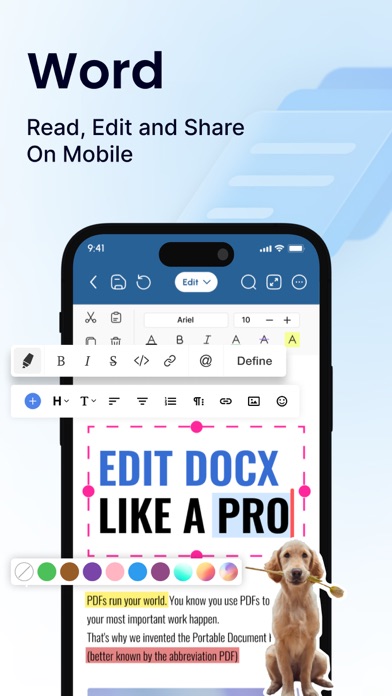
Description by Rhophi Analytics LLP Written by the developer, not by AppBrain. Click to read.
1. Interface and Formatting Tools
Sleek and intuitive interface for effortless document and file navigation and editing.
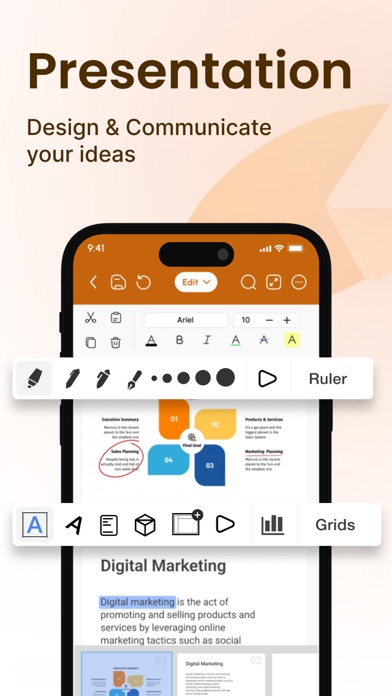
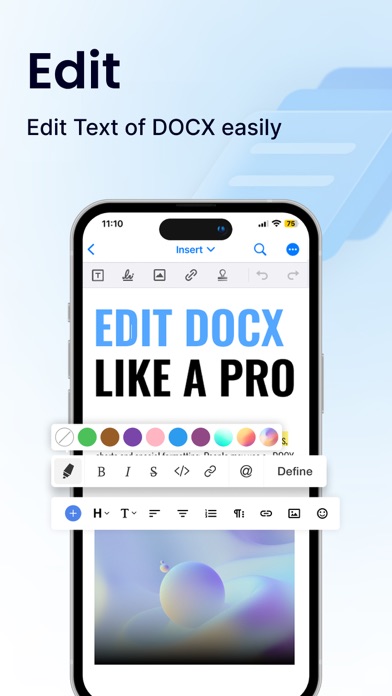
Variety of formatting tools to customize and edit your Word docs (fonts, text sizes, bold, italic, underline, highlight).
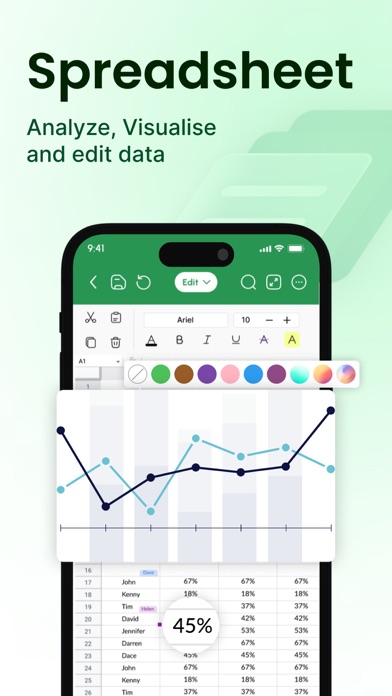
Ability to seamlessly insert tables, images, and charts into your Word files.
2. Collaboration Features
Real-time collaboration capabilities to create, edit, or annotate documents simultaneously with team members.
Commenting directly on specific parts of the document or file to facilitate clear communication and feedback.
3. Security Options
Password protection for your Word files to ensure security.
Two-factor authentication for authorized access to your documents.
Robust security features to keep your documents safe.
4. Personal and Professional Use
Suitable for both personal and professional document and file creation and editing.
Ideal for students, freelancers, and business owners to edit, create, or manage their documents.
Seamless integration with popular cloud services like Google Drive and Dropbox for easy document and file sharing.
5. Free trials and subscriptions
Try out all paid features for free for 3 days to experience the power of editing your documents and files.
Select a plan that best suits your needs to edit or create Word docs.
Cancel anytime without any obligations. Subscription will be charged to your credit card through your App Store account. Your subscription will automatically renew unless canceled at least 24 hours before the end of the current period. Manage your subscription in the Account Settings on the App Store after purchase.
Here's what makes Office Word: Edit Word Documents stand out:
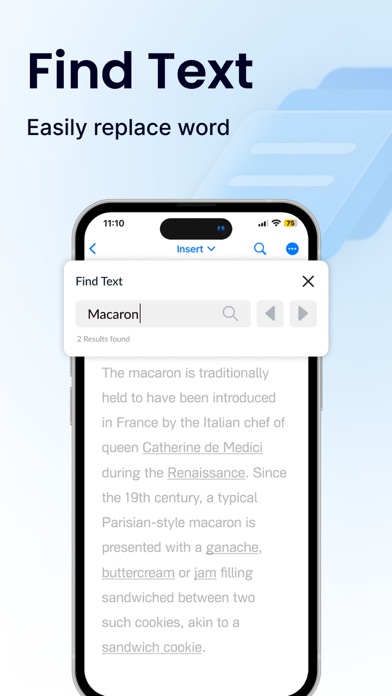
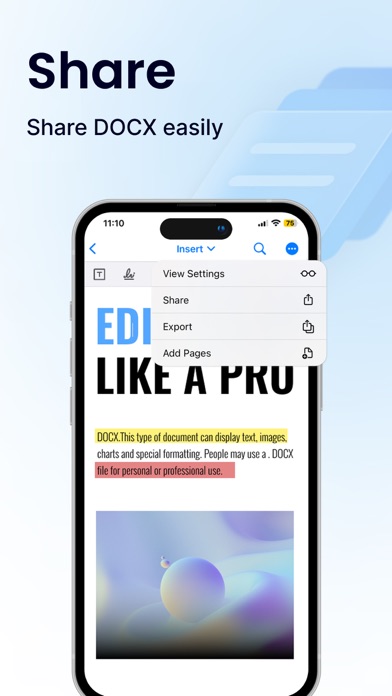
Effortlessly create, edit, view, share, and manage Word docs.
Collaborate in real-time with colleagues on documents and files.
Ensure security with password protection and two-factor authentication for your Word docs.
Manage documents and files for personal or professional use.
Enjoy a free trial and flexible subscription options.
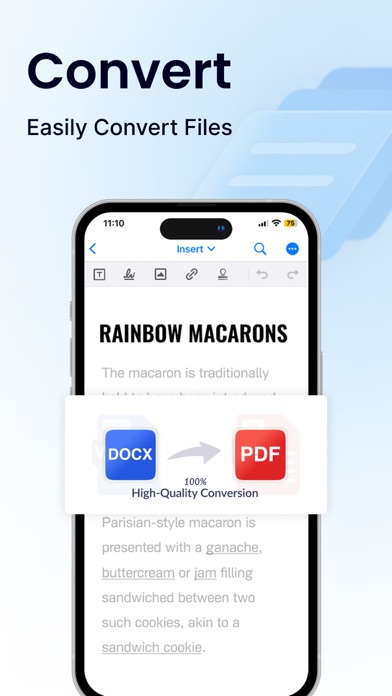
Read and manage all file formats such as Word, docx, pdf, xls, pptx, etc.
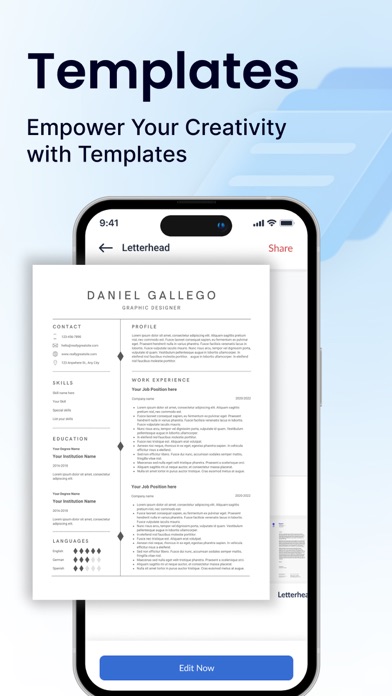
Create professional resumes and cover letters with existing templates.
Empowering Users in Every Role:
Students: Streamline your workflow and excel in your studies with this powerful mobile app. Effortlessly create, edit, view, and share all your school documents. Manage or edit assignments, take clear and organized notes, and create polished reports and presentations that will impress your professors.
Freelancers: Enhance your workflow and productivity with Office Word: Edit Word Documents. Create, edit professional Word documents, proposals, and invoices, leaving a lasting impression on clients. Work efficiently with clients, deliver high-quality projects on time, and manage your freelance business effectively with seamless file sharing and collaboration features. Create, edit, view, and share all your freelance docs and files on the go, keeping you organized and on top of your projects
Business Owners: Manage essential word files, collaborate with teams across locations, and create impactful presentations to showcase your business with Office Word: Edit Word Documents
Additional Information
• Link to the app's Terms of Use - https://blog.a1apps.co/terms-of-use-office-wordedit-word-document/
Link to the app's Privacy Policy - https://blog.a1apps.co/privacy-policy-office-wordedit-word-document/
Download Office Word: Edit Word Documents today and experience the future of mobile document and file management!