

OviCut Video Editor
OviCut Video Editor is made and published by Vivalive(Hong Kong) Limited. AppBrain is an independent app data site and isn't affiliated with Vivalive(Hong Kong) Limited. The app name, icon, screenshots and description belong to Vivalive(Hong Kong) Limited and are shown as published on the App Store.
AppBrain's verdict
EstablishedWell rated- Rating on App Store
- 4.42
- 255 ratings
- Last updated
- June 10, 2026
Users rate it well: 4.4 stars from 255 ratings.
Rankings
App Store top chartsApp Store Rankings for OviCut Video Editor
Competitors
Similar apps and more from Vivalive(Hong Kong) LimitedAlternatives to OviCut Video Editor








More from Vivalive(Hong Kong) Limited





Releases
Updates seen on the App Store- Version
- 1.8.0
- Launched
- April 2021
No changelog data
User feedback
Ratings and reviews on the App StoreComments on OviCut Video Editor for iOS
We don't have enough comments to show example comments. Please check back later.
Technology
Found in the app by AppBrain- Price
- Free
- App size
- 77.5 MB
- Content rating
- Everyone
Technologies used by OviCut Video Editor
About the app and developer
About OviCut Video Editor
OviCut Video Editor is a photo & video app developed by Vivalive(Hong Kong) Limited.
User Ratings
OviCut Video Editor is rated 4.42 out of 5 stars. The rating is based on 260 ratings.
App Information
OviCut Video Editor is freely available from the App Store. The app size is 77.46 MB. The latest version available is 1.8.0. The last update was on June 10, 2026.
Technical Requirements
The app has a content rating of Everyone. The app has been available on the App Store since April 2021.
Developer information for Vivalive(Hong Kong) Limited
Address:
Frequently asked questions about OviCut Video Editor
Is OviCut Video Editor free?
Yes. OviCut Video Editor is free on the App Store.
Is OviCut Video Editor still available?
Yes. OviCut Video Editor is on the App Store, and the last update we saw was on June 10, 2026.
How large is OviCut Video Editor?
OviCut Video Editor is 77.46 MB.
Is OviCut Video Editor suitable for children?
App Store rates the content of OviCut Video Editor as suitable for everyone.
How do people rate OviCut Video Editor?
OviCut Video Editor scores 4.42 out of 5 stars, from 255 ratings on the App Store.
Who made OviCut Video Editor?
OviCut Video Editor was developed by Vivalive(Hong Kong) Limited. It is listed in the photo & video category on the App Store.
What are the best alternatives to OviCut Video Editor?
People looking at OviCut Video Editor also look at these photo & video apps: UverVideo - Video Editor&Maker, Video Editor Effects, Filma - Video Editor Music io, Video Effects Editor: Riveo, BeatSync - Video Maker.
Store listing
By Vivalive(Hong Kong) Limited, from the App Store
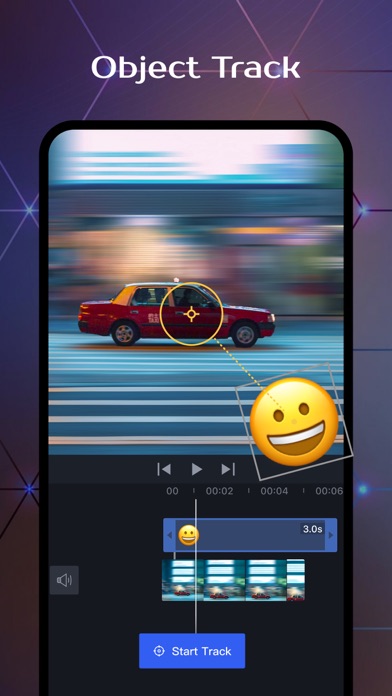
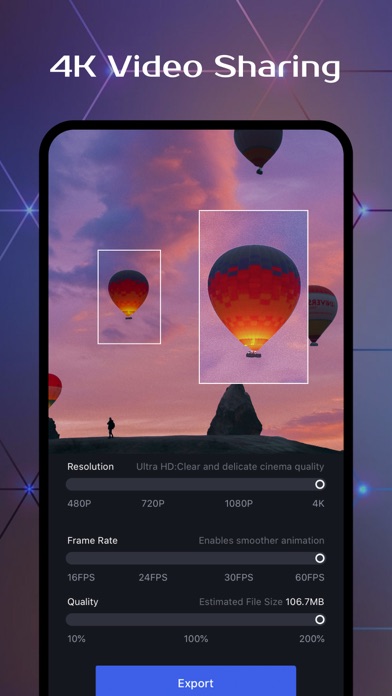
Description by Vivalive(Hong Kong) Limited Written by the developer, not by AppBrain. Click to read.
Multi-platform adaptation
• Supports multiple platforms such as iPad and iPhone;
• Focus on flexible interface layout, clear structure and smooth interaction;
• Support Apple M1 chip, available on both Mac and iPad;
• Support external keyboard and mouse & shortcut key operation to improve editing efficiency;
Efficient and easy to use
• Support real-time preview, drag and drop materials, clearly see all operations;
• Support drag and drop various materials from the multitasking window to directly add to the timeline;
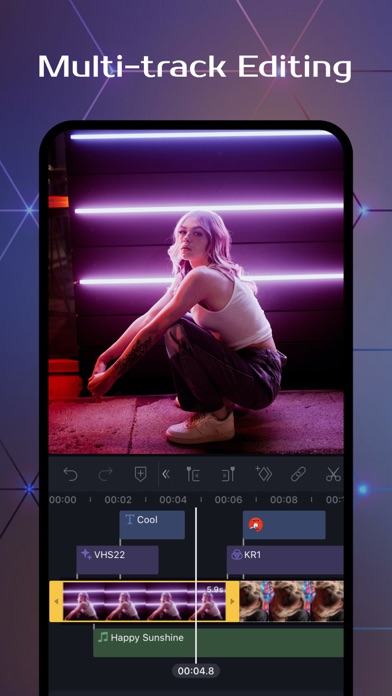
• Multi-track editing frame by frame, no limit on the number of tracks, the segment can switch tracks at will;
• Support video material preview, pre-cutting, and quick selection of available clips;
• Convenient and practical material classification and media file management;
• Support fast cutting, copying, and deleting clips;
Professional Editing
• Associated main and sub track objects, and synchronized materials let you easily organize your timeline;
• Support chroma key keying, with mixed mode, handle various special effects.
• Support a variety of key frame operations, realize zoom lens movement, and grasp the video rhythm;
• Non-destructive editing, automatic saving all operation steps, support undo and redo;
• Accurately add time axis markers, and quickly locate clips;
• Set the resolution, frame rate and bit rate up to Ultra HD 4K, 60 frames;
Basic Editing Features
• Support the aspect ratio of various mainstream social platforms;
• Support fast multi-segment microphone recording, easy recording of dubbing narration;
• Flexible control of video speed, support for variable speed, frame freeze and reverse playback;
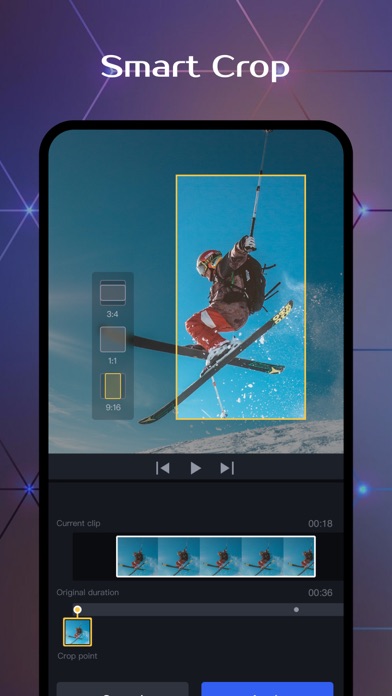
• Supports masking, cropping, rotation, mirroring, and common operations are all available;
• Supports dot, keep pitch, one-key mute, turn off the original sound, etc.for audio editing;
• Powerful video post-production, providing high-quality filters and professional parameter adjustment;
Built-in Effects & Materials
• 「Material Library」: various built-in video materials to prompt the quality of the video;
• 「Special Effects」: unique and high-quality special effects, easy to create movie-like images;
• 「Transition」: provides a variety of complex transitions to achieve seamless transition of video clips;
• 「Stickers」: commonly used popular stickers, suitable for various scenarios;
• 「Text」: rich artistic titles and copyright-free fonts;
• 「Music」: massive royalty-free music, sound effects, and support video extraction audio;
Privacy Policy: http://vmix-rc.vccresource.com/web/h5template/782b7207-ca1c-4d56-a9e5-00c76497d734-language=en/dist/index.html
Terms of Use: http://rc.vccresource.com/web/h5template/f4bd4df3-5843-426c-a329-64fad9545553-language=en/dist/index.html
For any questions or suggestions, please feel free to contact us.
Email: vmixeditor2020@gmail.com