

UverVideo - Video Editor&Maker
UverVideo - Video Editor&Maker is made and published by 建文 颜. AppBrain is an independent app data site and isn't affiliated with 建文 颜. The app name, icon, screenshots and description belong to 建文 颜 and are shown as published on the App Store.
AppBrain's verdict
Established- Rating on App Store
- 5.00
- 3 ratings
- Last updated
- October 8, 2022
It doesn't have enough ratings yet to judge what users think.
Rankings
App Store top chartsApp Store Rankings for UverVideo - Video Editor&Maker
Competitors
Similar apps and more from 建文 颜Alternatives to UverVideo - Video Editor&Maker






Releases
Updates seen on the App Store- Version
- 1.1.9
- Launched
- April 2021
No changelog data
User feedback
Ratings and reviews on the App StoreComments on UverVideo - Video Editor&Maker for iOS
We don't have enough comments to show example comments. Please check back later.
Technology
Found in the app by AppBrain- Price
- Free
- App size
- 252.2 MB
- Content rating
- Everyone
Technologies used by UverVideo - Video Editor&Maker
About the app and developer
About UverVideo - Video Editor&Maker
UverVideo - Video Editor&Maker is a photo & video app developed by 建文 颜.
User Ratings
UverVideo - Video Editor&Maker is rated 5.00 out of 5 stars. The rating is based on 3 ratings.
App Information
UverVideo - Video Editor&Maker is freely available from the App Store. The app size is 252.22 MB. The latest version available is 1.1.9. The last update was on October 8, 2022.
Technical Requirements
The app has a content rating of Everyone. The app has been available on the App Store since April 2021.
Developer information for 建文 颜
Address:
Frequently asked questions about UverVideo - Video Editor&Maker
Is UverVideo - Video Editor&Maker free?
Yes. UverVideo - Video Editor&Maker is free on the App Store.
Is UverVideo - Video Editor&Maker still available?
Yes. UverVideo - Video Editor&Maker is on the App Store, and the last update we saw was on October 8, 2022.
How large is UverVideo - Video Editor&Maker?
UverVideo - Video Editor&Maker is 252.22 MB.
Is UverVideo - Video Editor&Maker suitable for children?
App Store rates the content of UverVideo - Video Editor&Maker as suitable for everyone.
How do people rate UverVideo - Video Editor&Maker?
UverVideo - Video Editor&Maker scores 5.00 out of 5 stars, from 3 ratings on the App Store.
Who made UverVideo - Video Editor&Maker?
UverVideo - Video Editor&Maker was developed by 建文 颜. It is listed in the photo & video category on the App Store.
What are the best alternatives to UverVideo - Video Editor&Maker?
People looking at UverVideo - Video Editor&Maker also look at these photo & video apps: SLIDESHOW - Story Maker, OviCut Video Editor, Video 2 Live Wallpaper Maker, KiteVid - Video & Film Editor, 美册-专注原创短视频编辑器.
Store listing
By 建文 颜, from the App Store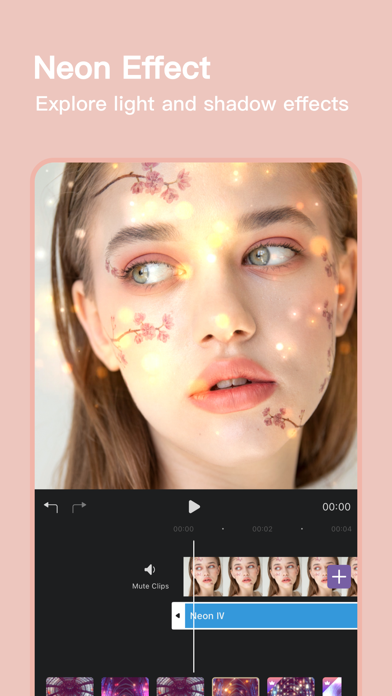



Description by 建文 颜 Written by the developer, not by AppBrain. Click to read.
Whether you are a novice or a professional, you can use UverVideo's powerful video editing functions to create the video content you want more quickly and easily, and edit creative life easily!
Features:
Video Editor & Movie Maker.
- Live photos
Live photos dynamic video and still photos with one-click switch.
- Slideshow maker
Splice multiple photos to make a video slideshow.
- Picture in Picture
Supports adding multiple material layers and adjusting the layer level.
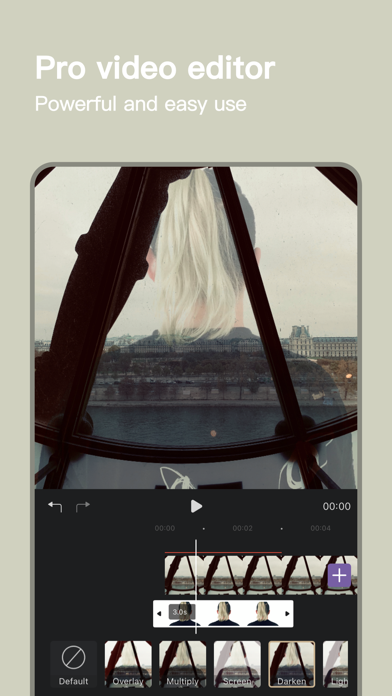
- Blending mode
Multi-layer mixed exposure to create stunning visual effects.
- 4K quality
Support 4K pixel video material editing and export.
- Music sound effects
Hundreds of music sound effects to meet the needs of a variety of scenes.
- Audio separation
Easily extract music from the entire network video.
- Art text
Powerful typesetting and editing functions, hundreds of style templates.
- Video split screen
Supports horizontal and vertical 2, 3, 4, 6, 9 grids.
- Video reverse playback
One-click reverse playback, making special effects videos.
- Video speed change
0.2-100 times free speed change.
- Video Split
To accurately split the video in a single frame,to split any part of the video at will.
- Video Trim
To flexibly trim the beginning and end of the video and the middle part.
- Video Stitching
Multi-material stitching into a complete video, the order can be changed.
- Video ratio
Support more than ten kinds of canvas ratios to edit video.
- Video rotation
Can flexibly rotate the video and flip up and down, left and right.
- Video freeze
Capture video frames to pictures.
- Professional filters
A variety of film-level professional style filters.
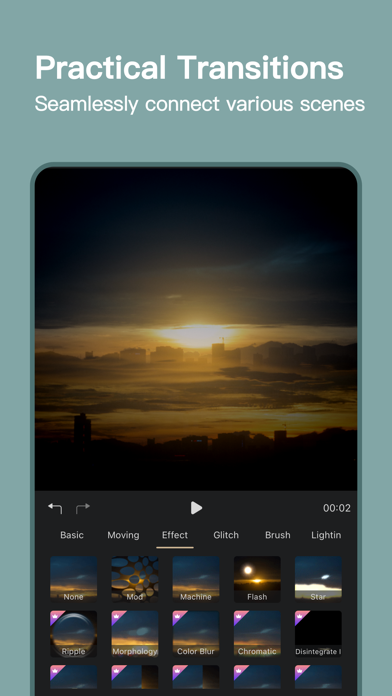
- Advanced transition
One-click get high-end transition effects.
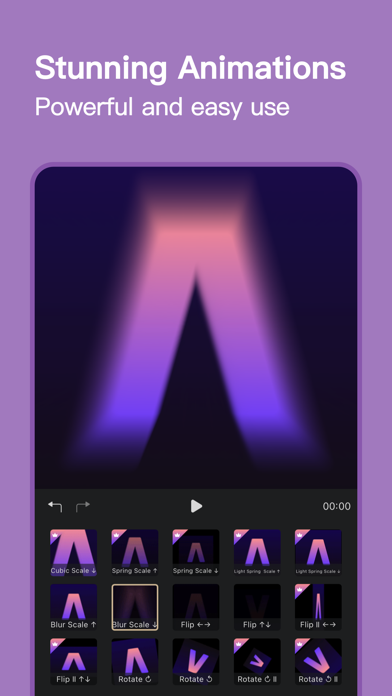
- Stunning animation
Cool dynamic animation effects.
- Fun background
Support adding colors, patterns, blurs and other backgrounds.
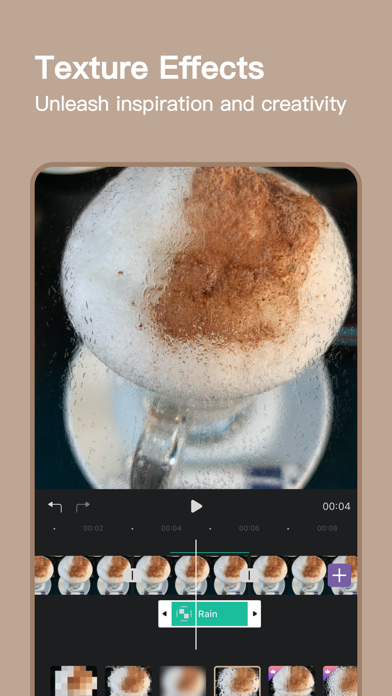
- Texture effect
Various mosaic effects such as crystal, raindrops, frosted glass, etc.
- Creative stickers
A variety of creative stickers to add interest to the video.
- Unrestrained zoom
You can zoom in and out the video picture at will.
- Audio volume
Audio track adjustment, mute, split, variable speed, fade.
UverVideo Pro Unlimited Subscription
- You can subscribe for unlimited access to all features and content offered for purchase within UverVideo.
- The membership subscription fee depends on the subscription plan you choose and is charged monthly or yearly. In addition, a one-time payment will be offered if needed(this is not a subscription).
- Payment will be charged to iTunes Account at confirmation of purchase.
- Subscription automatically renews unless auto-renew is turned off at least 24-hours before the end of the current period.
- Account will be charged for renewal within 24-hours prior to the end of the current period, and identify the cost of the renewal.
- Subscriptions may be managed by the user and auto-renewal may be turned off by going to the user's Account Settings after purchase.
- If eligible for free trial and you subscribe before your free trial ends, the rest of your free trial period will be forfeited as soon as your purchase is confirmed. Subscriptions will start immediately after free trial ends unless cancelled at least 24 hours prior to the end of the trial period.
Special reminder:
If your subscription plan is monthly or yearly, you can make up the difference and upgrade to a one-time payment plan(this is not a subscription).
Privacy & Terms
Terms of Use: https://res.uvervideo.com/index/terms/terms.pdf
Privacy Policy: https://res.uvervideo.com/index/privacy/privacy.pdf
If you have any questions or functional requirements, you can contact us to communicate.
Email: uvervideo.support@mail.xiguaikeji.com