

PDF Converter Pro Edition
PDF Converter Pro Edition is made and published by PDF Technologies, Inc. AppBrain is an independent app data site and isn't affiliated with PDF Technologies, Inc. The app name, icon, screenshots and description belong to PDF Technologies, Inc. and are shown as published on the App Store.
AppBrain's verdict
- Last updated
- March 25, 2026
Rankings
App Store top chartsApp Store Rankings for PDF Converter Pro Edition
Competitors
Similar apps and more from PDF Technologies, Inc.More from PDF Technologies, Inc.







Releases
Updates seen on the App Store- Version
- 2.0
- Launched
- April 2020
No changelog data
User feedback
Ratings and reviews on the App StoreComments on PDF Converter Pro Edition for iOS
We don't have enough comments to show example comments. Please check back later.
Technology
Found in the app by AppBrain- Price
- $19.99
- App size
- 243.9 MB
- Content rating
- Everyone
Technologies used by PDF Converter Pro Edition
About the app and developer
About PDF Converter Pro Edition
PDF Converter Pro Edition is a business app developed by PDF Technologies, Inc.
User Ratings
The app has no ratings yet.
App Information
PDF Converter Pro Edition costs $19.99. The app size is 243.90 MB. The latest version available is 2.0. The last update was on March 25, 2026.
Technical Requirements
The app has a content rating of Everyone. The app has been available on the App Store since April 2020.
Developer information for PDF Technologies, Inc.
Address:
Store listing
By PDF Technologies, Inc., from the App Store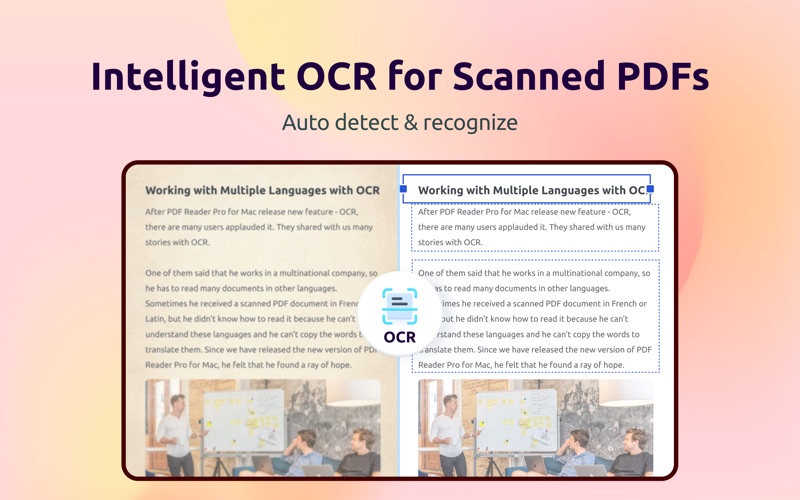
Description by PDF Technologies, Inc. Written by the developer, not by AppBrain. Click to read.
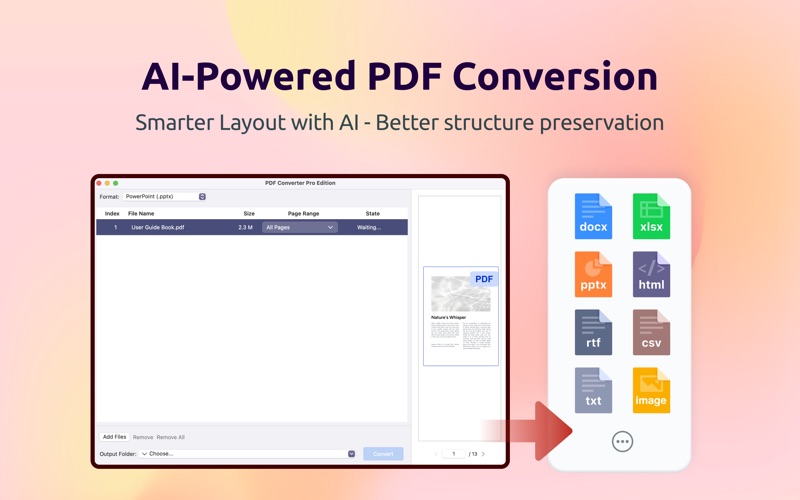
PDF Converter Pro Edition is a professional macOS application rebuilt with SwiftUI and powered by advanced AI layout analysis, designed to convert PDF files into editable formats with higher accuracy and better layout preservation.
This major update introduces AI-driven conversion, intelligent OCR, a modern SwiftUI interface, and full brand redesign — delivering faster performance and a truly native macOS experience on macOS 11 and later.
Key Features
AI-Driven Conversion
- Enhanced AI layout analysis for all document formats
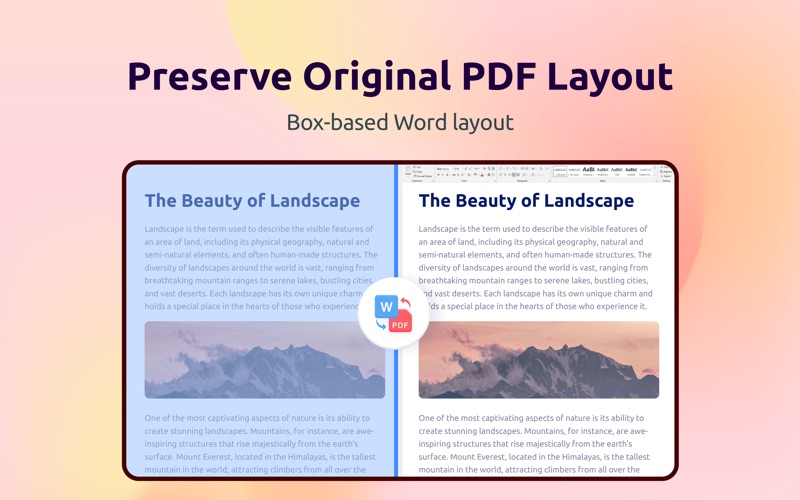
- Word box-based layout mode to better preserve original PDF structure
- Convert formulas in Word, PowerPoint, and Excel as images for higher accuracy
Intelligent OCR
- Automatic OCR detection and processing
- Full text recognition for scanned documents
- Smart handling of mixed-content PDFs
Modern SwiftUI Interface
- Completely rebuilt with SwiftUI + MVVM
- Improved performance and responsiveness
- Native macOS 11+ experience
Full Brand Redesign
- Clean, modern UI aligned with the new brand system
- Fully localized into 45 languages
Bug Fixes & Improvements
- Fixed Excel conversion and improved table detection
- Fixed CSV conversion with OCR support
- Fixed JSON conversion with table recognition
- Fixed update dialog button responsiveness
Technical Enhancements
- Powered by ComPDF SDK v3.2.2
- Enhanced error handling and progress tracking
- Better memory management
System Requirements
macOS 13.0 or later