
PDF Editor Pro - Sign & EDIT
PDF Editor Pro - Sign & EDIT is made and published by Global Executive Consultants (Shanghai) Ltd. AppBrain is an independent app data site and isn't affiliated with Global Executive Consultants (Shanghai) Ltd. The app name, icon, screenshots and description belong to Global Executive Consultants (Shanghai) Ltd and are shown as published on the App Store.
AppBrain's verdict
- Last updated
- October 14, 2021
- Size
- 315.9 MB
User feedback
Ratings and reviews on the App StoreComments on PDF Editor Pro - Sign & EDIT for iOS
We don't have enough comments to show example comments. Please check back later.
Store listing
By Global Executive Consultants (Shanghai) Ltd, from the App Store


Description by Global Executive Consultants (Shanghai) Ltd Written by the developer, not by AppBrain. Click to read.
√ Full Editing
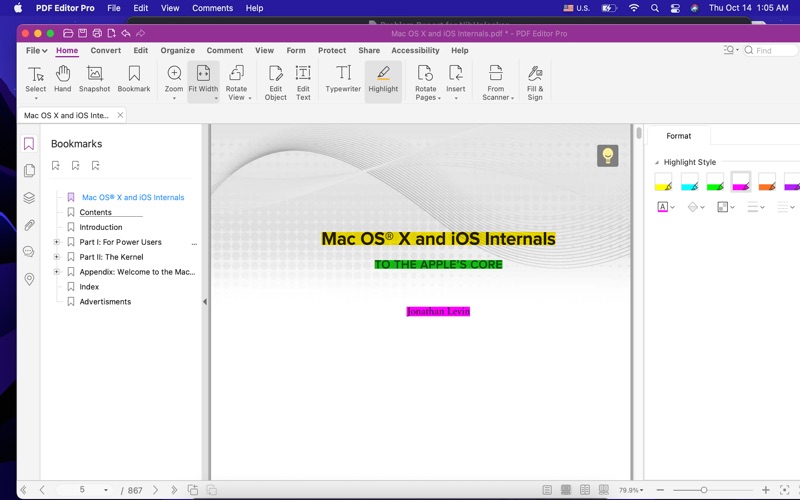
• Edit PDF documents including adding, deleting, moving, or modifying text. When editing PDF text, the auto-matching system will detect the font in the text block and match the newly added text automatically.
• Mark up and annotate. There are lots of drawing tools such as highlight, underline, strike through, sticky note, hyperlink, text boxes, rectangles, arrow, line, oval, clouds, customized colors, line weights etc.
• Manage your PDF files easily. Insert, extract, rotate or delete PDF page.
• Edit content directly -
With PDF Editor Pro, you can edit content, change anything what you want, insert rich table and text block, even insert hyperlink.
• Formatted text -
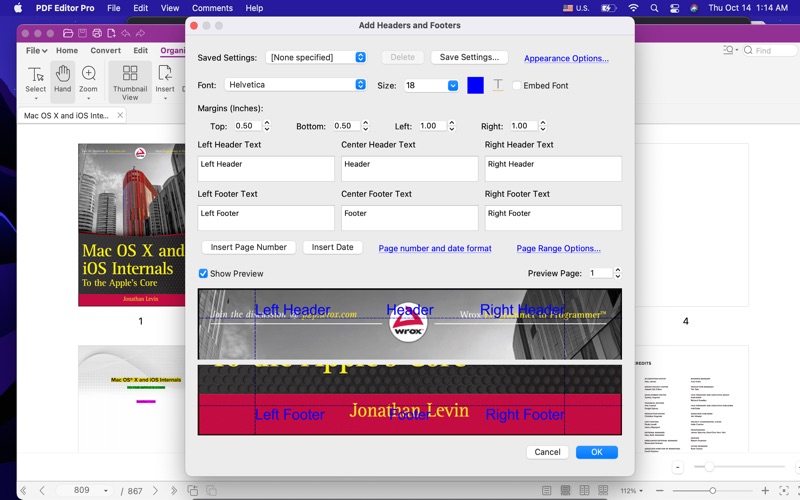
With PDF Editor Pro, you can use built-in editor to change any text's font, color, alignment, etc.
• Rich image effect -
With PDF Editor Pro, you can use many kinds of image effect to optimize your PDFs.
• Paperless Workflow -
Reduce the amount of paper in your office. Scan documents directly into PDF Editor Pro and then use PDF Editor Pro's OCR(Optical Character Recognition) on the scanned text, so you can search, edit, and copy it.
• Protect PDF
- Set a password to protect PDF from being opened by unauthorized users.
- Apply Permissions. Restrict users' access to PDF printing, copying, editing, and extracting by setting permissions for your document.
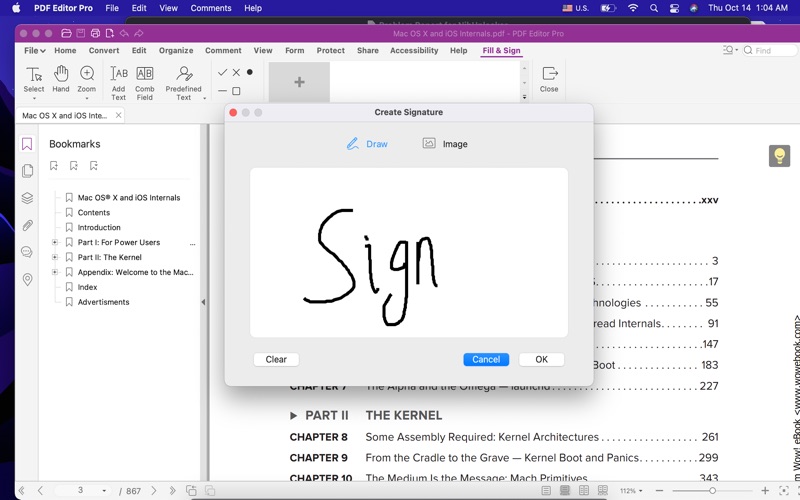
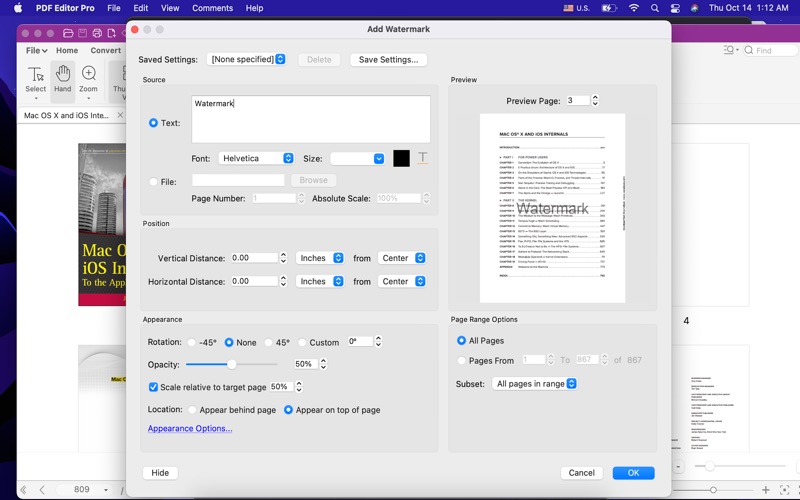
• Watermark & Signature
- It allows inserting watermark (text or image) for your own copyright.
- Watermarks in original PDFs can be removed.
- Watermarks can be personalized by typing text, handwriting, a photo or a camera shooting.
- Digital signature is supported.
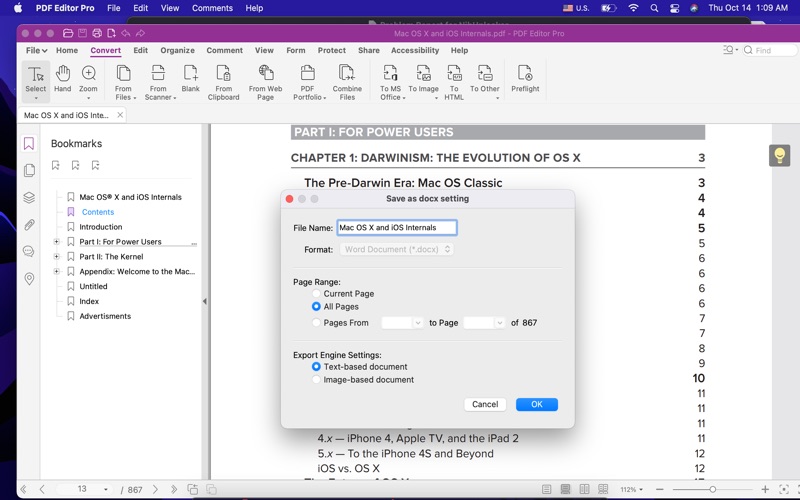
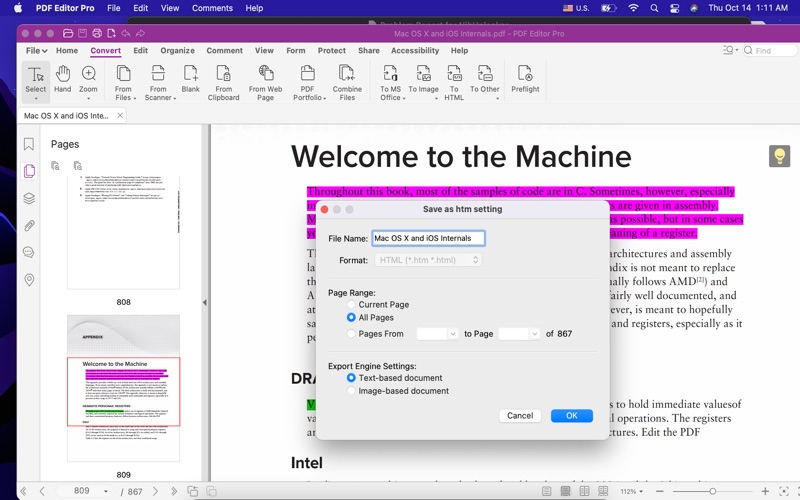
• PDF Converter
- Convert PDF files to MS Office documents
Safety and technology
Found in the app by AppBrain- Price
- $19.99
- App size
- 315.9 MB
- Content rating
- Everyone
Technologies used by PDF Editor Pro - Sign & EDIT
Releases
Updates seen on the App Store- Version
- 2.8.9
- Launched
- May 2016
No changelog data
Alternatives
Similar apps and more from Global Executive Consultants (Shanghai) LtdMore from Global Executive Consultants (Shanghai) Ltd
 Quick Player Pro - for Video Audio Media Player


 Candy Heroes Splash - match 3 crush charm game



Rankings
App Store top chartsApp Store Rankings for PDF Editor Pro - Sign & EDIT
About the app and developer
About PDF Editor Pro - Sign & EDIT
PDF Editor Pro - Sign & EDIT is a business app developed by Global Executive Consultants (Shanghai) Ltd.
What is the rating of PDF Editor Pro - Sign & EDIT?
PDF Editor Pro - Sign & EDIT has no ratings yet.
Is PDF Editor Pro - Sign & EDIT free?
PDF Editor Pro - Sign & EDIT costs $19.99. The app size is 315.92 MB. The latest version available is 2.8.9. The last update was on October 14, 2021.
What are the requirements for PDF Editor Pro - Sign & EDIT?
The app has a content rating of Everyone. The app has been available on the App Store since May 2016.