AppBrain
AppBrain
  • Apps
  • Apps being viewed right now Trending apps today Most popular apps All-time most installed apps Top rated apps iPhone and iPad apps
  • Intelligence ▾
    Intelligence overview → Track any Android app or your whole market
    Track & analyze
    Keyword Tracker & OptimizerTrack & improve Play rankings App Performance ReportOne-off PDF for any app StatisticsFree Android & Play market stats
    Promote your app
    Featured Apps App Links
  • Intelligence
  • Pricing
  • Dashboard
  • Sign up
  • Log in
App Store Apps > Productivity > PDF Merge + Scan & Split Pages
PDF Merge + Scan & Split Pages icon

PDF Merge + Scan & Split Pages

by Warif Rishi · Productivity · Free
On the App Store since February 2020 · Data updated 2026-10-13
App Store

PDF Merge + Scan & Split Pages is made and published by Warif Rishi. AppBrain is an independent app data site and isn't affiliated with Warif Rishi. The app name, icon, screenshots and description belong to Warif Rishi and are shown as published on the App Store.

AppBrain's verdict

Established
Rating on App Store
4.32
97 ratings
Last updated
June 30, 2021
Size
17.2 MB

It doesn't have enough ratings yet to judge what users think.

User feedback

Ratings and reviews on the App Store

Comments on PDF Merge + Scan & Split Pages for iOS

We don't have enough comments to show example comments. Please check back later.

Store listing

By Warif Rishi, from the App Store
PDF Merge + Scan & Split Pages Screenshot 1 of 10
PDF Merge + Scan & Split Pages Screenshot 2 of 10
PDF Merge + Scan & Split Pages Screenshot 3 of 10
PDF Merge + Scan & Split Pages Screenshot 4 of 10
PDF Merge + Scan & Split Pages Screenshot 5 of 10
PDF Merge + Scan & Split Pages Screenshot 6 of 10
PDF Merge + Scan & Split Pages Screenshot 7 of 10
PDF Merge + Scan & Split Pages Screenshot 8 of 10
PDF Merge + Scan & Split Pages Screenshot 9 of 10
PDF Merge + Scan & Split Pages Screenshot 10 of 10
Screenshots by Warif Rishi, from the the App Store listing
Description by Warif Rishi Written by the developer, not by AppBrain. Click to read.
Turn your camera into a powerful portable scanner to scan physical documents into PDF files, upload your PDF files from any source you wish and merge the PDF documents instantly and securely.

PDF Merge+ is a free document scanner app in which not only you get to create PDF files from your images and physical documents, but it also makes it possible to exchange pages from different PDF sources and merge them into one PDF document.

You can import PDF files from different local and cloud storage, and the option to scan documents helps you with organizing your physical documents and create a secure backup of all your documents.

PDF Merge+ main features at a glance:

● Clean and neat design with a fresh and intuitive interface
● Scan documents with ease and at the highest possible quality with smallest file size
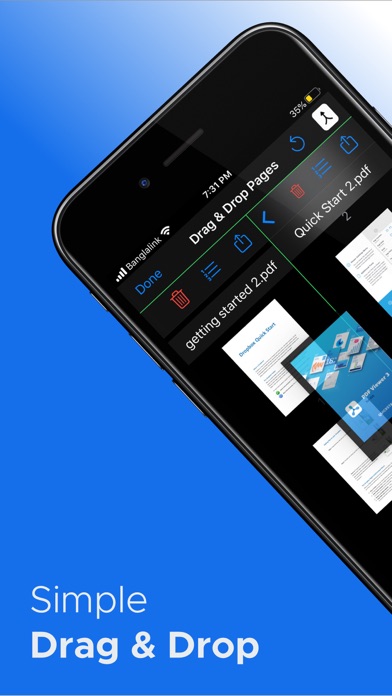
● Add, Remove, Rearrange pages from different pdf documents
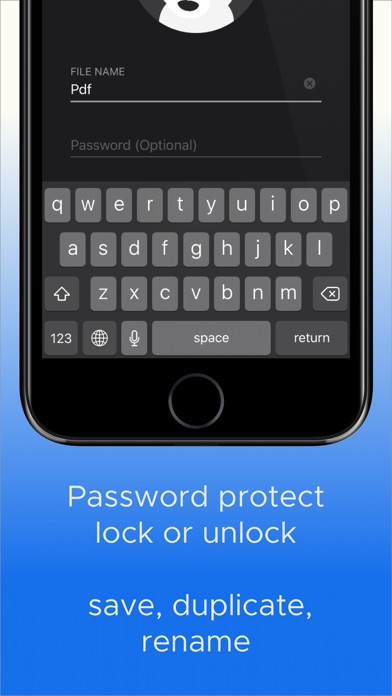
● Set password for your created documents
● Smart scanning engine with precise cropping tool, different filters, highest quality and lowest file size
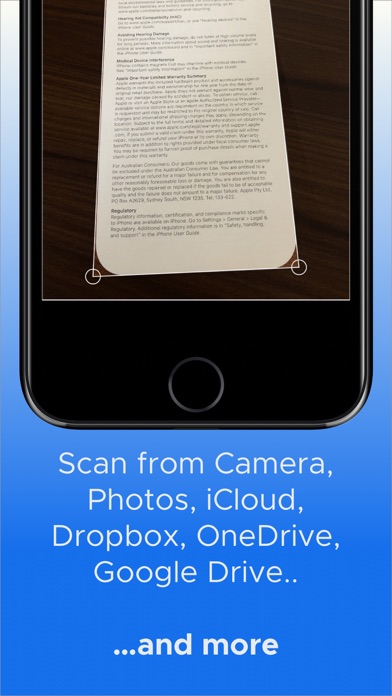
● Add documents from cloud storages including iCloud, Google Drive, Dropbox, OneDrive and more
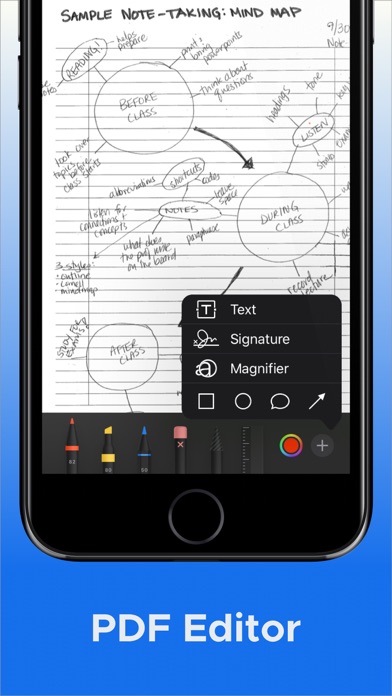
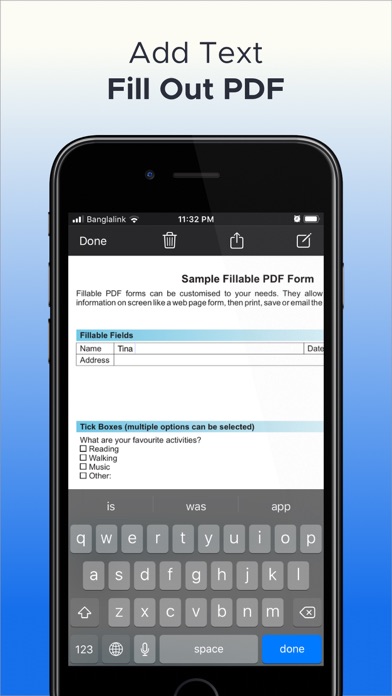
● PDF Editor (Add text, note, signature, drawing to fill PDF Files)
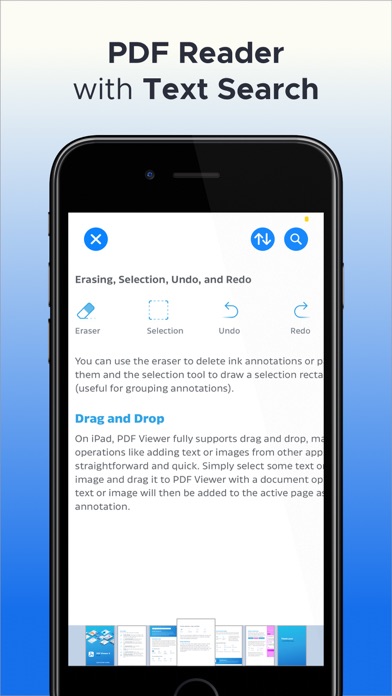
● PDF Reader with text search feature
● Easily Convert image to PDF and vice versa
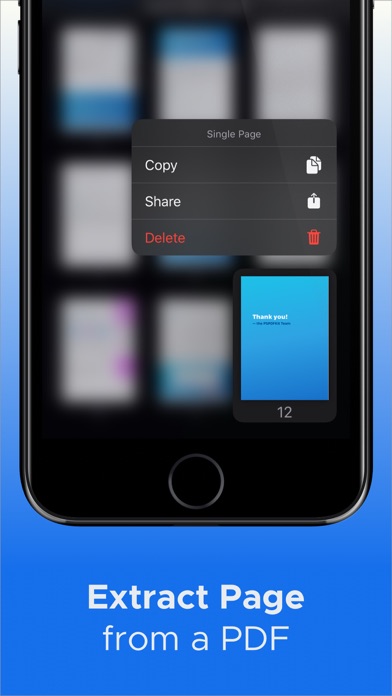
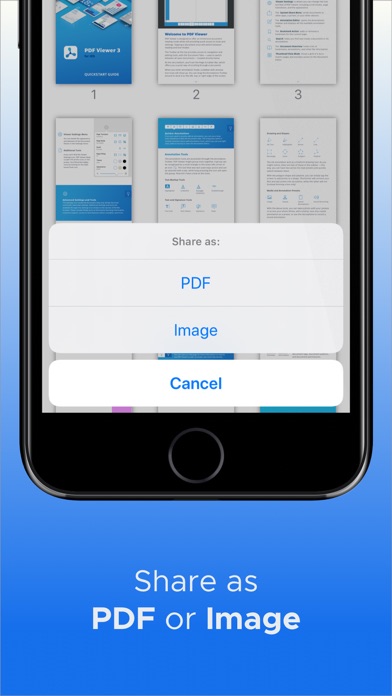
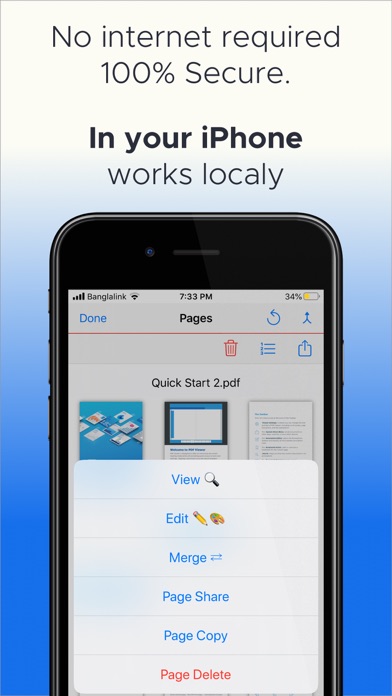
● Extract page - duplicate, delete and share individual page from a PDF
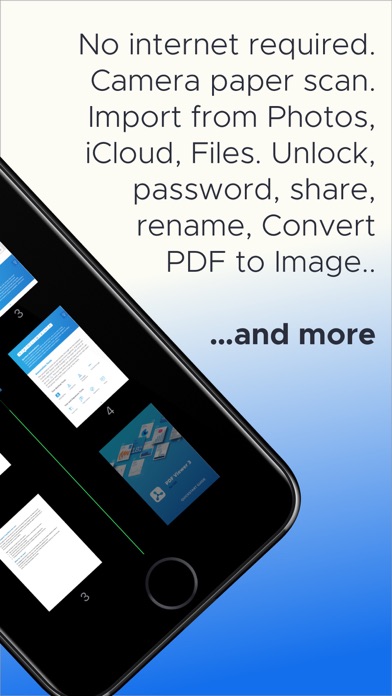
● No internet required. Your data is 100% secure.
● Every screen supports iOS 13 Dark Mode
● Free to use (with premium subscriptions)

Scan and turn them into PDF files:
+ documents
+ expenses receipts
+ business cards
+ paper contracts
+ handwritten notes

.Scan
Scan with your camera or import from existing photos.

Scanning features:
+ smart page detection
+ auto capture
+ crop
+ rotate
+ convert to b&w

Get the full version to EDIT, SCAN and SHARE without limits

SUBSCRIPTION PRICING AND TERMS

PDF Merge+ offers three auto-renewing
subscription options:
$3.99 per week
$49.99 per year with 3 days free trial
$9.99 per month with 3 days free trial

These prices are for United States customers. Pricing in other countries may vary and actual charges may be converted to your local currency depending on the country of residence.

For other currencies, the price corresponds to the same price tier on the App Store Pricing Matrix.

* Subscription payments will be charged to your iTunes account at confirmation of your purchase.

* Subscriptions will automatically renew and payment will be charged to your iTunes account unless auto renew is turned off at least 24 hours prior to the end of the current period. The cost of the renewal depends on your Subscription Plan.

* Subscription with a free trial period will automatically renew to a paid subscription. You can cancel or manage your free trial’s auto-renewal in your Account Settings after purchase. The cancellation will take effect 24-hours after the last day of the current subscription period and you will be downgraded to the free service.

* Please note; any unused portion of a free trial period (if offered) will be forfeited when you purchase a premium subscription during the free trial period.

Read the terms of conditions here -
https://sites.google.com/view/pdfmergeapp/terms

Read the privacy policy here -
https://sites.google.com/view/pdfmergeapp/policy
Official page on the App Store

Safety and technology

Found in the app by AppBrain
Price
Free
App size
17.2 MB
Content rating
Everyone

Technologies used by PDF Merge + Scan & Split Pages

Releases

Updates seen on the App Store
Version
4.0
Launched
February 2020

No changelog data

Alternatives

Similar apps and more from Warif Rishi

Alternatives to PDF Merge + Scan & Split Pages

PDF Merge X: PDF Merger icon PDF Merge X: PDF Merger
Daniel Jirku
4.1
Free
92 ratings
PDF Merge - PDF Files Merger icon PDF Merge - PDF Files Merger
Appside Technologies LTD
3.8
Free
19 ratings
PDF Splitter + PDF Merge icon PDF Splitter + PDF Merge
青青 余
4.5
Free
140 ratings
PDF Combiner - Merge & Split icon PDF Combiner - Merge & Split
Evgeniy Konev
4.8
Free
293 ratings
Beyond Scan: OCR & PDF Scanner icon Beyond Scan: OCR & PDF Scanner
丽佩 章
4.8
Free
455 ratings
PDF Splice icon PDF Splice
Russell Pecka
5.0
Free
21 ratings
EasyPDF - Create Split Combine icon EasyPDF - Create Split Combine
WEBDIA INC.
4.8
Free
22 ratings
Paragraph Writer: Ai Helper icon Paragraph Writer: Ai Helper
hossam sherraa
4.2
Free
230 ratings

More from Warif Rishi

PDF Pencil: Fill Out Form icon PDF Pencil: Fill Out Form
Warif Rishi
4.6
Free
140 ratings
Reader - voice for pdf & web icon Reader - voice for pdf & web
Warif Rishi
4.5
Free
103 ratings
Live Text Scanner - PDF Writer icon Live Text Scanner - PDF Writer
Warif Rishi
4.2
Free
18 ratings
Chore Wall: Kid Chart Tracker icon Chore Wall: Kid Chart Tracker
Warif Rishi
0.0
Free

Rankings

App Store top charts

App Store Rankings for PDF Merge + Scan & Split Pages

This app is not ranked

About the app and developer

About PDF Merge + Scan & Split Pages

PDF Merge + Scan & Split Pages is a productivity app developed by Warif Rishi.

User Ratings

PDF Merge + Scan & Split Pages is rated 4.32 out of 5 stars. The rating is based on 97 ratings.

App Information

PDF Merge + Scan & Split Pages is freely available from the App Store. The app size is 17.23 MB. The latest version available is 4.0. The last update was on June 30, 2021.

Technical Requirements

The app has a content rating of Everyone. The app has been available on the App Store since February 2020.

Developer information for Warif Rishi

Warif Rishi

Address:

Share PDF Merge + Scan & Split Pages

Today's trending apps Popular Productivity Apps Price drops on Google Play Apps other people are watching Top new apps
PDF Merge X: PDF Merger icon PDF Merge X: PDF Merger
PDF Merge - PDF Files Merger icon PDF Merge - PDF Files Merger
PDF Splitter + PDF Merge icon PDF Splitter + PDF Merge
PDF Combiner - Merge & Split icon PDF Combiner - Merge & Split
Beyond Scan: OCR & PDF Scanner icon Beyond Scan: OCR & PDF Scanner
PDF Splice icon PDF Splice
EasyPDF - Create Split Combine icon EasyPDF - Create Split Combine
Paragraph Writer: Ai Helper icon Paragraph Writer: Ai Helper
Overview Alternatives Reviews Rankings Technology
AppBrain Intelligence premium content

Subscribe now to get full and unlimited access to AppBrain Intelligence. You'll have access to:

  • App Intelligence dashboard (performance timeline, competitor comparison, country rankings, insight cards)
  • Detailed ranking data per app
  • Full timeline per developer
  • Device market shares data per country
  • Unlimited keyword tracking
1 Month

$75/mo
(billed every month)

SAVE 0%
Subscribe
3 Months

$65/mo
($195 billed every 3 months)

SAVE 13%
Subscribe
1 Year

$57.50/mo
($690 billed every year)

SAVE 23%
Subscribe
Each subscription will automatically renew 3 days before the expiration date for the same time period. Subscriptions can be cancelled at any time before the renewal.

AppBrain is an app data site, we track rankings, ratings, installs for all apps and games on Google Play and the App Store. AppBrain doesn't host app files or APKs, all install links go directly to the official store. All trademarks are owned by their respective owners.

More apps

  • Top Android apps being viewed
  • Explore Nebraska History
  • Sage Mahjong: Tile Match Game
  • Juwa 777: Casino Online stats

App statistics

  • Android statistics
  • Google Play Developer stats
  • Trending Android Apps
  • Trending iOS apps
  • Top popular Apps
  • Buy the best Android phone
  • Buy & sell app businesses

About AppBrain

  • Contact
  • Privacy
  • Documentation
  • DMCA takedowns
  • Articles
  • Blog
  • Tips to improve your Android promotional campaign
© 2010-2026 - AppBrain