
PDF Office Pro, Acrobat Expert
PDF Office Pro, Acrobat Expert is made and published by heytopia. AppBrain is an independent app data site and isn't affiliated with heytopia. The app name, icon, screenshots and description belong to heytopia and are shown as published on the App Store.
AppBrain's verdict
Established- Rating on App Store
- 4.60
- 67 ratings
- Last updated
- December 19, 2021
It doesn't have enough ratings yet to judge what users think.
Rankings
App Store top chartsApp Store Rankings for PDF Office Pro, Acrobat Expert
Competitors
Similar apps and more from heytopiaAlternatives to PDF Office Pro, Acrobat Expert






More from heytopia






Releases
Updates seen on the App Store- Version
- 7.0.1
- Launched
- September 2020
No changelog data
User feedback
Ratings and reviews on the App StoreComments on PDF Office Pro, Acrobat Expert for iOS
We don't have enough comments to show example comments. Please check back later.
Technology
Found in the app by AppBrain- Price
- Free
- App size
- 148.8 MB
- Content rating
- Everyone
Technologies used by PDF Office Pro, Acrobat Expert
About the app and developer
About PDF Office Pro, Acrobat Expert
PDF Office Pro, Acrobat Expert is a business app developed by heytopia.
User Ratings
PDF Office Pro, Acrobat Expert is rated 4.60 out of 5 stars. The rating is based on 67 ratings.
App Information
PDF Office Pro, Acrobat Expert is freely available from the App Store. The app size is 148.85 MB. The latest version available is 7.0.1. The last update was on December 19, 2021.
Technical Requirements
The app has a content rating of Everyone. The app has been available on the App Store since September 2020.
Developer information for heytopia
Address:
Store listing
By heytopia, from the App Store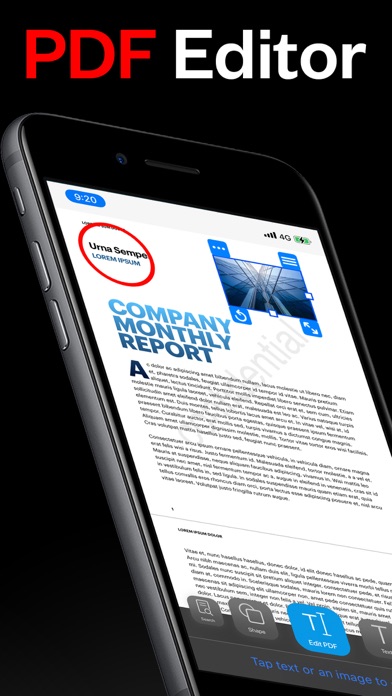
Description by heytopia Written by the developer, not by AppBrain. Click to read.
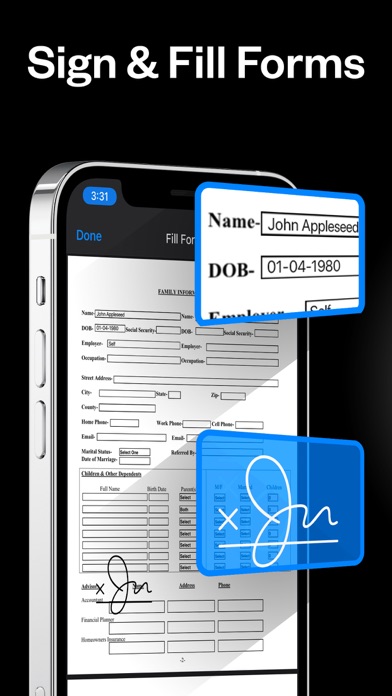
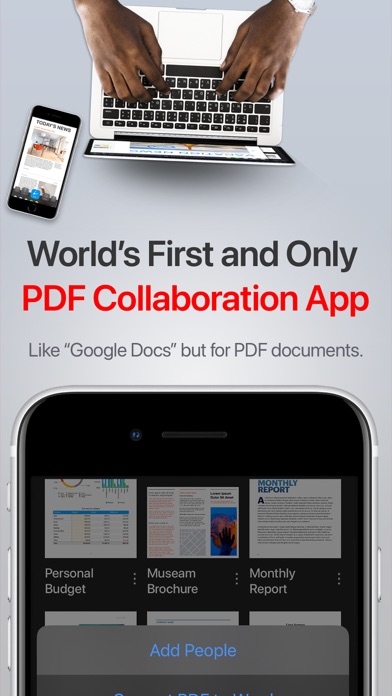
PDF Office Pro is a productivity app that offers a feature packed way to work with PDF documents. Using PDF Office Pro, you can edit PDF text, edit PDF Images, draw on PDF docs with Apple Pencil (not required to draw), convert images to text, invite people for real-time collaborative editing, fill PDF forms, sign PDF docs, edit hyperlinks and upload unlimited PDFs on iCloud and access the data from any iOS and Mac device.
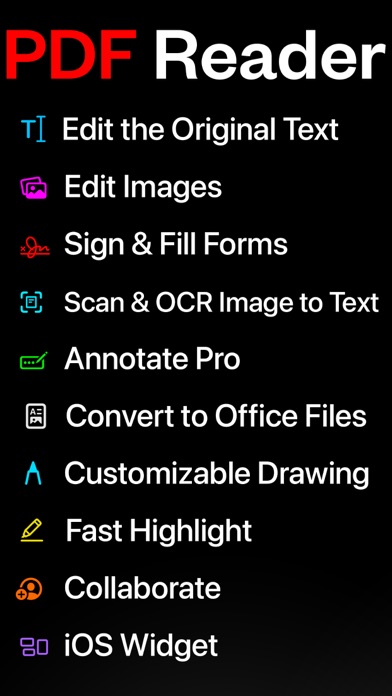
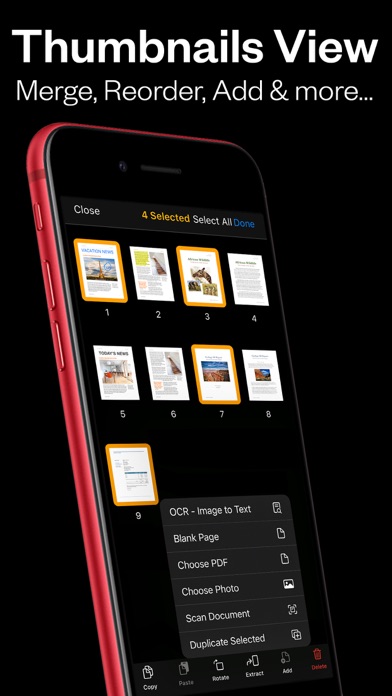
PDF Office Pro offers all the basic functionalities such as reading, highlight, draw, sign and organize PDF files; and more advanced features like rearranging PDF pages, real-time collaborative editing, online syncing, annotation, and so much more...
**PDF Office Pro bundles exciting features**
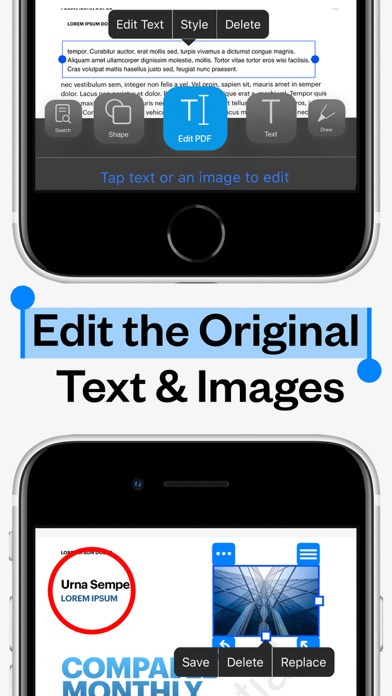
EDIT PDFs Original Text & Images
• Edit, add, remove existing word/s or text/s or image/s. Change the font, size, and color, alignment, fill static PDF docs/forms. Save, replace, delete and resize PDF images.
Powerful Editing Tool
• Beautiful UI to edit text in your PDF documents
• Freehand drawing with your finger or Apple Pencil
• Add your own text/notes in the existing body
• Scan & Fill PDF document/forms
• Merge large PDF docs for easy sharing
• Insert and Resize photo into PDFs
UNLIMITED UPLOADS AND DATA SYNCING
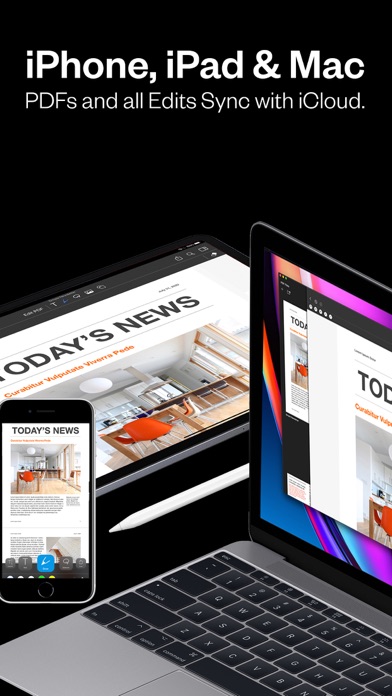
• Upload and Sync unlimited number of PDF files on iCloud and access the data from any iOS or Mac device.
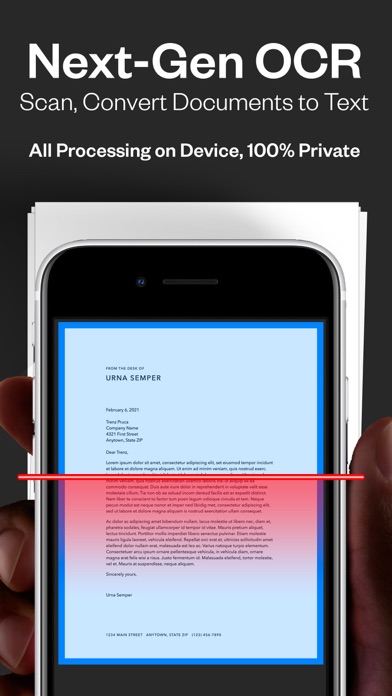
OCR - Convert Images to Text
• Simple convert an image(s) or PDF to text
• Next-Gen OCR with amazing accuracy
• Processing done on device, 100% private
World’s first real-time collaborative PDF editor
• Share your doc with friends/co-workers/clients
• Create a shared folder by inviting iClouds users for real-time collaborative editing. Get everyone’s feedback in one place.
• Start collaborating work and save all data in shared PDF folder
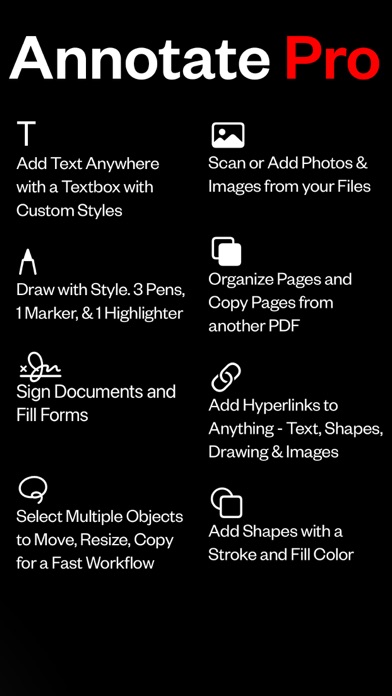
Annotate
• Annotate word and text with highlights, underlines, handwriting
• Add your comments or notes within the PDF file
• Use doc sign creator and add your own signatures
• Draw and insert different shapes and objects
DARK MODE
• Enable dark mode feature for long - time reading. Easily adjust the buttons and toolbars according to your convenience.
Organize PDFs
• Create a folder and organize your documents
• Sync iCloud Drive with the app
• Browse recently deleted PDFs
Unlimited PDF uploads and syncing
• Upload unlimited documents on iCloud
• Access these documents from your iPhone, iPad, and Mac
• Sync data online and never worry about any data loss
Copy Pages
• Take pages from one PDF and add to another
UPGRADE AND GET:
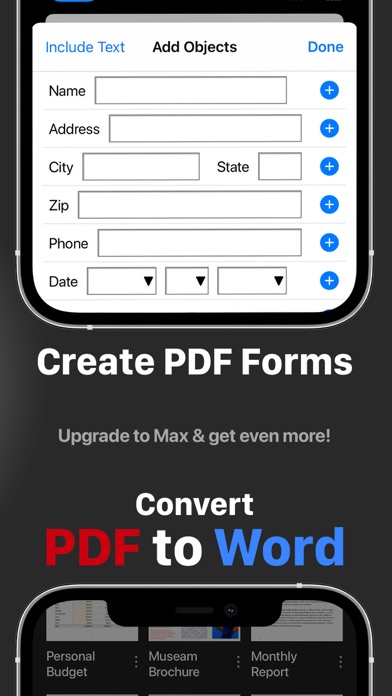
Convert PDFs to Word .docx Fully-Editable Files
Conversion Includes:
• Text Formatting & Attributes
• Annotations & Highlights
• Drawings
• Images
• Tables & more.
• The conversion is done on our AWS secure server. All files are deleted IMMEDIATELY and just incase, we do many things:
1) We completely erase the data server every 24 hours.
2) No data is saved or tracked.
3) We even change the name of the PDF to gibberish before uploading!
Create Custom PDF Forms
• Easy 'Start' with templates for common PDF form objects
• Add Text Input Boxes
• Checkboxes
• Radio
• Choices
• Buttons
SMART COMPRESS
• Control the resolution of images inside the PDF
• Adjust the image quality
• Flatten PDFs
• Remove all images if you’d like
Stamps & Stamps Builder:
• Emphasize sections of the PDF
• Create your own stamps
MORE
• Watermarks on All Pages or One Page
• Add/Edit Table of Contents for nice organized outlines
• Auto-Add Page numbers to your PDF and specify the exact format and location of the numbers
• Add a password to exported PDFs for added protection/security