

Pencil Planner & Draw Calendar
Pencil Planner & Draw Calendar is made and published by Wasdesign, LLC. AppBrain is an independent app data site and isn't affiliated with Wasdesign, LLC. The app name, icon, screenshots and description belong to Wasdesign, LLC and are shown as published on the App Store.
AppBrain's verdict
EstablishedLoved by users- Rating on App Store
- 4.54
- 832 ratings
- Last updated
- September 11, 2021
Users love it: 4.5 stars from 832 ratings.
Rankings
App Store top chartsApp Store Rankings for Pencil Planner & Draw Calendar
Competitors
Similar apps and more from Wasdesign, LLCAlternatives to Pencil Planner & Draw Calendar






More from Wasdesign, LLC

 Book Notes - Summaries of Classic Literature Read Study Guides with Spritz Spark Cliffs
 Discover Premium : for Netflix Unlimited with Rotten Tomatoes Ratings and Queue Pro

Releases
Updates seen on the App Store- Version
- 1.7.3
- Launched
- December 2019
No changelog data
User feedback
Ratings and reviews on the App StoreComments on Pencil Planner & Draw Calendar for iOS
We don't have enough comments to show example comments. Please check back later.
Technology
Found in the app by AppBrain- Price
- $8.99
- App size
- 9.77 MB
- Content rating
- Everyone
Technologies used by Pencil Planner & Draw Calendar
About the app and developer
About Pencil Planner & Draw Calendar
Pencil Planner & Draw Calendar is a productivity app developed by Wasdesign, LLC.
What is the rating of Pencil Planner & Draw Calendar?
Pencil Planner & Draw Calendar is rated 4.54 out of 5 stars, based on 830 ratings.
Is Pencil Planner & Draw Calendar free?
Pencil Planner & Draw Calendar costs $8.99. The app size is 9.77 MB. The latest version available is 1.7.3. The last update was on September 11, 2021.
What are the requirements for Pencil Planner & Draw Calendar?
The app has a content rating of Everyone. The app has been available on the App Store since December 2019.
Developer information for Wasdesign, LLC
Address:
Frequently asked questions about Pencil Planner & Draw Calendar
Is Pencil Planner & Draw Calendar free?
No. Pencil Planner & Draw Calendar costs $8.99 on the App Store.
Is Pencil Planner & Draw Calendar still available?
Yes. Pencil Planner & Draw Calendar is on the App Store, and the last update we saw was on September 11, 2021.
How large is Pencil Planner & Draw Calendar?
Pencil Planner & Draw Calendar is 9.77 MB.
Is Pencil Planner & Draw Calendar suitable for children?
App Store rates the content of Pencil Planner & Draw Calendar as suitable for everyone.
How do people rate Pencil Planner & Draw Calendar?
Pencil Planner & Draw Calendar scores 4.54 out of 5 stars, from 832 ratings on the App Store.
Who made Pencil Planner & Draw Calendar?
Pencil Planner & Draw Calendar was developed by Wasdesign, LLC. It is listed in the productivity category on the App Store.
What are the best alternatives to Pencil Planner & Draw Calendar?
People looking at Pencil Planner & Draw Calendar also look at these productivity apps: JotTheDate-Draw your Calendar., Pencil Calendar: CalendarPad, Pencil Journal - Digital Diary, CalenDraw: Calendar Notes, Planner for iPad.
Store listing
By Wasdesign, LLC, from the App Store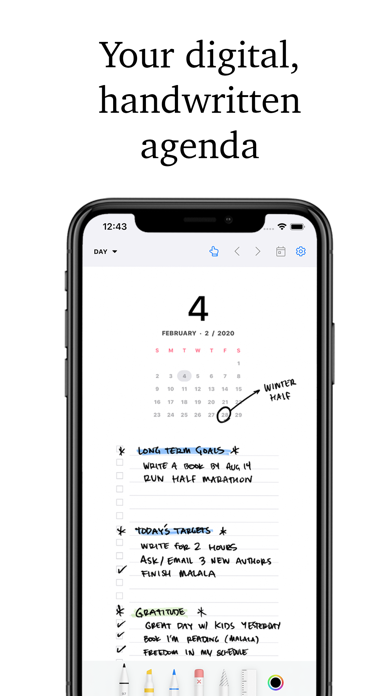

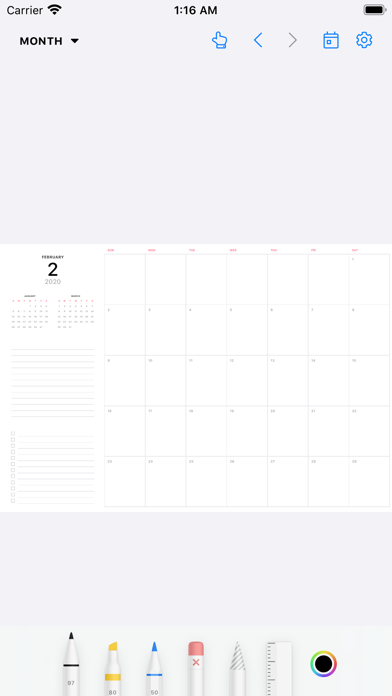
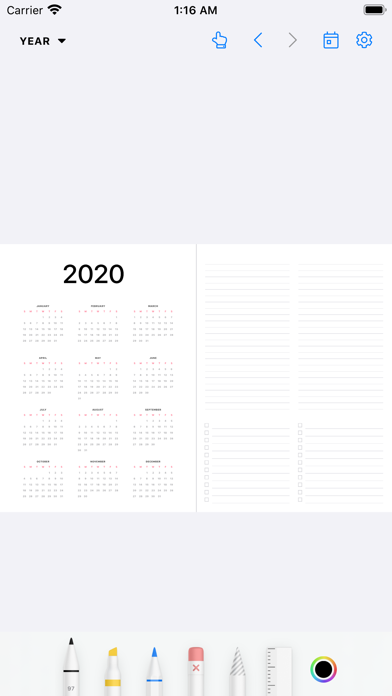
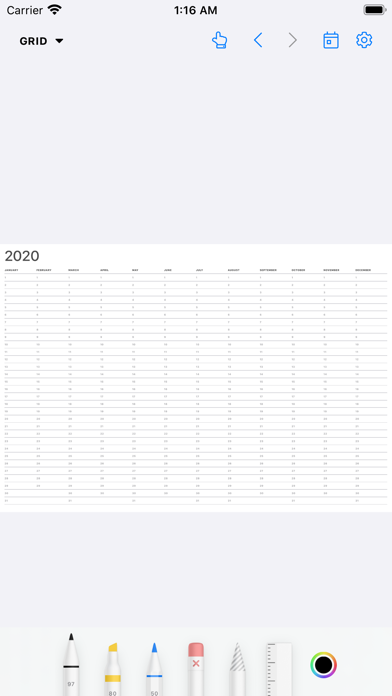
Description by Wasdesign, LLC Written by the developer, not by AppBrain. Click to read.
Comparable to $30+ physical paper planners, Pencil Planner provides a beautiful set of digital pages/templates to plan out your day, week, month and year. Take your paper agenda into the digital world. Use Pencil Planner to write in your schedule, plans, and goals with ease.
Plan daily, weekly, monthly and yearly with this handwritten bullet journal, agenda, and diary.
LIKE ON REAL PAPER - NATURAL WRITING EXPERIENCE
* Fluent, precise, and completely natural writing experience
* Write with the Apple Pencil, Logitech Crayon, or with many capacitive styluses
* Select and customize your pen color, thickness, and style (fountain pen, colored pencil, highlighter)
* Easily switch between pen, highlighter, and eraser
PLANNING YOUR AGENDA IS A BREEZE
* Tap on titles to quickly navigate!
* Back and forward to previous page
* Several writing tools and many different styles
* Swipe left/right to go between dates
* Dark mode and light mode
* Zoom in & pan
* Draw with pencil, finger, or other stylus
BETTER THAN YOUR PAPER AGENDA
* Select and move your handwriting
* Undo & Redo
* Powerful & smart eraser tool: Choose to erase the entire stroke or only parts of it. Set it to "Erase Highlighter Only" to leave the ink intact
* Pinch to zoom and write more precisely
* Sync to iPhone for your calendar on the go!
DISTRACTION-FREE DIGITAL CALENDAR
* Full screen or split screen with other apps
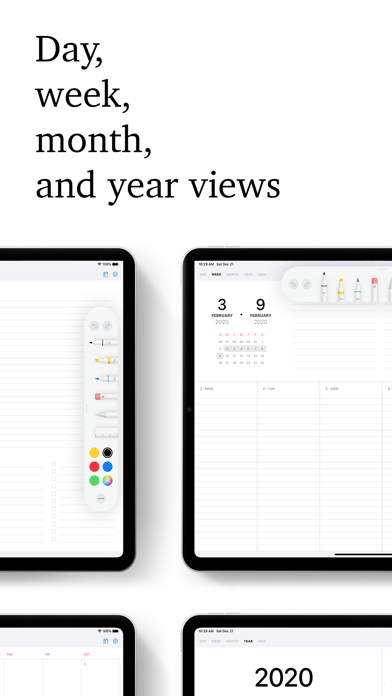
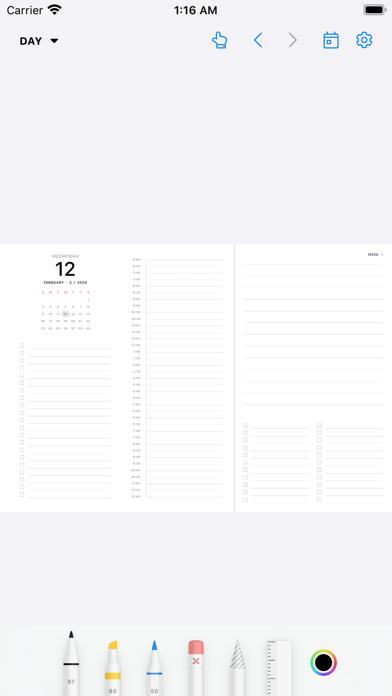
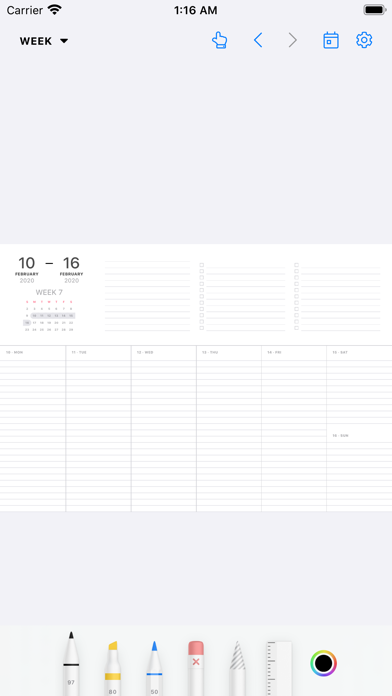
* Beautiful templates for day, week, month, year, and year grid
* Sync between devices, including iPad and iPhone