

Phone Drive: File Storage
Phone Drive: File Storage is made and published by Eightythree Technology. AppBrain is an independent app data site and isn't affiliated with Eightythree Technology. The app name, icon, screenshots and description belong to Eightythree Technology and are shown as published on the App Store.
AppBrain's verdict
EstablishedLoved by users- Rating on App Store
- 4.69
- 1,813 ratings
- Last updated
- October 5, 2026
- Size
- 130.4 MB
Users love it: 4.7 stars from 1,813 ratings.
User feedback
Ratings and reviews on the App StoreComments on Phone Drive: File Storage for iOS
We don't have enough comments to show example comments. Please check back later.
Store listing
By Eightythree Technology, from the App Store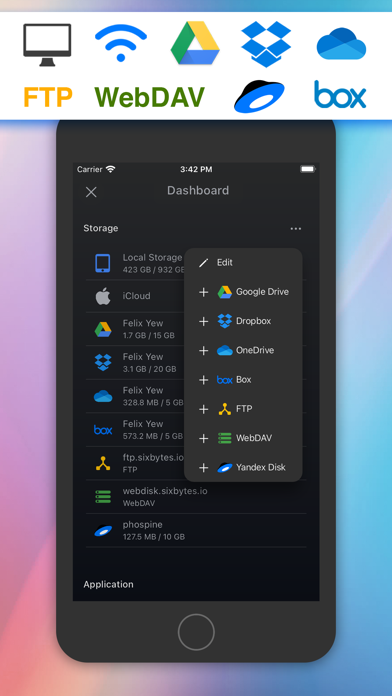
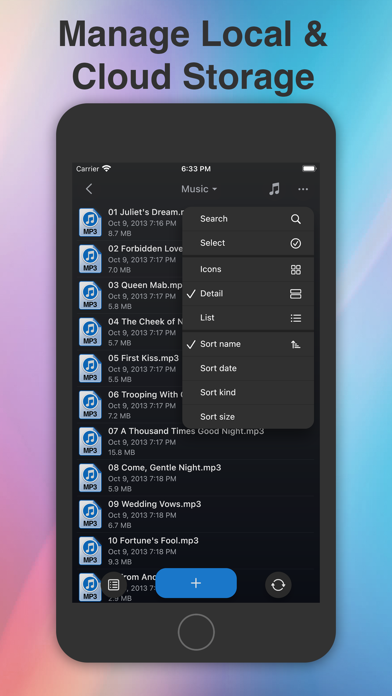
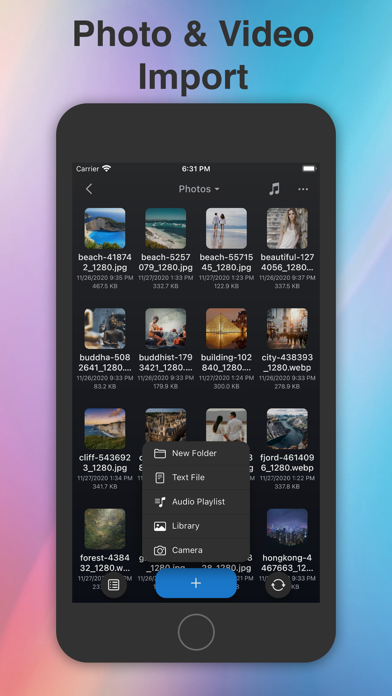
Description by Eightythree Technology Written by the developer, not by AppBrain. Click to read.
Turn your iPhone or iPad into a powerful wireless flash drive and file manager.
With Phone Drive, you can easily store, view, and manage local and cloud files all in one place. Connect wirelessly to your Mac or PC over Wi-Fi and transfer files instantly with simple drag-and-drop through your browser, Finder, or Windows Explorer.
Manage multiple cloud accounts seamlessly, stream music or videos directly from the cloud, and enjoy a complete set of built-in tools for documents, media, and file organization.
Why You’ll Love Phone Drive
• All-in-One File Hub – Access and manage files from your device, Wi-Fi, or cloud storage.
• Seamless Transfers – Move files between your iPhone/iPad and computer without cables.
• Built-in Media & Document Tools – View PDFs, Office files, images, play music, stream videos, and more.
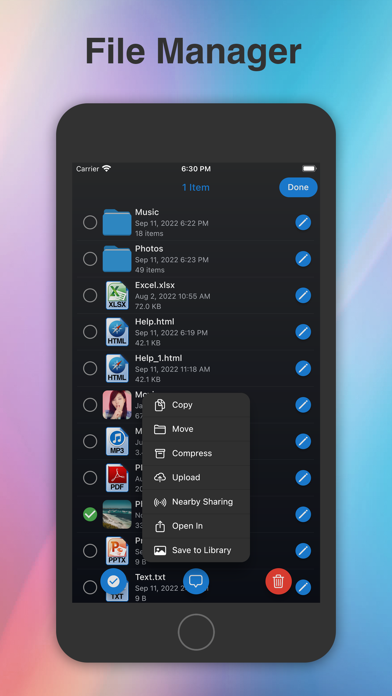
• Powerful File Management – Copy, move, rename, zip/unzip, share, or protect files with passcode, Touch ID, or Face ID.
• Universal Purchase – One app for both iPhone and iPad.
Key Features
• Cloud Storage Support: Connect Dropbox, OneDrive, Box, WebDAV, Yandex Disk, FTP, and iCloud Drive (some require in-app purchase).
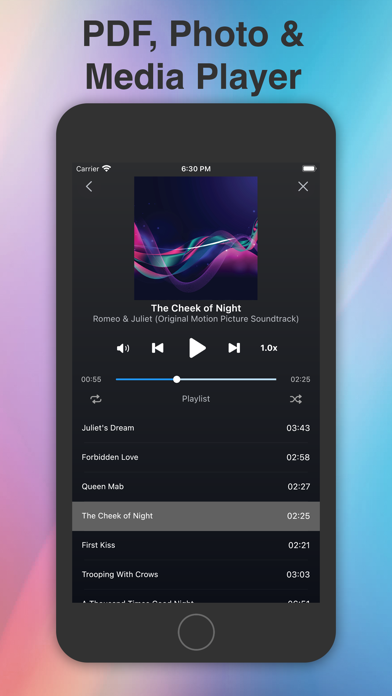
• Media Player: Create playlists, shuffle, repeat, play in the background, and stream directly from the cloud.
• Document Viewer: Open MS Office, iWork, PDFs, text, HTML, and more.
• Text Editor: Edit text files and source code on the go.
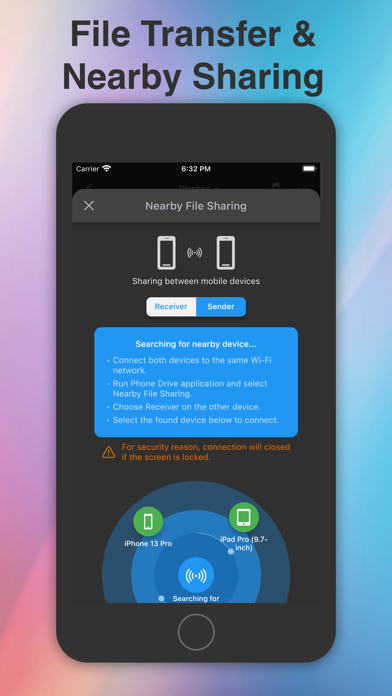
• File Sharing: Transfer files between iOS devices via Wi-Fi or Bluetooth (require in-app purchase).
• Import & Create: Take photos, record audio/video, or import from your photo library.
• Secure Access: Lock sensitive files with passcode, Touch ID, or Face ID.
Supported Formats
• Audio: MP3, WAV, M4A, AAC, AIFF, CAF
• Video: MP4, MOV, M4V, MPV
• Images: JPG, PNG, GIF, BMP, TIFF, ICO
• Documents: PDF, RTF, RTFD, MS Office (Word, Excel, PowerPoint), iWork (Pages, Numbers, Keynote)
• Other: Plain text, HTML, source code, web archives
Learn more: https://sixbytes.io
Follow us on Twitter: https://twitter.com/SixbytesApp
Like us on Facebook: https://www.facebook.com/sixbytesapp
Terms of Service: https://sixbytes.io/products/phone-drive/legal/terms
Privacy Policy: https://sixbytes.io/products/phone-drive/legal/privacy-policy
Safety and technology
Found in the app by AppBrain- Price
- Free
- App size
- 130.4 MB
- Content rating
- High
Technologies used by Phone Drive: File Storage
Releases
Updates seen on the App Store- Version
- 8.6.50
- Launched
- May 2011
No changelog data
Alternatives
Similar apps and more from Eightythree TechnologyAlternatives to Phone Drive: File Storage





More from Eightythree Technology


Rankings
App Store top chartsApp Store Rankings for Phone Drive: File Storage
About the app and developer
About Phone Drive: File Storage
Phone Drive: File Storage is a productivity app developed by Eightythree Technology.
User Ratings
Phone Drive: File Storage is rated 4.69 out of 5 stars. The rating is based on 1.8 thousand ratings.
App Information
Phone Drive: File Storage is freely available from the App Store. The app size is 130.44 MB. The latest version available is 8.6.50. The last update was on October 5, 2026.
Technical Requirements
The app has a content rating of High Maturity. The app has been available on the App Store since May 2011.
Developer information for Eightythree Technology
Address: