

Photo Extension Histogram
Photo Extension Histogram is made and published by Digiguys, Inc. AppBrain is an independent app data site and isn't affiliated with Digiguys, Inc. The app name, icon, screenshots and description belong to Digiguys, Inc and are shown as published on the App Store.
AppBrain's verdict
Established- Rating on App Store
- 3.89
- 19 ratings
- Last updated
- February 15, 2021
It doesn't have enough ratings yet to judge what users think.
Rankings
App Store top chartsApp Store Rankings for Photo Extension Histogram
Competitors
Similar apps and more from Digiguys, IncAlternatives to Photo Extension Histogram



More from Digiguys, Inc





Releases
Updates seen on the App Store- Version
- 2.4
- Launched
- March 2016
No changelog data
User feedback
Ratings and reviews on the App StoreComments on Photo Extension Histogram for iOS
We don't have enough comments to show example comments. Please check back later.
Technology
Found in the app by AppBrain- Price
- $1.99
- App size
- 76.7 MB
- Content rating
- Everyone
Technologies used by Photo Extension Histogram
About the app and developer
About Photo Extension Histogram
Photo Extension Histogram is a photo & video app developed by Digiguys, Inc.
What is the rating of Photo Extension Histogram?
Photo Extension Histogram is rated 3.89 out of 5 stars, based on 19 ratings.
Is Photo Extension Histogram free?
Photo Extension Histogram costs $1.99. The app size is 76.66 MB. The latest version available is 2.4. The last update was on February 15, 2021.
What are the requirements for Photo Extension Histogram?
The app has a content rating of Everyone. The app has been available on the App Store since March 2016.
Developer information for Digiguys, Inc
Address:
Store listing
By Digiguys, Inc, from the App Store

Description by Digiguys, Inc Written by the developer, not by AppBrain. Click to read.
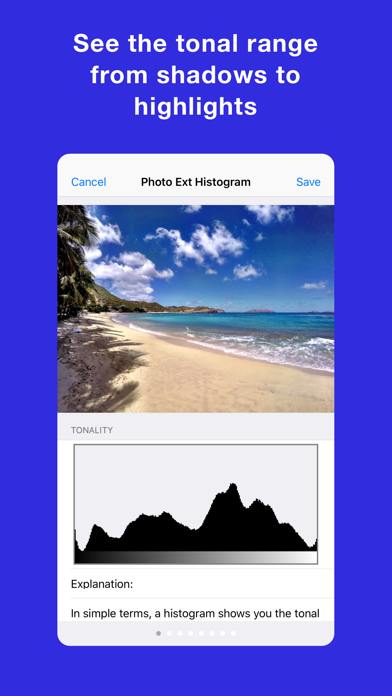
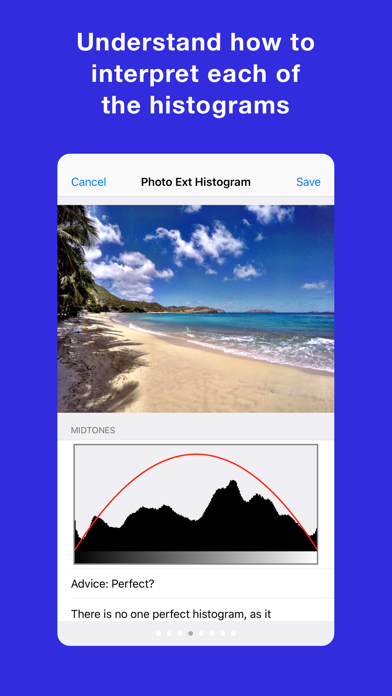
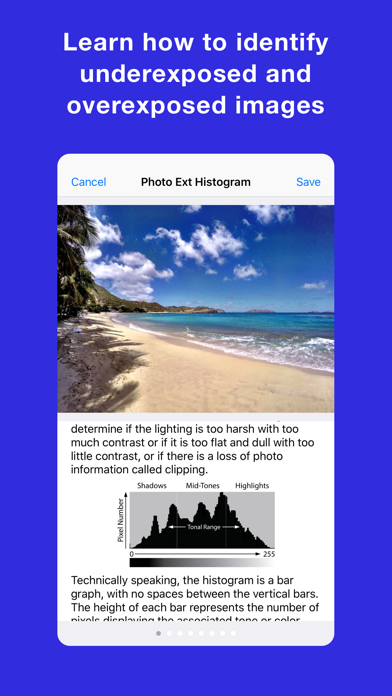
Photo Extension Histogram provides Tonality, RGB Channels, and Luminosity histograms for photos stored in the Apple Photos app for iPhone and iPad. This extension is great for photographers who need to analyze the tonal and color distribution of photos to identify underexposure, overexposure, and appropriate levels of contrast. The extension also explains, advises, and guides you on how to understand each histogram to be a great photographer!
To use this extension, open the Apple Photos app, select any photo, tap the Action button, and then select the Photo Extension. You can also use the extension when editing photos.
Photo Extension Histogram:
+ Quick and easy to use.
+ Supported in most photo apps Action button.
+ Works on the iPhone and iPad.
+ Available from Action Extension or Edit Extension.
+ Shows Tonality Histogram.
+ Shows RGB Channel Histogram.
+ Shows Luminosity Histogram.
+ Provides advice about dark, light, and mid-tones.
+ Provides advice about high and low contrast.
+ Explains each histogram in plain English for everyone to understand.
+ Save photo with the histogram in the Photo Library.
MORE APPS:
Check out all our apps at https://digiguys.com
SUPPORT:
We are here to help https://www.digiguys.com/help
FACEBOOK PAGE:
Join our Facebook Page for tips, ideas, support, and much more... be part of the community!
https://www.facebook.com/digiguysapps