Photowerks: Smart Albums is an overall app developed by Sorth LLC.
Download Statistics
User Ratings
Photowerks: Smart Albums is rated 4.08 out of 5 stars. The rating is based on 25 ratings.
App Information
Photowerks: Smart Albums is FREE to download. The APK download size is 13.71 MB. The latest version available is 1.9. The last update was on February 12, 2026.
Technical Requirements
The app has a content rating of Everyone. The app has been available on Google Play May 2013.
Description
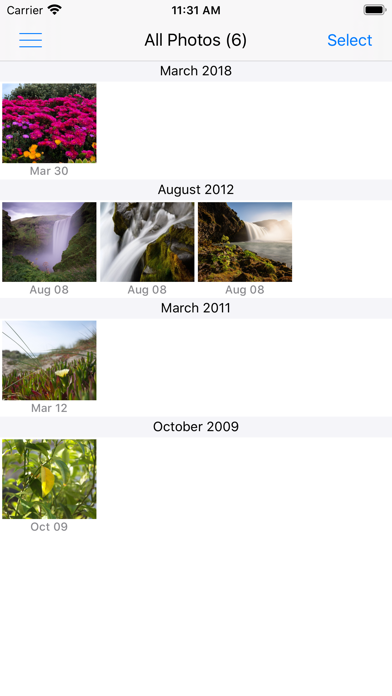
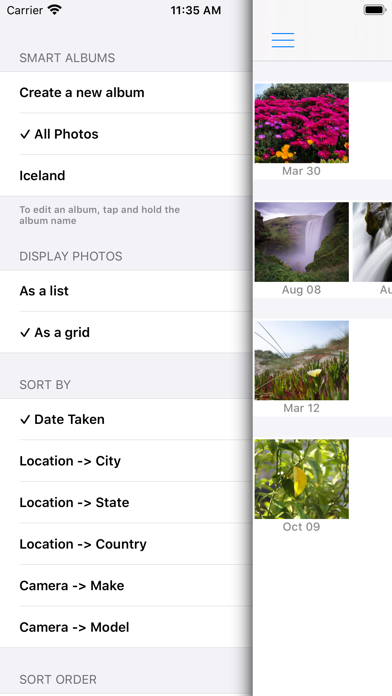
Photowerks makes it easy to organizes and view your photos and videos via Smart Albums – create albums based on criteria you specify, such as: date, location, media type, camera type. New photos that meet an album's criteria are automatically added to the album.
From the magical milestones to the utterly mundane, you can now quickly find, organize and create albums using photo metadata attributes such as date, location (city, state, country), camera make and camera model, containing Apple Photos album, and matching keywords (for photos tagged with keywords.)
Photowerks seamlessly scans your existing camera roll and then groups and displays your photos by when or where you snapped them. No more scrolling or guessing to find that exact photo!
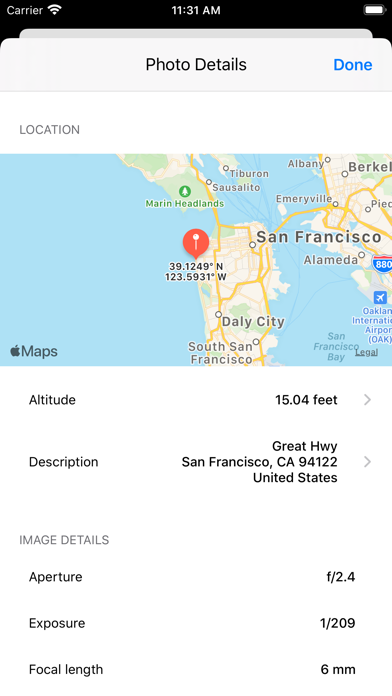
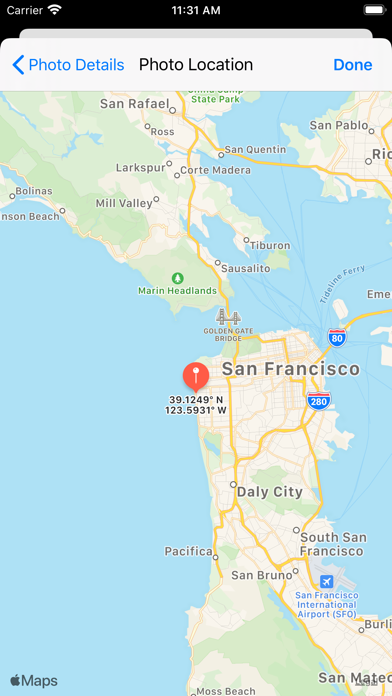
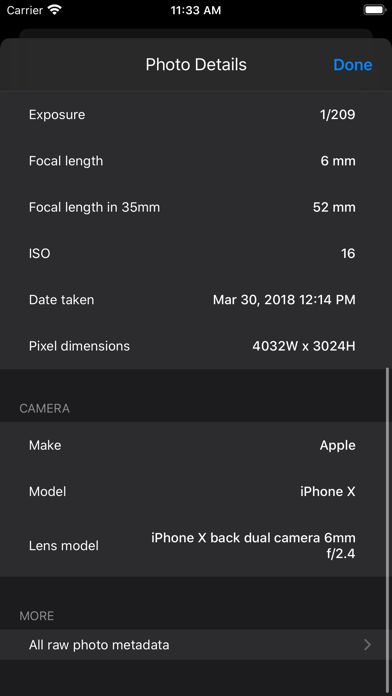
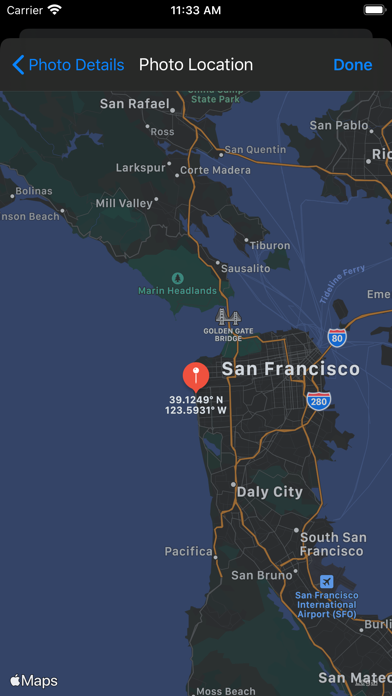
Use the photo detail viewer to see the exact location a photo was taken on a map, in addition to other details such as aperture, focal length and lens model, and containing Apple Photos album. You can also view the full, raw EXIF metadata for each photo.
Benefits:
• Smart Albums - easily create and edit multiple albums. When viewing a Smart Album, it's easy to create an Apple Photos album based on the Smart Album contents. • Serves as a photo timeline and diary of your life: Your daily life in pictures, displayed in multiple view formats. • Takes the guesswork and scroll-time out of finding a specific photo. • Makes creating time- and/or location-oriented mobile photo albums a snap. • Lets you easily share, post and tweet your photos -- includes the added bonus of automatic date and location captions for every photo. • Dropbox support: Upload your photos to any Dropbox folder.
Features:
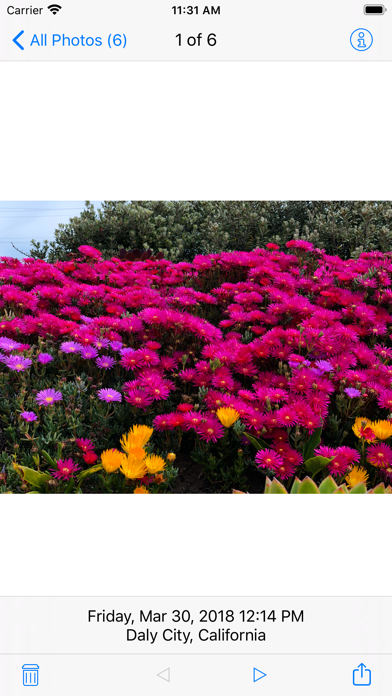
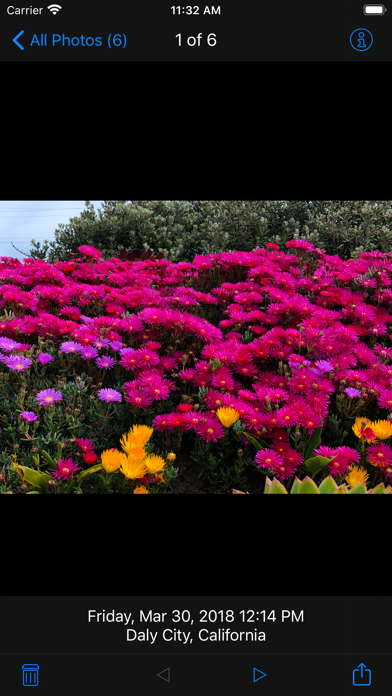
• Automatically catalogues photos by date, media type, city, state, country, camera make, or camera model.** • Automatically tags date and location captions for every photo.** • Photos are displayed in both grid or list views. • Tap photo to view date taken and location (city, state, or country) • Sharing capability for email, Facebook, and Twitter (with photo captions listing photo date and location) • Create new albums in the Apple Photos app. • View photo details with standard pinch-to-zoom gestures and swipe to view previous/next photo. • Sync any smart albums your create across all your devices with built-in iCloud sync.
**Location stamp only works if Location Services were enabled on your device camera when you took the photo.
Each subscription will automatically renew 3 days before the expiration date for
the same time period. Subscriptions can be cancelled at any time before the renewal.