

PicMonkey Photo + Video Design
PicMonkey Photo + Video Design is made and published by Shutterstock Inc. AppBrain is an independent app data site and isn't affiliated with Shutterstock Inc. The app name, icon, screenshots and description belong to Shutterstock Inc. and are shown as published on the App Store.
AppBrain's verdict
EstablishedLoved by users- Rating on App Store
- 4.80
- 28,373 ratings
- Last updated
- April 6, 2026
- Size
- 268.9 MB
Users love it: 4.8 stars from 28,373 ratings.
User feedback
Ratings and reviews on the App StoreComments on PicMonkey Photo + Video Design for iOS
We don't have enough comments to show example comments. Please check back later.
Store listing
By Shutterstock Inc., from the App Store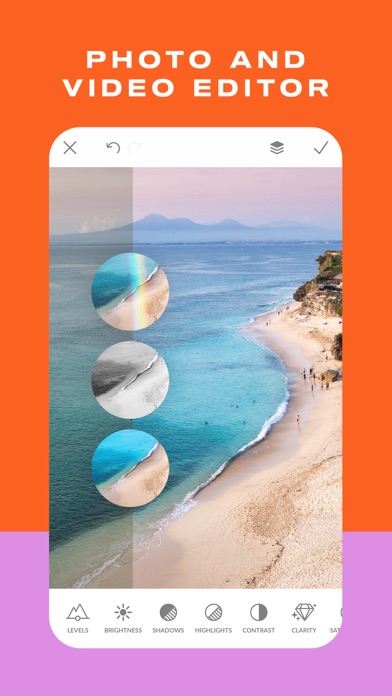

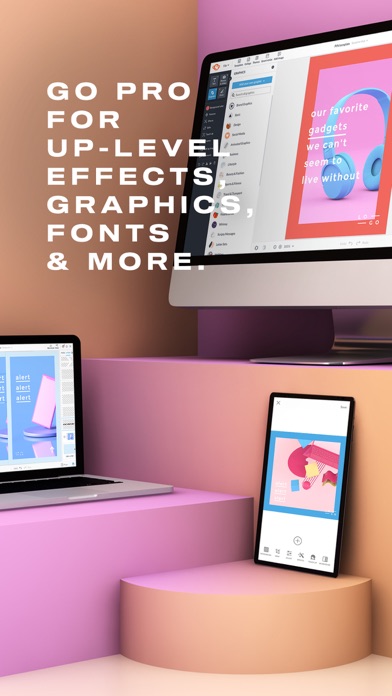
Description by Shutterstock Inc. Written by the developer, not by AppBrain. Click to read.
CREATE STUNNING DESIGNS
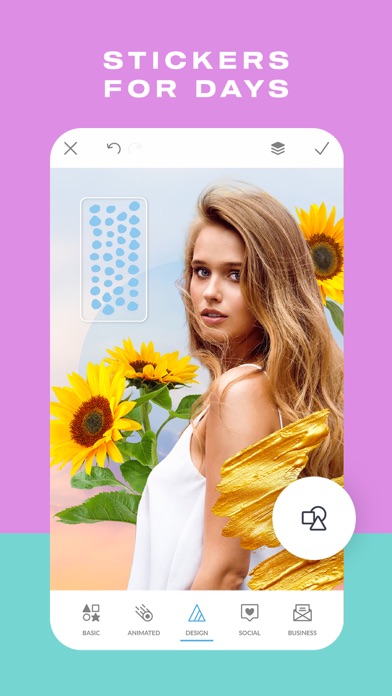
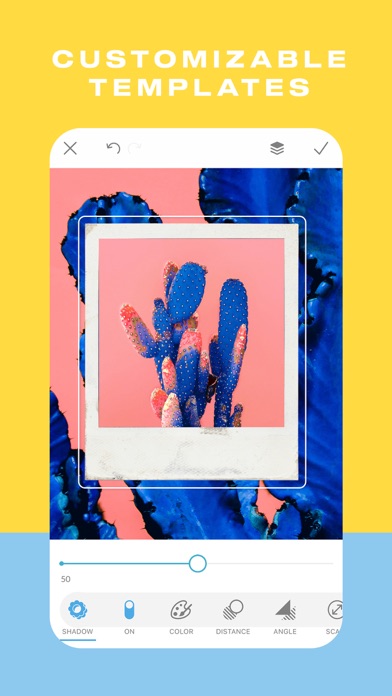
• Make a photo into a design or start with a blank canvas and add graphics and text to it.
• Make Facebook post designs, ads, banners, quote posts, flyers, collages
• Draw, erase, and adjust transparency on everything, including graphic stickers (overlays)
• Add your own photos or graphics to a background. When you add your logo, it keeps its transparency
• Tons of graphics to choose from, and fonts galore.
EDIT YOUR PHOTOS
• Elevate your photos with classic photo editor effects like B&W, Orton, Pixelate, Soften.
• Juice the color with photo filters like ColorAmp, Tint, Ombre.
• Get oldie looks with effects like Instafilm, Seventies, Light Leaks.
• New effects are added all the time! You can paint them onto a specific area or apply them to the whole image.
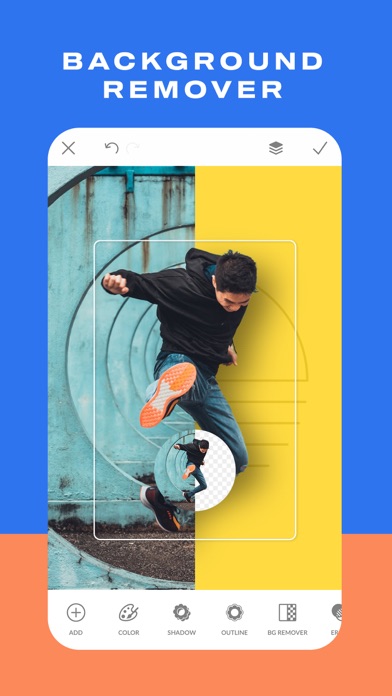
• Use our background eraser to instantly remove pixels around a photo subject.
• Have fun doodling over your photos with Draw.
• Crop photos and resize them—we have all the sizes.
STICKER MAKER/BACKGROUND ERASER
Work wonders with our insanely easy Background Remover—one tap and the pixels around your photo subject are GONE. Use it for product shots or to put people in front of different backgrounds. And you can make stickers with it, too.
ADD TEXT TO PHOTOS
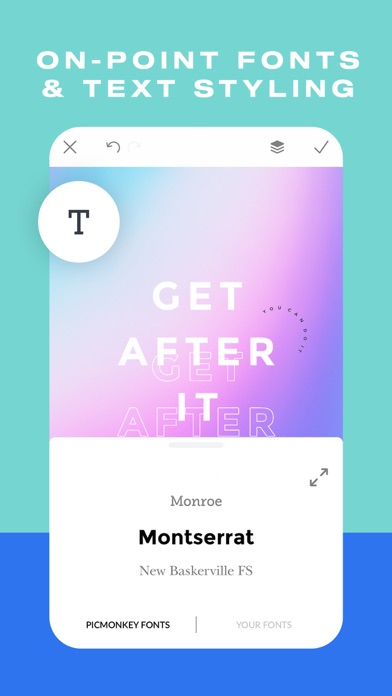
• Add curved text and drop shadows, and adjust them to perfection
• Adjust letter spacing and line height
• Tons of fonts to choose from
• Match any color in your design or photo with the eyedropper tool
• Get an exact color using hex code, RGB code, or the color wheel
TOUCH UP YOUR PORTRAITS
Touch up photos on the quick with the Presto automatic adjustment or use our other tools to adjust complexions, fix blemishes, create dramatic contours, and brighten eyes and teeth (in-app purchase).
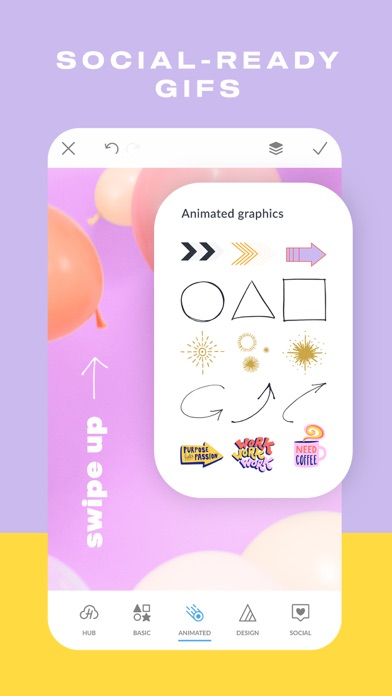
BLOW UP YOUR SOCIAL CHANNELS
• Create social posts by starting with a blank canvas or a photo. We have all the sizes—YouTube, Pinterest, Facebook, Instagram, • and more.•
• Design banners and cover images, edit profile pics, and ads for social.
• Share directly to Instagram; choose Story or post.
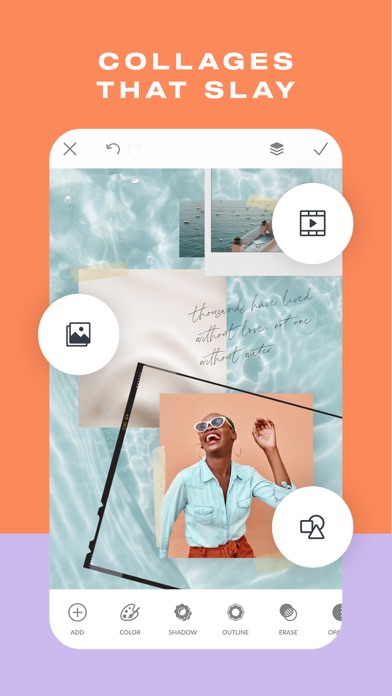
MAKE GORGEOUS COLLAGES
Start with a colored background and add your own photos as graphic stickers. Make 'em grid-like or go free-form. Add text and graphic flourishes.
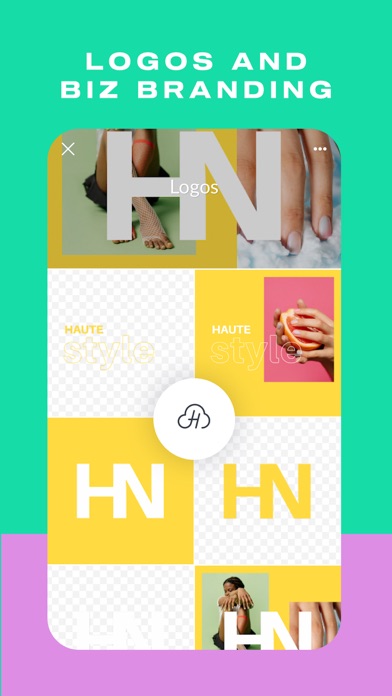
BOOST YOUR BIZNAZZ
Create banners, profile images, and store icons.
Make product shots perfect with our background eraser tool —no need to use expensive photo setups. We've got all the Etsy sizes and it's easy to crop for the other online shops.
WHAT OUR USERS ARE SAYING:
"So easy! I have zero professional background but I love to create. This just makes it so so easy. The app and online editor work so well together. I would highly recommend! "—LizS42
CONTACT US: FOLLOW, LIKE, SHARE
Facebook: https://www.facebook.com/PicMonkey-363288993696707/
Twitter: http://www.twitter.com/PicMonkeyapp
LEGAL SCHTUFF
Our Terms of Use and Privacy Policy:
https://www.picmonkey.com/legal
SUBSCRIPTIONS
Touch Up is free if you have a Basic or Pro subscription. Just log in, via the gear icon in the upper left corner of the app. Or you can buy it as a one-time purchase in-app.
- *Basic/Monthly* — Adds 1 GB of storage for images and full access on Desktop. Auto-renews monthly.
- *Basic/Annual* — Adds 1GB of storage for images and full access on Desktop. Auto-renews annually.
- *Pro/Monthly* — Adds unlimited image storage, full access on Desktop. Auto-renews annually.
- *Pro/Annual* — Adds unlimited image storage, and full access on Desktop. Auto-renews annually.
Subscriptions automatically renew unless you turn off auto-renewal at least 24 hours before the end of the current billing period. You can manage your subscription any time from your iTunes account settings—this includes renewal options and cancellations.
Safety and technology
Found in the app by AppBrain- Price
- Free
- App size
- 268.9 MB
- Content rating
- Everyone
Technologies used by PicMonkey Photo + Video Design
Releases
Updates seen on the App Store- Version
- 1.43.9
- Launched
- July 2016
No changelog data
Alternatives
Similar apps and more from Shutterstock Inc.Alternatives to PicMonkey Photo + Video Design


More from Shutterstock Inc.


Also available on Google Play

Rankings
App Store top chartsApp Store Rankings for PicMonkey Photo + Video Design
About the app and developer
About PicMonkey Photo + Video Design
PicMonkey Photo + Video Design is a photo & video app developed by Shutterstock Inc.
What is the rating of PicMonkey Photo + Video Design?
PicMonkey Photo + Video Design is rated 4.80 out of 5 stars, based on 28 thousand ratings.
Is PicMonkey Photo + Video Design free?
PicMonkey Photo + Video Design is free. The app size is 268.87 MB. The latest version available is 1.43.9. The last update was on April 6, 2026.
What are the requirements for PicMonkey Photo + Video Design?
The app has a content rating of Everyone. The app has been available on the App Store since July 2016.
Developer information for Shutterstock Inc.
Address:
Frequently asked questions about PicMonkey Photo + Video Design
Is PicMonkey Photo + Video Design free?
Yes. PicMonkey Photo + Video Design is free on the App Store.
Is PicMonkey Photo + Video Design still available?
Yes. PicMonkey Photo + Video Design is on the App Store, and the last update we saw was on April 6, 2026.
How large is PicMonkey Photo + Video Design?
PicMonkey Photo + Video Design is 268.87 MB.
Is PicMonkey Photo + Video Design suitable for children?
App Store rates the content of PicMonkey Photo + Video Design as suitable for everyone.
How do people rate PicMonkey Photo + Video Design?
PicMonkey Photo + Video Design scores 4.80 out of 5 stars, from 28,373 ratings on the App Store.
Who made PicMonkey Photo + Video Design?
PicMonkey Photo + Video Design was developed by Shutterstock Inc. It is listed in the photo & video category on the App Store.
What are the best alternatives to PicMonkey Photo + Video Design?
People looking at PicMonkey Photo + Video Design also look at these photo & video apps: Watermark Maker: Add Signature, BeFunky, Ripl: Social Media Marketing, INSTFIT - Post Without Croppin, eZy Watermark Photos.