

PinShift Staff is made and published by Slash Limited. AppBrain is an independent app data site and isn't affiliated with Slash Limited. The app name, icon, screenshots and description belong to Slash Limited and are shown as published on the App Store.
AppBrain's verdict
- Last updated
- January 3, 2024
Rankings
App Store top chartsApp Store Rankings for PinShift Staff
Competitors
Similar apps and more from Slash Limited








Releases
Updates seen on the App Store- Version
- 2.30
- Launched
- April 2020
No changelog data
User feedback
Ratings and reviews on the App StoreComments on PinShift Staff for iOS
We don't have enough comments to show example comments. Please check back later.
Technology
Found in the app by AppBrain- Price
- Free
- App size
- 41.5 MB
- Content rating
- Everyone
Technologies used by PinShift Staff
About the app and developer
About PinShift Staff
PinShift Staff is a business app developed by Slash Limited.
What is the rating of PinShift Staff?
PinShift Staff has no ratings yet.
Is PinShift Staff free?
PinShift Staff is free. The app size is 41.51 MB. The latest version available is 2.30. The last update was on January 3, 2024.
What are the requirements for PinShift Staff?
The app has a content rating of Everyone. The app has been available on the App Store since April 2020.
Developer information for Slash Limited
Address:
Store listing
By Slash Limited, from the App Store


Description by Slash Limited Written by the developer, not by AppBrain. Click to read.
Talking about the use of technology in the retail/food and beverage industry, most people are talking about POS, CRM, etc. However, they often forgot a repetitive and tedious task - Rostering and Attendance Management. Every front-line store needs to handle its workforce. From work schedule arrangement, checking in/out, to leave management, every store manager is spending more than 2 hours per hour managing HR-related tasks.
"PinShift Staff App" is a cloud system built for them! We combine simple rostering, mobile punch card system, and attendance management into one user-friendly system. PinShift helps store managers automatically compare assigned rosters and the time-clock records, saving a day or two workloads for managers per month.
1. Reliable mobile attendance function with multiple verifications
PinShift Staff app allows employees to log in and check in / out using the mobile app. The app can support multiple ways for your staff to punch in / out without time lag. Our system can also accurately record time-clock records and prevent staff from cheating when checking in/out. PinShift supports the following attendance methods:
a. iBeacon Bluetooth: Connects to our PinShift Bluetooth Attendance Kiosk with Bluetooth to locate your employee nearby within the Bluetooth signal.
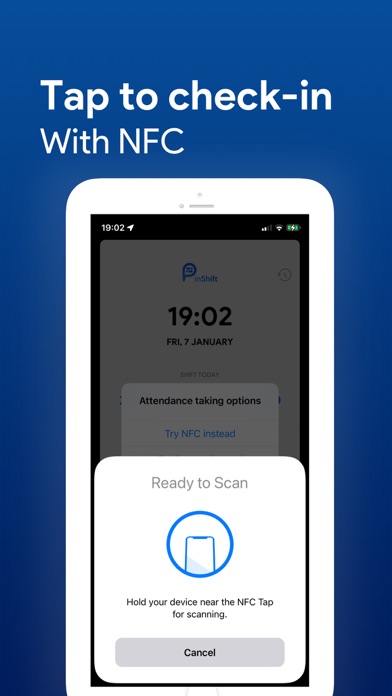
b. NFC tags: For phones with NFC, your staff can simply tap the phone on the NFC tags to trigger the punch in / out.
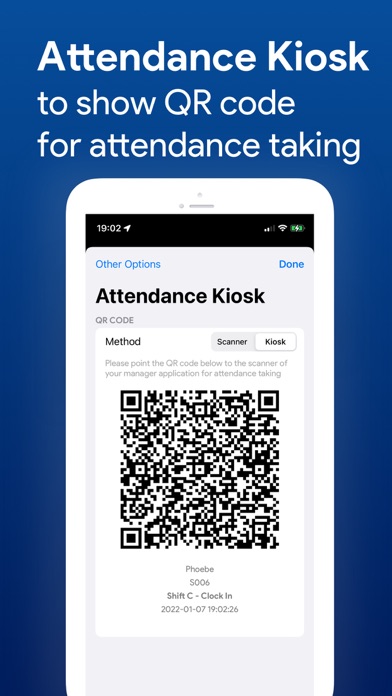
c. Two-way dynamic QR code: Your staff can scan the QR code shown in the PinShift Manager App OR show QR code in the staff app and let your manager scan yours.
d. Facial recognition: Employee can set up their facial profile and take attendance with a selfie. PinShift can recognize the staff photo image and allow your staff to clock in / out.
e. GPS: PinShift Staff App can locate your staff with the help of GPS.
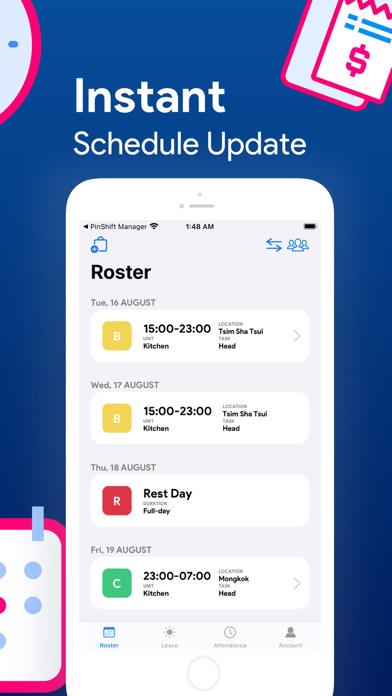
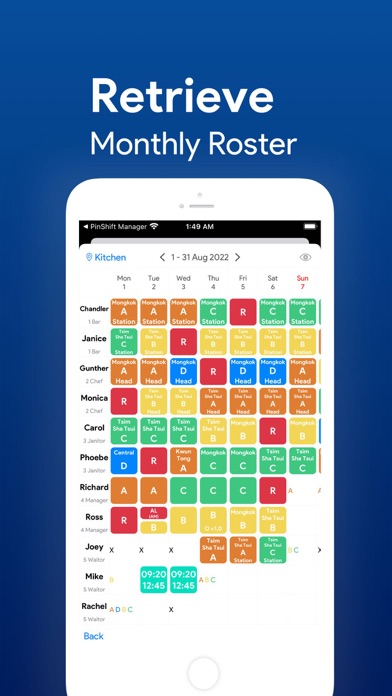
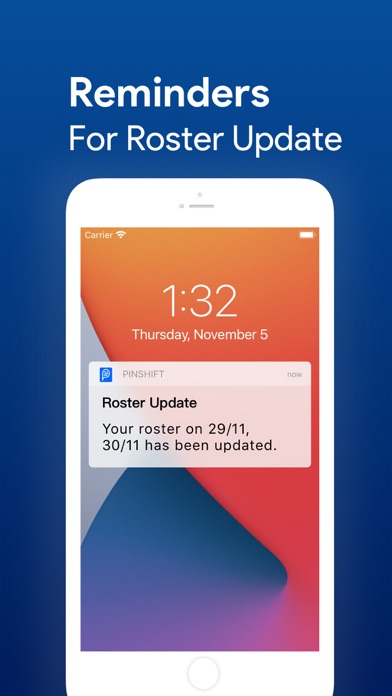
2. Real-time roster update
PinShift app updates the employee instantly when the roster is changed. Staff can easily browse the app to get the latest assigned working schedule for the week.
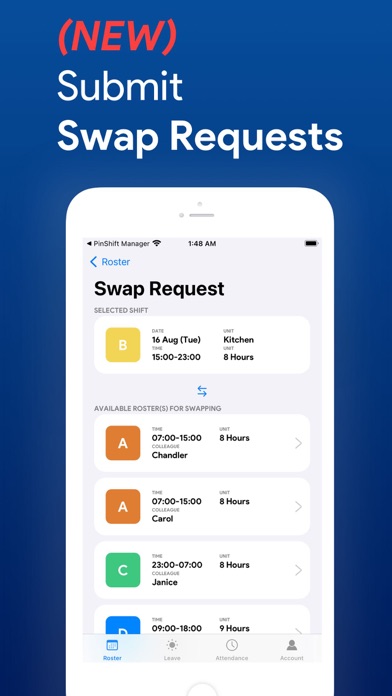
3. Swap requests submission
Employees are allowed to request shift swapping with colleagues. When both employees agree on the roster swap, they can submit the request to their manager and wait for approval, saving time and workload from the managers
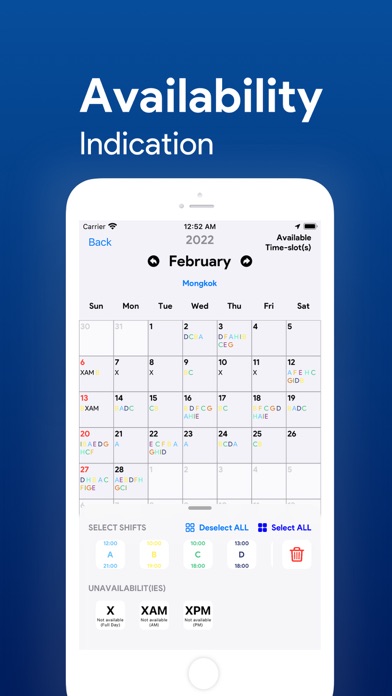
4. Staff Availability Management
Staff is now able to submit their availabilities for work in the PinShift Staff App by tapping their available working dates and preferred shifts in the calendar.
5. Self-help leave application
With PinShift Staff, employees can review their leave request approval status, and submit leave requests with their mobile phones.
6. Review Time-clock histories
Employees are allowed to check for their past punch card records through the app. They can have a better understanding of their timesheet status in the past.
To know more about the PinShift rostering, timesheet, attendance, and payroll functions, you can visit https://pinshiftapp.com