


AppBrain's verdict
- Rating on App Store
- 5.00
- 1 ratings
- Last updated
- December 30, 2025
- Size
- 2.97 MB
It doesn't have enough ratings yet to judge what users think.
User feedback
Ratings and reviews on the App StoreComments on Pixel Density Calculator for iOS
We don't have enough comments to show example comments. Please check back later.
Store listing
By Heng Jia Liang, from the App StoreDescription by Heng Jia Liang Written by the developer, not by AppBrain. Click to read.
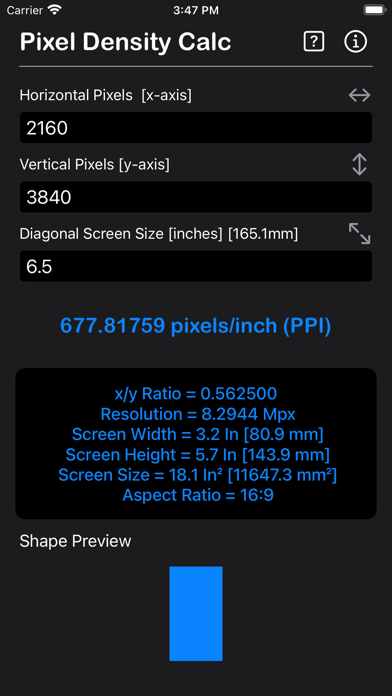
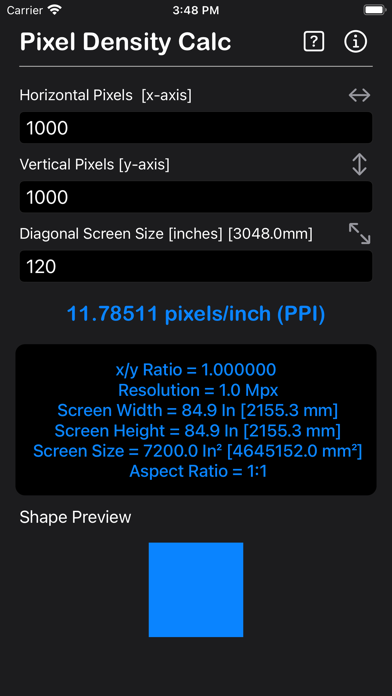
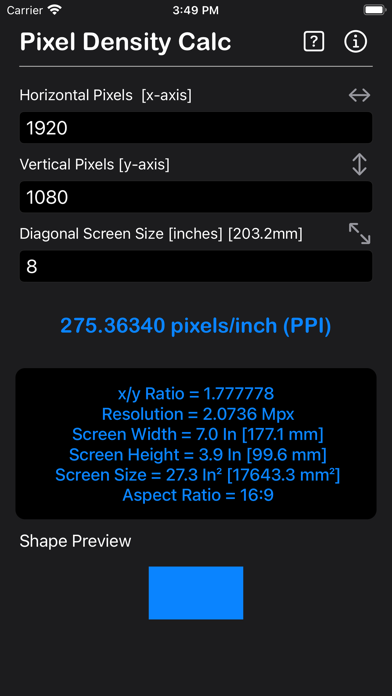
PPI is a measure of pixel density or resolution of a monitors, smartphones, tablets, smart watches, computer screen, notebooks, television screen or other display device.
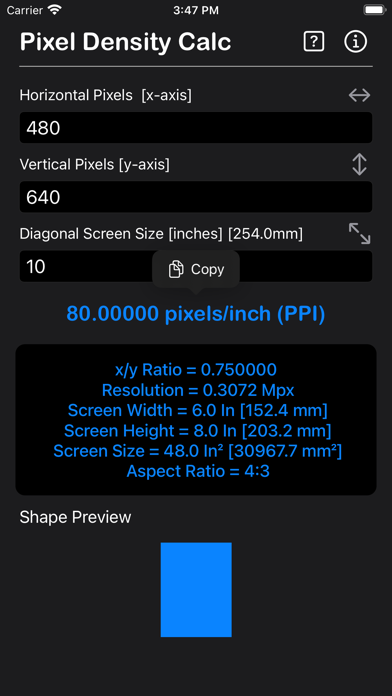
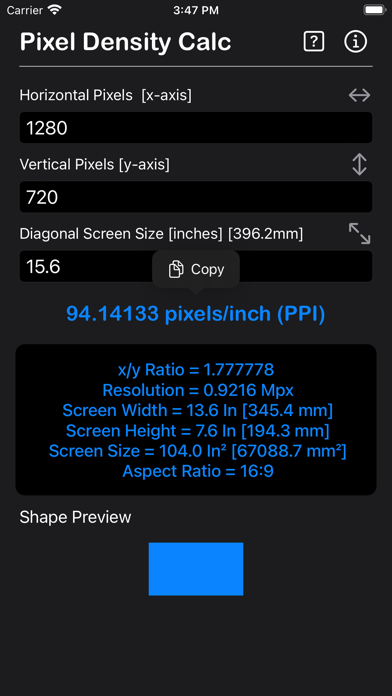
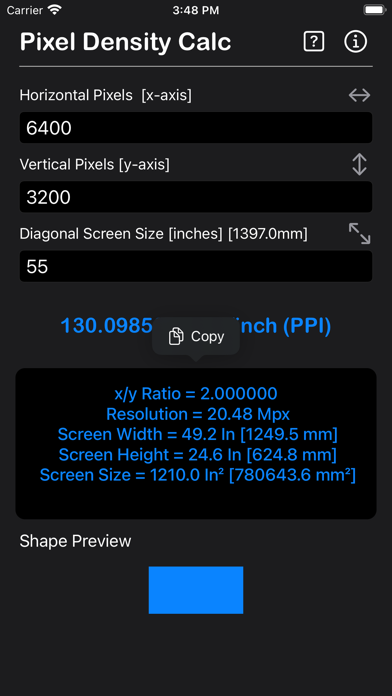
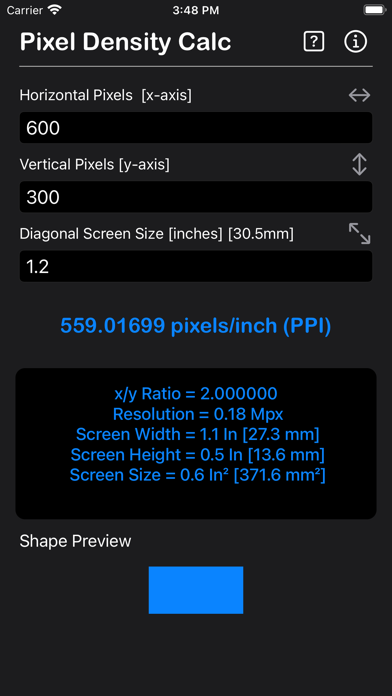
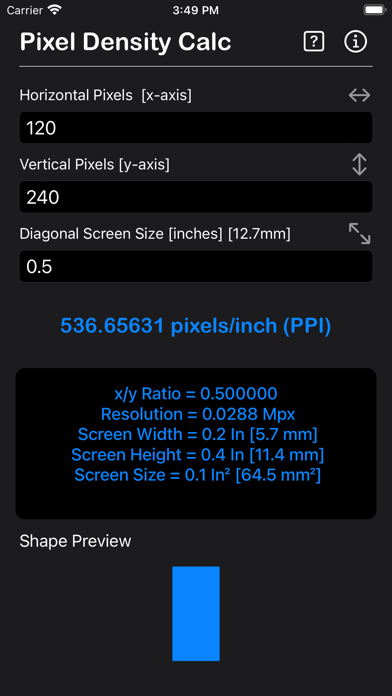
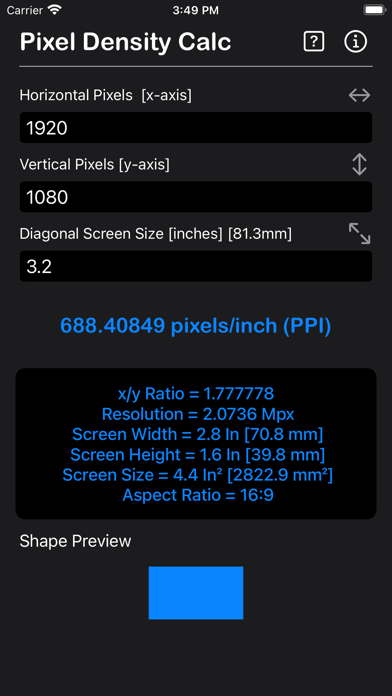
Pixels per inch indicates how many pixels are in a 1 inch line on a display. Also calculated are screen size, screen width, screen height, aspect ratio and total number of megapixels. Calculation including shape preview.
The formula to calculate PPI from diagonal:
PPI = √(w² + h²)/d
where:
d – Diagonal screen size in inches.
w – Number of pixels along the horizontal line.
h – Number of pixels along the vertical line.
Calculate the number of pixels that fit on the diagonal:
d = √(w² + h²)
where:
w - Number of pixels along the horizontal line.
h - Number of pixels along the vertical line.
Then, calculate the PPI as the ratio between the number of pixels along the diagonal and the diagonal screen size:
PPI = d/di
where di is the diagonal screen size in inches.
Pixels per Inch Quality value
120 PPI - Low
120-160 PPI - Medium
160-213 PPI - Medium High
213-240 PPI - High
240-320 PPI - eXtra High
320-480 PPI - eXtra x2 High
480-640 PPI - eXtra x3 High
What is pixel density:
Pixels per inch (PPI) are a measurement of the pixel density (resolution) of devices in various contexts: typically computer LCD or OLED displays, image scanners, and digital camera image sensors. The PPI of a computer display is related to the size of the display in inches and the total number of pixels in the horizontal and vertical directions. The PPI and DPI definitions are essentially equivalent. Dots per inch, or DPI, is comparable to pixels per inch.
Thanks for your support and do visit nitrio.com for more apps for your iOS devices.
Safety and technology
Found in the app by AppBrain- Price
- $2.99
- App size
- 2.97 MB
- Content rating
- Everyone
Technologies used by Pixel Density Calculator
Releases
Updates seen on the App Store- Version
- 1.1
- Launched
- November 2022
No changelog data
Alternatives
Similar apps and more from Heng Jia LiangAlternatives to Pixel Density Calculator



More from Heng Jia Liang





Rankings
App Store top chartsApp Store Rankings for Pixel Density Calculator
About the app and developer
About Pixel Density Calculator
Pixel Density Calculator is an utilities app developed by Heng Jia Liang.
What is the rating of Pixel Density Calculator?
Pixel Density Calculator is rated 5.00 out of 5 stars, based on one rating ratings.
Is Pixel Density Calculator free?
Pixel Density Calculator costs $2.99. The app size is 2.97 MB. The latest version available is 1.1. The last update was on December 30, 2025.
What are the requirements for Pixel Density Calculator?
The app has a content rating of Everyone. The app has been available on the App Store since November 2022.
Pixel Density Calculator is made and published by Heng Jia Liang. AppBrain is an independent app data site and isn't affiliated with Heng Jia Liang. The app name, icon, screenshots and description belong to Heng Jia Liang and are shown as published on the App Store.
Developer information for Heng Jia Liang
Address: