

Pixel Painter is made and published by 光建 张. AppBrain is an independent app data site and isn't affiliated with 光建 张. The app name, icon, screenshots and description belong to 光建 张 and are shown as published on the App Store.
AppBrain's verdict
Established- Rating on App Store
- 3.50
- 4 ratings
- Last updated
- June 10, 2025
It doesn't have enough ratings yet to judge what users think.
Rankings
App Store top chartsApp Store Rankings for Pixel Painter
Competitors
Similar apps and more from 光建 张Alternatives to Pixel Painter




More from 光建 张





Releases
Updates seen on the App Store- Version
- 1.4
- Launched
- August 2021
No changelog data
User feedback
Ratings and reviews on the App StoreComments on Pixel Painter for iOS
We don't have enough comments to show example comments. Please check back later.
Technology
Found in the app by AppBrain- Price
- Free
- App size
- 2.58 MB
- Content rating
- Everyone
Technologies used by Pixel Painter
About the app and developer
About Pixel Painter
Pixel Painter is a graphics & design app developed by 光建 张.
User Ratings
Pixel Painter is rated 3.50 out of 5 stars. The rating is based on 4 ratings.
App Information
Pixel Painter is freely available from the App Store. The app size is 2.58 MB. The latest version available is 1.4. The last update was on June 10, 2025.
Technical Requirements
The app has a content rating of Everyone. The app has been available on the App Store since August 2021.
Developer information for 光建 张
Address:
Store listing
By 光建 张, from the App Store

Description by 光建 张 Written by the developer, not by AppBrain. Click to read.
Pixel Painter is an easy to use pixel art editor, with these main features:
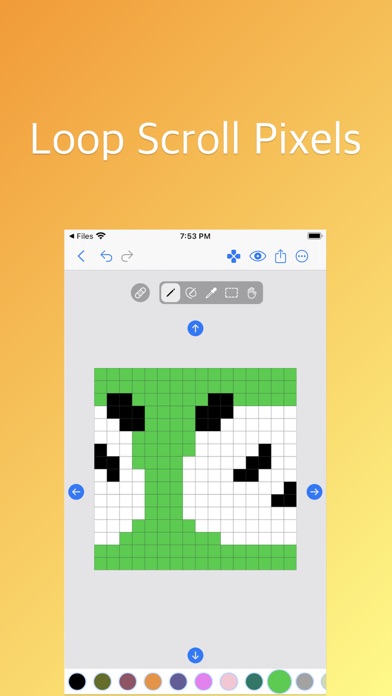
• Basic Tools: pencil tool, block tool, color bucket tool, selection tool, eyedropper tool, scroll tool.
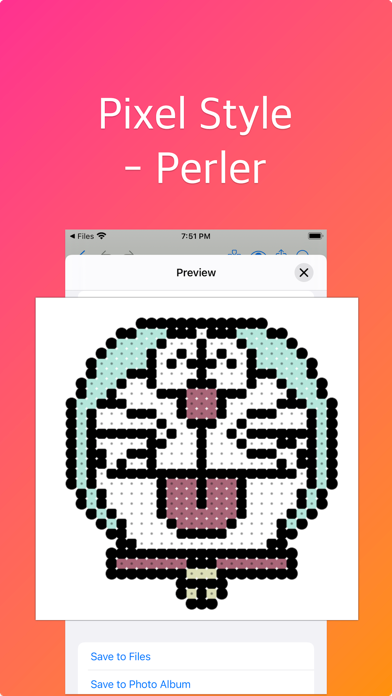
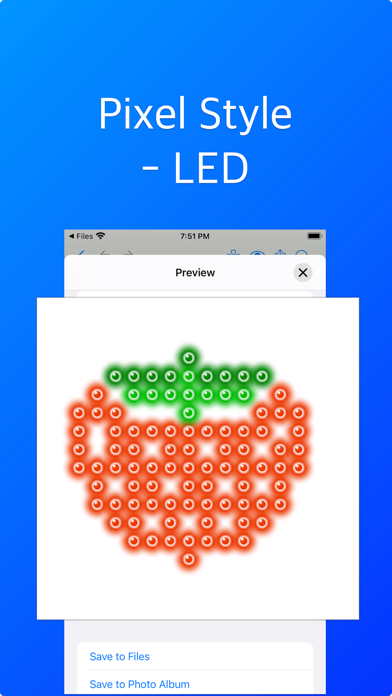
• Pixel Styles: apply a style to pixels when export, such as perler, circle, square.
• Erase Mode: in this mode, pencil, block tool and color bucket tool are used to clear colors.
• Selection: crop to selection, duplicate selected pixels, or remove selected pixels.
• Scrollable Canvas: the canvas is scrollable, which allow you create repeatedly patterns more easier.
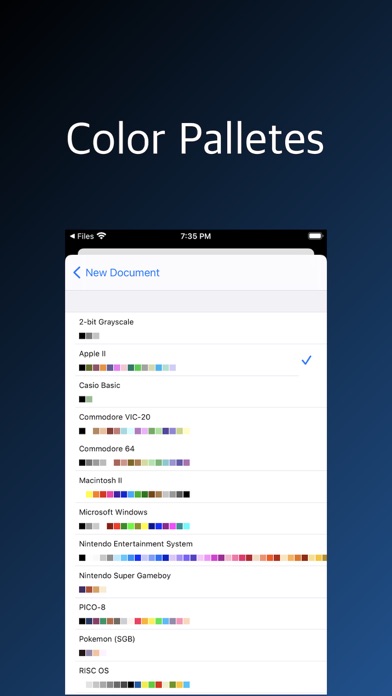
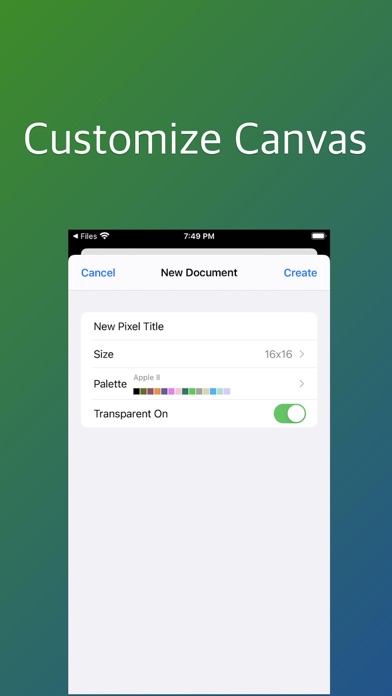
• Color Palette: select a builtin color palette, then customize it if you like.
• Downsample/Upsample pixels to get less/more pixels.
If you have any questions, please contact me at email: arrowgraphics@icloud.com