

PocketJot - Handwritten Notes
PocketJot - Handwritten Notes is made and published by iStArtApp. AppBrain is an independent app data site and isn't affiliated with iStArtApp. The app name, icon, screenshots and description belong to iStArtApp and are shown as published on the App Store.
AppBrain's verdict
Established- Rating on App Store
- 4.46
- 52 ratings
- Last updated
- February 12, 2023
It doesn't have enough ratings yet to judge what users think.
Rankings
App Store top chartsApp Store Rankings for PocketJot - Handwritten Notes
Competitors
Similar apps and more from iStArtAppAlternatives to PocketJot - Handwritten Notes







More from iStArtApp





Releases
Updates seen on the App Store- Version
- 10.0
- Launched
- June 2012
No changelog data
User feedback
Ratings and reviews on the App StoreComments on PocketJot - Handwritten Notes for iOS
We don't have enough comments to show example comments. Please check back later.
Technology
Found in the app by AppBrain- Price
- Free
- App size
- 2.91 MB
- Content rating
- Everyone
Technologies used by PocketJot - Handwritten Notes
About the app and developer
About PocketJot - Handwritten Notes
PocketJot - Handwritten Notes is a productivity app developed by iStArtApp.
User Ratings
PocketJot - Handwritten Notes is rated 4.46 out of 5 stars. The rating is based on 52 ratings.
App Information
PocketJot - Handwritten Notes is freely available from the App Store. The app size is 2.91 MB. The latest version available is 10.0. The last update was on February 12, 2023.
Technical Requirements
The app has a content rating of Everyone. The app has been available on the App Store since June 2012.
Developer information for iStArtApp
Address:
Store listing
By iStArtApp, from the App Store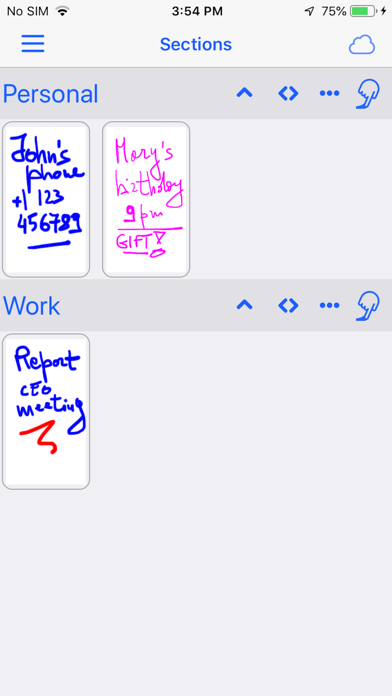
Description by iStArtApp Written by the developer, not by AppBrain. Click to read.
PocketJot turns your iPhone/iPad into your portable notebook.
PocketJot is fast, easy to use, fun and always with you.
>> USE IT AS A SMALL PAPER NOTEBOOK
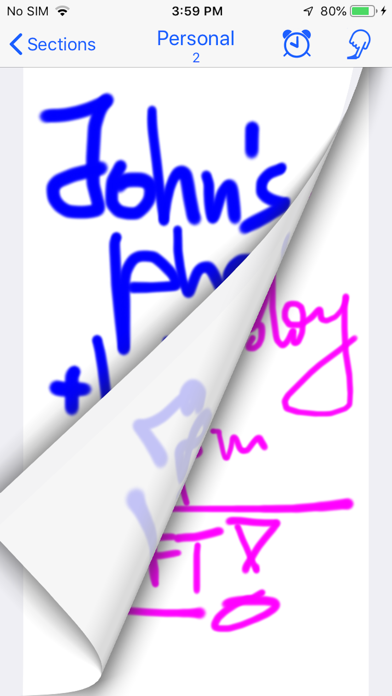
Have fun flipping through your notes as if they were on a small notebook.
Always with you.
>> EASY TO USE
PocketJot is designed for everyday use, quick and fun.
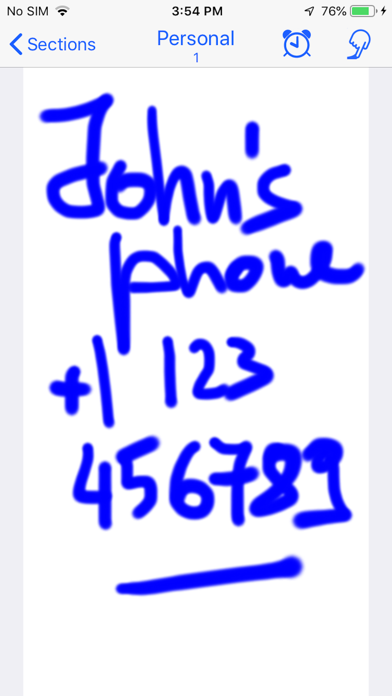
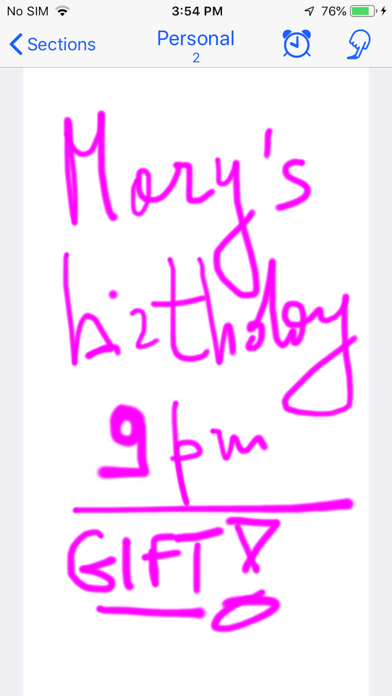
Just trace with your finger, at full screen on your device. Or, if you like, type a note using the keyboard.
>> APPLE PENCIL
On devices that support it you can use to draw, if you want, even the pencil.
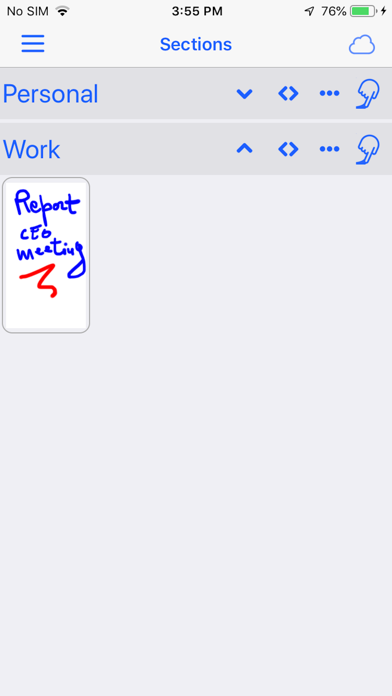
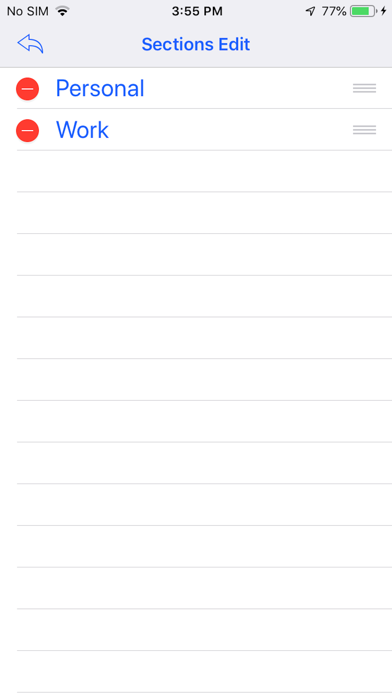
>> SECTIONS
You can, if you want, organize your notes in various sections. You can assign a name to each section and organize the order to show the sections.
>> DRAG AND DROP
You can change the order of the notes within the sections. Just keep your finger pressed on a note and drag it where you want, inside the section or in another. All very easy.
>> COMPLETED NOTES
If a section contains various notes with things to do, as you complete them
you can mark each note as 'completed'. The completed notes are displayed with a check mark.
Do you have to shop? Make a 'Supermarket' section with things to take. When you go shopping, as you take them, check them out. Once finished you can hide the check for all things to be taken for the next time.
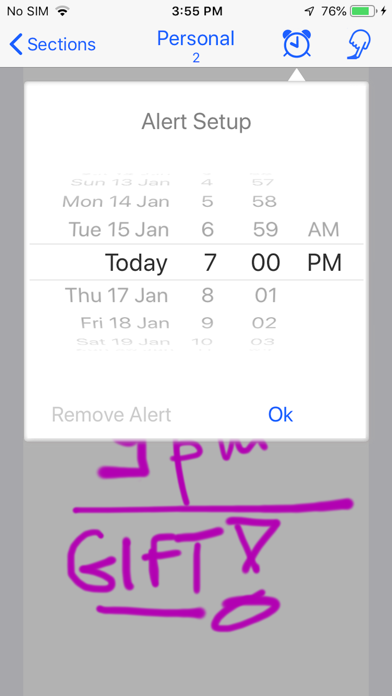
>> PROGRAMMABLE ALARMS
Take your notes and, if you need, mark the time when the phone or tablet will warn you: a meeting, a phone call, something to do.
PocketJot will remind you to remember it!
>> SHARING NOTES BETWEEN YOUR DEVICES
Synchronize your notes and keep them automatically updated among all your devices. It is very simple: it does everything for itself. All you need to do is to enable synchronization in app Settings. PocketJot uses your iCloud account.
>> COLOR AND DIMENSION OF PENCIL TO CHOOSE
When you draw you can choose the color and the size of the stroke.
PocketJot remembers for each note the last pencil you used and reuse it when you reopen the drawing if you want to change it.
>> PHOTO
You can import a photo of your device into the note so you can draw on it. In addition, you can save your note, with what you have drawn, among the photos of your device.
>> PDF AND EMAIL
If you want to send your notes you can not only export the note saved from the photos, but directly within the app, create an email with an attached pdf file of the note.
>> SPLIT VIEW AND SLIDE OVER
PocketJot now supports multitasking modes on devices that allow for that
>> UNLIMITED NUMBER OF NOTES
Do not restrain your creativity!
The Premium version of the app allows for an unlimited number of notes.
The trial version of the app, which can be downloaded for free, allows for a limited number of notes. Within the trial version you can purchase the Premium version to unlock the limitation.
-----------------------------
Have fun with PocketJot!
-----------------------------